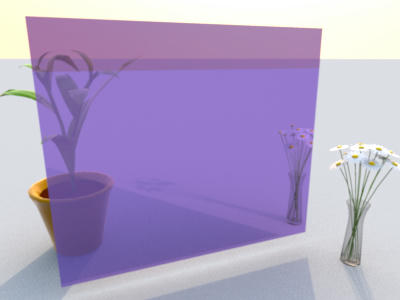
The mirror is 70% transparent. You may try different transparencies using the source images. With Image Magick installed, compositing is a simple command:
Code: Select all
composite mirror-opaque.png -blend 70% mirror-off.png mirror-semi.pngThe mirror leans 1° away from us. Therefore the mirrored horizon is 2° below the one in direct view.