When I start SH3D v3.b2 I see the compass at top-left, sized 1x1 mtr. Using the handles, I can resize and rotate the compass, or drag it to a different location. But, as I reported before, when I open a model made with (e.g.) v2.6, I don't see the compass. I even can't see it when I move the model to the side. (See image)
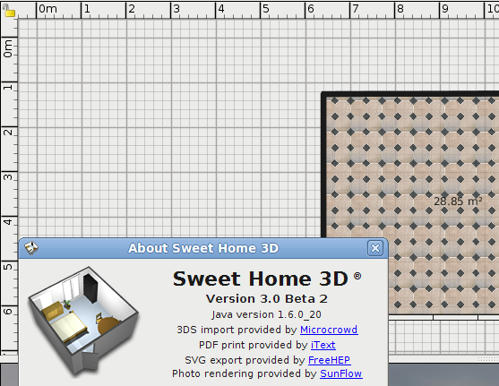
Equally, as reported before, Plan --> Modify compass doesn't open a window to change the compass settings.
Maybe it's a Ubuntu-only problem?
(In Windows Vista, a v2.6 file doesn't show the compass either, but when I do Plan --> Modify compass a window opens and I can use the check-box to make the compass visible.)
On the side, maybe you can give the compass rose an elevation (or put it on a different layer), so that it always opens on top of the design? That way it would always be visible on startup.
Rendering seems to work OK, although (for the moment) I prefer the v1.6.1 version, and I didn't test it thoroughly yet.
Hans