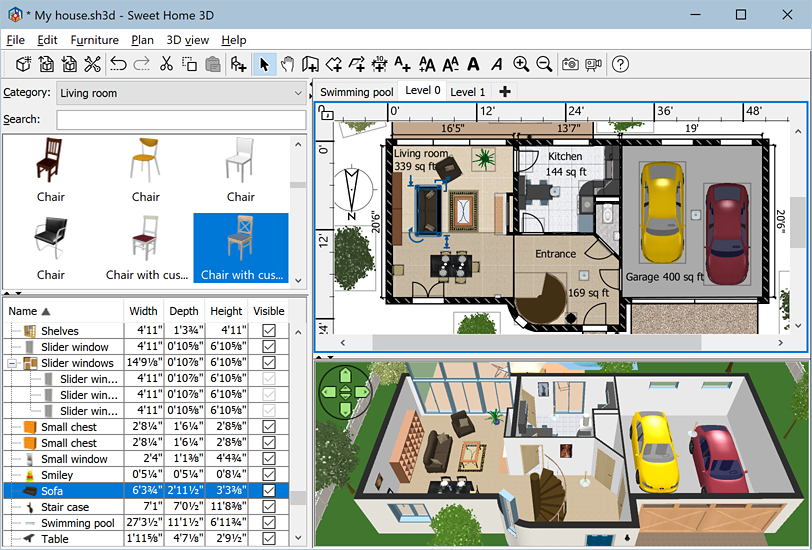
Image from http://www.sweethome3d.com (Home page of sweet home 3d)
Want your furniture library to look like this and what about your 2d viewer....Want it to look cool like the one above
TO change just do the following
1. Go to FILE
2. Then Preferance
Then a dialogue box will appear like this one
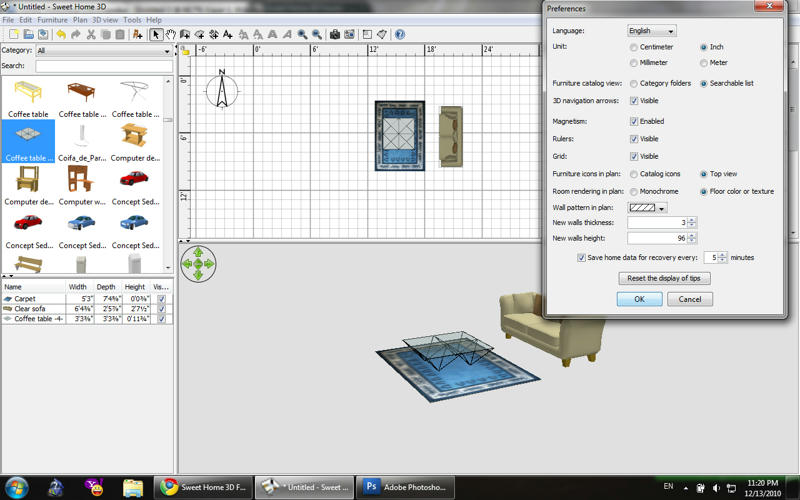
change
toFurniture catalogue view
andsearchable list
tofurniture icon in plan
for amazing 2d viewtop view