
Usually method alaX suggsted works fine and removes those typically gray patches from renderings.
Bit more still..
Original picture was not available, so I used Hummer-no-black.zip
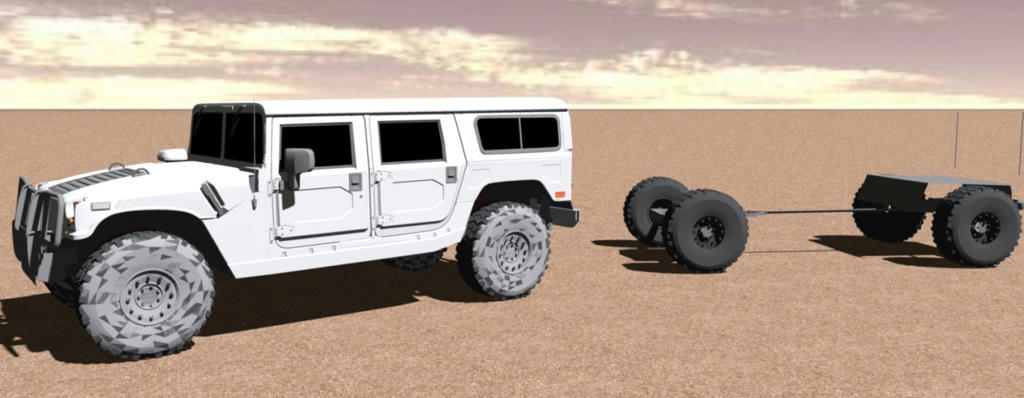
Rendering show gray patches in tires and they disappear when 'material_5' is marked invisible.
Left Hummer intact, right one stripped to show that tires are OK and some other thing.
Interesting detail is seen in 3D-view..
Rendered image below
3D-view screen capture below
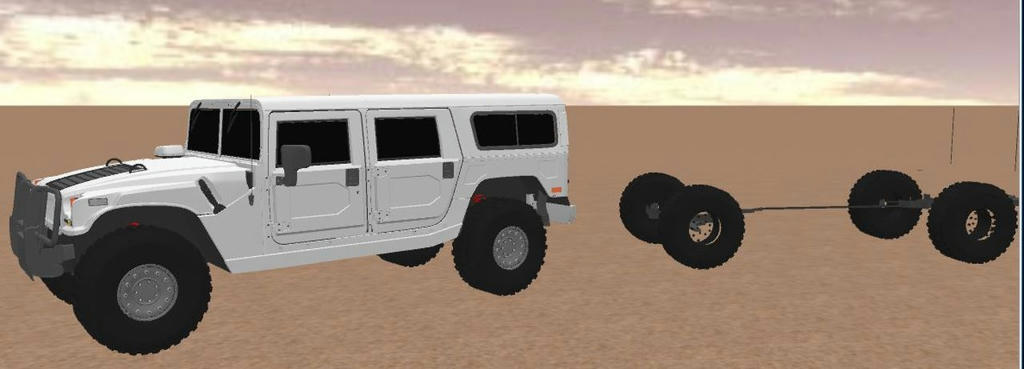
That detail: marking material_5 inivisible make wheel hubs transparent in 3D-view but just when looked 'outside'. And rendering above show hubs black/dark gray as designer intended. Interesting.
A bit long story to notice that imported things can contain object that is transparent from other side and completely opaque when looked from other side.
Anyway: now is Saturday evening, time for sauna and beer after that.
Everything begin to feel much better!