Discover the main features offered by Sweet Home 3D
Discover the main features offered by Sweet Home 3D, a free interior design application available at test.sweethome3d.eu.
Sweet Home 3D is a powerful and user-friendly interior design software that helps you create detailed home floor plans, and stylish home interior ideas with ease.
Whether you’re a professional interior designer or simply want to try out room ideas, this tool has all the features to help you design home layouts efficiently.
Draw Walls and Create Accurate Floor Plans
Draw straight, round or sloping walls with precise dimensions using the mouse or the keyboard.
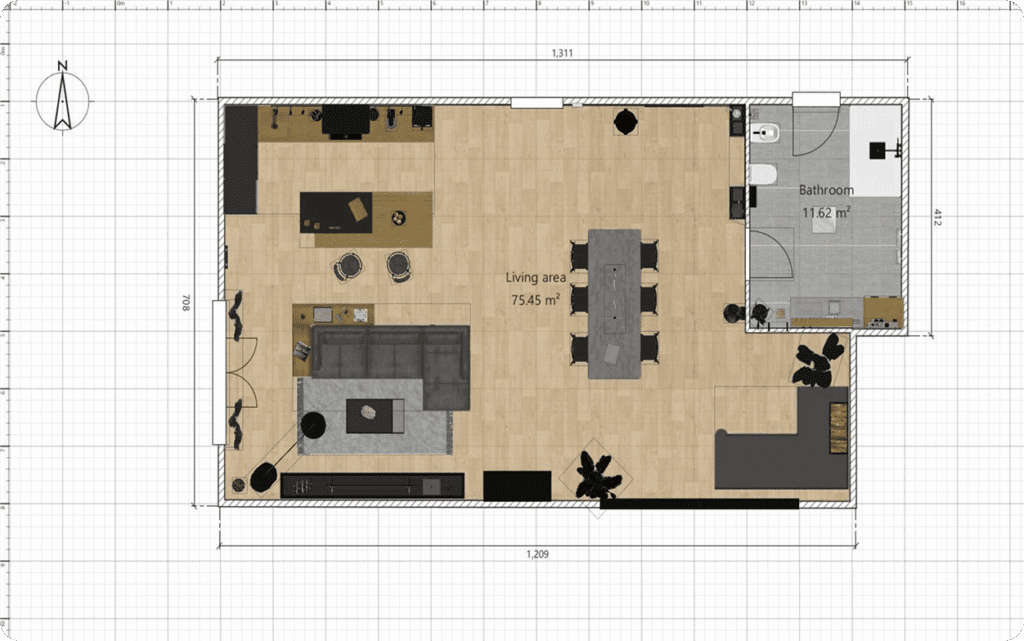
Annotate the plan with room areas, dimension lines, texts, arrows and show the North direction with a compass rose.
Insert Doors, Windows, Furniture and Customize Every Room
Insert doors and windows in walls by dragging them in the plan, and let Sweet Home 3D compute their holes in walls.
Add furniture to the plan from a searchable and extensible catalog organized by categories

Change color, texture, size, thickness, location and orientation of furniture, walls, floors and ceilings.
View Designs in 2D and 3D
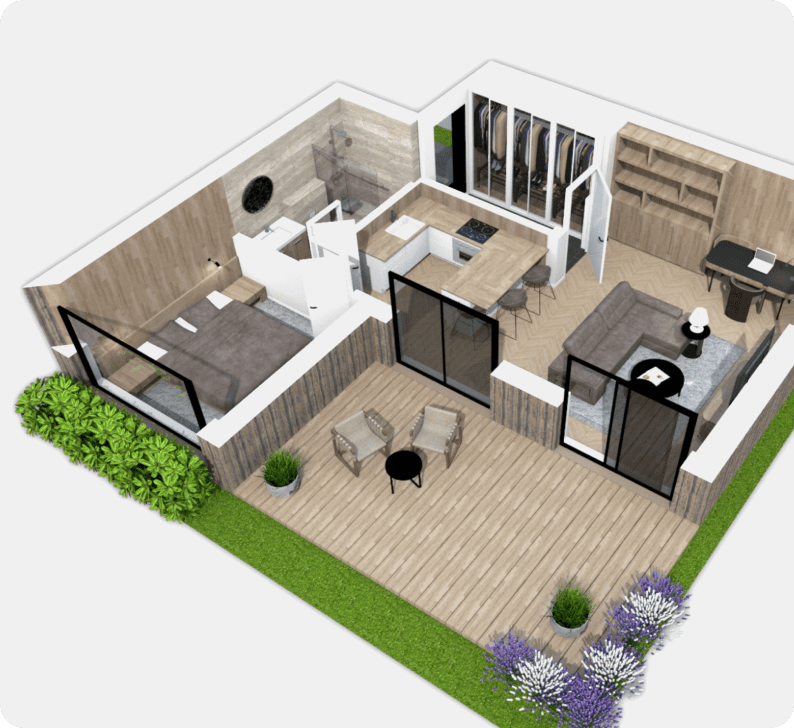
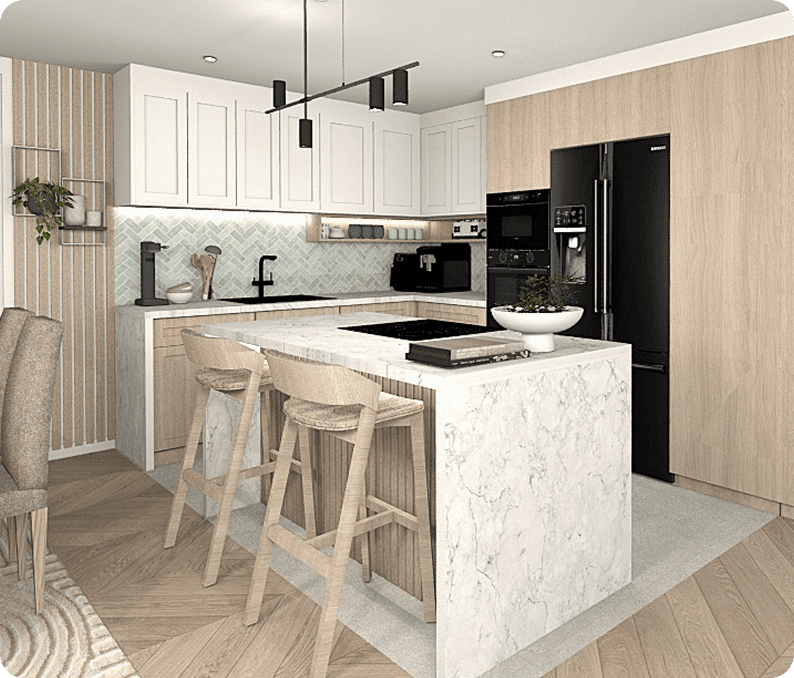
While designing the home in 2D, simultaneously view it in 3D from an aerial point of view, or navigate into it from a virtual visitor point of view.
Import & Export
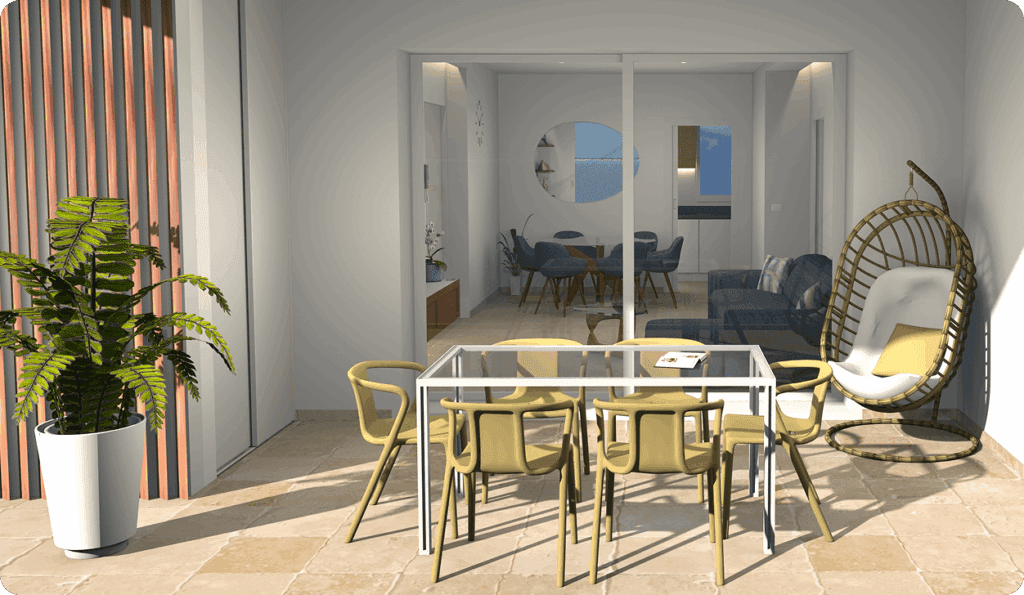
Import home blueprint to draw walls upon it, 3D models to complete default catalog, and textures to customize surfaces.
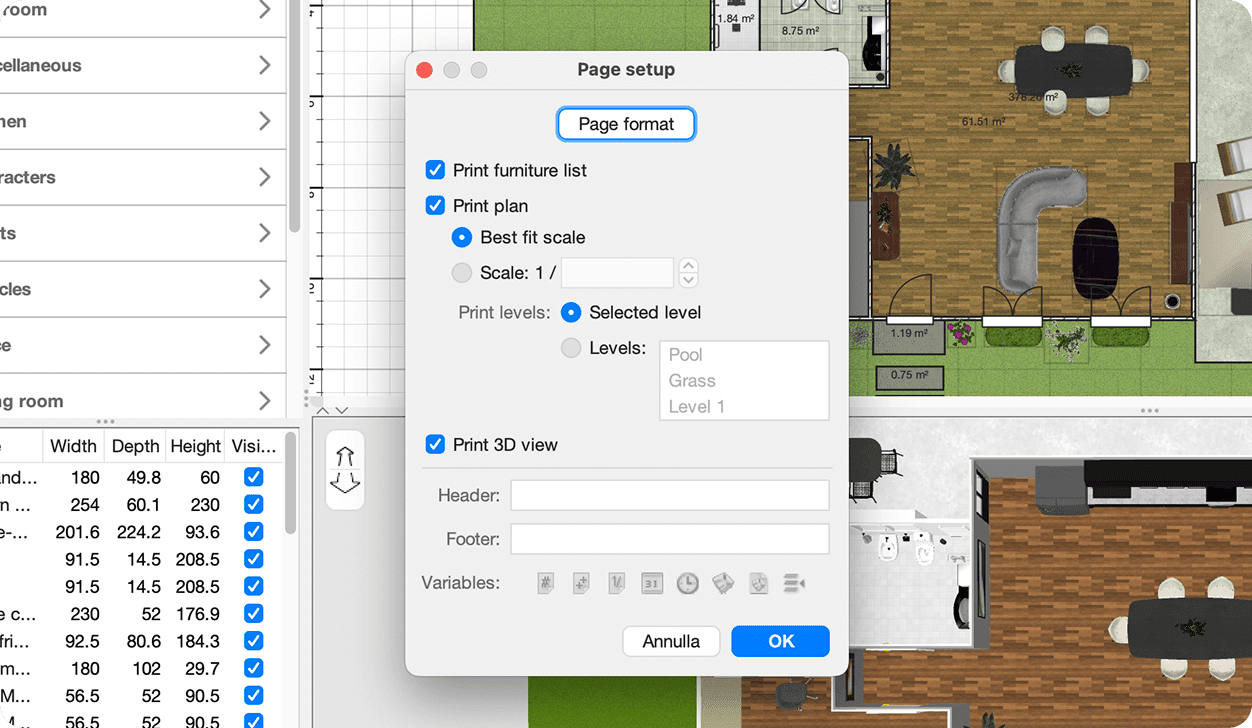
Other Information

Extend the features of Sweet Home 3D with plug-ins programmed in Java, or by developing a derived version based on its Model View Controller architecture.
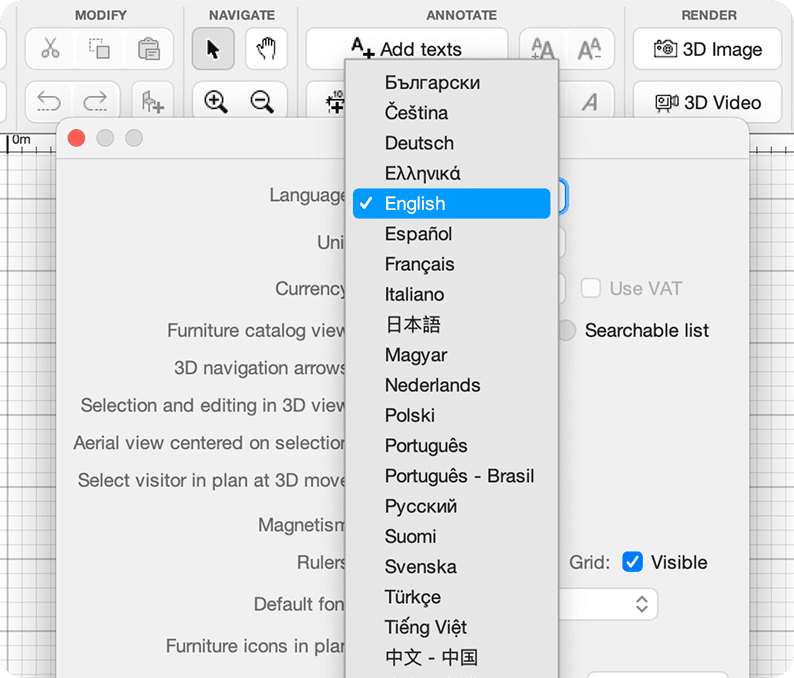
Choose the language displayed in the user interface of Sweet Home 3D and its rich help from 29 languages.
Start using Sweet
Home 3D now
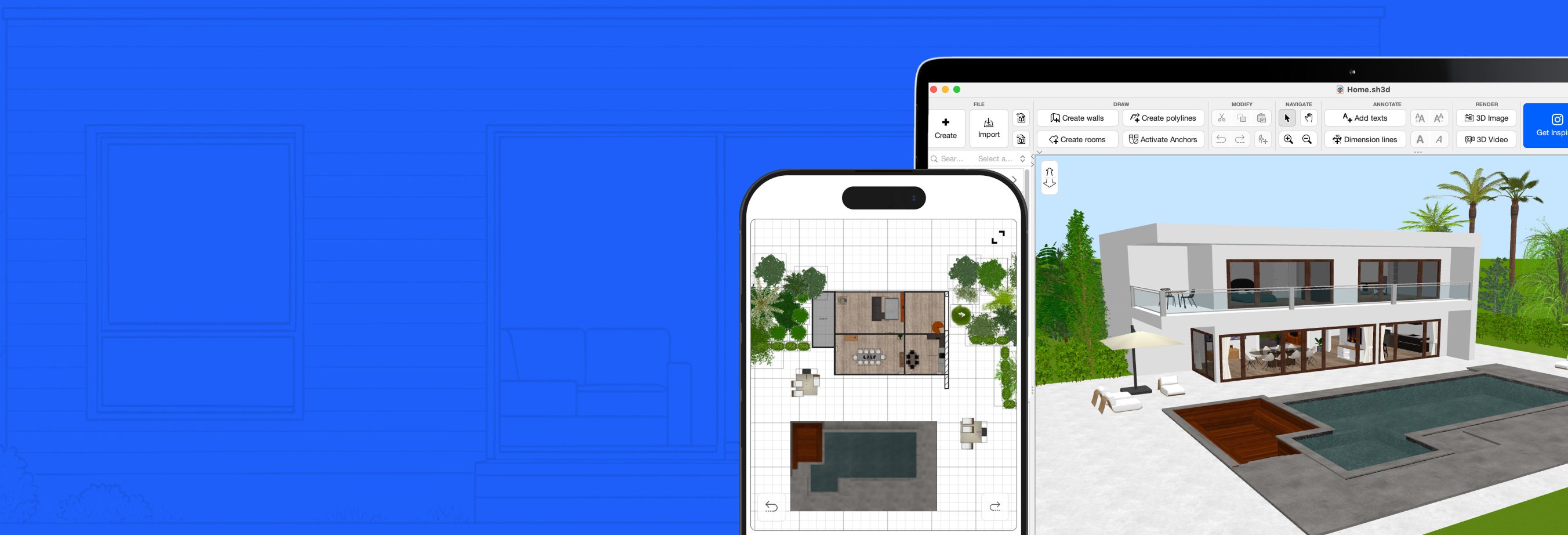
You may download Sweet Home 3D to install it on your computer, smartphone or tablet and/or use it online within your browser:
for Windows/macOS/Linux/iOS/Android
with any WebGL browser


