Landscape Design Software
Imagine, design, and bring your dream garden or outdoor space to life with Sweet Home 3D!
Discover why Sweet Home 3D is among the best landscape design software. This free landscaping design software lets you create 2D/3D outdoor plans with drag-and-drop tools, bring your garden ideas to life and design professional-looking landscape and garden plans, even as a beginner.
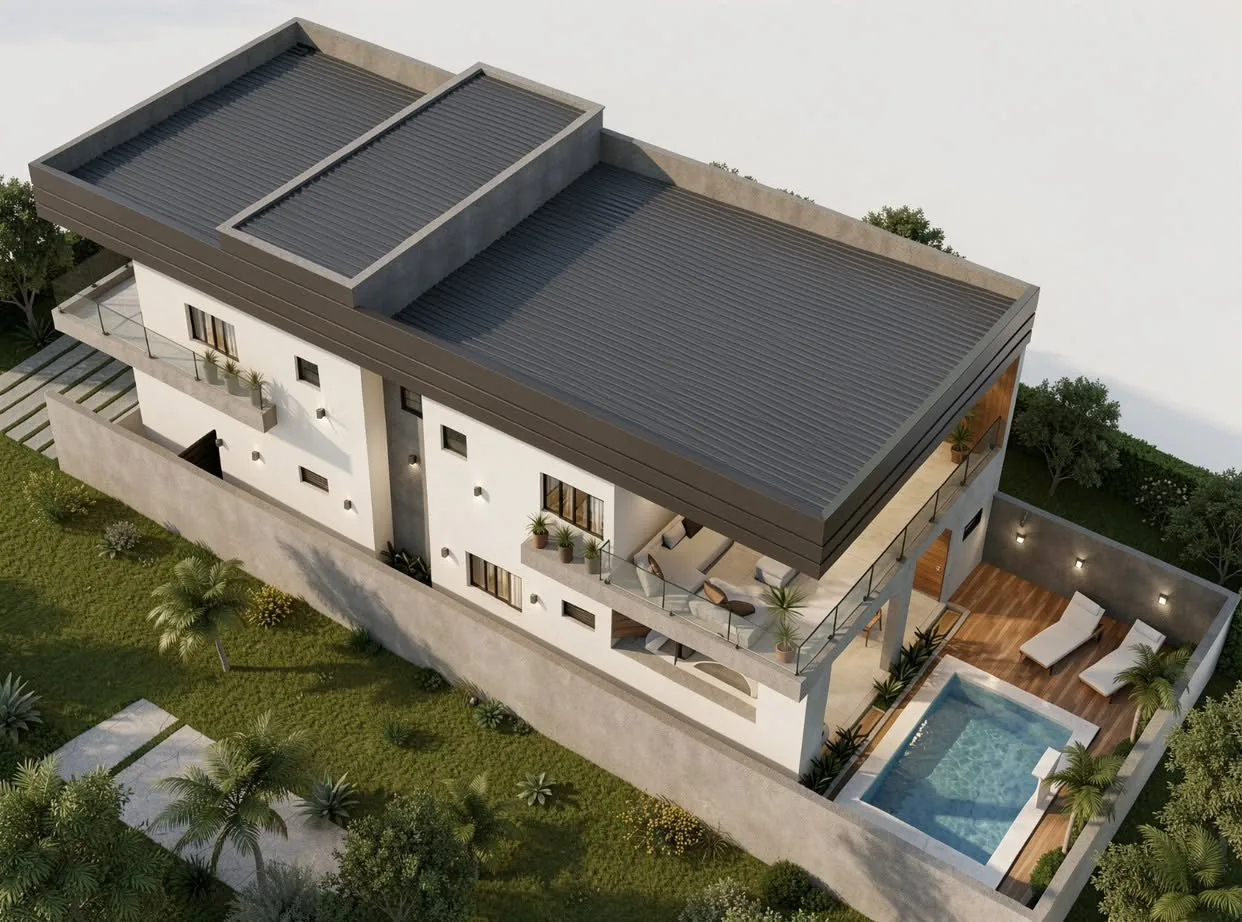
Backyard · Garden · Patio · Pool
Landscape design software for backyard, garden, patio & pool design
Design your backyard, garden, terrace or patio in 2D and 3D with Sweet Home 3D, the intuitive landscape design software. Drag and drop plants, outdoor furniture, decks, pathways and lighting: it works for beginners and experienced landscape designers alike.
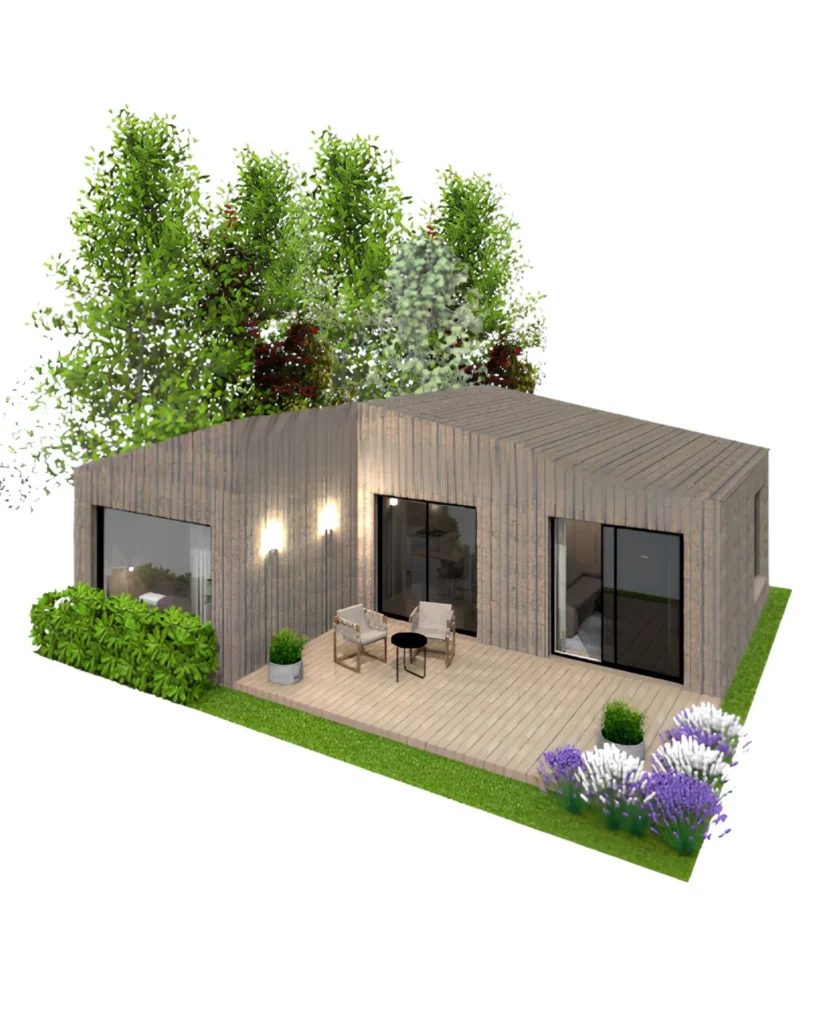
Garden design
Shape flowerbeds and lawns, plan a vegetable garden, and add ponds or gentle hills. Plants, fences and garden furniture are also available in our free 3D models library.
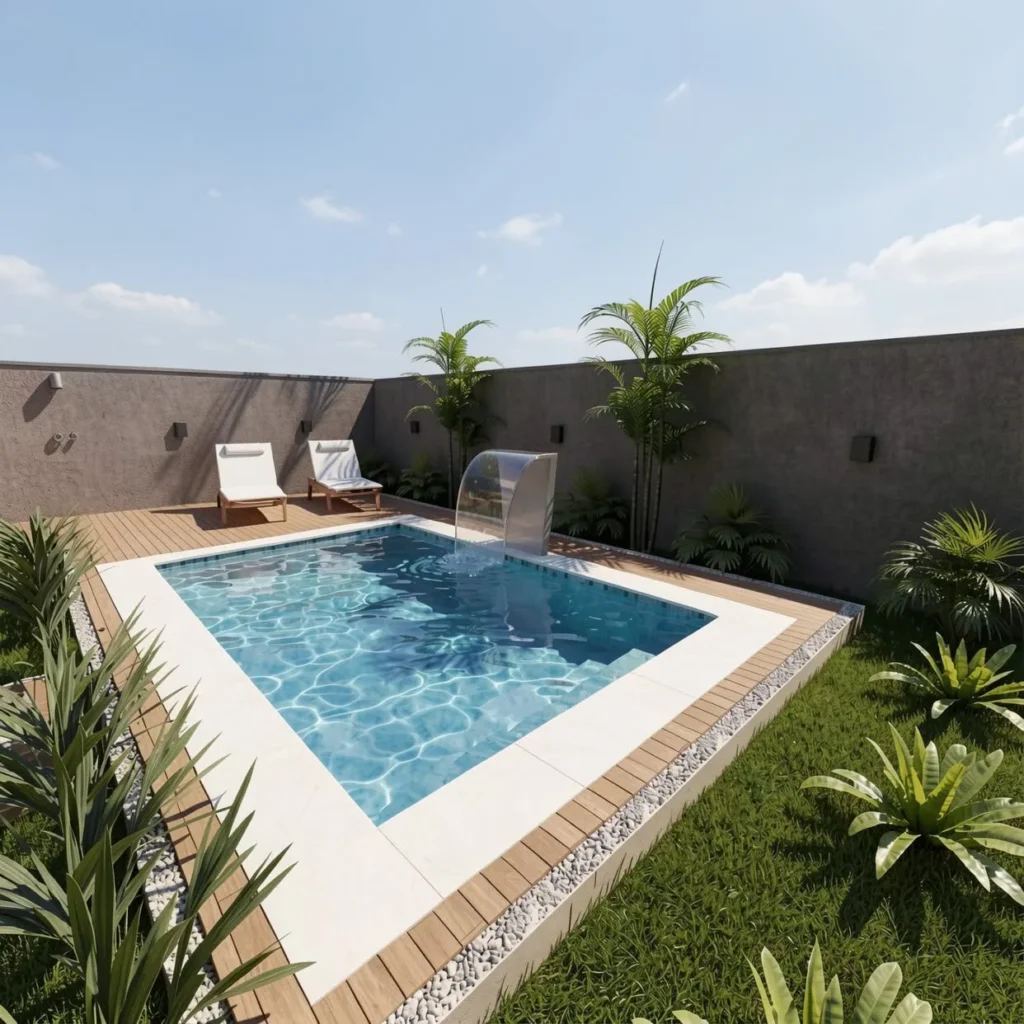
Pool design software
Draw a buried pool at any depth and shape (rectangular, L-shaped or round), add a coping, steps or a deck, and make the water transparent for a realistic render.
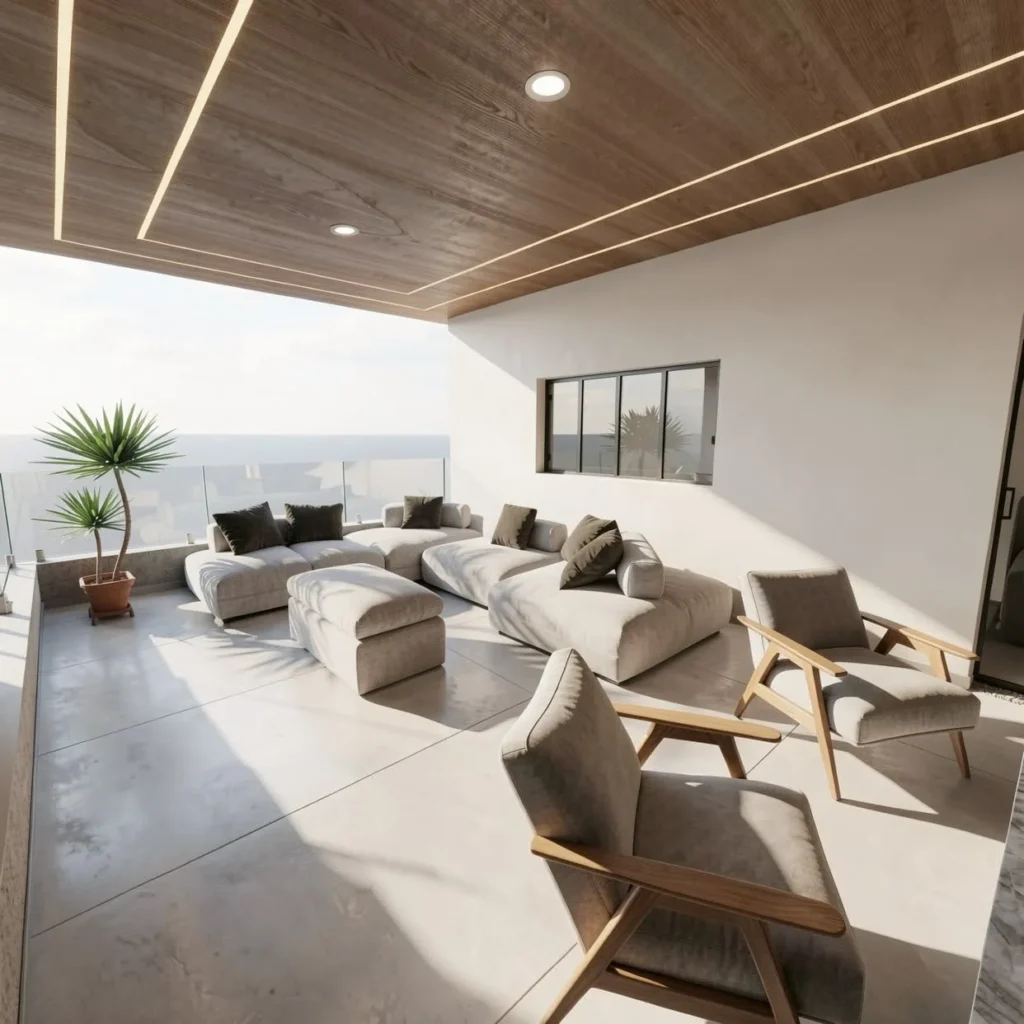
Patio design software
Lay pavers or decking, add a pergola, dining set, parasol and planters, then light it with wall lamps. Test the layout before buying a single piece of furniture.
Features
Everything you need to design outdoors
01
Drag-and-drop outdoor objects
Easily add trees, shrubs, flowers, pools, and furniture to your 2D plan and see them instantly in 3D.
02
Terrain and ground customization
Adjust terrain levels, create hills, slopes, and realistic ground textures.
03
Vegetation library
Choose from a wide selection of plants, trees, and seasonal vegetation.
04
Outdoor lighting simulation
Add and preview garden lights, path lights, and ambient outdoor lighting effects.
05
Custom garden paths and walkways
Design curved or straight paths using stones, tiles, or wood finishes.
06
Water features design
Add ponds, fountains, swimming pools, and customize shapes and finishes.
07
Fence and boundary creation
Easily define property borders and design fences and walls.
08
Real-time 3D preview
Instantly visualize your entire landscape design in 3D as you build.
09
Outdoor furniture and decor library
Access a dedicated catalog for patios, terraces, and garden setups.
Desktop, browser & mobile
A landscape design app for desktop, mobile and web
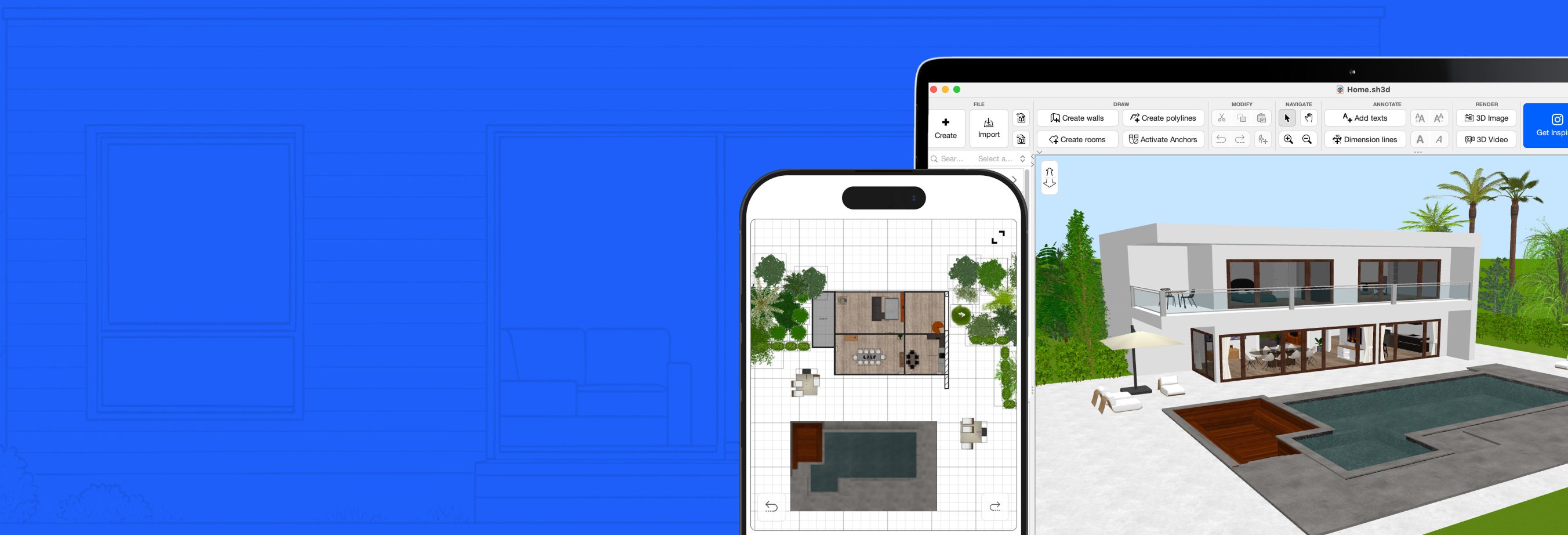
Design your garden wherever you are. Sweet Home 3D is a landscape design app that runs on Windows, macOS, iOS and Android. Sketch a layout on your mobile device and finish the details on your computer, or work directly in your browser with Sweet Home 3D Online.
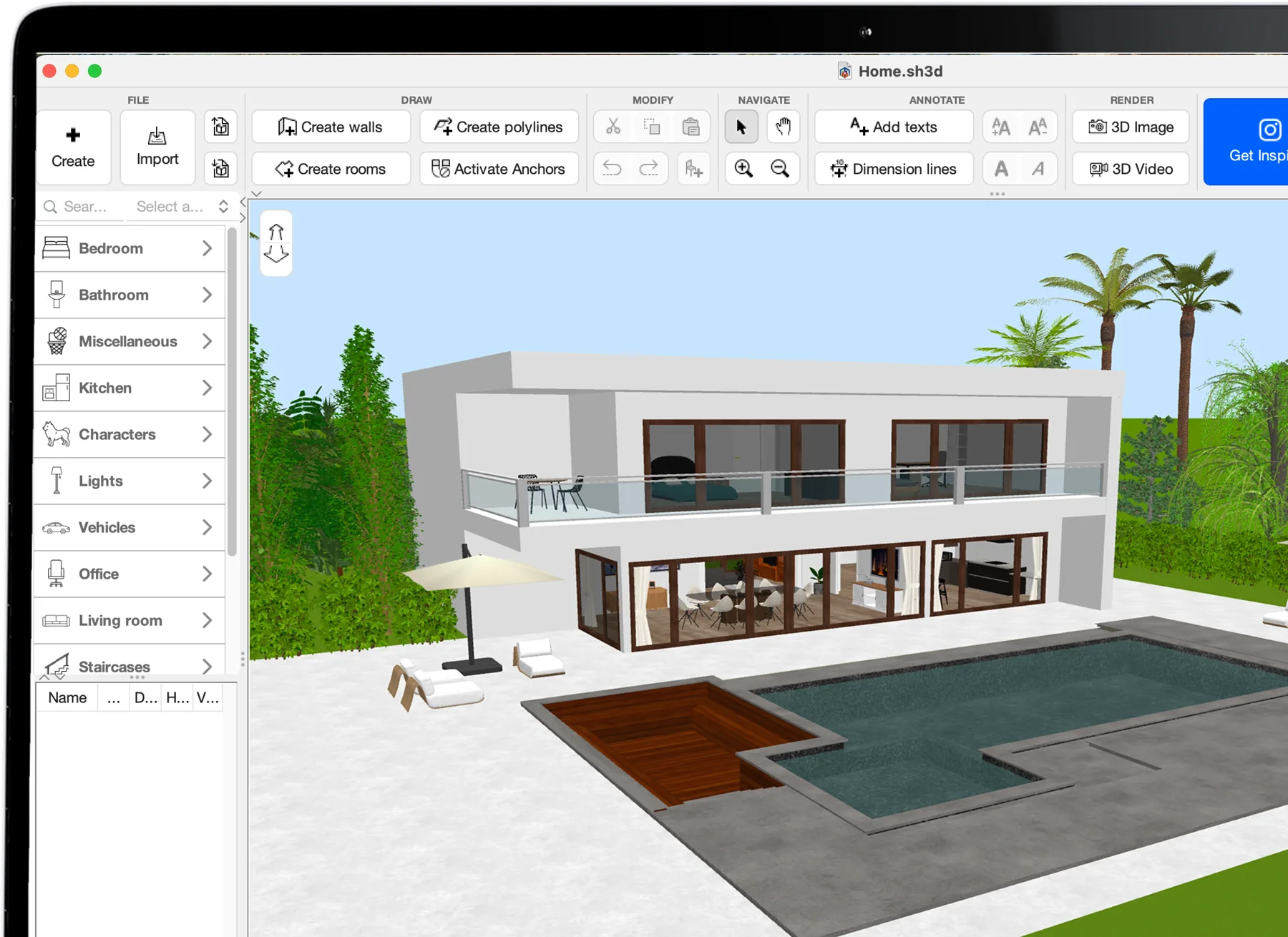
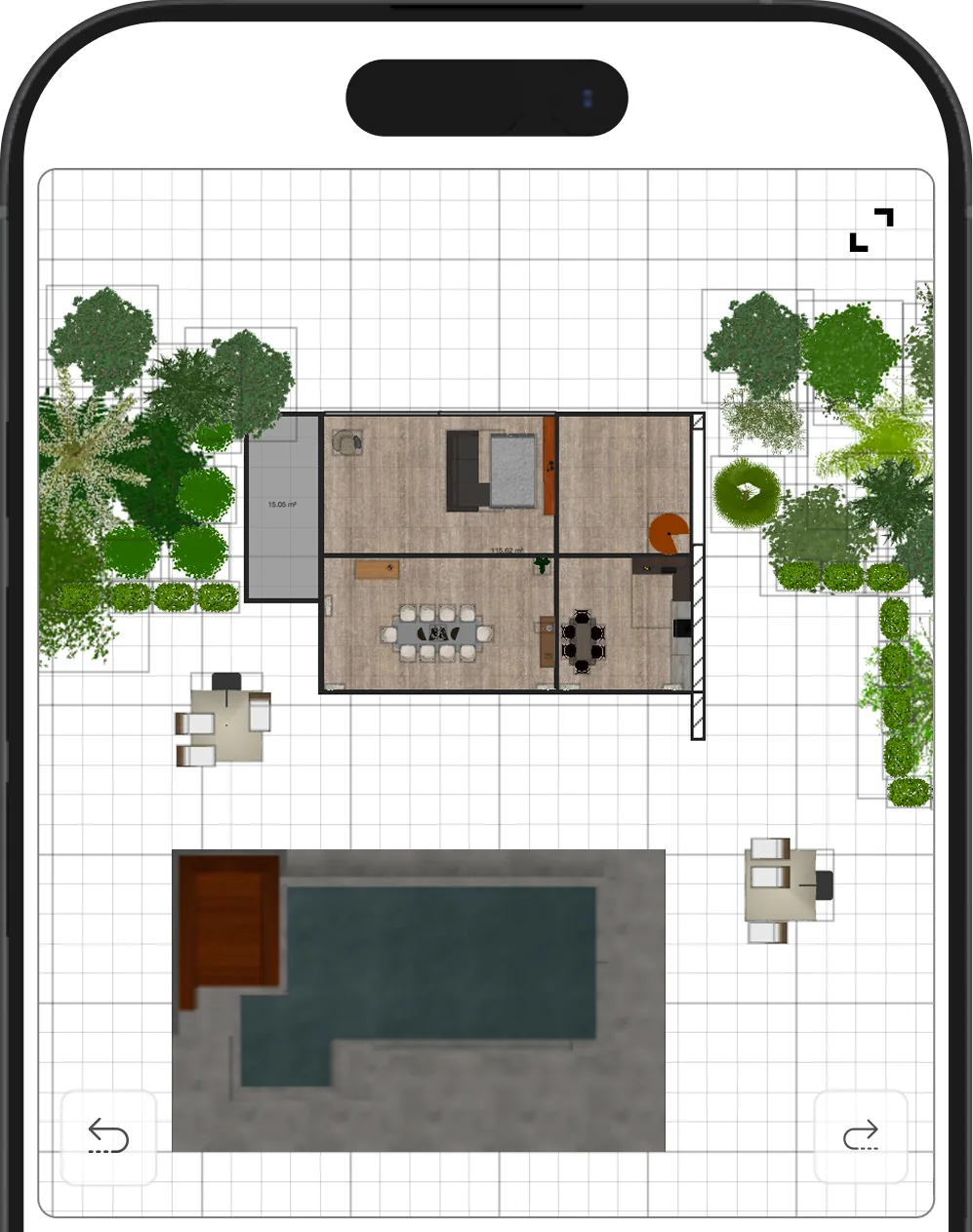
- Select
- Place on the 2D plan
- See it in 3D
Design your dream outdoor space with Sweet Home 3D
Rated by users worldwide as the best landscape design software!
Easily create and customize gardens, patios, and backyards in 2D and 3D. Explore your design from every angle with realistic visualizations. Drag and drop from a huge library of plants, furniture, and outdoor features, and switch instantly between 2D plans and 3D views to bring your landscaping ideas to life!
Create
With our drag-and-drop technology, you can design your models in 2D and instantly bring them to life in stunning 3D.
Improve
Bring your landscape designs to life with incredibly realistic 3D models of people, children, cats, and dogs.
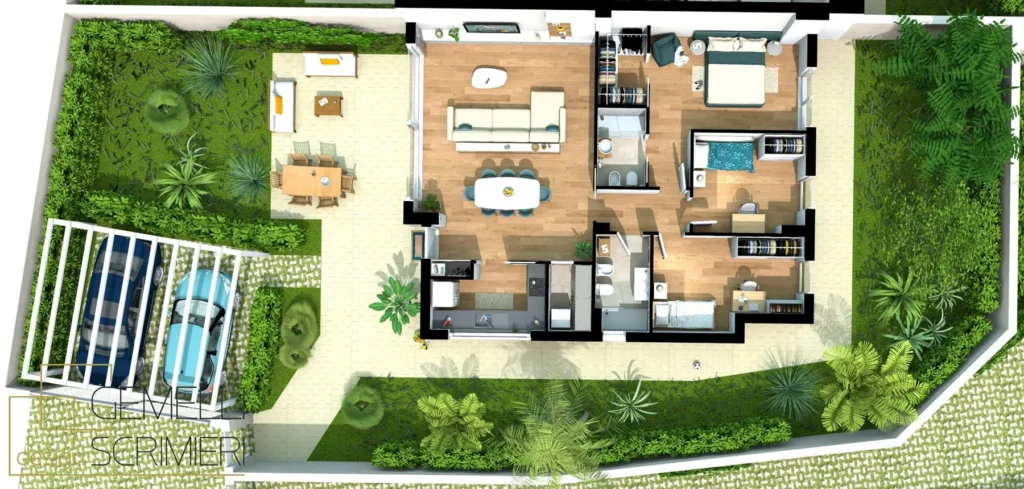
Import
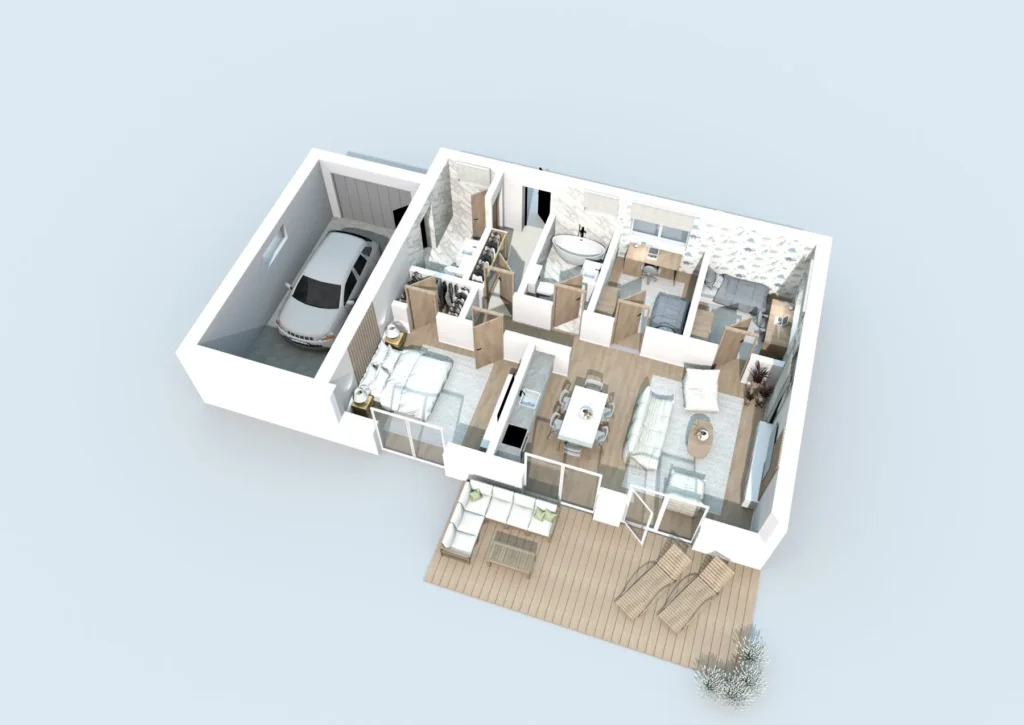
Easily import your floor plan with precise, real-world dimensions for an accurate and highly detailed project visualization. Starting from scratch? Draw the house first with our floor plan software.
Get inspired
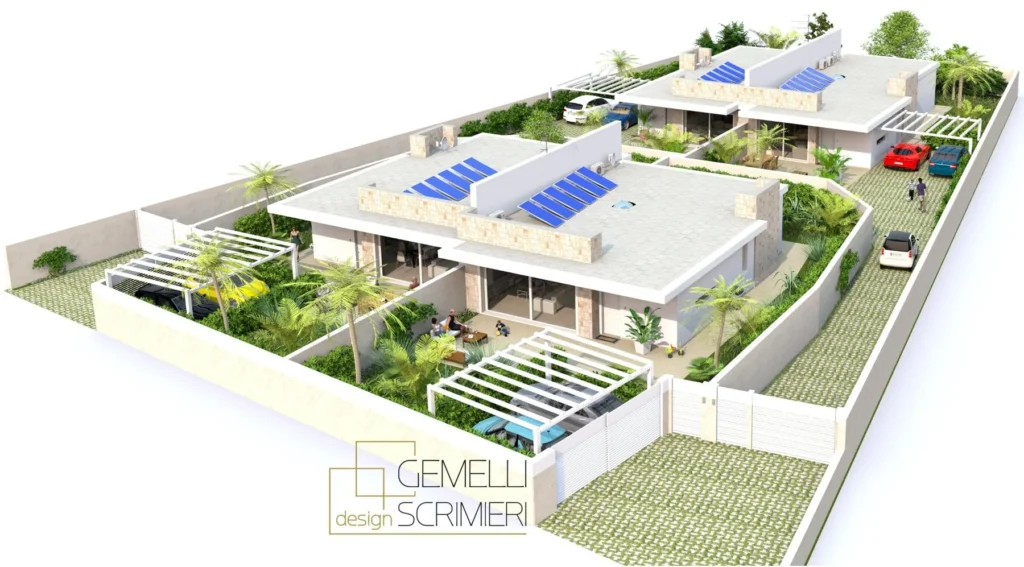
Outdoor spaces made with Sweet Home 3D
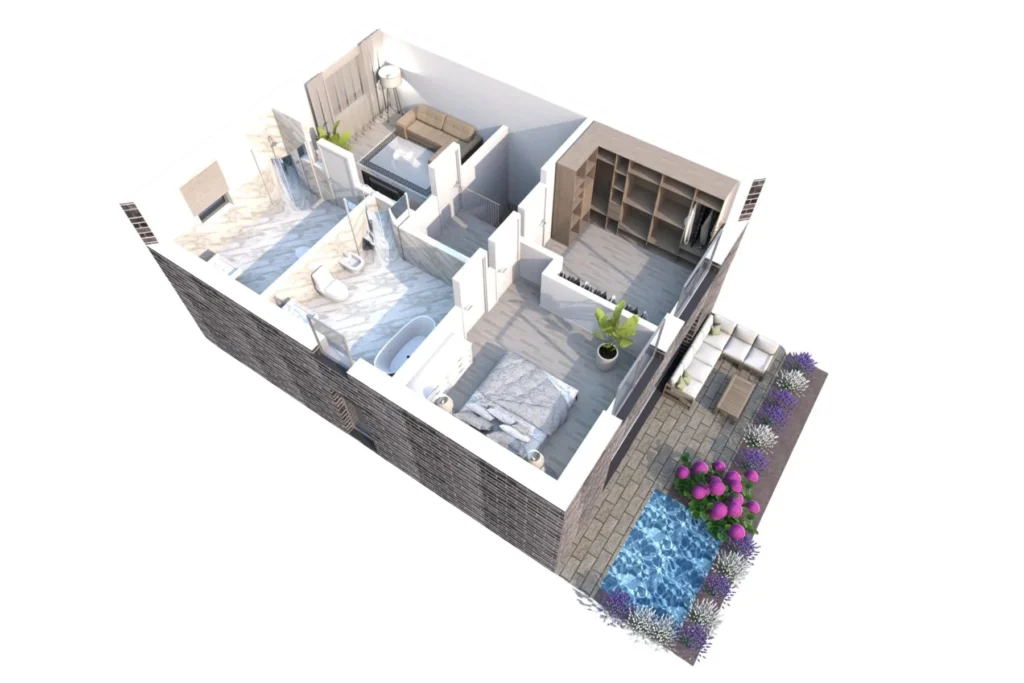
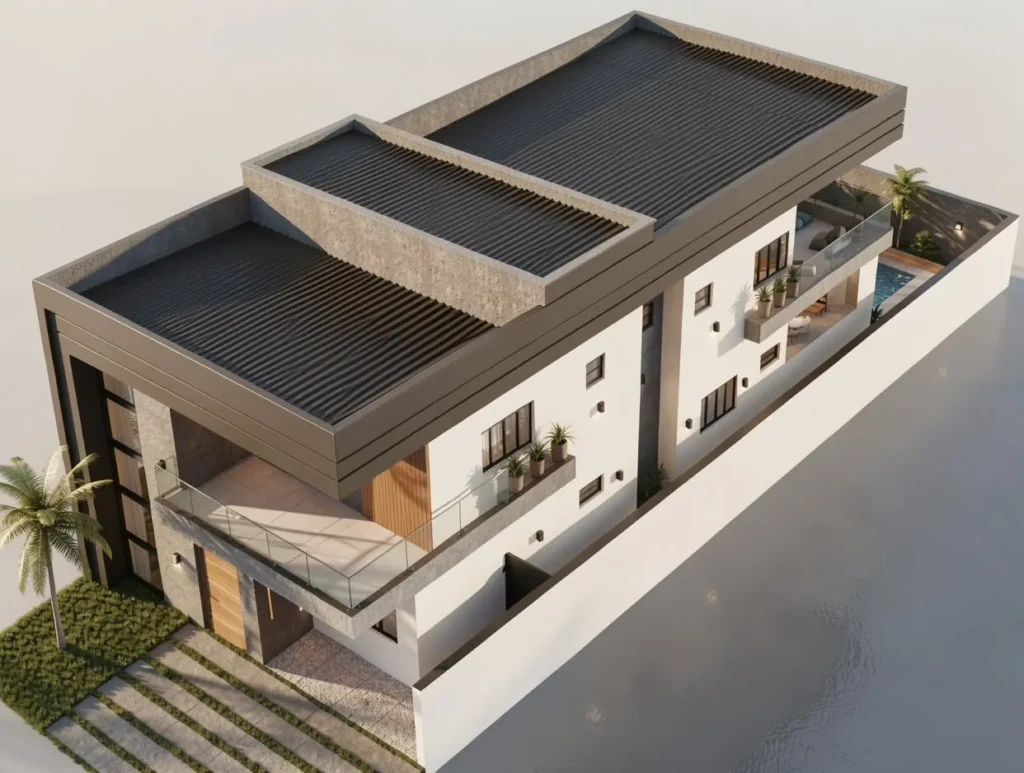
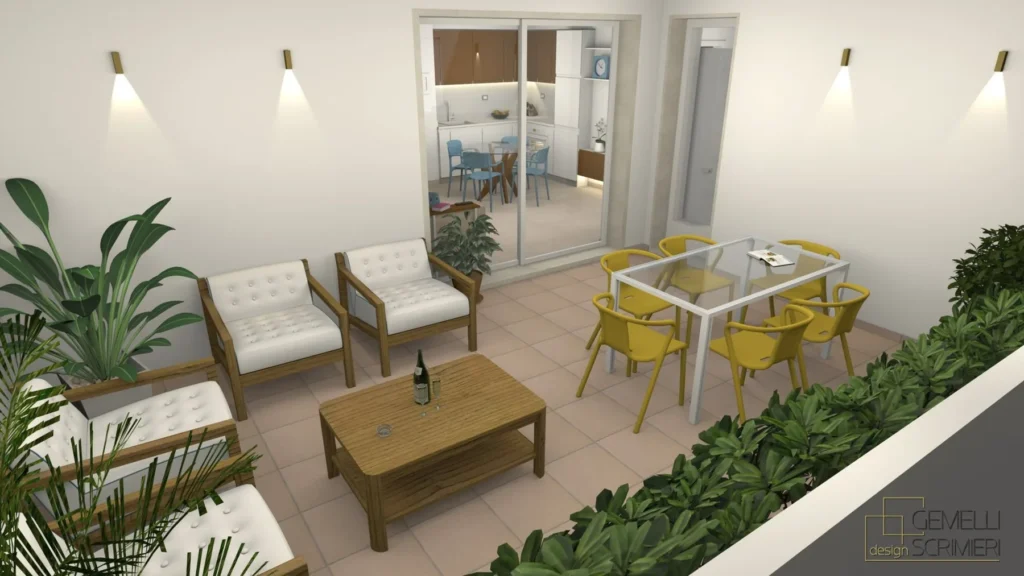
From the community
What users say about Sweet Home 3D
Rated 5 out of 5 on the Mac App Store
Excellent tool for home and garden design
“Very stable, user-friendly tool for quick home and garden design. Maintained very well…”
Rated 5 out of 5 on the Mac App Store
Great Design Tool
“I enjoy learning to use this. The fact I can create in plan and see the result instantly in the perspective is a real asset.”
Rated 5 out of 5 on the Mac App Store
Amazing!
“Simply dragged-and-droped my way to my home design. No learning curve. Easy. I was looking for something like this for so long!”
FAQ
Landscape design software: frequently asked questions
Sweet Home 3D is a great choice if you have never designed a garden before. You draw your outdoor space on a 2D plan, drag and drop plants, furniture and structures from the catalog, and see the result instantly in a 3D view, with no technical background required.
Yes. Sweet Home 3D runs on Windows, macOS, Linux, iOS and Android, and you can also work in any browser supporting WebGL with Sweet Home 3D Online. A Sweet Home 3D file can be exchanged between devices and users, so you can sketch a layout on your tablet and finish the details on your computer.
Yes. You can draw a buried pool at any depth and shape, add coping, steps and transparent water, and design patios and decks with pavers, wood textures, pergolas, outdoor dining sets and lighting.
Import a plan or an aerial image of your lot as a background, trace the property boundaries and fences to scale, then add terrain, paths, lawns and planting zones. Place trees, shrubs and garden furniture from the catalog and check every angle in the 3D view before work begins.
Yes. Besides the built-in catalog and the more than 1,600 free 3D models available on sweethome3d.com, you can import your own 3D models in OBJ, DAE or 3DS format (or ZIP and KMZ files containing them) and change their size, color and texture. Model import is not available in the Online version.
Yes. With the desktop version you can generate photo-realistic images and videos of your landscape, adjusting the time of day and lighting to present your project to family, clients or contractors.
Start using Sweet
Home 3D now
You may download Sweet Home 3D to install it on your computer, smartphone or tablet and/or use it online within your browser:
for Windows/macOS/Linux/iOS/Android
with any WebGL browser
