I want to show some tips:
1. Triangular prism
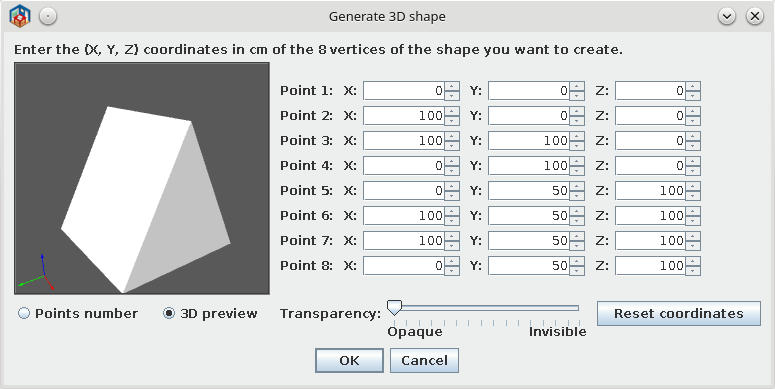
Some explanation:
-On Shape Generator set to pair of points at same coordinate.
In this case I chose 5+8 and 6+7.
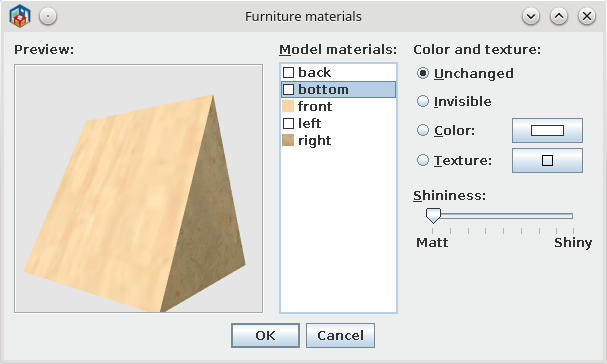
-In plan, select the generated shape and open Modify furniture - modify materials.
- As You see in second image there are 5 sides in place of 6
2. Pyramid
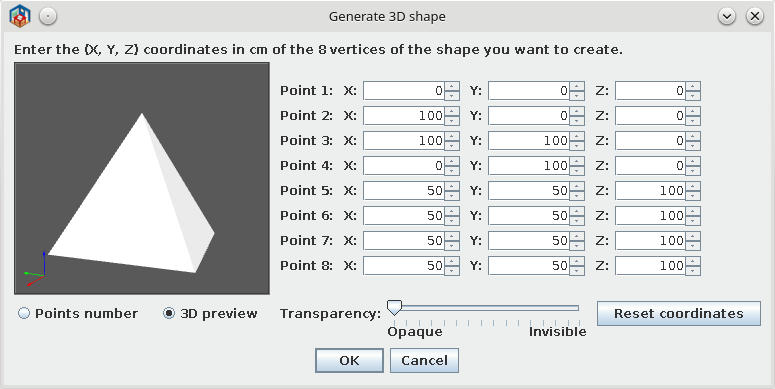
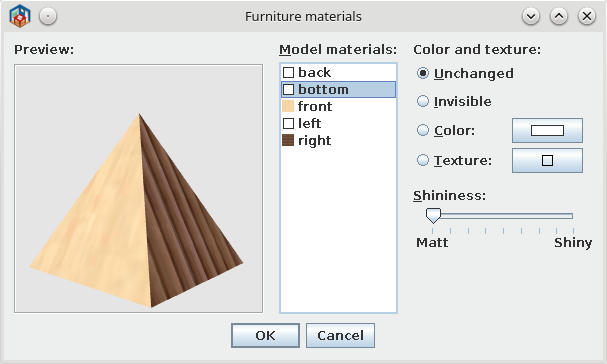
-Same procedure but for 4 upper points.
3. Roof part
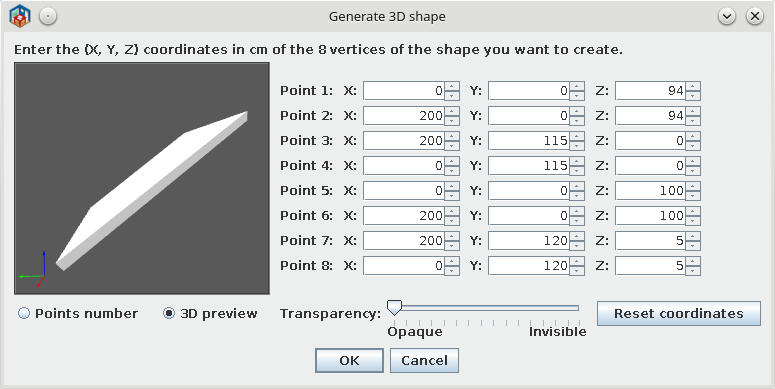
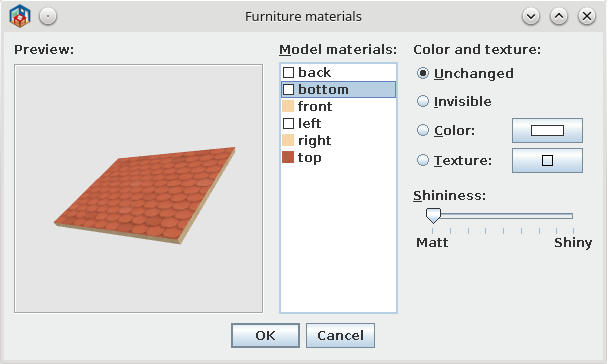
-Make more and combine in plan.
-I recommend to apply texture AFTER resize the shape (if you need to resize)
And this could be this sample
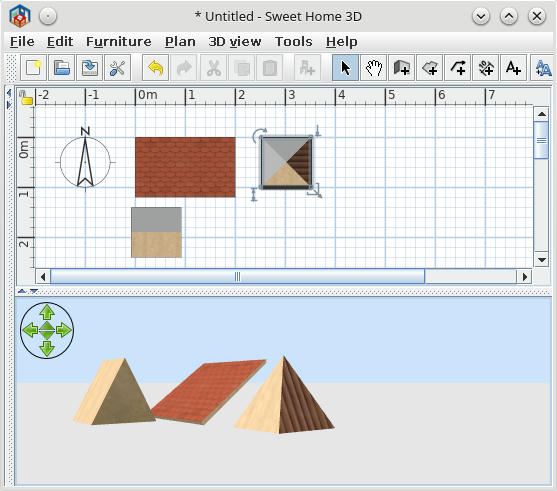
Hope to be useful to somebody.
PS. Don't believe Emmanuel entirely; He write all codes, I have only the idea and garbage of useless file.
----------------------------------------
A computer program does what you tell it to do, not what you want it to do. Murphy's Law
When all else fails, read the instructions. Murphy's Law
If you don't like "AS IS", DIY. Dorin's law
