|
Sweet Home 3D Forum » List all forums » » Forum: Sweet Home 3D bar » » » Thread: A Better Render |
||
| Print at Dec 19, 2025, 1:31:19 AM |
|
|
| Posted by stef.salmon at Jun 16, 2021, 11:11:53 AM |
|
Re: A Better Render Yes I know. It was showing what it looked like when I made the face invisible. |
| Posted by Puybaret at Jun 16, 2021, 11:12:59 AM |
|
Re: A Better Render For example, if you hide the materials named "edge_color0002555", "edge_color353535255", "material" and "material_0" of "Data Server Tower" objects, it will render correctly. ---------------------------------------- Emmanuel Puybaret, Sweet Home 3D creator |
| Posted by stef.salmon at Jun 16, 2021, 11:30:52 AM |
|
Re: A Better Render I did what you suggested and it has rendered correctly apart from the object at the top of the image, but I guess that is also to do with something inside the object? See image. https://www.dropbox.com/s/84lf35m0oxbvww7/IBM_Data%20Centre%20-%20SRS1.png?dl=0 How did you know that was the problem and how can I avoid this in the future? Thanks. |
| Posted by Puybaret at Jun 16, 2021, 12:04:06 PM |
|
Re: A Better Render DAE files exported from SketchUp have often this problem. ---------------------------------------- Emmanuel Puybaret, Sweet Home 3D creator |
| Posted by stef.salmon at Jun 16, 2021, 1:45:54 PM |
|
Re: A Better Render which model files are better? Do you know of anyone that can produce decent models for use in SH3D? |
| Posted by Puybaret at Jun 16, 2021, 2:39:45 PM |
|
Re: A Better Render Aren’t the 3D models that you found decent enough, once you adjusted their materials? Do you know of anyone that can produce decent models for use in SH3D You could ask to Scopia but I don’t think they will design them for free. Designing 3D models is a long task.---------------------------------------- Emmanuel Puybaret, Sweet Home 3D creator |
| Posted by stef.salmon at Jun 16, 2021, 3:17:10 PM |
|
Re: A Better Render Yeah I guess they are good enough. Our company would pay to have them modelled. I will contact Scopia. Thanks. |
| Posted by stef.salmon at Jun 16, 2021, 3:55:00 PM |
|
Re: A Better Render The object at the top of the image that hasn't rendered correctly only has 3 editable items. What can I do in this case as I've tried to hide the edge_color585858255 but that makes no difference to the render? https://www.dropbox.com/s/84lf35m0oxbvww7/IBM_Data%20Centre%20-%20SRS1.png?dl=0 |
| Posted by Puybaret at Jun 16, 2021, 6:41:05 PM |
|
Re: A Better Render The faces associated to Color_007 material are probably double sided and fight with the face using PDU material. You should duplicate the object, move it 1 mm away and view only PDU material on the copy. ---------------------------------------- Emmanuel Puybaret, Sweet Home 3D creator |
| Posted by Ceciliabr at Jun 16, 2021, 6:47:30 PM |
|
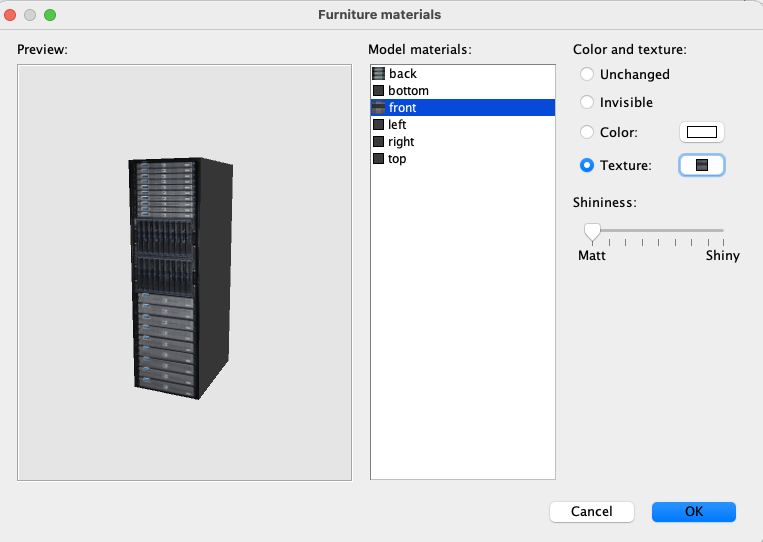
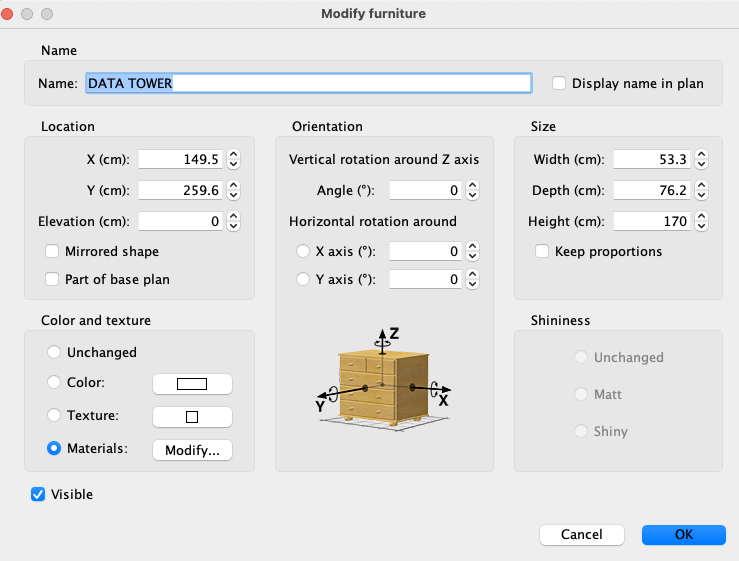
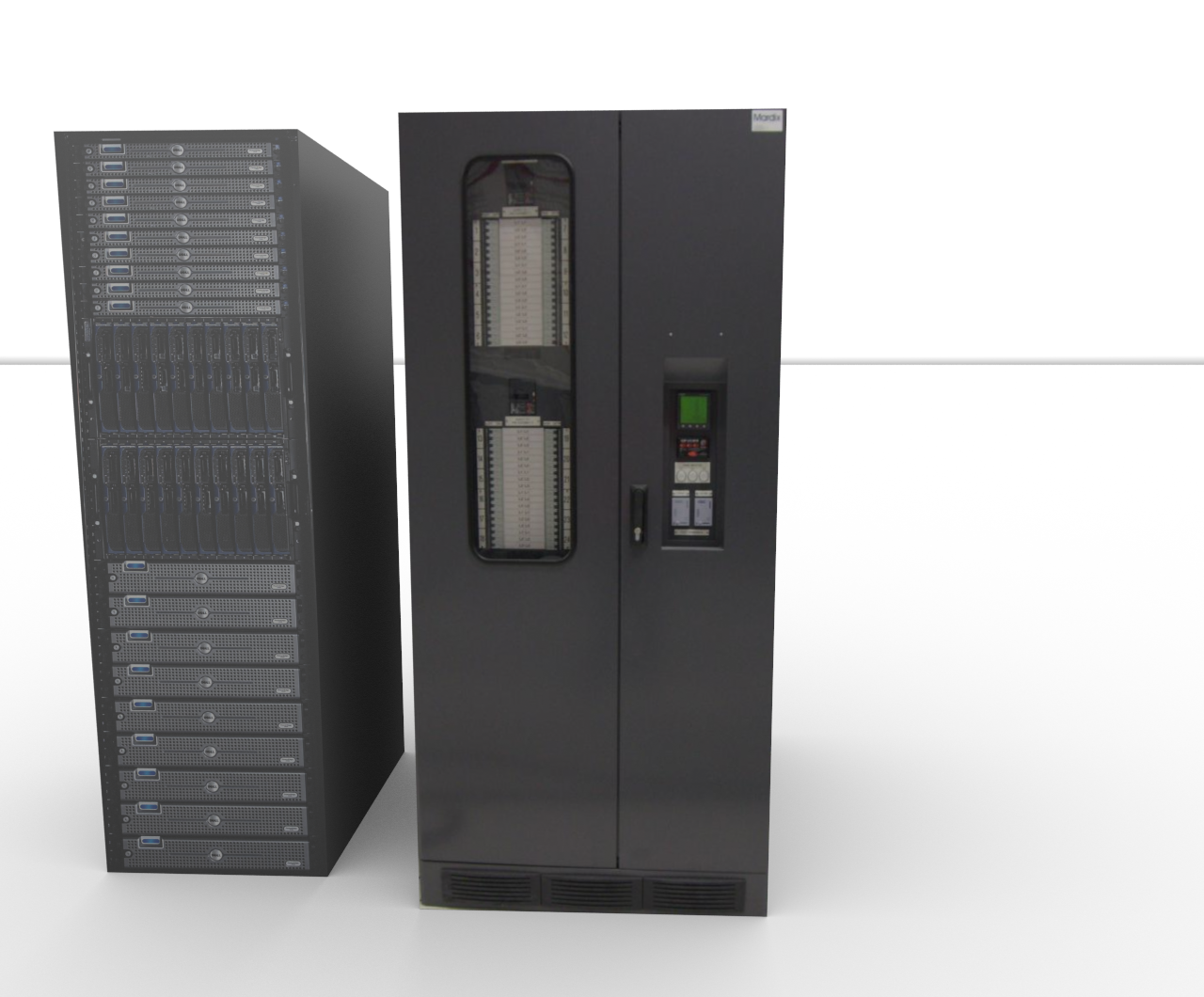
Re: A Better Render Your models are really very simple constructions, thus very easy to re-construct in SH3D. Select a model, like the Data Server Tower. Export it as an obj-file. Choose a box, import it to your project, and select modify. Apply the same dimensions to the box, as the dimensions of the Data Server Tower, and select Modify. Apply a grey colour ( or whatever colour you prefer) to everything but the front and the back, and then select front. Click on texture, and select import. Find the image file that was exported with your model, and apply it to the front. Then do the same with the back. Make sure to set all shininess to zero. Select OK. Do the same for the PDU, and voila: Your models will now render just fine. I have already done it for you: PDU+ServerTower . |
|
|
|
Current timezone is GMT Dec 19, 2025, 1:31:19 AM |