Joined: May 28, 2015
Post Count: 607
Status:
Offline
Re: Photo-video rendering plug-in
@hansmex
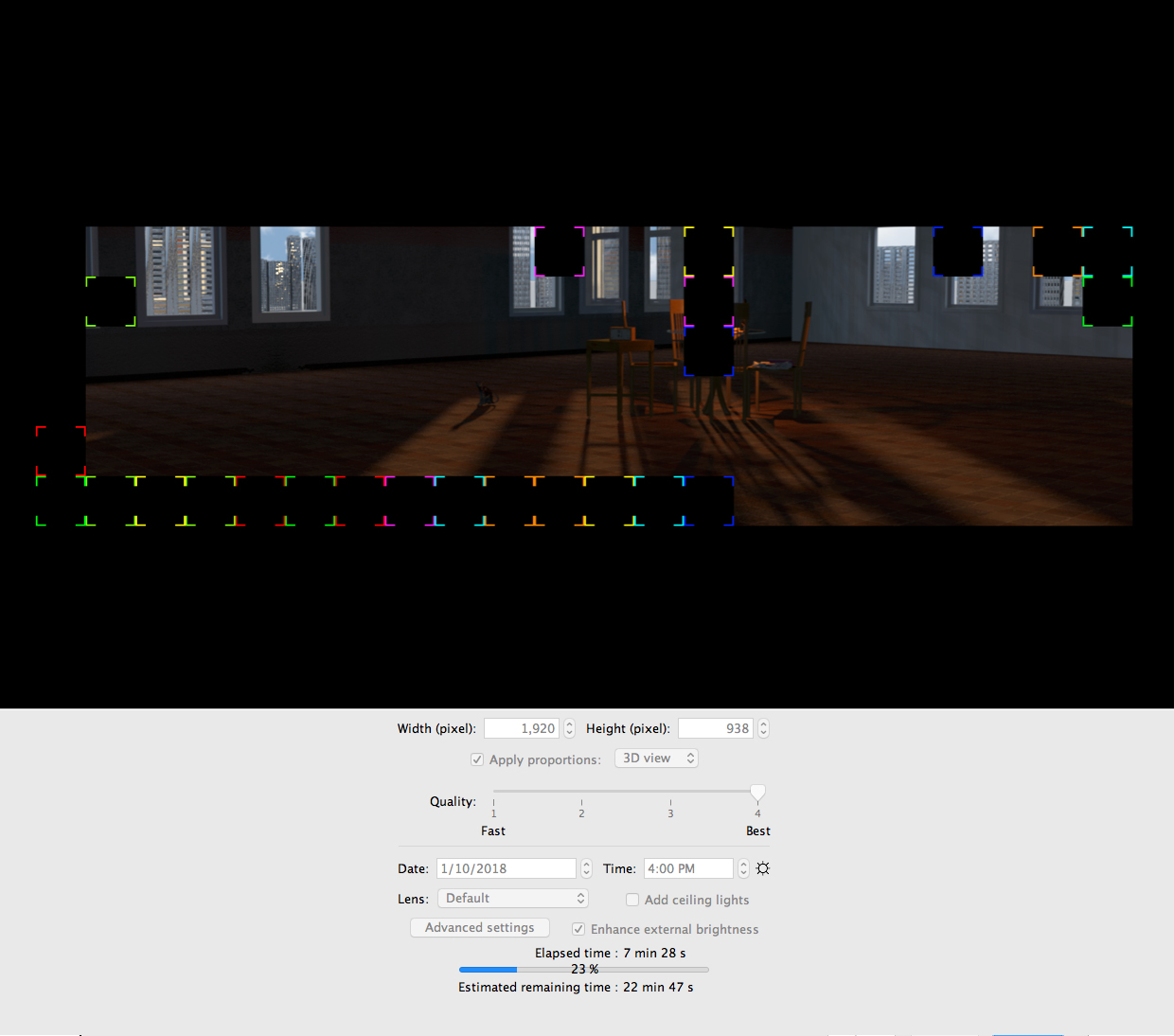
Even better: create the possibility to specify the size of the image preview in Preferences... :-)
I will study the feasibility of the thing so as not to complicate the photo panel too much. Besides, I hesitated to put the option of the choice of look and feel in the preferences if it was possible.
----------------------------------------
EnkoNyito
Italia
Joined: May 12, 2017
Post Count: 66
Status:
Offline
Re: Photo-video rendering plug-in
Heheheh I think it would be though... Java and Swing (programming language and UI components used here) are not the best to support responsive layouts...
I hope it is possible, but I have a few ideas/options for the developer: - What about changing the Quality bar? we have only 4 options and it is huge, fast and best are taking a lot of space in addition to 1-2-3-4.... Maybe replace 1 and 4 with fast and best and keep 2 and 3 instead of replacing the whole component?
The lookAndFeel (that I did not understand why having that option, but maybe I missed some thread) should be a non frequent option to change (it is less important than picture size or quality, so it could stay in a "secondary" frame like advanced options, why not? So we could have a new frame with: Look and feel - Preview Picture Size - Any other option
And, this is completely IMHO, I would put the elapsed time bar under the "Advanced settings / Enhance Brightness" line, just to separate what will change the resulting image and require a stop-create (over that line) and what is modifying in live the UI and the components shown (below the progress bar), like lookandfeel.
Take this as some ideas from a developer that uses SH3D sometimes, and used a lot when planning a new home, so if you think is a stupid idea, feel free to tell it!
Joined: May 28, 2015
Post Count: 607
Status:
Offline
Re: Photo-video rendering plug-in
@ndorigatti
What about changing the Quality bar? we have only 4 options and it is huge, fast and best are taking a lot of space in addition to 1-2-3-4.... Maybe replace 1 and 4 with fast and best and keep 2 and 3 instead of replacing the whole component?
The goal of the plug-in is to stay visually close to the standard photo panel while providing new options. Personally, I occasionally use quality level 1 (3D view without shadow) and one of the higher quality levels (3 or 4) with the setting of SunFlow rendering engine.
The lookAndFeel (that I did not understand why having that option, but maybe I missed some thread) should be a non frequent option to change (it is less important than picture size or quality, so it could stay in a "secondary" frame like advanced options, why not?
This option is not related to the rendering but I have integrated it in the photo panel in order to modify the appearance of the interface. The other solution is to use a script for the installer version as shown here with "-Dswing.defaultlaf=". Available Look and Feels:
I would put the elapsed time bar under the "Advanced settings / Enhance Brightness" line, just to separate what will change the resulting image and require a stop-create (over that line) and what is modifying in live the UI and the components shown (below the progress bar)
This may be possible (see previous central image).
----------------------------------------
EnkoNyito
----------------------------------------
[Edit 1 times,
last edit by enkonyito at Feb 19, 2018, 6:45:18 PM]
Denmark
Joined: Jul 7, 2013
Post Count: 637
Status:
Offline
Re: Photo-video rendering plug-in
@enkonyito
Resizable is king!
Now the next, ( and probably impossible) challenge is: Can the resizable photo renderer include a 3D preview? It would really "revolutionise" this program to have a combined preview- and render-window.
Joined: May 28, 2015
Post Count: 607
Status:
Offline
Re: Photo-video rendering plug-in
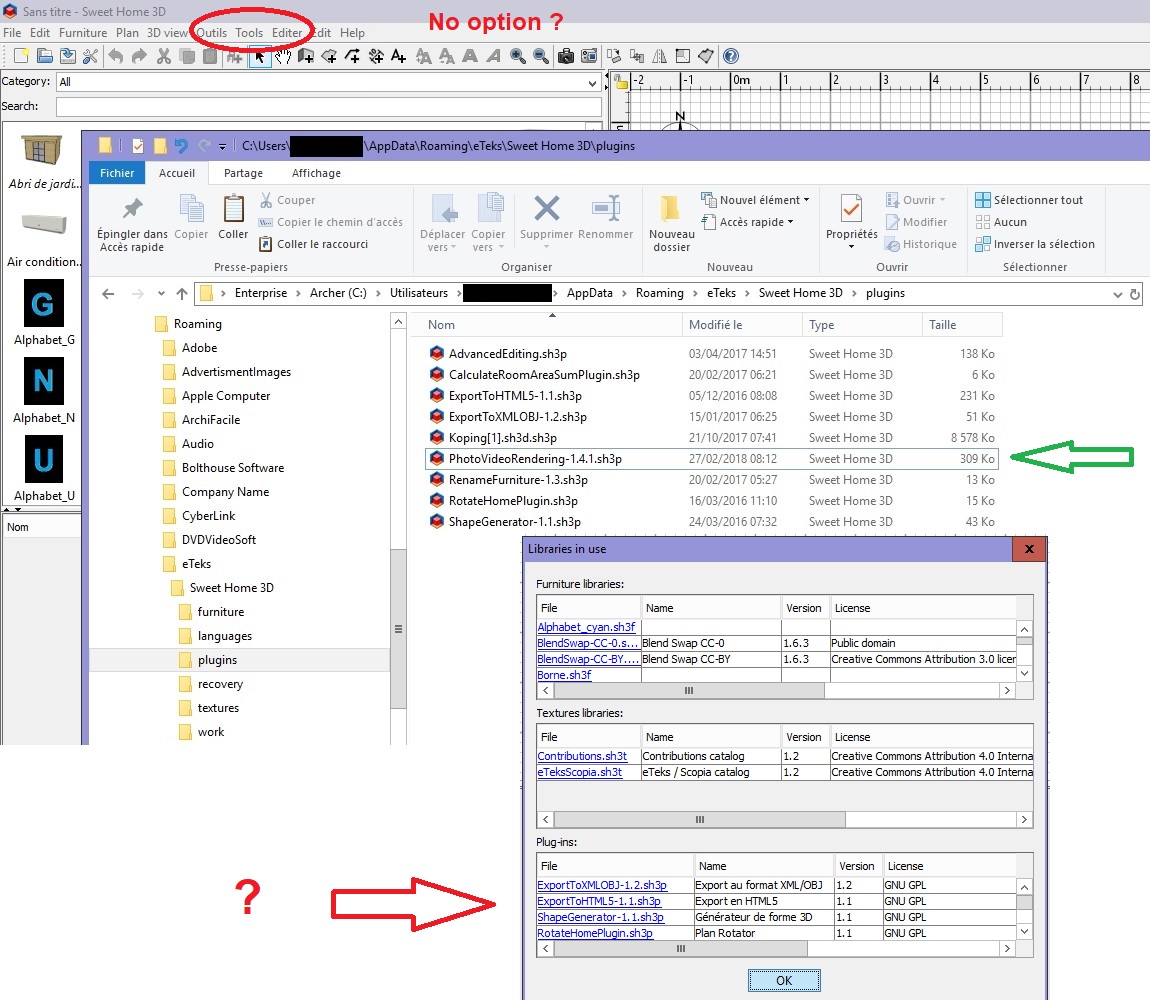
Version 1.4.1 - resizable photo panel with modified layout - display of the current version of the plug-in in the menu
Thanks to my beta testers Ceciliabr and hansmex for their feedback and to Emmanuel Puybaret for his advice!
----------------------------------------
EnkoNyito
----------------------------------------
[Edit 1 times,
last edit by enkonyito at Feb 28, 2018, 6:08:32 PM]