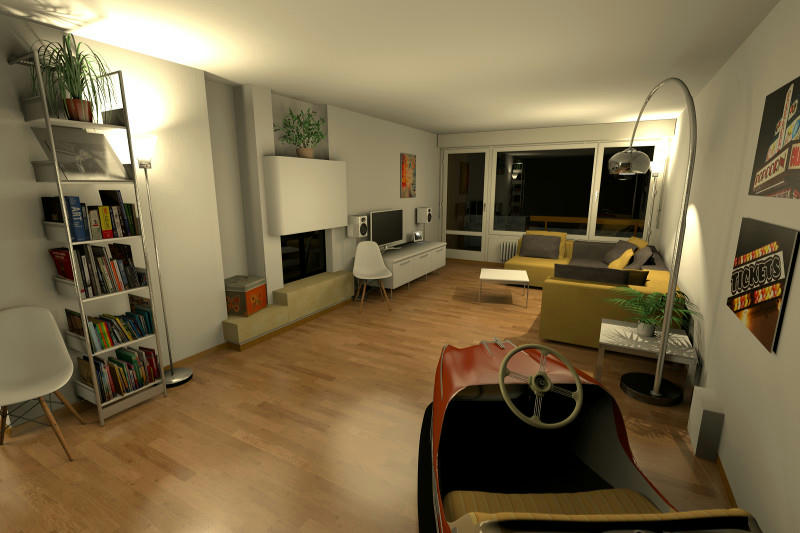
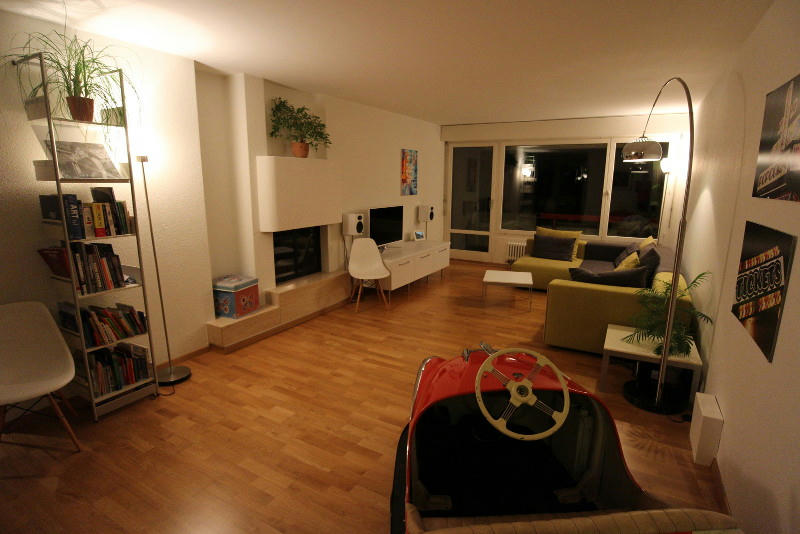
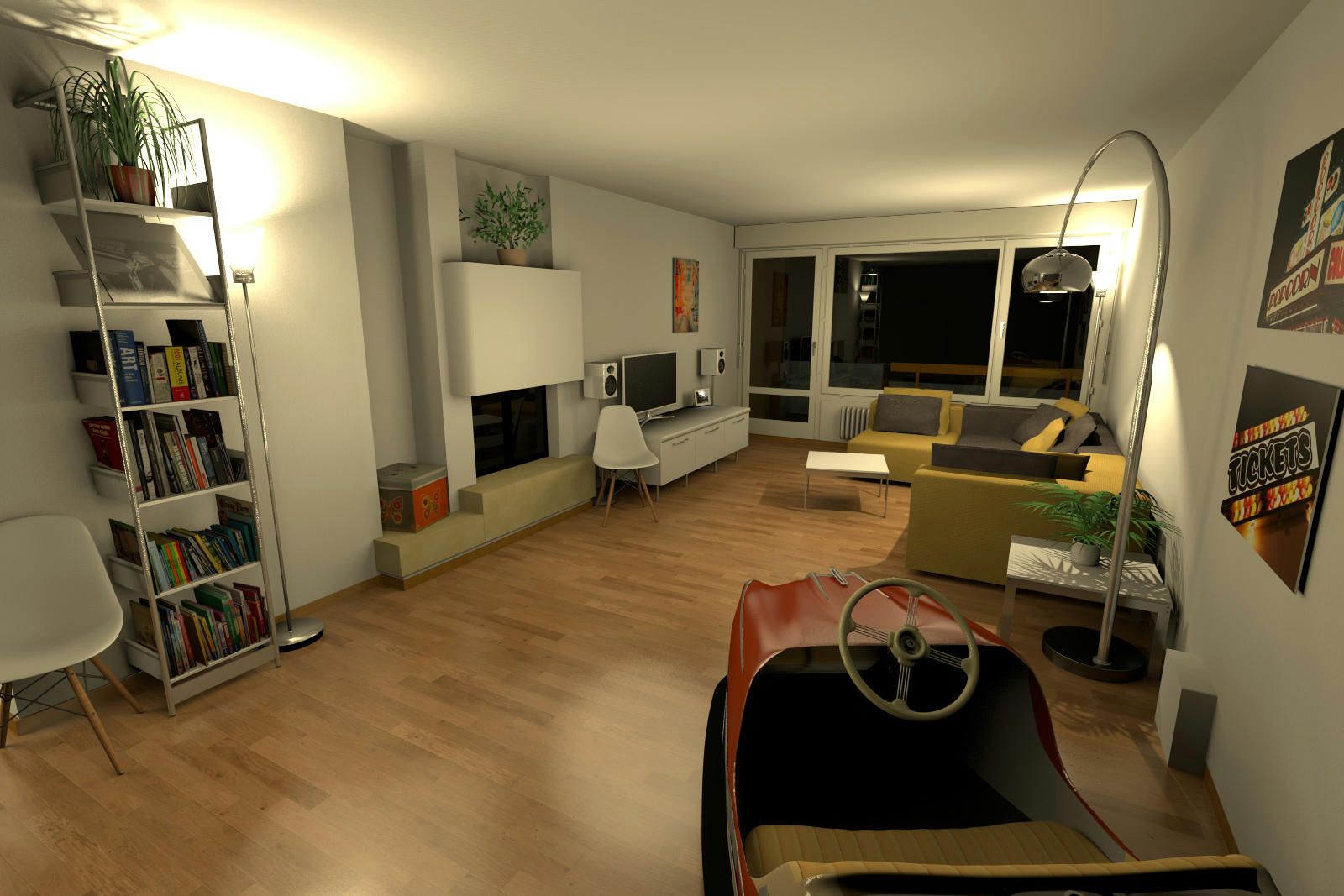
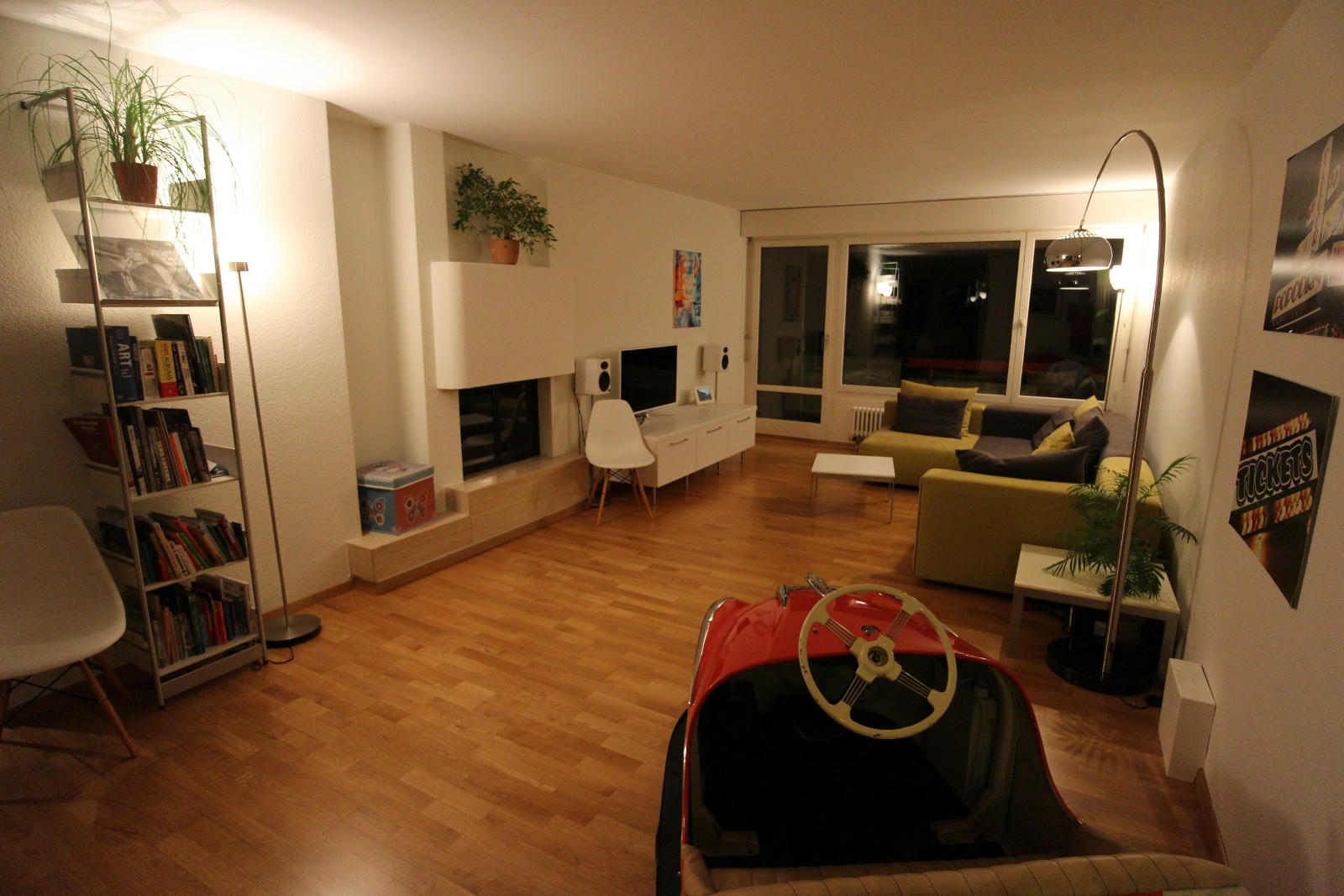
While designing the interior of our new flat (see kitchen images posted earlier) I was wondering how realistic the rendered images would be.
I then decided to find out by modeling our current living room.
This is how it turned out:
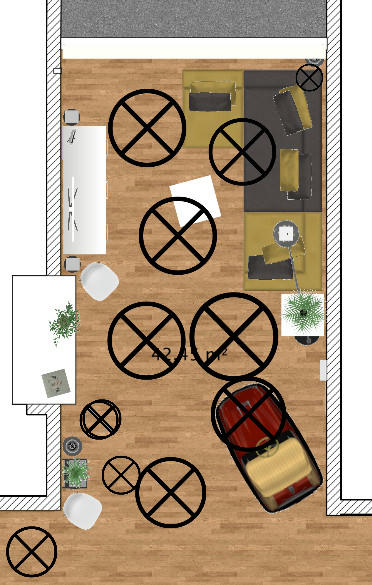
Scene facts:
- 17 light sources
- 16 custom-made furniture models, including fireplace and window
- 4 adapted models
- 4 stock models
- render time at best quality, 3200x2133px approx. 2 hours
It is probably safe to say that the right furniture and some clever lighting you can come pretty close to reality. The lighting is a tricky part and especially difficult if you don't have anything real to compare to, e.g. when modeling a house that has yet to be built.
Astonishing!! Really astonishing!! First thought was: Why would you post the same image twice...?
By (partly) using incandescent or even fireglow light bulbs, you may get a slightly yellower lighting. That would approach the original even closer. You could try 1-2 bulbs of 100x100x100 cms (or even larger) at a low strength setting.
People who work professionally in Architectural visualisation generally make post-process of the images (once they are been rendered with their 3D modeller program) using Photoshop. I mean, the only render never is enough for a realistic or final high quality image. So, if you want to improve the final render with photoshop, to get a more realistic result, just go on. It is a standard practice in arch-vis.
I already use incandescent light sources only. As you can see from the floor plan I make use of large ambient lights (power between 5% and 20%) already extensively.
The trouble with ambient light sources is that you want them to be as large as possible to have soft shadows but you also don't want them to be too close to the ceiling, floor or furniture to avoid obvious lighter spots and reflections.
If you look closely at the rendered image you notice a large white reflection on the floor just left of the bumber car. This reflection is caused by the ambient light in front of the fireplace even though this light is at 10% power only!
Getting the lights right is very time consuming because you have to render again at the best quality setting after every change. Even at very low resolutions this takes a few minutes.
I haven't tried any fireglow lights yet. I might give them a try when I've got some time. Thanks for the tip.
People who work professionally in Architectural visualisation generally make post-process of the images (once they are been rendered with their 3D modeller program) using Photoshop. I mean, the only render never is enough for a realistic or final high quality image. So, if you want to improve the final render with photoshop, to get a more realistic result, just go on. It is a standard practice in arch-vis.
The main goal was to find out how accurate and realistic you can get with SH3D. This rules out any post processing of the rendered images.
I find the result quite satisfying. I also like the fact that I can reproduce the exact same result anytime. I can also change perspective, zoom in and out and render new images at the same quality quite easily.
There's a lot more work to do if you add in post processing in a third party program.