anhmax yes free version is also do this but with watermark.
Puybaret I paid € 1.999,-
Please note: Lumion for inside rendering is very bad. I recommend use Sweet Home 3D instead of Lumion for inside rendering.
A work with Sweet Home 3D - V5.1
This topic has been viewed 14839 times and has 13 replies

Re: A work with Sweet Home 3D - V5.1
I tried to export my OBJ file to Lumion. The render time is impressive. It takes less than 1 minute to render a picture. I'll try to render interior soon.
SH3D
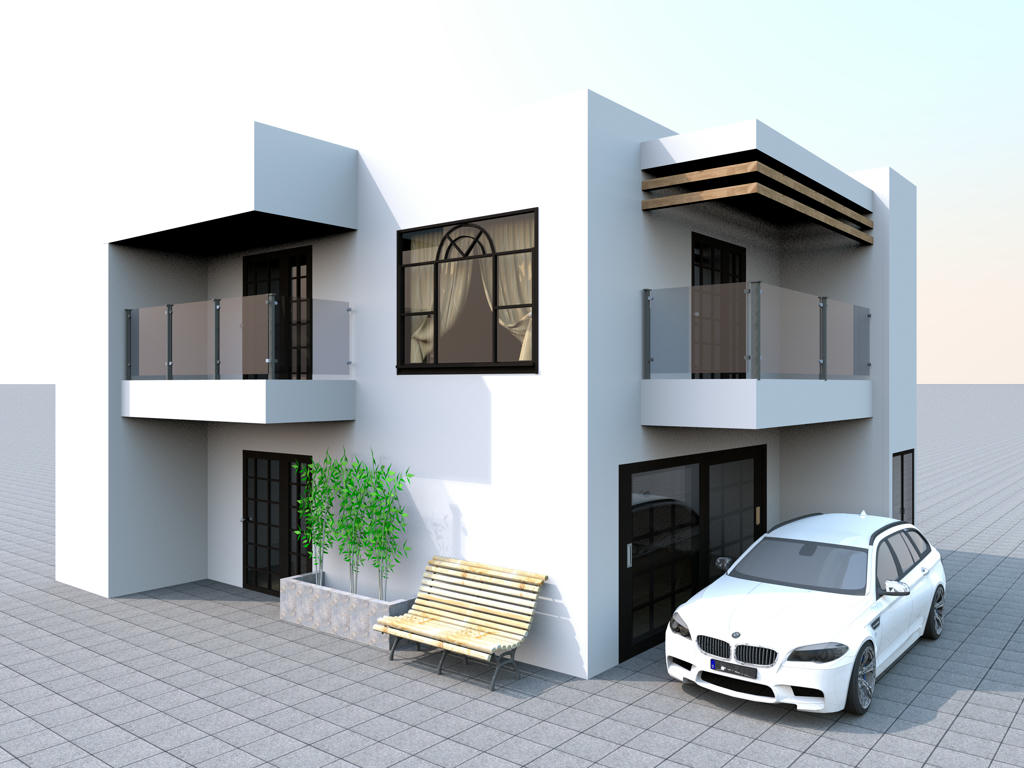
Lumion
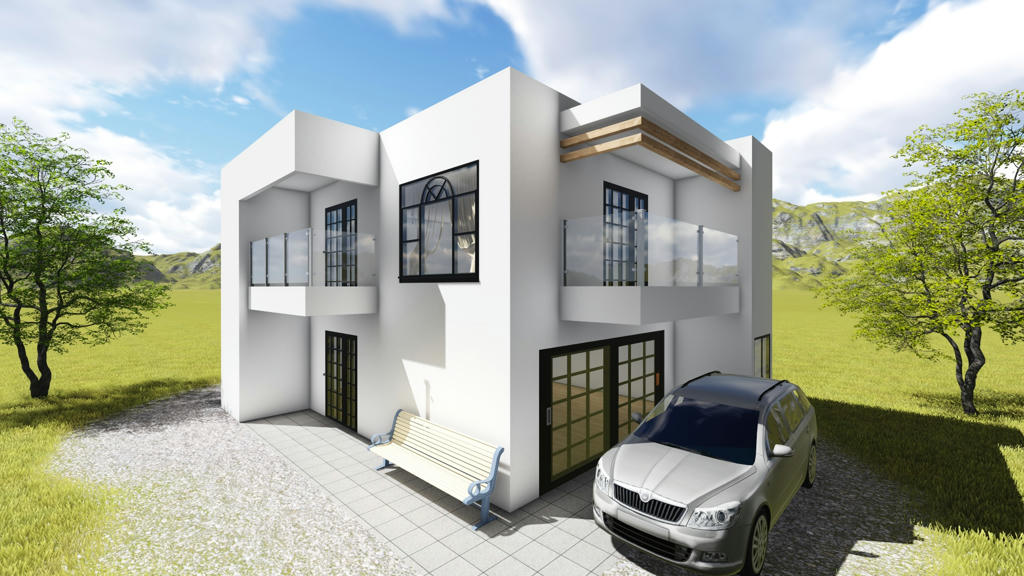
SH3D
Lumion
Re: A work with Sweet Home 3D - V5.1
but how can i use a sh3d model or documente in lumion???

Re: A work with Sweet Home 3D - V5.1
If you read back through earlier comments on this post, you'll see the Lumion users create the model in SH3D and then export it in OBJ format. (Since light sources don't export, you'll have to create those within Lumion -- but you'd probably want to, anyway, as most external renderers give you access to a wider range of light types than are currently supported by SH3D.)
In theory, you can use this workflow with virtually any major ray-tracing or rendering application.
In theory, you can use this workflow with virtually any major ray-tracing or rendering application.
Who is online
Users browsing this forum: No registered users and 1 guest