Autumn colours

This topic has been viewed 14182 times and has 13 replies
Thread status: Active
Share your snapshots made with Sweet Home 3D here [img]http://www.sweethome3d.com/images/flags/en_small.gif[/img]
User avatar
Ceciliabr
Posts: 637
Joined: Sun Jul 07, 2013 3:41 pm
Country: Copenhagen, Denmark
Contact:

Autumn colours

Post by Ceciliabr »

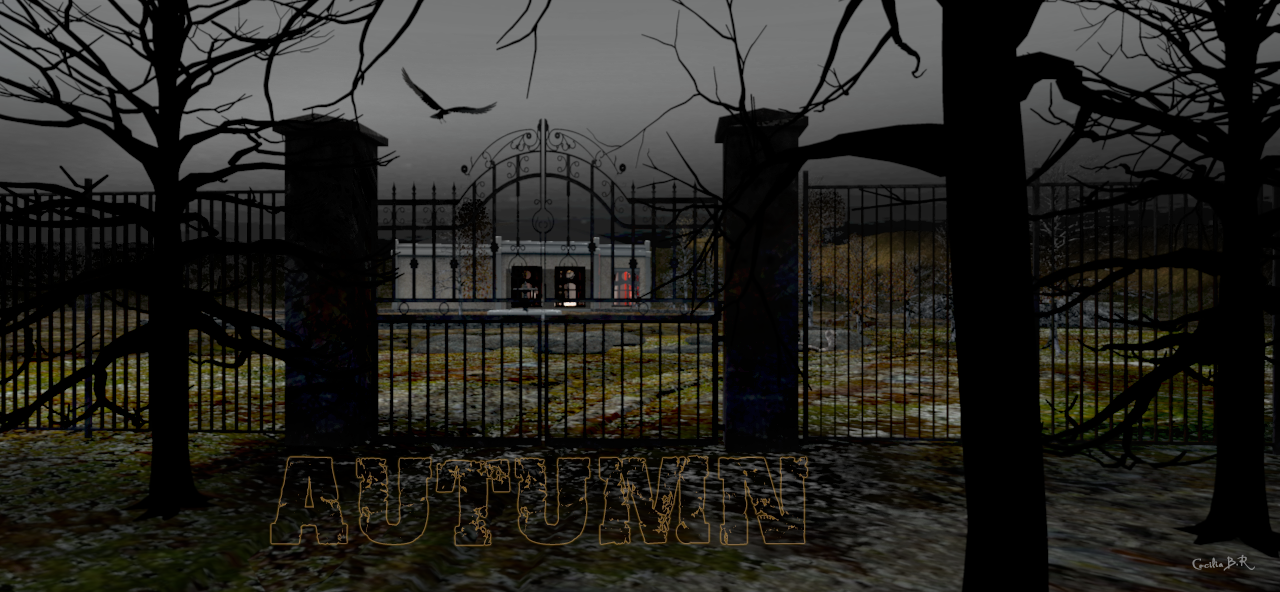
Image

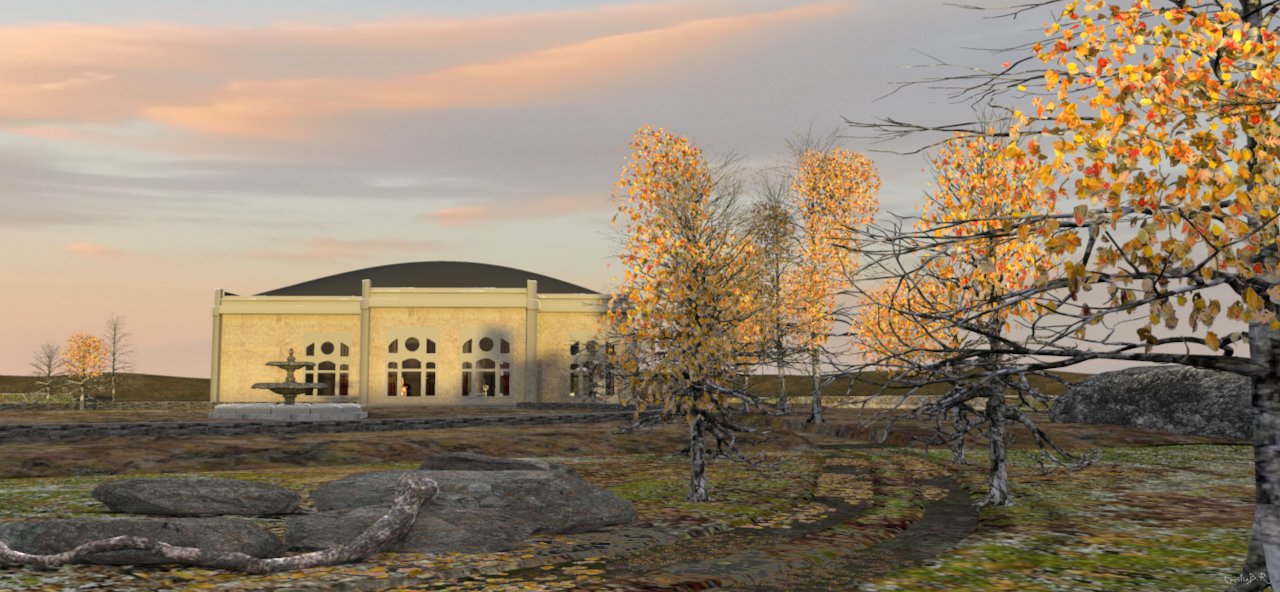
A new morning.

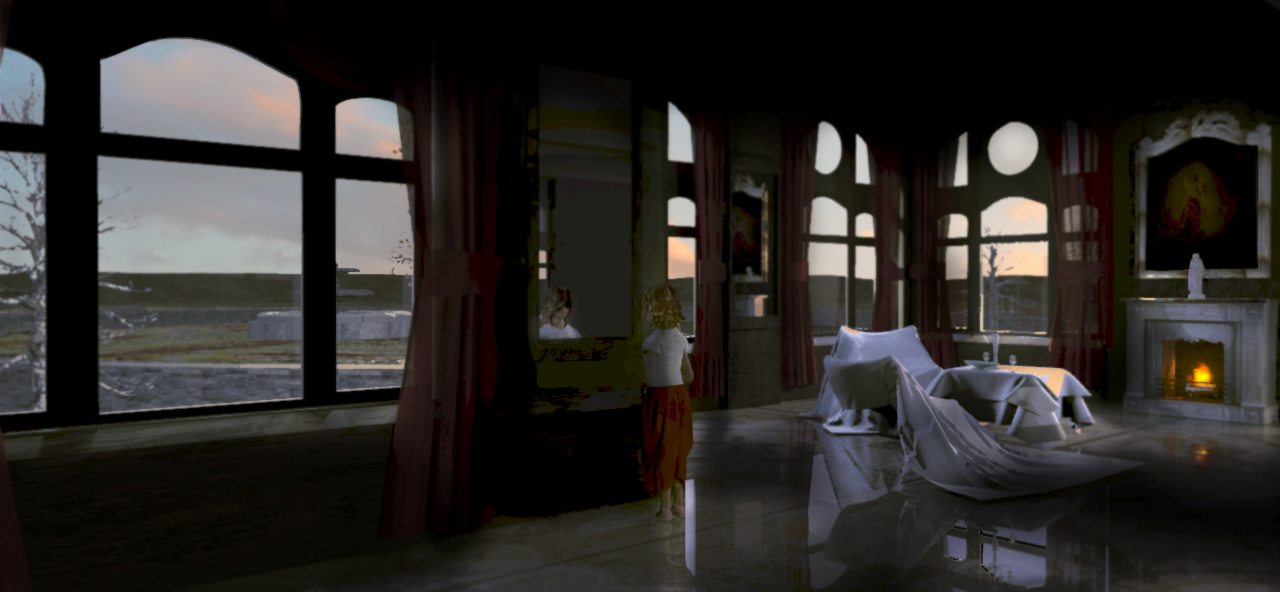
Image


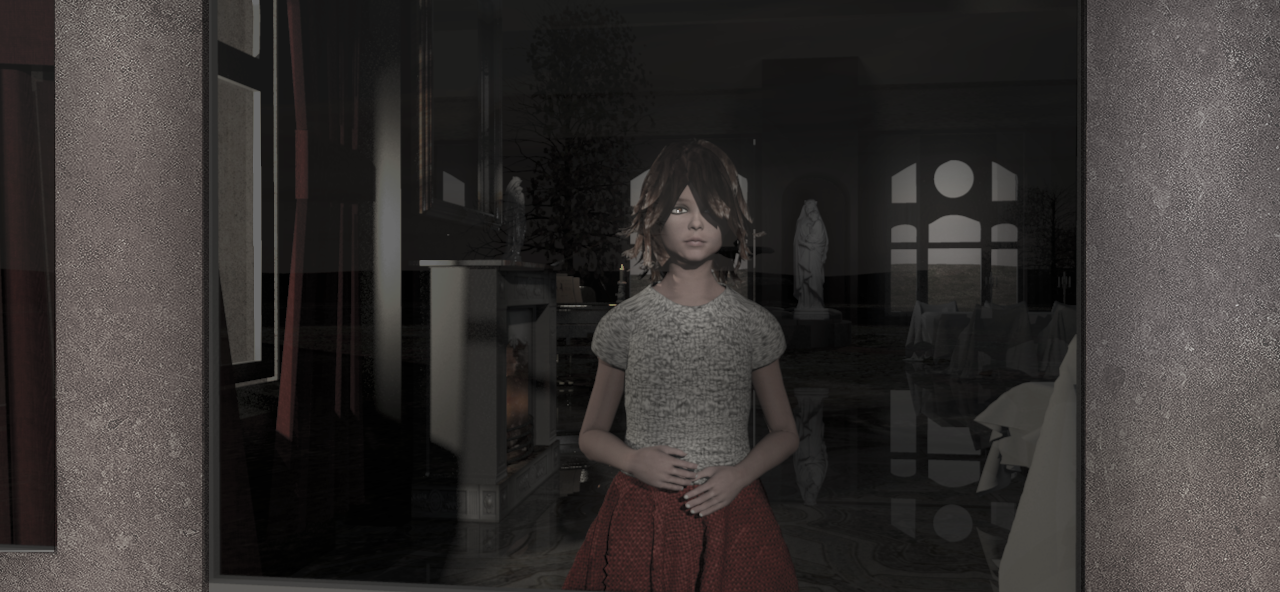
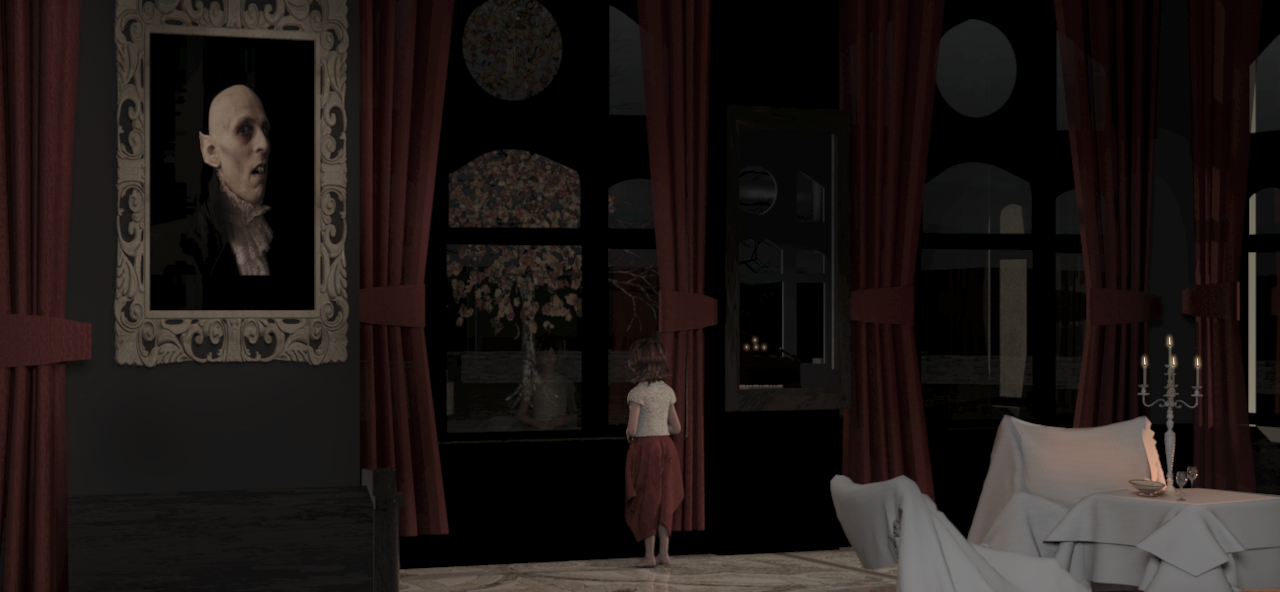
Every morning, Lillith runs to the mirror, to see if her reflection is still there.

Image

She likes the autumn. She likes the colours – but she doesen't really like mornings.

Image

She spends her days waiting – often in front of the window.

Image

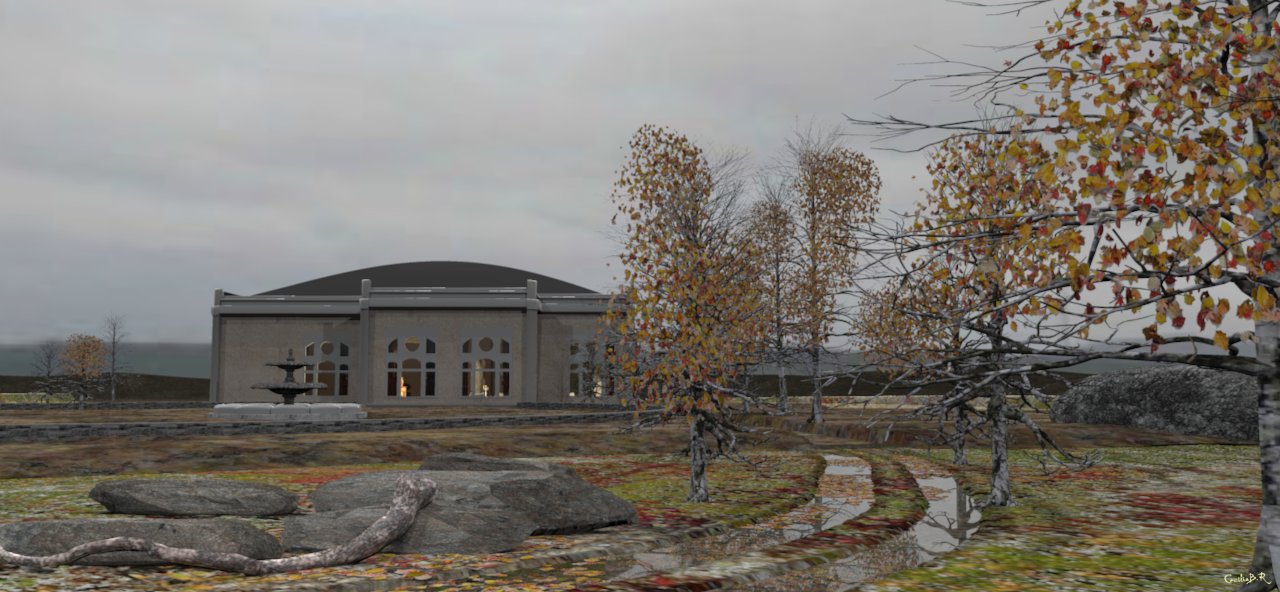
Watching the leaves fall, and the rain. The puddles become like mirrors.

Image

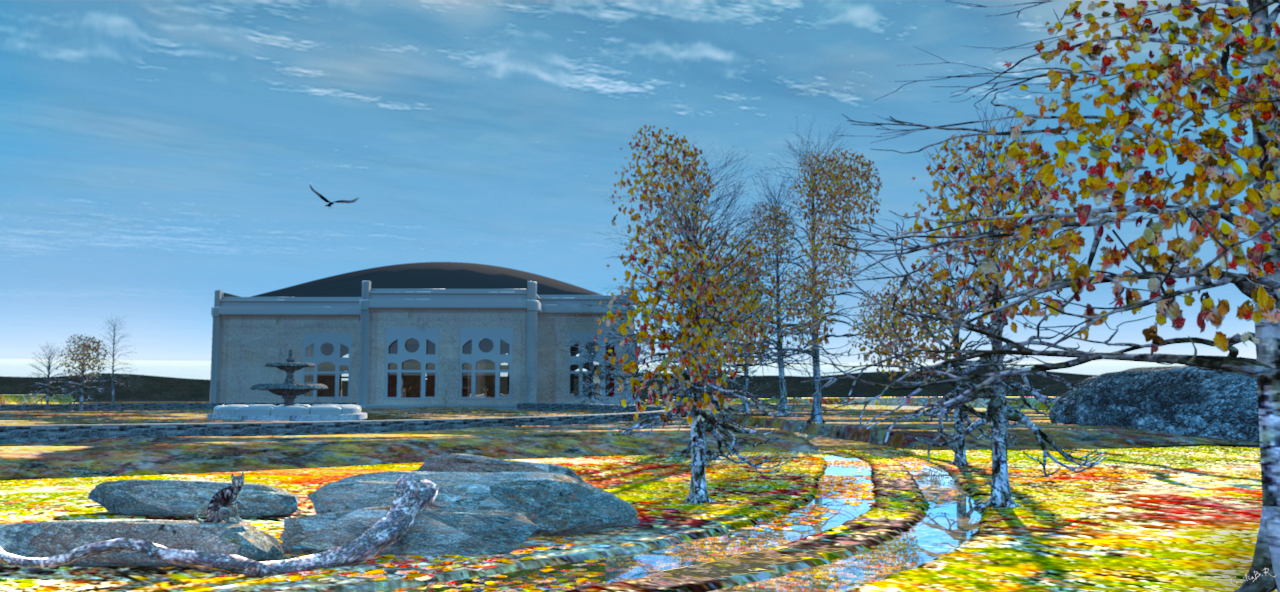
Water makes the colours brighter when the sun comes back.
-Watch out, cat! There are eagles here!

Image


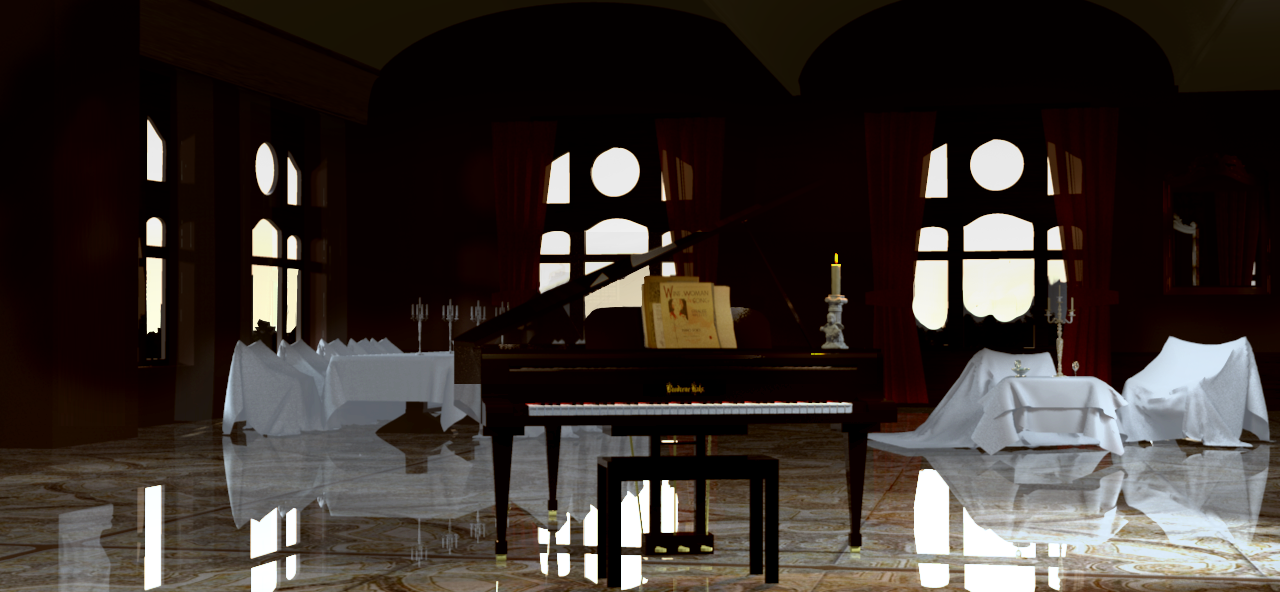
Soon it will be dark. Autumn is good.

Image


The best thing about autumn is that the days get shorter, so the nights get longer.

Image


It's time to turn the mirror … her dad will get up soon.

Image


Cec
User avatar
bdfd
Posts: 2614
Joined: Sat Mar 29, 2014 7:17 am
Country: LILLE, Les Hauts de France, Western Europa

Re: Autumn colours

Post by bdfd »

As usual, big realism in the rendering ! [=D>]
Evil progresses when good people do nothing!
---
SH3D 7.1 and nothing else - W11 64b in 4K
VeroniQ
Posts: 886
Joined: Tue Mar 03, 2015 9:01 am
Country: France

Re: Autumn colours

Post by VeroniQ »

And very inspired and on purpose for halloween! I love it!
Miker777
Posts: 426
Joined: Sun May 08, 2016 7:30 pm
Country: UK

Re: Autumn colours

Post by Miker777 »

Great renders Cec, love those trees
User avatar
Ceciliabr
Posts: 637
Joined: Sun Jul 07, 2013 3:41 pm
Country: Copenhagen, Denmark
Contact:

Re: Autumn colours

Post by Ceciliabr »

Thanks for the nice comments.

Let me explain the reason for this thread:
When someone says something can't be done, I normally try to find out for my self if that's true,
but when I learned that Enhance external brightness had no effect when textured skies were used, I never even bothered to check if that really was the case.


Sunshine is nice, but cloudy days and hazy evenings are not so bad either, at least not when it comes to photographing or making illustrations.
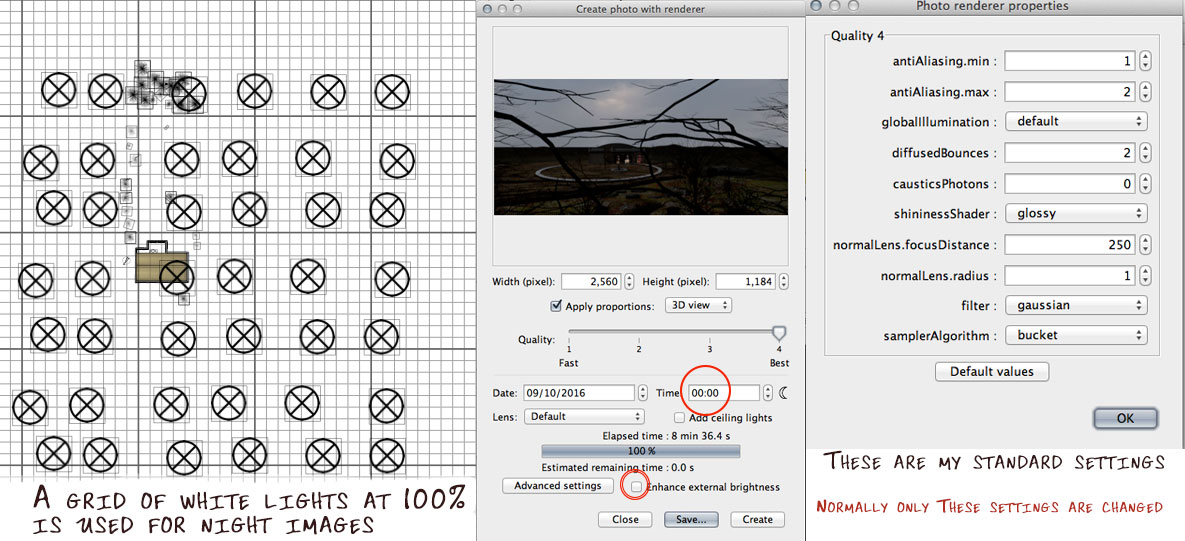
In order to make nice renderings of evening shots or shots of cloudy days without any directional shadows, I have until now lighted my scenes with a grid of white lights at 100% ,
placed some 15-20 meters above the surface, and I have used my standard settings which I have found to work best,
like this:
Image


****


I have been nursing a two-year-old with an autumn-cold for a couple of days, and have distracted her from the discomfort of her cold
by having her sit with me while I have been playing with SH3D. At the same time I have told her about why the leaves are getting yellow and fall to the ground – and we have talked about vampires (!)
And very inspired and on purpose for halloween!

Exactly [:)]

And then I made a discovery.

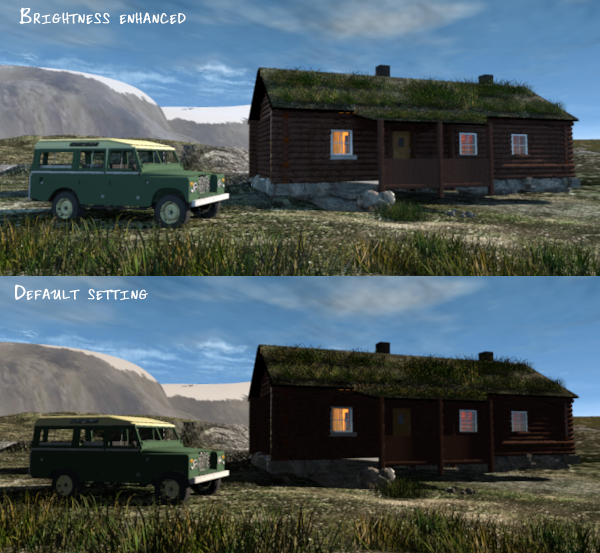
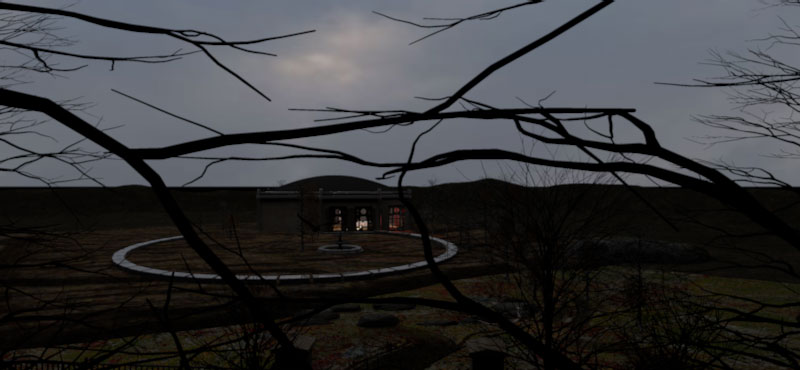
Using my standard settings, I made a test rendering to decide if the lighting was sufficient.
I got a result that was too dark.
Image


I have no idea what made me tick the Enhance external brightness button.
To my astonishment, the image rendered like this:

Image

As it turns out, enhancing the external brightness works perfectly with textured skies,
in fact it works better than with non-textured skies.

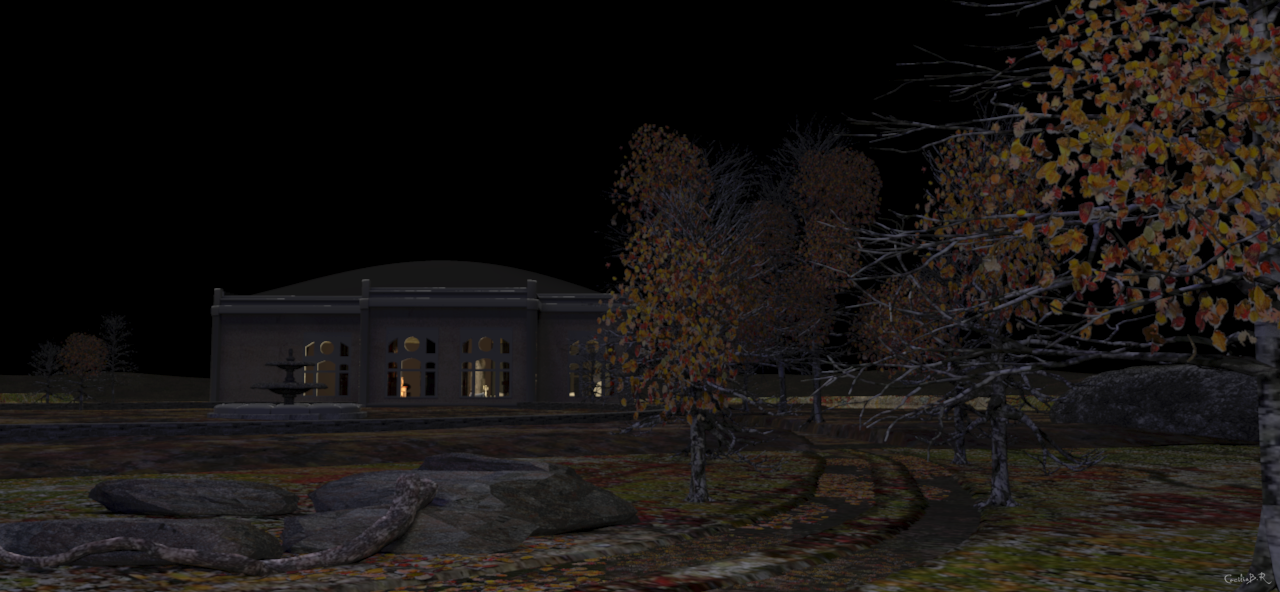
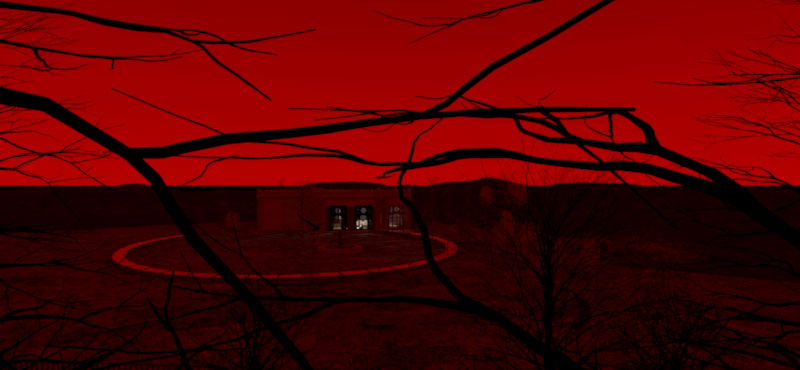
Rendered @ midnight with a non-textured sky, using the same settings:

Image

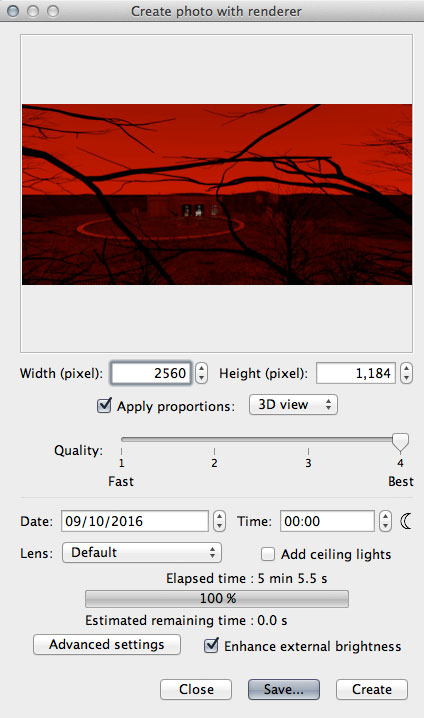
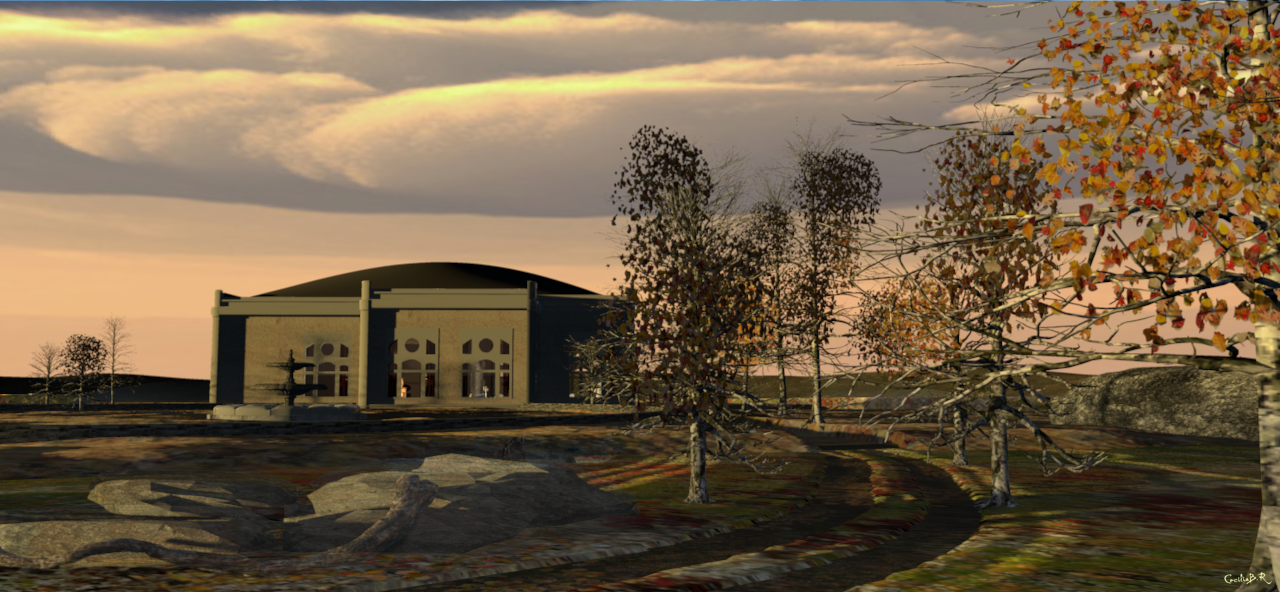
Same settings, sky textured with a red gradient:
Image


Image


Now, this is interesting.
It seems to me that the enhancement is based upon the reflections coming from the sky,
and that the shadows are created based on the time of day.

For me, this is a very useful and uplifting discovery.

What would be nice, though, is to have some more control over the brightness
– a slider maybe, or some pre-programmed steps with different intensities.


Cec

User avatar
bdfd
Posts: 2614
Joined: Sat Mar 29, 2014 7:17 am
Country: LILLE, Les Hauts de France, Western Europa

Re: Autumn colours

Post by bdfd »

Good analysis for all.

Few months ago, I tryed these kinds of tests but with one light only.
Put more is a good idea.

The proof, is the well done third picture.

Brrrr, the red sky announces the coming of Dracula... [>:)]
Evil progresses when good people do nothing!
---
SH3D 7.1 and nothing else - W11 64b in 4K
User avatar
MartinSK
Posts: 350
Joined: Fri Jul 01, 2016 9:45 am
Country: Slovakia
Contact:

Re: Autumn colours

Post by MartinSK »

There's nothing to say....Just love it.. Love love love... And I can watch that pictures again and again... Still love...
Martin
enkonyito
Posts: 607
Joined: Thu May 28, 2015 4:52 pm

Re: Autumn colours

Post by enkonyito »

@Ceciliabr
As it turns out, enhancing the external brightness works perfectly with textured skies, in fact it works better than with non-textured skies.
For a sky with texture, the effect of the Enhance external brightness option depends on the used image.

Here are some images showing different versions of the photo plug-in.
Version 1.2 has an option to enhance the external brightness for a sky without texture.

Option disabled (default)
Image Image
Option enabled
Image Image
Santbose,

As said Mazoola, Sunflow uses different types of light for a sky without texture (SunSkyLight) and a sky with texture (ImageBasedLight).
Although they have a parameter that seems common, rendering for a sky with texture depends on the image used (example: blue sky or cloudy sky).

Option disabled
Image Image
Option enabled
Image Image
EnkoNyito
User avatar
Ceciliabr
Posts: 637
Joined: Sun Jul 07, 2013 3:41 pm
Country: Copenhagen, Denmark
Contact:

Re: Autumn colours

Post by Ceciliabr »

@MartinSK

Thank you [:)]
User avatar
Ceciliabr
Posts: 637
Joined: Sun Jul 07, 2013 3:41 pm
Country: Copenhagen, Denmark
Contact:

Re: Autumn colours

Post by Ceciliabr »

@enkonyito

Aha! Image based lighting, of course. That explains a lot.

Here are two images, one with clouds and one with a completely white sky.
Both images rendered at midnight with enhanced brightness.

Image


IBL-comparison in daylight (09PM)

Image

This means that the colour and the intensity of the sky can be used to manipulate
both the tint and the exposure.
Good to know.

cec
Post Reply New Topic

Who is online

Users browsing this forum: No registered users and 2 guests