
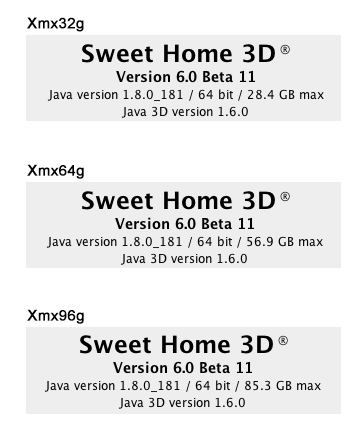
When run in 64 bit, the working limit must be the RAM size available on your computer when Sweet Home 3D runs.
Not important, but there MIGHT be a bug here:

Cec
When run in 64 bit, the working limit must be the RAM size available on your computer when Sweet Home 3D runs.

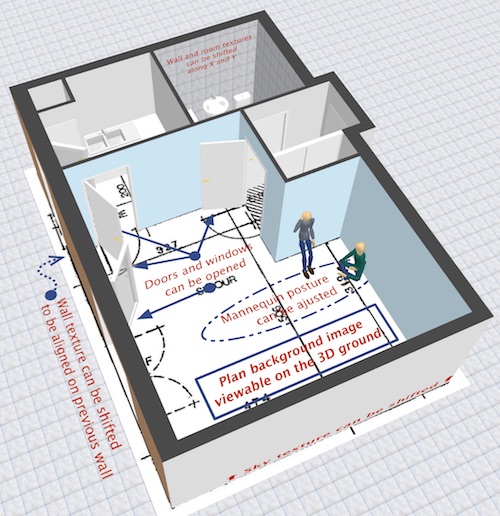
Tried the Outward opening window and the Mannequin - awesome!Code: Select all
-Dcom.eteks.sweethome3d.j3d.useOffScreen3DView=true
Code: Select all
com.jogamp.opengl.GLException: J3D-Renderer-1: Error making temp context(1) current: display 0x33d6ba0, context 0x3db1f88, drawable X11OnscreenGLXDrawable[Realized true,
        Factory   jogamp.opengl.x11.glx.X11GLXDrawableFactory@964c9ab,
        Handle    0x56000a1,
        Surface   JAWTWindow[0x24dca16d][JVM version: 1.8.0_181 (1.8.0 update 181)
JAWT version: 0x10004...
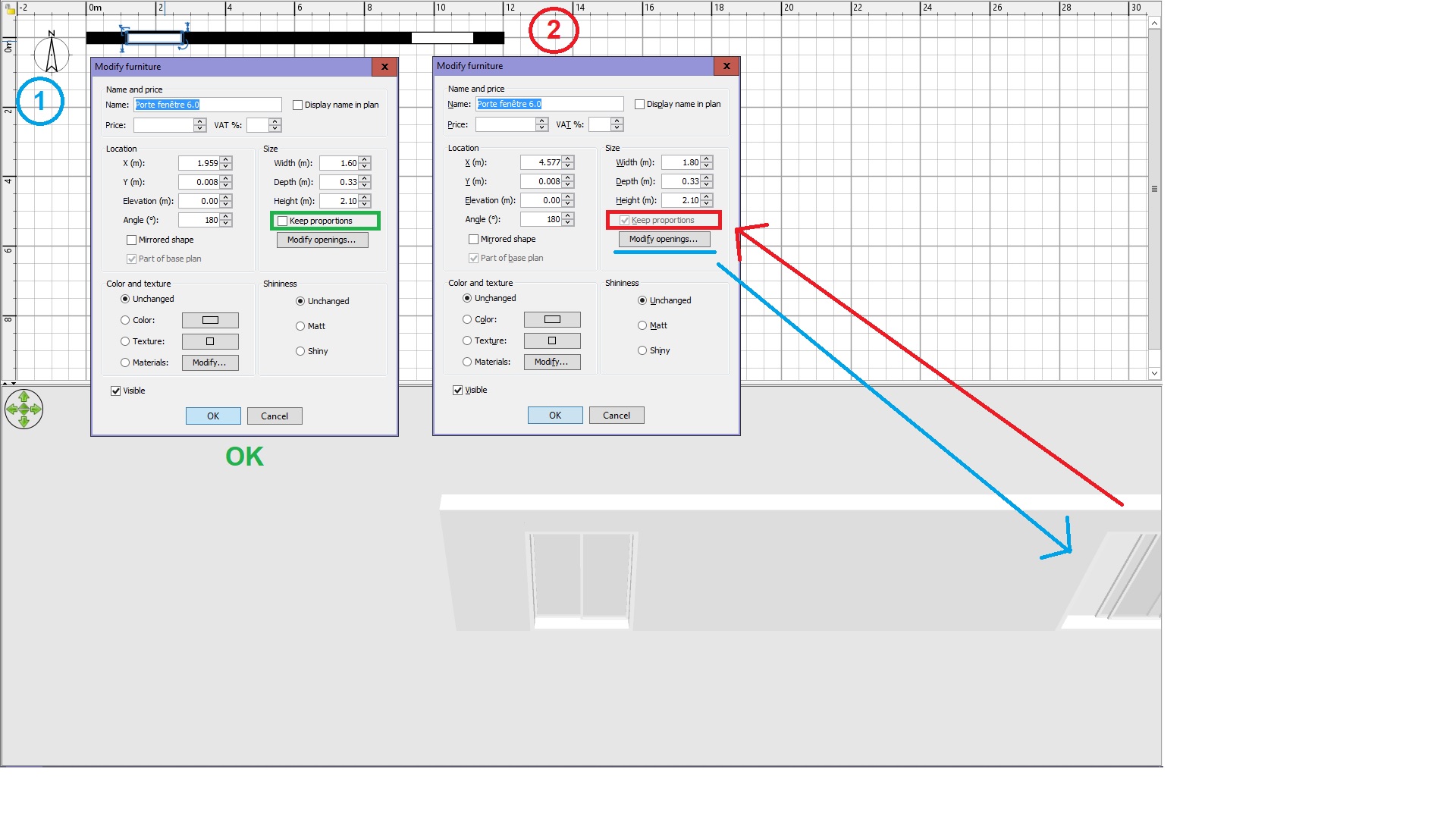
As soon as an object is deformed, its size can be changed only proportionally, otherwise this could lead to strange shapes.
If ever you need a wider or deeper or higher object, first reset its shape, change the dimensions you want, and deform again its shape.
Hi Hans, .csv export import is unfortunately always tricky. I tried LibreOffice and Gnumeric too, both under Win, the file with both .tsv and .csv extensions. And I tried my preferred way, just to copy-paste the list from SH3D to a spreadsheet.1 - CSV export ... Am I doing it the wrong way?
Code: Select all
<script type="text/javascript" src="lib/stroke.min.js"></script>Hi,...
You may also test this demo file on sweethome3d.com server here.
Users browsing this forum: No registered users and 1 guest

