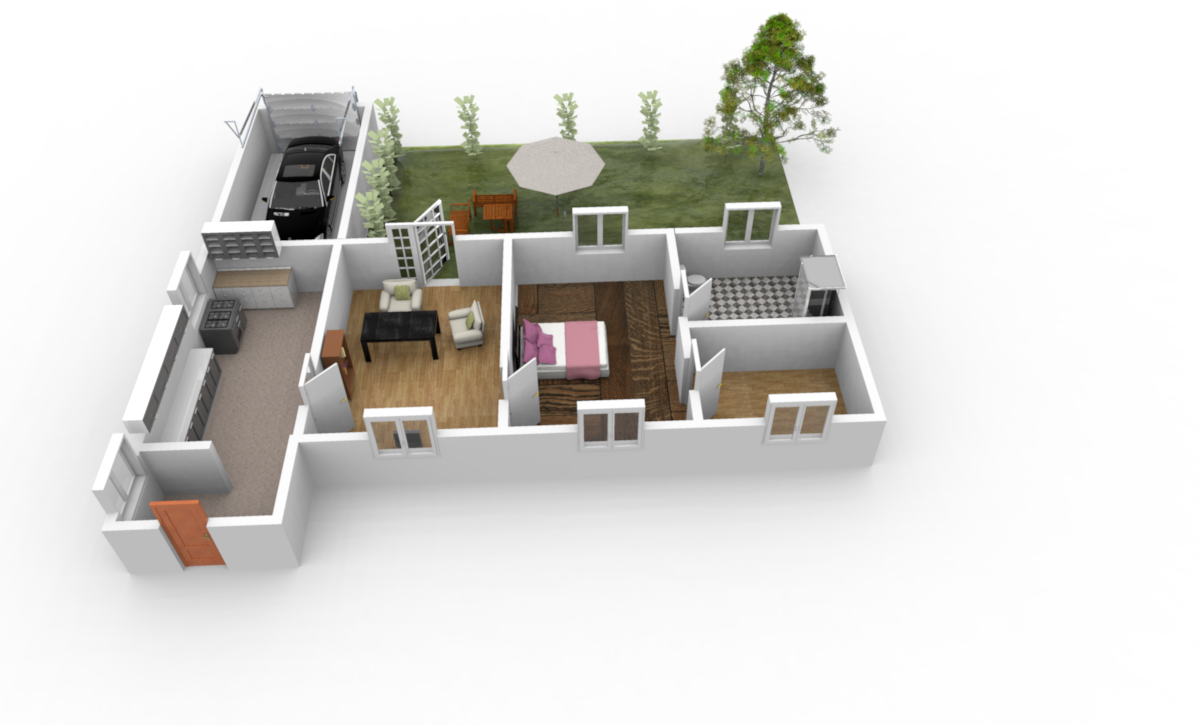
Re: Background Pixelation

This topic has been viewed 19246 times and has 43 replies
Thread status: Active
Discuss anything here [img]http://www.sweethome3d.com/images/flags/en_small.gif[/img]
User avatar
Ceciliabr
Posts: 637
Joined: Sun Jul 07, 2013 3:41 pm
Country: Copenhagen, Denmark
Contact:

Re: Background Pixelation

Post by Ceciliabr »

What is IBL lighting and where do you get it?


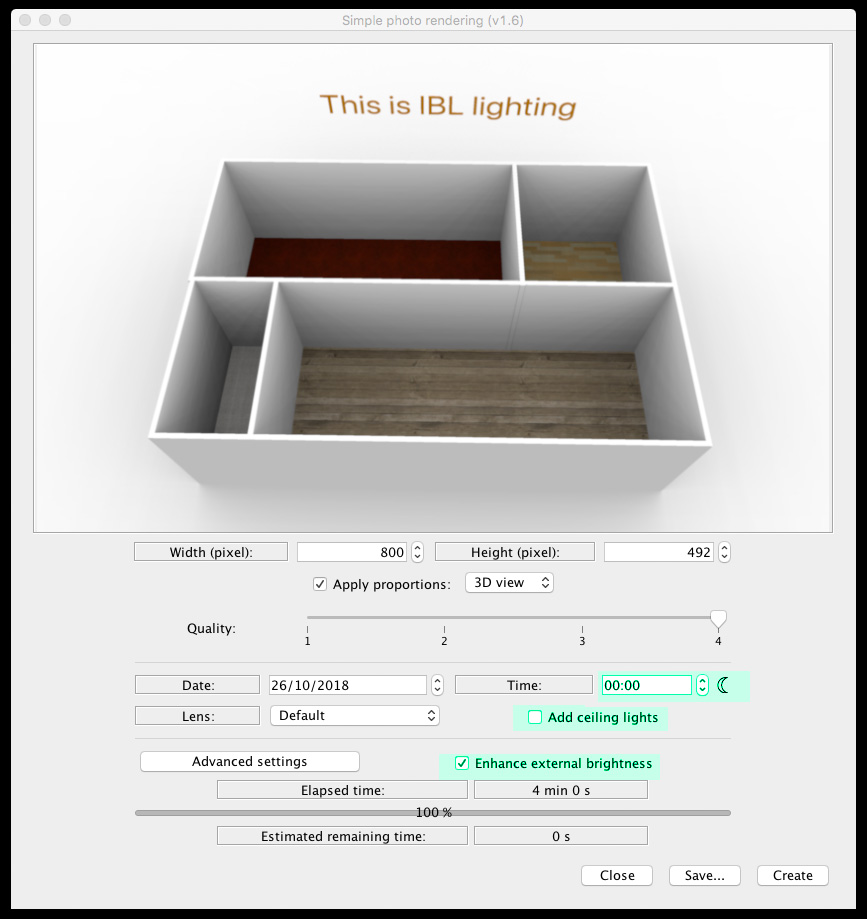
IBL ( Image Based Lighting) is using an image as a light source, instead of using the sun.
The exact terminology (IBL) is not used here, instead it's called: Enhance external brightness,
and can be selected as an option if you install ( or have installed) THIS plugin,
which also offers some other tools for enhancing the rendering process.

Settings:
Image

The best way to use this for your project is to apply a totally white texture ( not colour!) to your sky and ground.

You could also experiment with panel lights to further enhance your renderings.


Cec
stef.salmon
Posts: 117
Joined: Tue Apr 17, 2018 1:53 pm
Country: UK

Re: Background Pixelation

Post by stef.salmon »

Hi,

Thanks for all your help so far.

I have installed the 'PhotoVideoRendering - 1.6' plugin but it says it isn't compatible with the version of Sweet Home 3D.

I'm running SH3D v5.7
VeroniQ
Posts: 886
Joined: Tue Mar 03, 2015 9:01 am
Country: France

Re: Background Pixelation

Post by VeroniQ »

There are different versions of EnkoNyito plugin in his thread but you should better upload the new 6 version of Sweet Home 3D...
stef.salmon
Posts: 117
Joined: Tue Apr 17, 2018 1:53 pm
Country: UK

Re: Background Pixelation

Post by stef.salmon »

Hi,

I installed Sweet Home 3D v6.0.

I chose a white texture for the ground and sky as suggested. I used white roughcast.

I checked the 'Enhance external brightness' box and set the time to 00:00 midnight and Q4, which it needs to be. As you can see from the rendered image, it is even worse than before and it took 10 times as long to render...51 minutes 40 seconds to be precise. Why it took that long I have no idea, it's not exactly very detailed.

https://www.dropbox.com/s/nqb2osf0z49ur ... T.png?dl=0


I'm not producing very detailed 3D building layouts.

Where do I go from here?

Would it be easier for me to send the file to one of you guys with the proper expertise, to see if you can get it to render without pixelation?

Thanks.
User avatar
Puybaret
Posts: 9440
Joined: Mon Nov 07, 2005 12:00 pm
Country: Paris, France
Contact:

Re: Background Pixelation

Post by Puybaret »

I would suggest to create a large white zone around you building, and cut / paste everything else on top of that.
Emmanuel Puybaret, Sweet Home 3D creator
stef.salmon
Posts: 117
Joined: Tue Apr 17, 2018 1:53 pm
Country: UK

Re: Background Pixelation

Post by stef.salmon »

Do you mean create a large white image .png and use this as the background, then copy and paste everything on to that?
User avatar
Ceciliabr
Posts: 637
Joined: Sun Jul 07, 2013 3:41 pm
Country: Copenhagen, Denmark
Contact:

Re: Background Pixelation

Post by Ceciliabr »

I used white roughcast

White is #FFFFFF.

THIS is a white texture


Here is how it should render


Image


Cec
stef.salmon
Posts: 117
Joined: Tue Apr 17, 2018 1:53 pm
Country: UK

Re: Background Pixelation

Post by stef.salmon »

I have used your .png as a texture for the ground & sky. It's saying the estimated rendering time is 56 minutes...that can't be right?
User avatar
UbuntuBirdy
Posts: 421
Joined: Thu Aug 31, 2017 10:31 pm
Country: Switzerland
Contact:

Re: Background Pixelation

Post by UbuntuBirdy »

If you are not working on Summit this is absolutely a real time for rendering at Q4.
Pascal

SH3D 6.6 / Ubuntu 22.04 (Mainline-Kernel) / Radeon RX580 / Ryzen 7 5800x
stef.salmon
Posts: 117
Joined: Tue Apr 17, 2018 1:53 pm
Country: UK

Re: Background Pixelation

Post by stef.salmon »

OK that's understandable.

I made the pixel size smaller so it rendered faster, but there is still pixelation. See link.

https://www.dropbox.com/s/tcrjthgfnx2xo ... 2.png?dl=0

What else could be causing it?
Post Reply New Topic

Who is online

Users browsing this forum: No registered users and 1 guest