Photo rendering test

This topic has been viewed 1802805 times and has 68 replies
Thread status: Active
Discuss anything here [img]http://www.sweethome3d.com/images/flags/en_small.gif[/img]
Mike53
Posts: 678
Joined: Sat Jan 06, 2018 1:02 am
Country: UK

Re: Photo rendering test

Post by Mike53 »

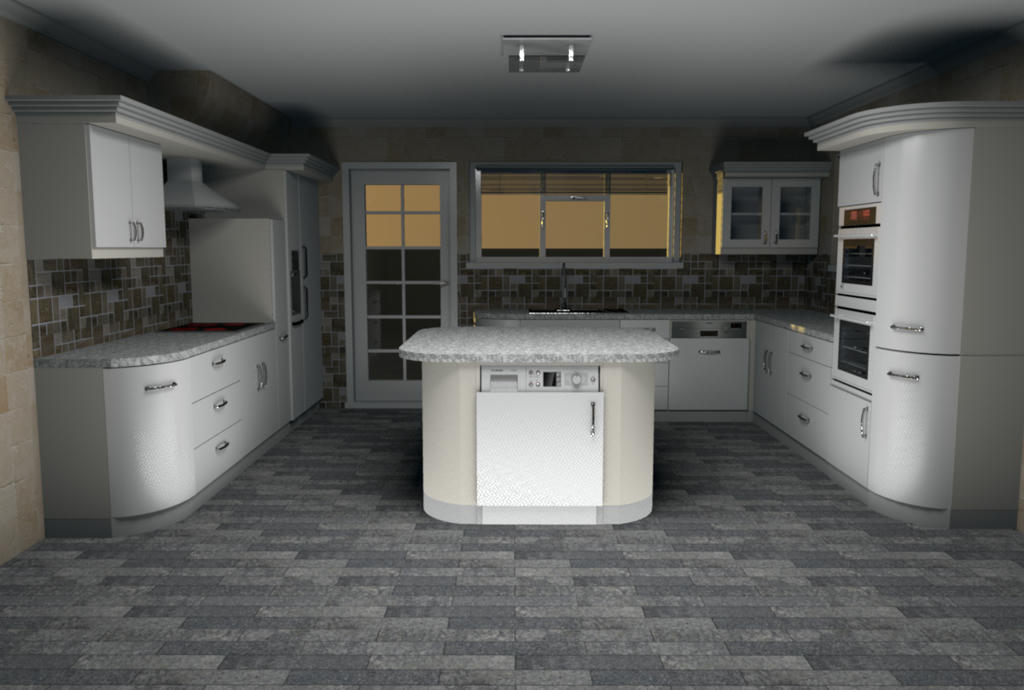
Ran a test render myself and found that this is quite good.
For me its a bit bright at floor level and therefore casts rather heavy shadows up onto the ceiling.
Adding lights at ceiling level. in this case molding level, did improve this, but that would negate the need for the ambient element.

Image
I will experiment with other combinations and inform you of my findings.

Excellent work enkonyito, thankyou

Mike
enkonyito
Posts: 607
Joined: Thu May 28, 2015 4:52 pm

Re: Photo rendering test

Post by enkonyito »

Hans, Mike,
Thank you for your feedback!

Here is a beta version with ambient lighting adjustment. [;)]

Image Image

Keep in mind that ambient lighting replaces the ceiling light in each room.


[Note to moderator: the update of the attached file PVR-1.7betaTest2 to add a second instead of replacing the first in this post]
EnkoNyito
User avatar
UbuntuBirdy
Posts: 421
Joined: Thu Aug 31, 2017 10:31 pm
Country: Switzerland
Contact:

Re: Photo rendering test

Post by UbuntuBirdy »

...feels like rendering-heaven!
Pascal

SH3D 6.6 / Ubuntu 22.04 (Mainline-Kernel) / Radeon RX580 / Ryzen 7 5800x
User avatar
hansmex
Posts: 4027
Joined: Sat Sep 26, 2009 11:36 am
Country: Netherlands

Re: Photo rendering test

Post by hansmex »

Image

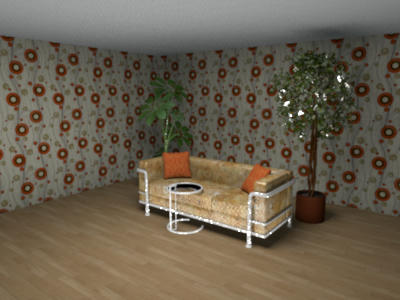
1 - The white line along the ceiling is now gone. It was caused because I had several versions of the plugin in the same directory. Even though I disabled the unwanted versions by renaming them, SH3D kept seeing them and offering them as possible tools. Only by completely deleting these older versions from the plugin-directory, did SH3D agree that they were gone. With that, several kinds of unwanted behaviour disappeared.

2 - It has always been my hope that someone (wink, wink, Enko) would re-program the 4 quality settings in SH3D.
- Q1 is quick and dirty, comparable to current Q1 or Q2.
- Q2 would be comparable to current Q3: fast and good
- Q3 would be a standard, high quality rendering nearing photo-quality. If this quality setting offers additional settings, they should be self-explanatory, e.g. slider 1 = sharper-unsharper, slider 2 - brighter-dimmer, slider 3 glossy-matt, etc
- Q4 would offer access to all kinds of settings for those interested in that kind of thing, comparably to what the plugin now offers, but which, for simple people like me, is far too complex to use.

3 - The current version of the plugin is very nice, the slider works well. Unfortunately there's still not enough light. The plant behind the couch is almost invisible, even though the slider is set at 100%.

Thanks Enko, keep up the good work.

Hans
Hans

new website - under constuction
hansdirkse.info
User avatar
bdfd
Posts: 2614
Joined: Sat Mar 29, 2014 7:17 am
Country: LILLE, Les Hauts de France, Western Europa

Re: Photo rendering test

Post by bdfd »

3 - The current version of the plugin is very nice, the slider works well. Unfortunately there's still not enough light. The plant behind the couch is almost invisible, even though the slider is set at 100%.
Hans
Tottaly agreed with Hans on this 3rd point (after realized my own tests). [;)]

Enko, keep up the good work, I know that it's not easy.
.
Evil progresses when good people do nothing!
---
SH3D 7.1 and nothing else - W11 64b in 4K
enkonyito
Posts: 607
Joined: Thu May 28, 2015 4:52 pm

Re: Photo rendering test

Post by enkonyito »

In this version, all panels have the same power but their brightness is related to their surface.
It's the best I can do.

Enko
EnkoNyito
User avatar
UbuntuBirdy
Posts: 421
Joined: Thu Aug 31, 2017 10:31 pm
Country: Switzerland
Contact:

Re: Photo rendering test

Post by UbuntuBirdy »

For me it works absolutely great! Together with Enhance external brightness it generates beautful results
Image

@Hans
I can not agree with your point 2: the Q1-Q4 are perfect as they are, because Q3 has to have the absolute same setting as Q4 to be a "quick" preview for Q4.
Pascal

SH3D 6.6 / Ubuntu 22.04 (Mainline-Kernel) / Radeon RX580 / Ryzen 7 5800x
User avatar
hansmex
Posts: 4027
Joined: Sat Sep 26, 2009 11:36 am
Country: Netherlands

Re: Photo rendering test

Post by hansmex »

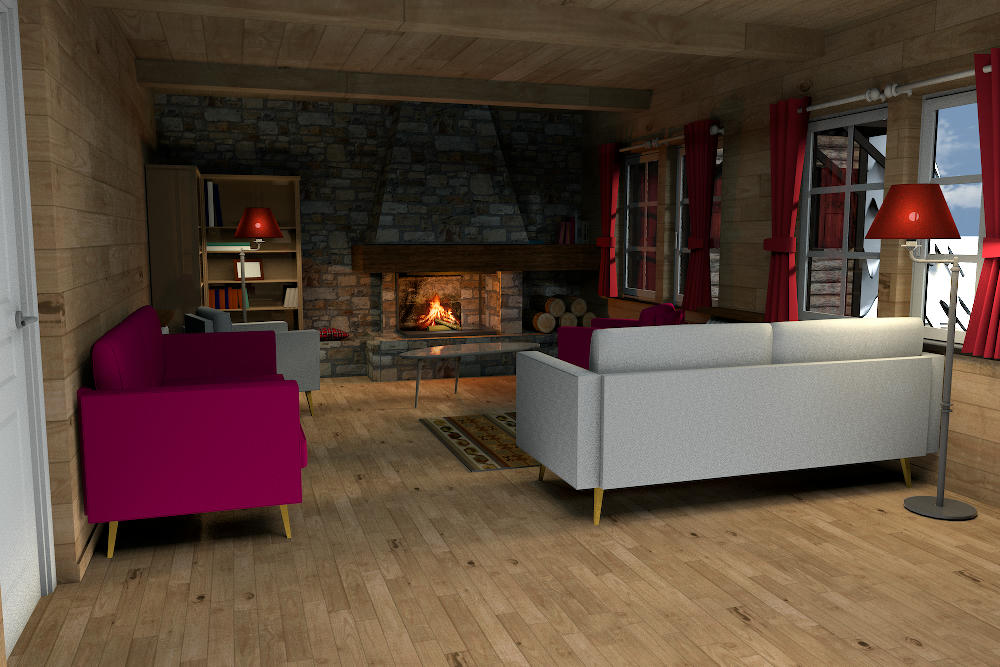
This is a test render with v1.7beta, settings:
- Q4
- enhanced external brightness
- ambient ligthing 75%
- anti-aliasing min-max 2-3
- caustic photons 2 mln
- shininess glossy
- filter lanczos
- smapler bucket
(settings are from Cecilia's file in THIS post)

Image

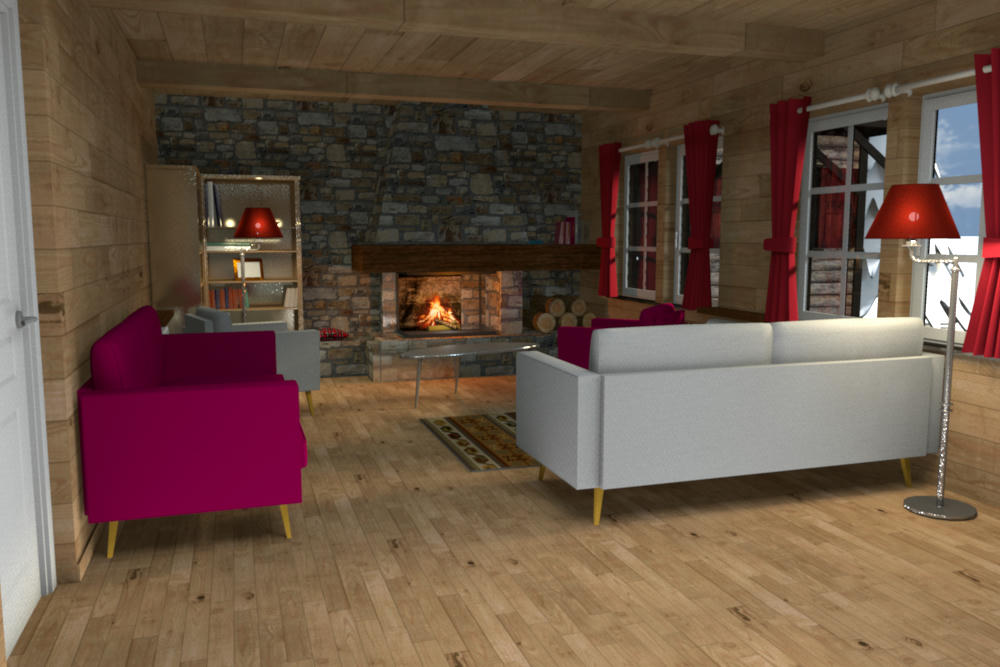
This is a test render with v1.7beta, settings:
- Q4 - default settings
- enhanced external brightness
- ambient ligthing 75%

Image

I prefer the second one:
- it's made with standard settings
- it's slightly lighter, looks a bit better.

Great work, Enko! Thanks!

H
Hans

new website - under constuction
hansdirkse.info
Mike53
Posts: 678
Joined: Sat Jan 06, 2018 1:02 am
Country: UK

Re: Photo rendering test

Post by Mike53 »

Very nice results Hans, though i prefer the first, seems to have more atmosphere, how long did they take m8?
User avatar
bdfd
Posts: 2614
Joined: Sat Mar 29, 2014 7:17 am
Country: LILLE, Les Hauts de France, Western Europa

Re: Photo rendering test

Post by bdfd »

Hi Hans,

Like Mike, I prefer too the first, we don't see the defaults of shineness... [;)]
.
Evil progresses when good people do nothing!
---
SH3D 7.1 and nothing else - W11 64b in 4K
Post Reply New Topic

Who is online

Users browsing this forum: No registered users and 2 guests