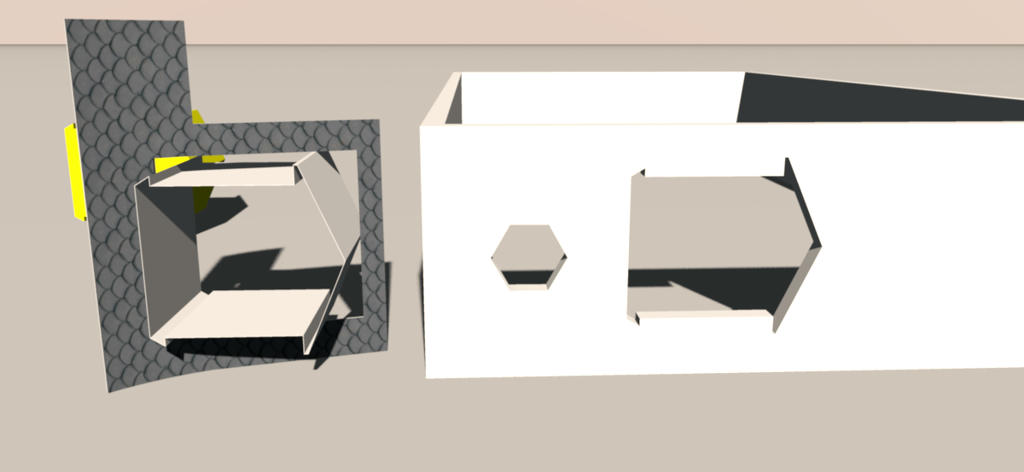
Is there a specific reason any shape i create for a window cuts a wall correctly when the wall is straight but reverts to a large square hole when positioned in an angled or arced wall.
Sussed out the angled wall, cannot figure the arced wall, think i will have to simplify the cut-out, even though it is a library item, then create a window to match it, which seems backwards.
Mike
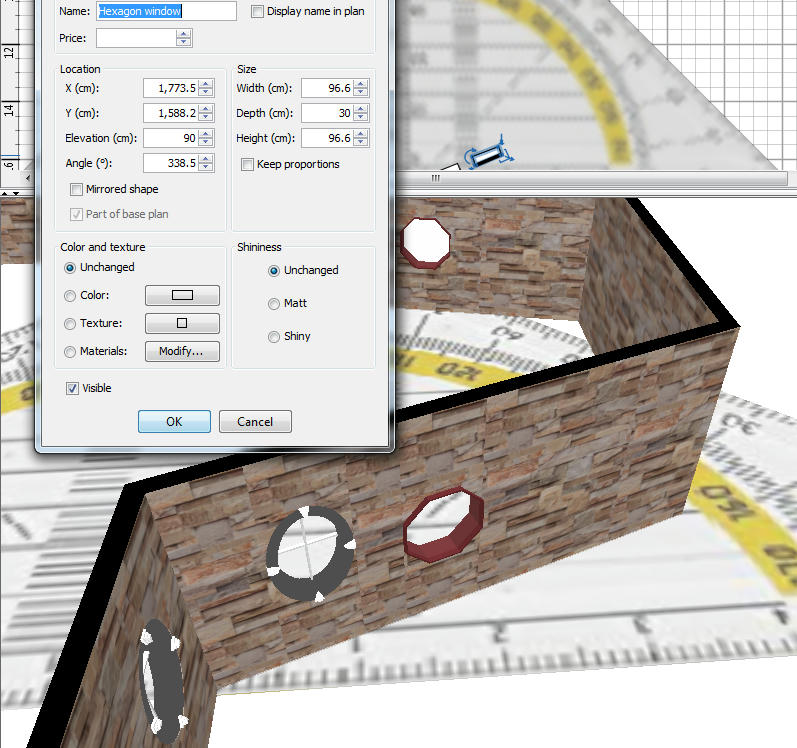
in order to get a good cutout u have to experiment by rotating your object, set it to align with your wall,
and edit it Manuel ,even 0.1 deg up or down can give u a good cutout
Example ;
1 If your wall has a Angle of 120 deg, set the angle of the window to 338.5 or 158.4
2 If your wall has a Angle of -103 deg, set the angle of the window to 192.9 or 12.8
To Draw or not to Draw ...... Thats nolonger a question .. We draw
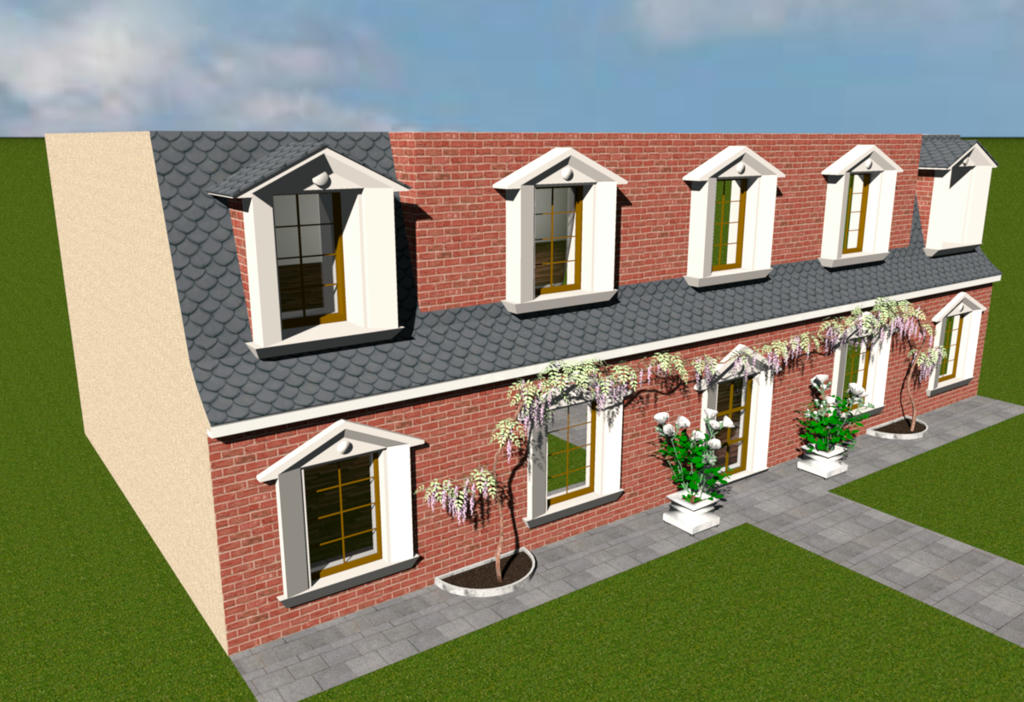
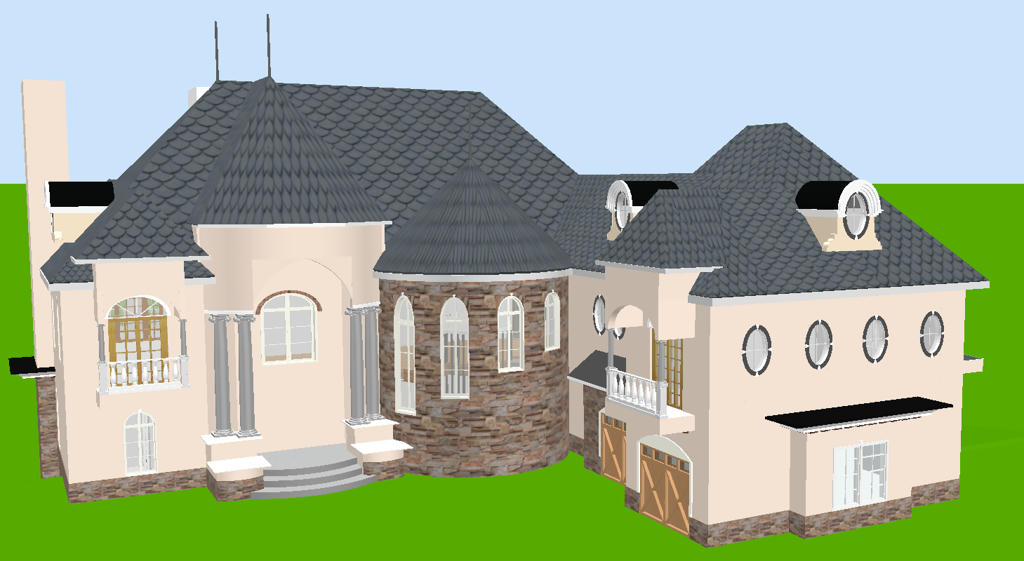
Thank you for the suggestion FDpaffle, appreciate your taking the time to reply, i was more concerned with the cut-out than the actual window, as i was fitting a vertical window into a sloping roof, here is an image to explain what i was trying to achieve.
Sorry, round walls accept only rectangular cutouts. With the current version, the only workaround would be to simulate a round wall with small straight wall parts but it requires some patience!