Small holiday home

This topic has been viewed 15258 times and has 18 replies
Thread status: Active
Share your snapshots made with Sweet Home 3D here [img]http://www.sweethome3d.com/images/flags/en_small.gif[/img]
Mike53
Posts: 678
Joined: Sat Jan 06, 2018 1:02 am
Country: UK

Small holiday home

Post by Mike53 »

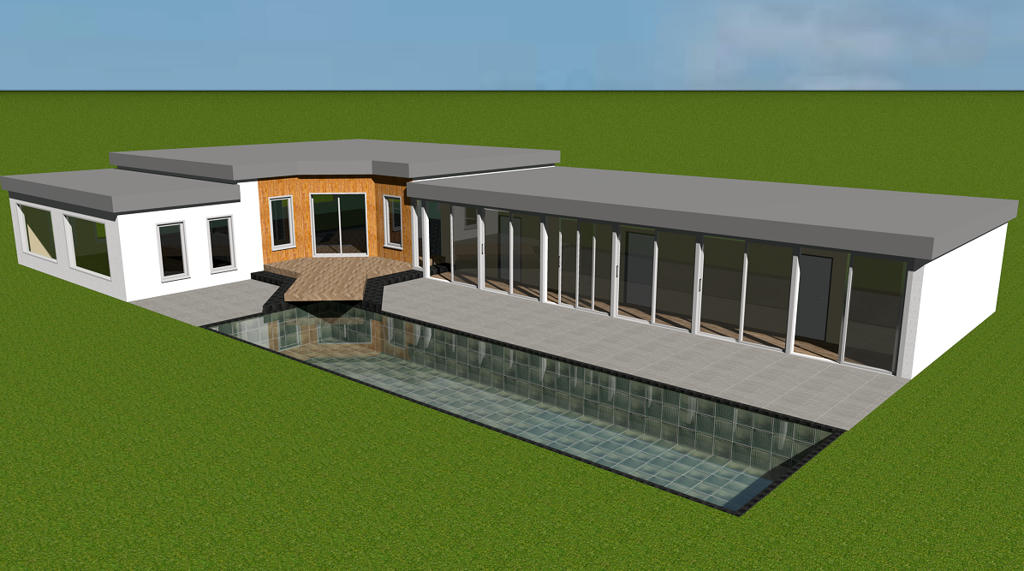
Fairly basic design of a holiday home.
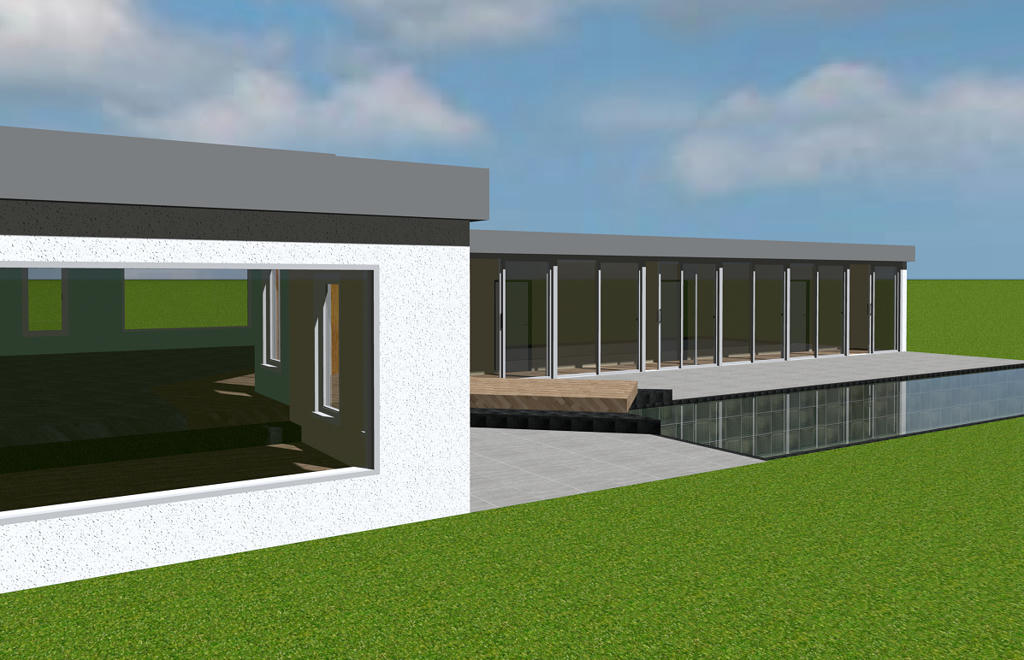
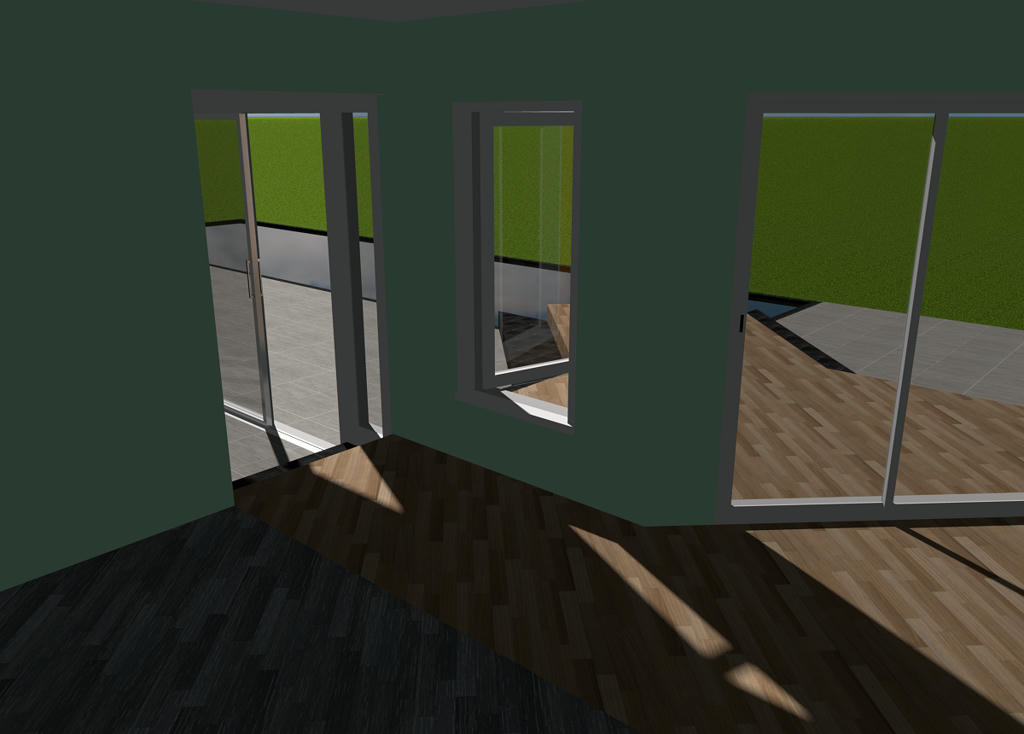
I started with the idea of the overhang for the pool, then thought that the "rooms" i had used to create the steps would look good if they continued on into the property, this seems to blur the limits normally seen in the break between house and garden. Be interested to hear if you think i achieved that merging.
6 sliding doors form the wall outside of the 2 beds and bathroom, with the main living area and eating area being split by the floor and ceiling elevation change.
Couple of images of the property, not really a home as it is just the architecture i was trying.
Image
The steps overhanging the pool
Image
and the merging of indoors and out.
Image

And a link to view it.

Mike
Mike53
Posts: 678
Joined: Sat Jan 06, 2018 1:02 am
Country: UK

Re: Small holiday home

Post by Mike53 »

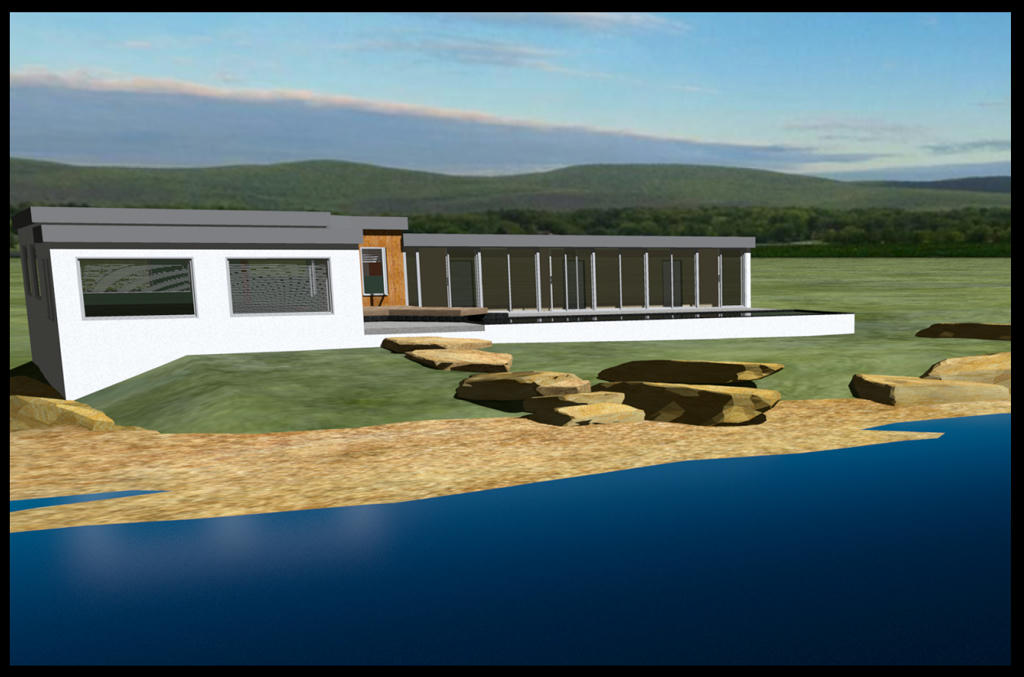
Obviously not a popular topic so i'll close with 1 last image.

Holiday home found its way to the beach

Image
enkonyito
Posts: 607
Joined: Thu May 28, 2015 4:52 pm

Re: Small holiday home

Post by enkonyito »

Hi Mike!

Given the number of openings, I would have liked to see an interior rendering...

Enko
EnkoNyito
Mike53
Posts: 678
Joined: Sat Jan 06, 2018 1:02 am
Country: UK

Re: Small holiday home

Post by Mike53 »

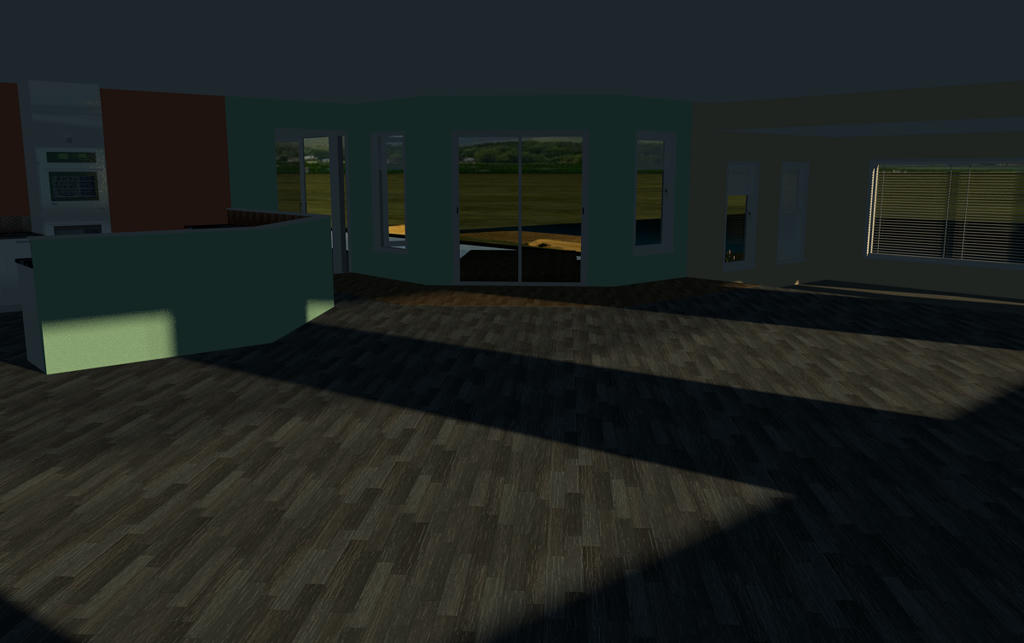
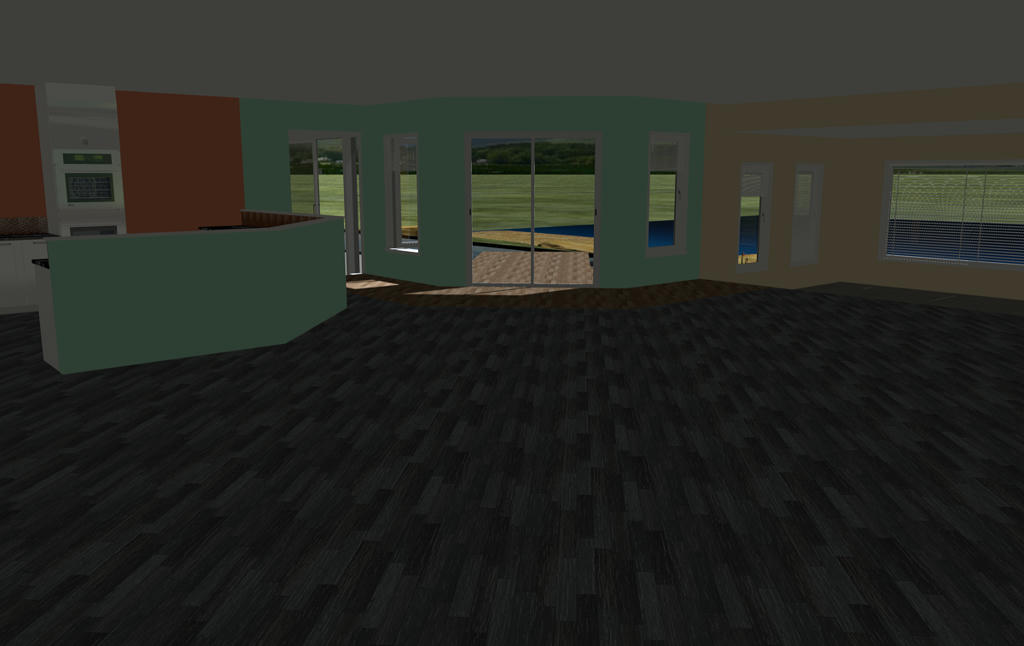
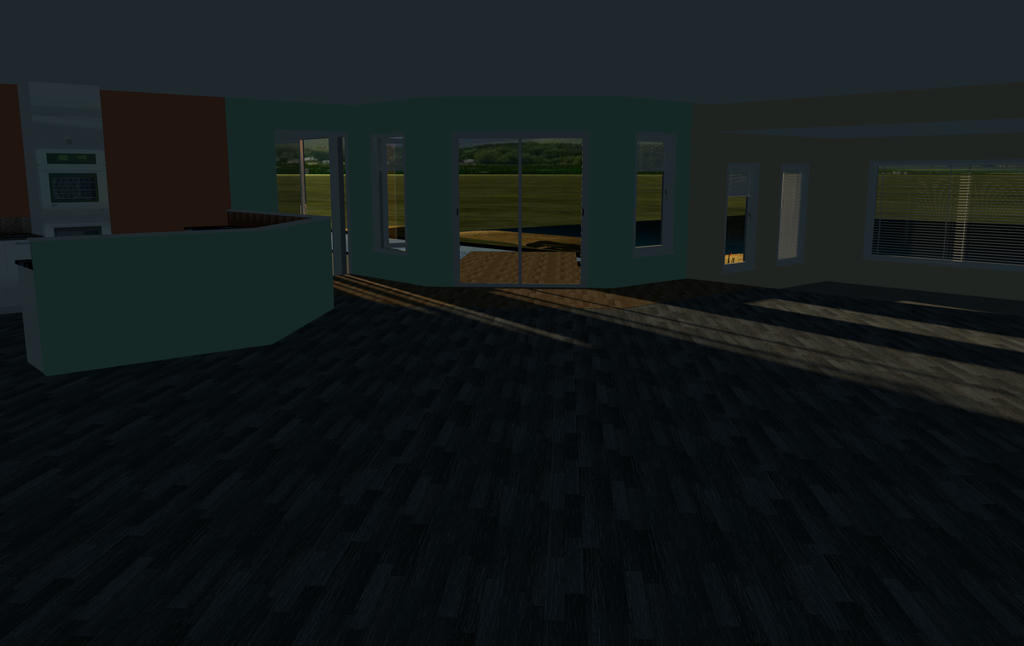
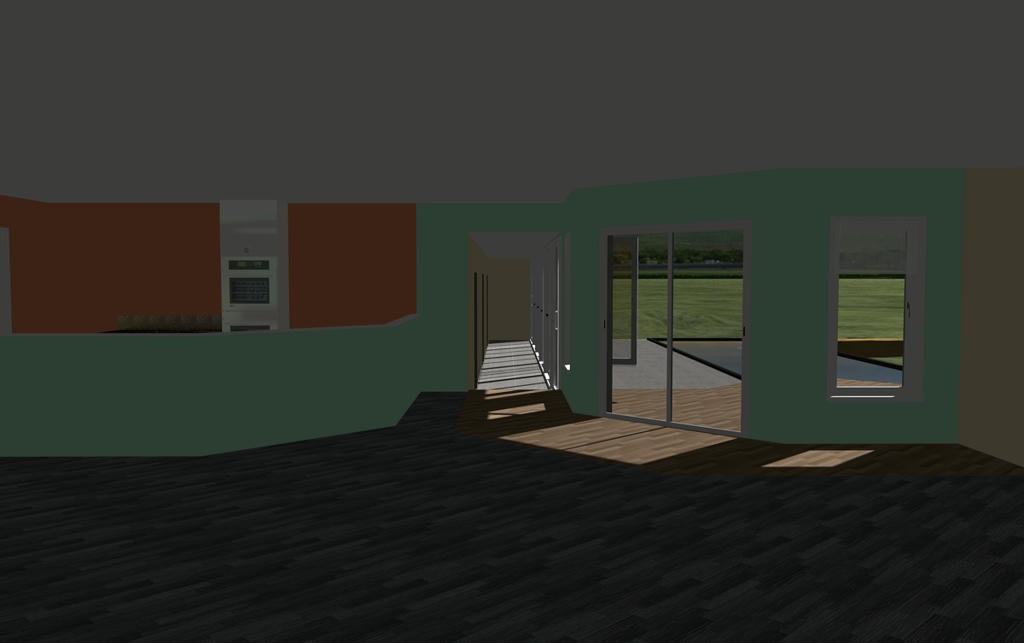
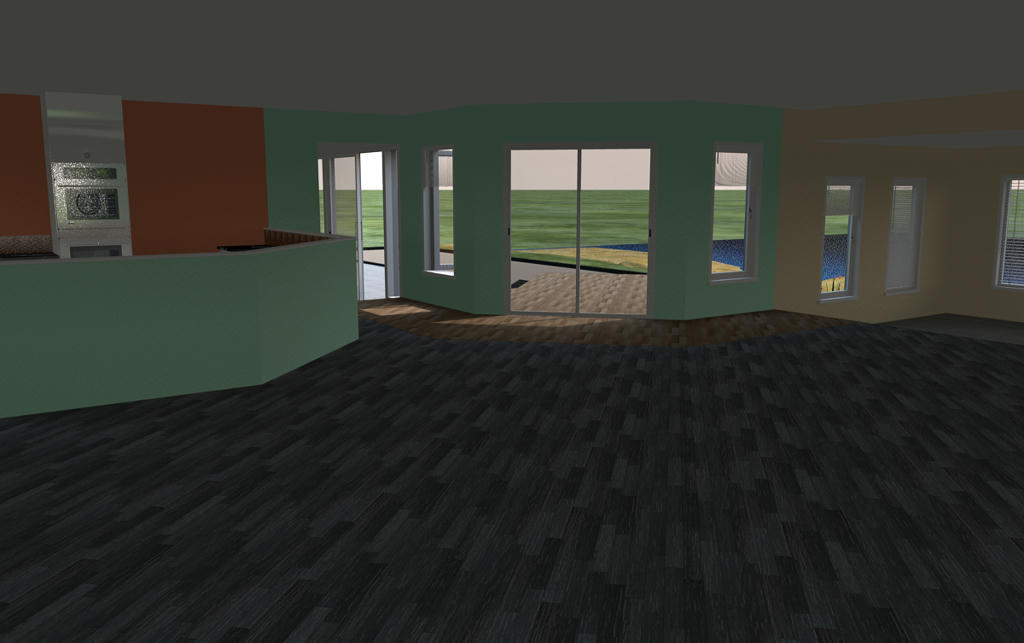
Not much to see mate except that the light levels are reasonable

At 7AM
Image
At 13PM
Image
At 7PM
Image
At 11AM
Image

Mike
Mike53
Posts: 678
Joined: Sat Jan 06, 2018 1:02 am
Country: UK

Re: Small holiday home

Post by Mike53 »

I should have said, there are no other light sources anywhere in this project
Mike53
Posts: 678
Joined: Sat Jan 06, 2018 1:02 am
Country: UK

Re: Small holiday home

Post by Mike53 »

@ Enkonyito
To me this room should be much brighter than it is, mid day, high summer, if i were in this room i would feel the need to turn lights on, sat here as i am, there is no need for lights even though it is currently slightly overcast.
Something between sweethome and sunflow isn't right, hence the need for additional lighting and is the reason that, for most of the renders i have done recently, contain no ceilings as i have given up trying to illuminate them sufficiently without having white dots everywhere.
Been using v1.7 so long now, and its "add ceiling light" function, i had forgotten about the "enhance external brightness" feature, running a render now which i will post shortly.
With reference to your posting here what does IBL refer to, i cannot see it in the rendering properties
Mike53
Posts: 678
Joined: Sat Jan 06, 2018 1:02 am
Country: UK

Re: Small holiday home

Post by Mike53 »

with enhanced external brightness there is an improvement in light levels, but now all the shiny surfaces look a mess
Image
enkonyito
Posts: 607
Joined: Thu May 28, 2015 4:52 pm

Re: Small holiday home

Post by enkonyito »

To me this room should be much brighter than it is, mid day, high summer,...
Something between sweethome and sunflow isn't right, hence the need for additional lighting...
This is also the case with other 3D software to simulate natural daylight.
Path Tracing rendering is a first approach but it takes a lot of time.

With reference to your posting here what does IBL refer to, i cannot see it in the rendering properties
Cecilia has written an interesting topic about ImageBasedLight rendering (nighttime) and the influence of the sky texture used.
It also works daytime but the result is less obvious than with a sky color (SunSkyLight) for interior rendering.

...but now all the shiny surfaces look a mess
This is normal when using the silk or default (quality 4) shininessShader property because it allows to see the location of the light sources.
To correct this, it is necessary to decrease the shininess of the objects or to use glossy shininessShader but the reflections are different (mirror effect).
EnkoNyito
Mike53
Posts: 678
Joined: Sat Jan 06, 2018 1:02 am
Country: UK

Re: Small holiday home

Post by Mike53 »

I don't use any other software so i wouldn't know.

Choosing the option PATH as opposed to default doesn't take a long time.....it takes forever...what's more, the few times i have tried it, including a render to add to this thread, all i get is a black (blank) image.

Default and silk are the 2 settings i use the most for several reasons, mainly, for objects i want chrome, sink taps, kettle..whatever, i set them to max shine and jet black, works well for me, if set to gloss i get a black object, seems it's a frying pan or fire situation
User avatar
Ceciliabr
Posts: 637
Joined: Sun Jul 07, 2013 3:41 pm
Country: Copenhagen, Denmark
Contact:

Re: Small holiday home

Post by Ceciliabr »

Some of the "darkness" can also be explained by the total white that surrounds your picture.
Our eyes are "auto-balancing" the white level, thus a white frame will make our eyes refer to this white frame as the white level.
If you create a big black frame around your image, you will see that your image is really not as dark as it seems when engulfed in a brilliant white frame.


Cec
Post Reply New Topic

Who is online

Users browsing this forum: No registered users and 2 guests