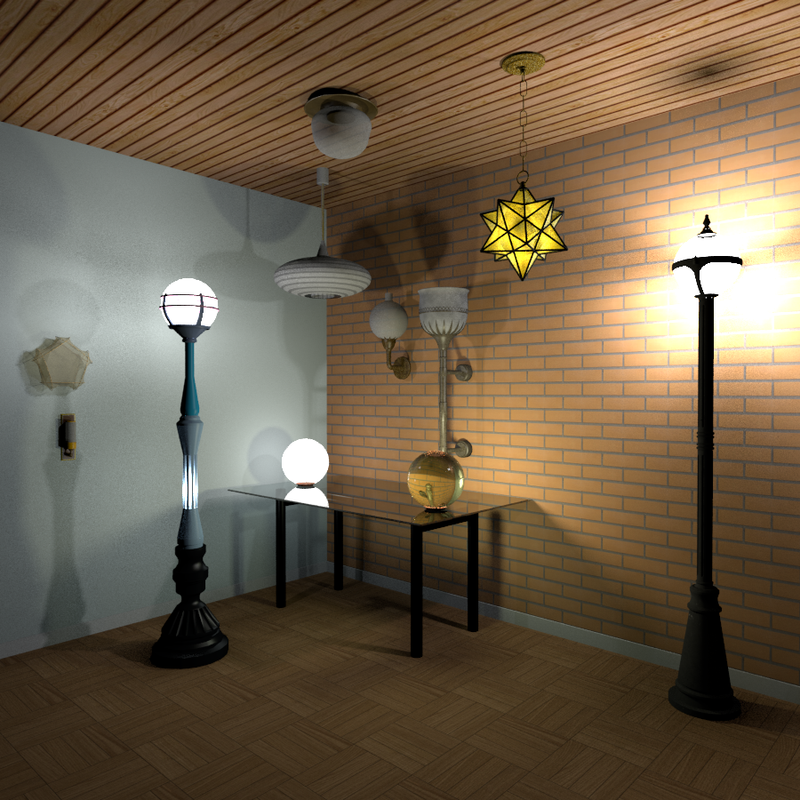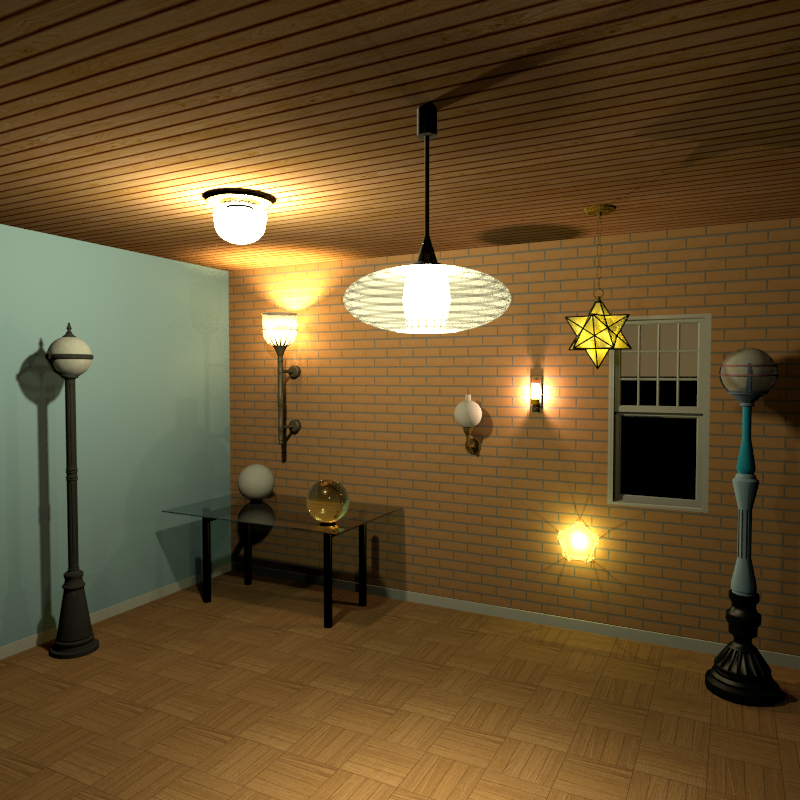
WIP furniture / lights library

This topic has been viewed 41868 times and has 20 replies
Thread status: Active
Share your snapshots made with Sweet Home 3D here [img]http://www.sweethome3d.com/images/flags/en_small.gif[/img]
User avatar
silvercat17
Posts: 24
Joined: Wed Aug 11, 2021 9:29 am

Re: WIP furniture / lights library

Post by silvercat17 »

Image

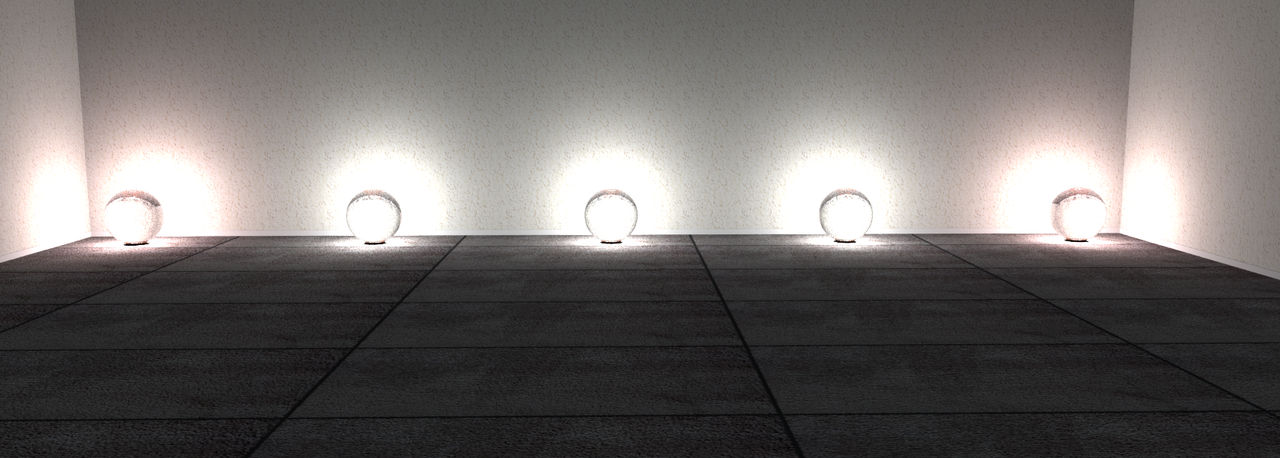
Comparison using lights with no textures. The lights vary from 40 to 5 in diameter. I'm not seeing a difference.
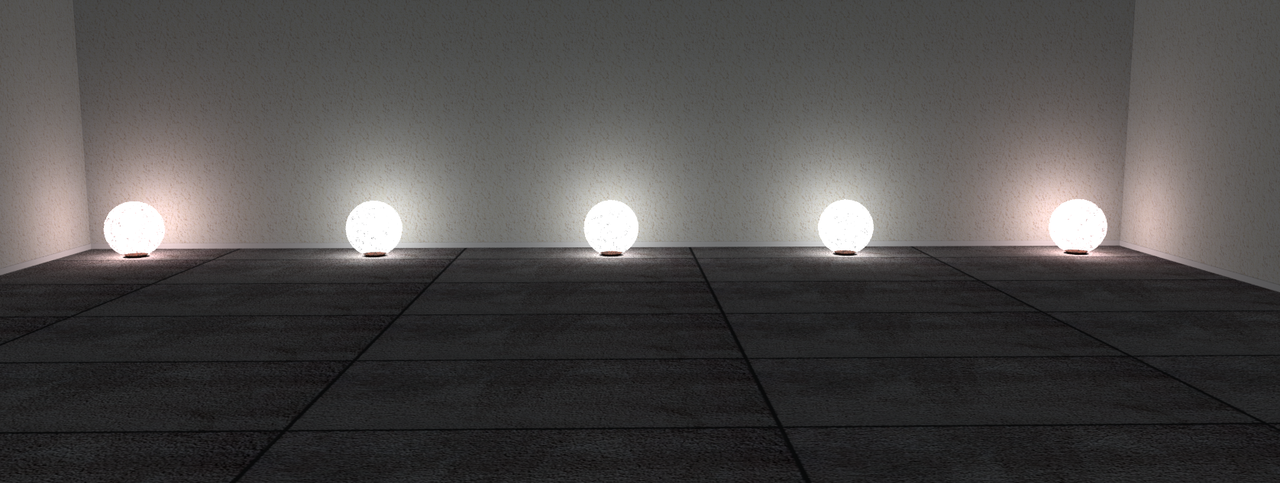
Image

I've added a texture. Still not seeing a difference.

VeroniQ
Posts: 886
Joined: Tue Mar 03, 2015 9:01 am
Country: France

Re: WIP furniture / lights library

Post by VeroniQ »

Hello Silvercat,
Thank you and congratulation for your work!
I like these street lamps and globes. Could you share them when you'll have finished?
Thanks in advance.
V
User avatar
silvercat17
Posts: 24
Joined: Wed Aug 11, 2021 9:29 am

Re: WIP furniture / lights library

Post by silvercat17 »

That's the plan! I got them off of various free places - CGTrader, Sketchup Warehouse, and Archive3d - but of course it's a lot easier to use them after I've gotten them cleaned up and added lights.
User avatar
silvercat17
Posts: 24
Joined: Wed Aug 11, 2021 9:29 am

Re: WIP furniture / lights library

Post by silvercat17 »

Image

Another comparison - brightness as controlled by the color. I'm just going to give the first digit since all six are the same. From left to right the colors are F(white) D B 9 7 5 3 1. All of them have the default settings, so 50% light power, and the light is centered in the globe.

I'll be testing some colors next, but having the desired brightness should make getting the correct color easier - pick the brightness then go right in the color picker to get the tint.

Here are the four dimmest (7 5 3 1) at 100% light power.

Image
User avatar
silvercat17
Posts: 24
Joined: Wed Aug 11, 2021 9:29 am

Re: WIP furniture / lights library

Post by silvercat17 »

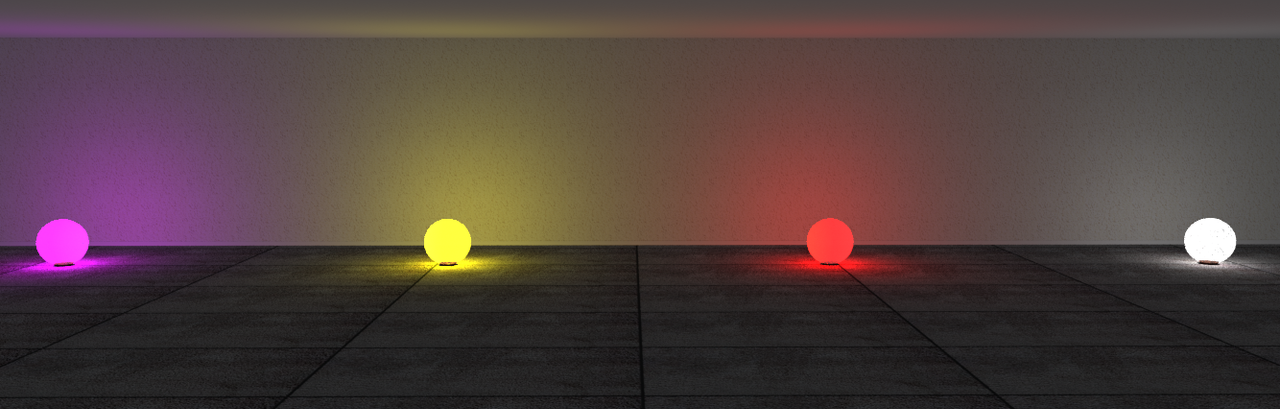
Here's the last of the comparison stuff - Colors!

Image

All of these are the same lightness (99) but different colors. All I did was pick the brightness I wanted and then move right in saturation.

Image
Image
Image

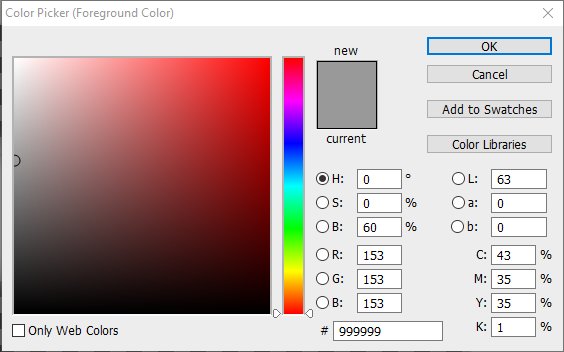
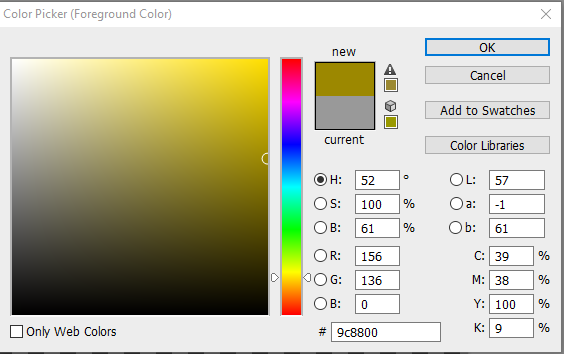
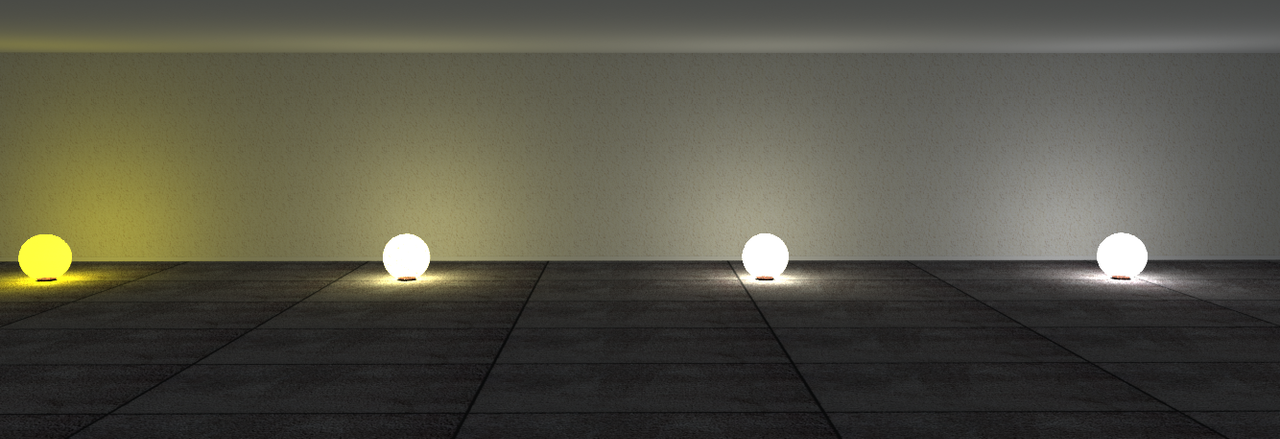
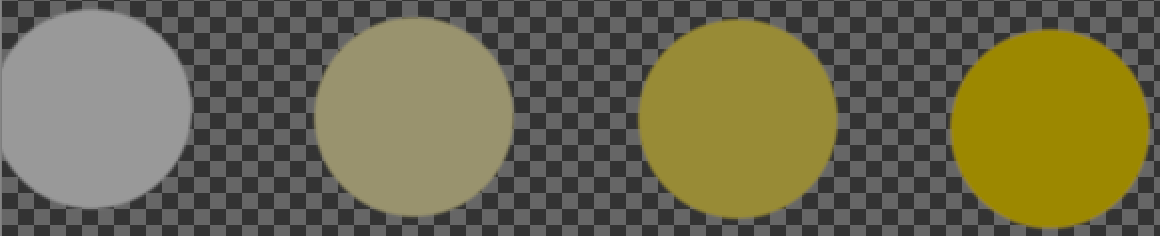
Here's what happens if you use the same color at different saturations.

Image

This is, from right to left, 9c8800, 988b36, 99936e, 999999

Image

You can see that until you get very saturated the color value is overpowered by the brightness.

If you want to play with this yourself, I have a furniture library with four textured globes and four untextured globes. Also in the folder are .dae files of the globes. Google drive link
User avatar
silvercat17
Posts: 24
Joined: Wed Aug 11, 2021 9:29 am

Re: WIP furniture / lights library

Post by silvercat17 »

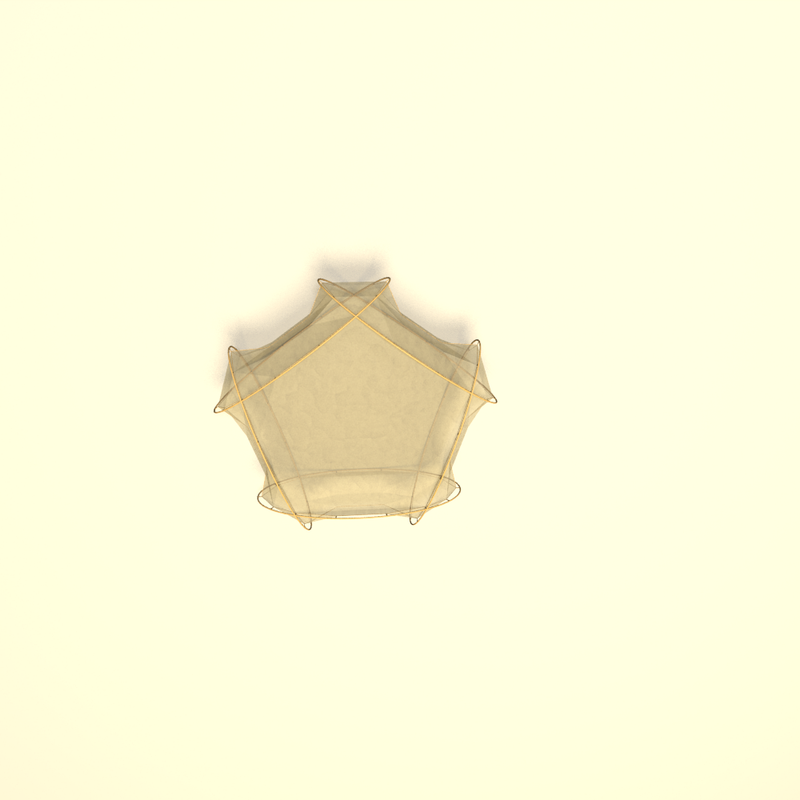
Some work in progress lights. I haven't added the light properties to these yet.

Image

Image

Image

This last one has a bunch of material zones so people can customize it.
User avatar
silvercat17
Posts: 24
Joined: Wed Aug 11, 2021 9:29 am

Re: WIP furniture / lights library

Post by silvercat17 »

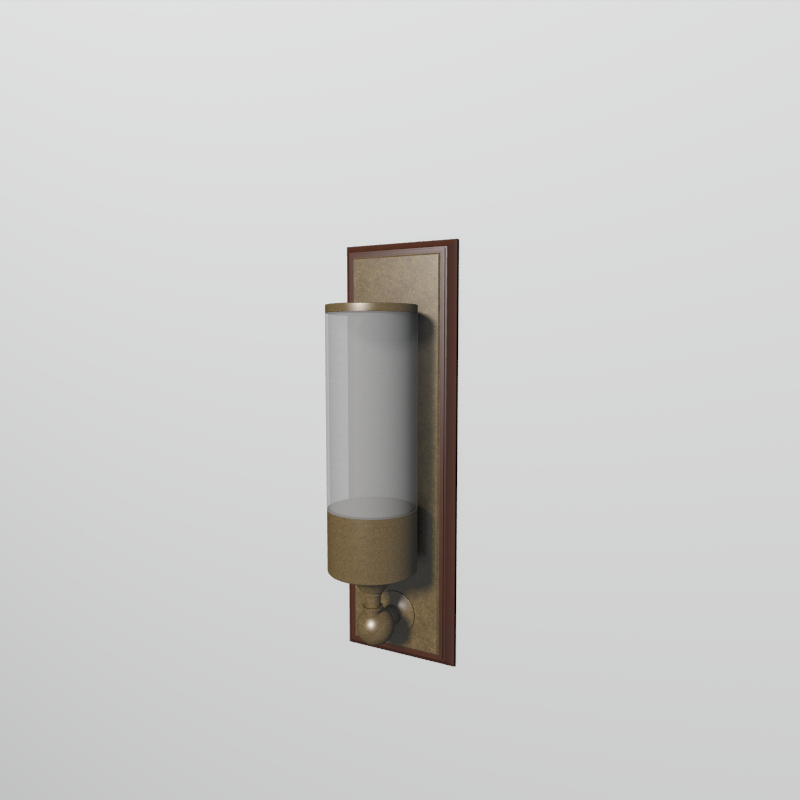
Some of the lights are done. The rest I need to figure out the color still.

Image

Image
User avatar
silvercat17
Posts: 24
Joined: Wed Aug 11, 2021 9:29 am

Re: WIP furniture / lights library

Post by silvercat17 »

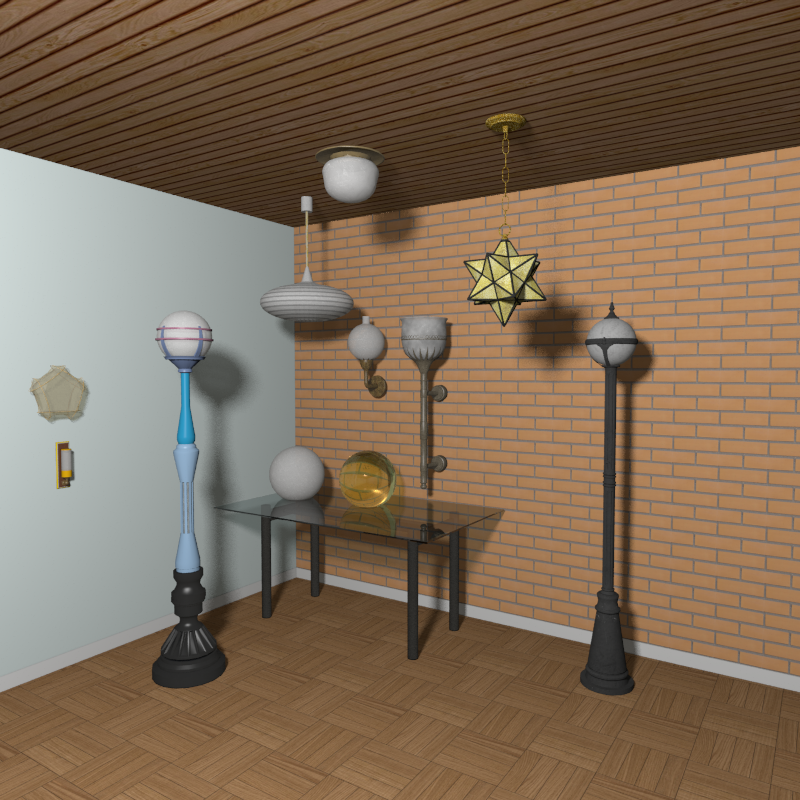
The first batch of lights is done!

Image

Image

You can download the furniture library and some textures on my Google Drive .
User avatar
silvercat17
Posts: 24
Joined: Wed Aug 11, 2021 9:29 am

Re: WIP furniture / lights library

Post by silvercat17 »

There's also a folder with a whole lot of translucent glass textures.
User avatar
Puybaret
Posts: 9440
Joined: Mon Nov 07, 2005 12:00 pm
Country: Paris, France
Contact:

Re: WIP furniture / lights library

Post by Puybaret »

Thanks for this nice collection!
Could you give details about the license you agree to distribute it (Free Art License or CC-BY License or both or another license)?
The best would to write it also in the PluginFurnitureCatalog.properties included in the SH3F file in a [font=courier new]license[/font] property as in this example ([font=courier new]id[/font], [font=courier new]name[/font], [font=courier new]description[/font], [font=courier new]version[/font], [font=courier new]license[/font] and [font=courier new]provider[/font] properties are read and saved by the Furniture Library Editor when they exist).
Emmanuel Puybaret, Sweet Home 3D creator
Post Reply New Topic

Who is online

Users browsing this forum: No registered users and 2 guests