Hi, I recently upgraded to 2.6 and since then have been unable to render properly. I simply get a red cross appear after about 30 seconds of the circle revolving.
Can you point me towards the log files to aid debug ?
Cheers
S
Unable to render
This topic has been viewed 8659 times and has 8 replies

Re: Unable to render
The red cross generally appears when there's problem of memory.
I guess you're trying to render a project that contains trees at the second quality level. It miserably fails in that case. Use an other quality level or... remove the trees.
I guess you're trying to render a project that contains trees at the second quality level. It miserably fails in that case. Use an other quality level or... remove the trees.
Emmanuel Puybaret, Sweet Home 3D creator
Re: Unable to render
You are indeed the man, fixed in an instant. Thank you.
Re: Unable to render
I am running Win 64bit Quad core with 2GB of RAM with an ATI X1950 GPU. Are there any performance tweaks I could make to suit the system betteR ?
Re: Unable to render
Hi back again as unable to render again getting the red cross. No trees, few more objects in there and was rendering find last night. Have removed the paintings I had made as I thought the high res jpeg textures might have caused it to no avail.
I have tried rendering just a close up of the floor hoping that the other objects not in the room would be ignored to no avail.
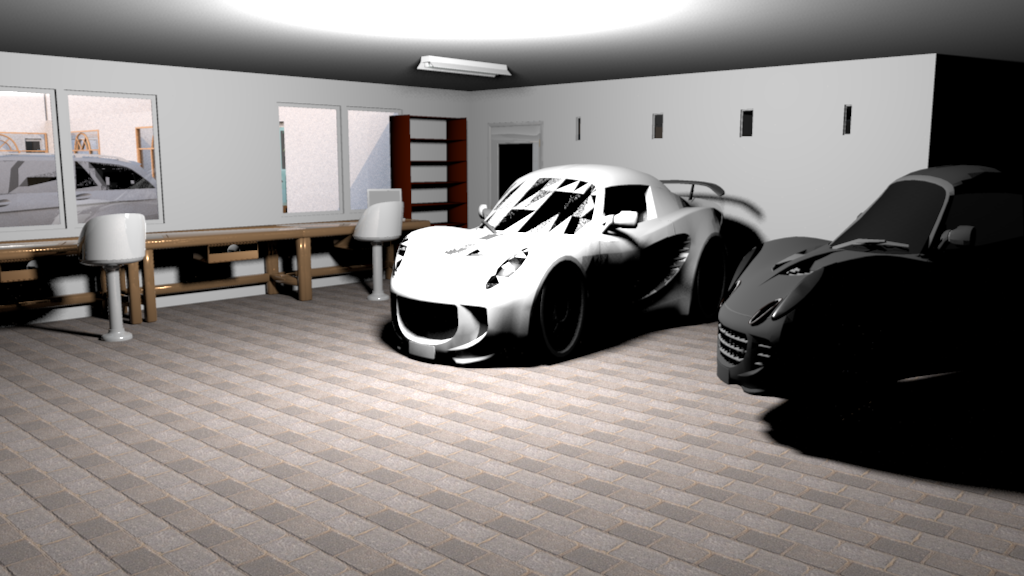
These are some of the renders from the file.
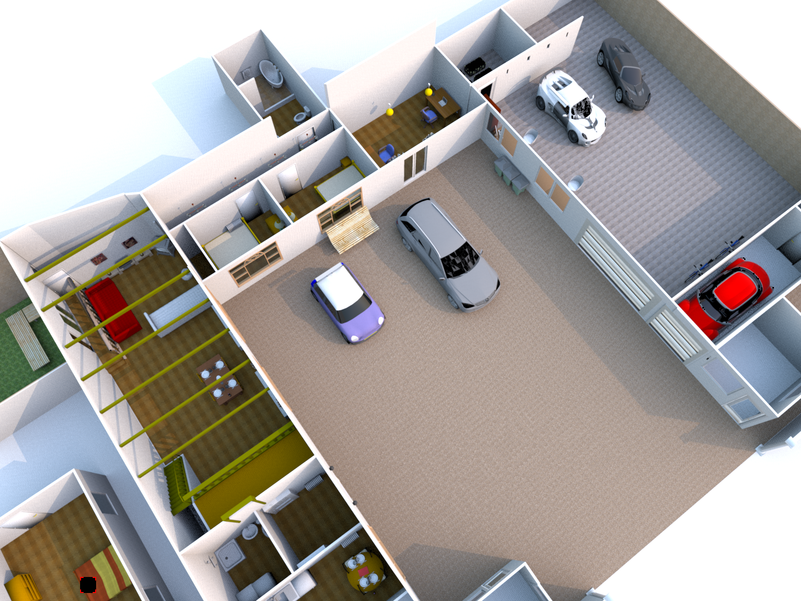
Been working on the lights for this one and patience got the better of me as it would take hours and then bomb on me when rendering it, must be the cars and the reflections ?
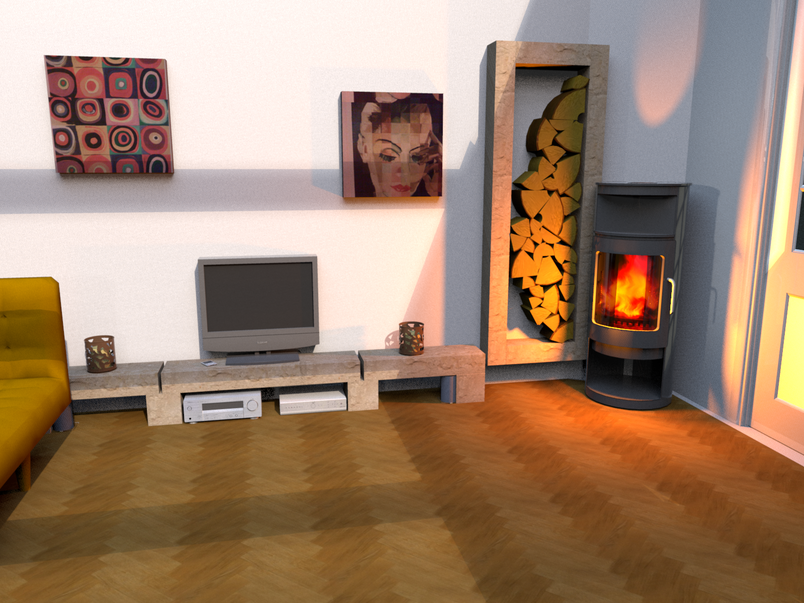
I have tried rendering just a close up of the floor hoping that the other objects not in the room would be ignored to no avail.
These are some of the renders from the file.
Been working on the lights for this one and patience got the better of me as it would take hours and then bomb on me when rendering it, must be the cars and the reflections ?
Re: Unable to render
Sorry!
Windows 7 64 bit
2gb RAM
Quadcore
ATI Rage x1950
SH3D 3.0 beta 4
Java 6 update 21 build 1.6.0_21-b07
Windows 7 64 bit
2gb RAM
Quadcore
ATI Rage x1950
SH3D 3.0 beta 4
Java 6 update 21 build 1.6.0_21-b07

Re: Unable to render
Sanjoy,
Maybe you made this model using v2.6? Then made changes in v3.0? Then made the render in v3.0?
If so, the light settings from v2.6 (angle) will cause lights t obe far too strong in v3.0 (in %).
If that's not the solution, consider sharing your file, so we can have a look at it.
Hans
Maybe you made this model using v2.6? Then made changes in v3.0? Then made the render in v3.0?
If so, the light settings from v2.6 (angle) will cause lights t obe far too strong in v3.0 (in %).
If that's not the solution, consider sharing your file, so we can have a look at it.
Hans
Re: Unable to render
Ah I did move between version on this file. I will delete and recreate all the lights and see if that helps. If part of the scene is not lit at all would the other lights still cause an issue ?
Re: Unable to render
Sanjoy,
You don't need to remove the lights.
Just turn the angles to zero degrees and adjust the strength percentage.
Hans
You don't need to remove the lights.
Just turn the angles to zero degrees and adjust the strength percentage.
Hans
Who is online
Users browsing this forum: No registered users and 1 guest