
Hello my dear sweethome lovers!
Can you guess a way to change color of the wall on plan view?
There is official way only to change b/w pattern or top color on 3d view.
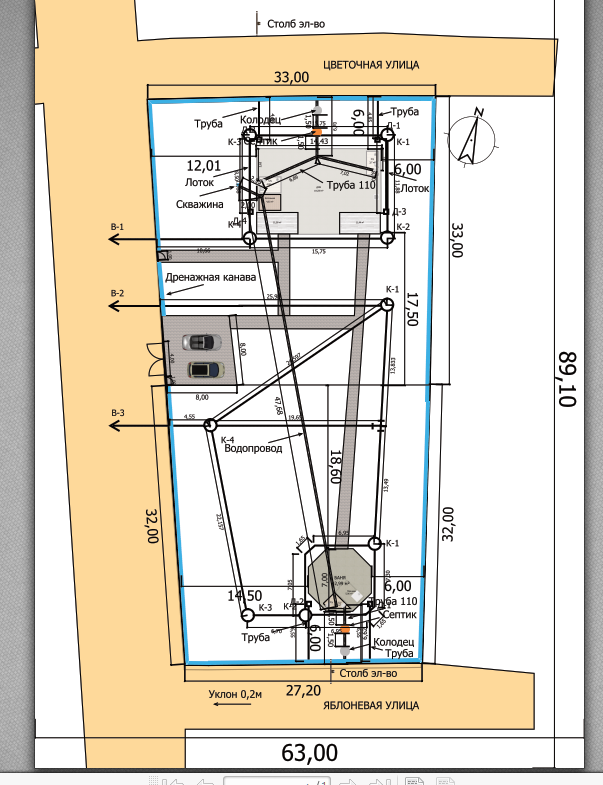
I use small walls to make a plan of communications (https://woodmouse.ru/3dplan/aeb/6i.html) but I need to separate them by color on plan view, it's mess now (https://woodmouse.ru/3dplan/aeb/comm.png)
May be I can add new colored patterns for the wall somewhere?
Of course, I can convert them to the furniture and paint, but plan view of so big furniture became very poor, and communications are not editable any more
PS Puybaret, why not to change top color on plan view together with 3d view?
Change wall color on plane view
This topic has been viewed 3211 times and has 2 replies

Re: Change wall color on plane view
Why don't you use colored polylines?
Emmanuel Puybaret, Sweet Home 3D creator
Re: Change wall color on plane view
Thank you, good idea!
Who is online
Users browsing this forum: No registered users and 2 guests