Trying to create an all-white background
This topic has been viewed 5832 times and has 3 replies
Trying to create an all-white background
Hi, I am trying to render a 3d image of a building but i would like the ground and the entire background to be white (basically anything that isn't part of the actual building itself). I have tried using a white floor, and a user imported texture that is just a blank white image. In the 3d view, the ground and background are white, exactly how i want the image to look but when i render it to a photo, it looks sort of grey/blue. I've tried changing any settings that i think are relevant and haven't found anything useful in the forum yet. Any tips?

Re: Trying to create an all-white background
You may get a more pure white if you render the image at midday in the summer.
Emmanuel Puybaret, Sweet Home 3D creator

Re: Trying to create an all-white background
Hi SamM319
To get an even white background, you have to use a backdrop:
Cover the ground and the sky with a white object that emits a white light [[font=courier new]mtl: illum=0 [/font] ](check my project file).
Here is what it will look like in sunshine:
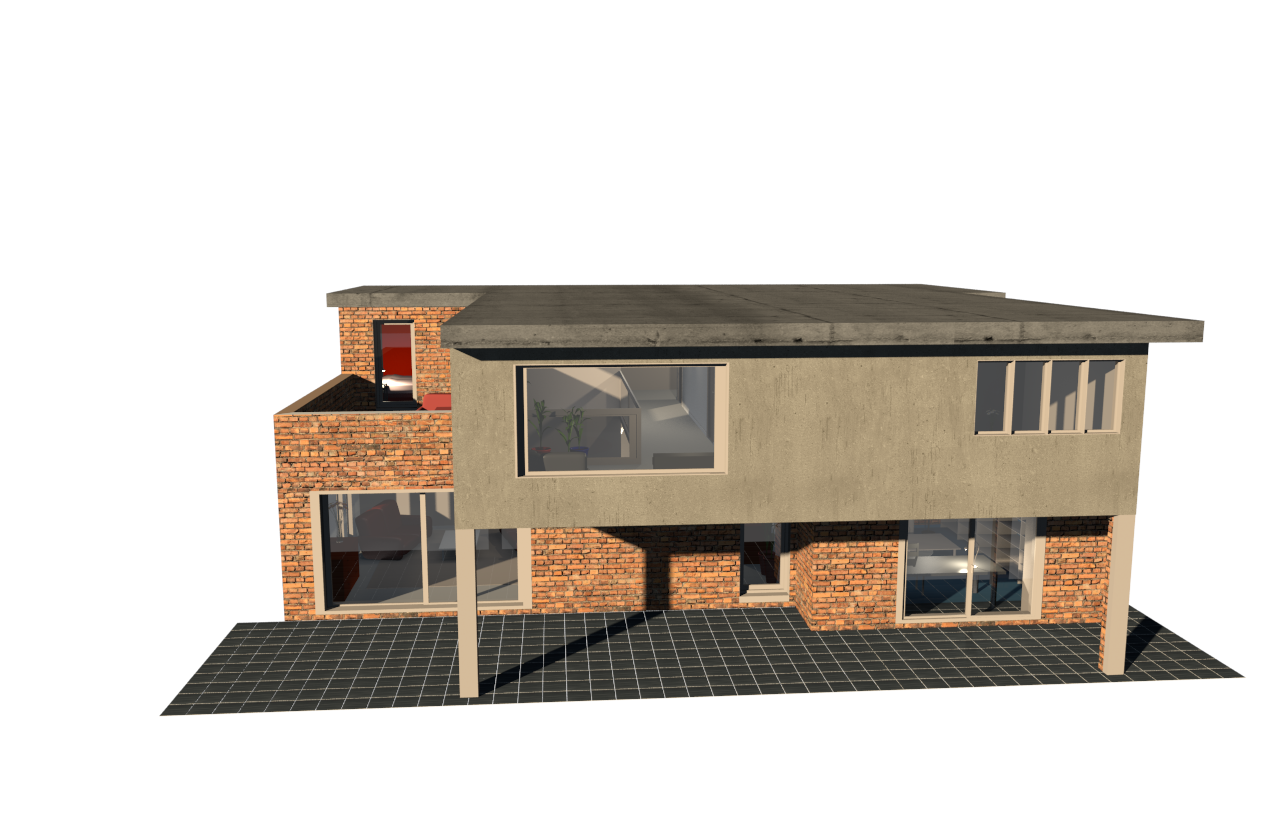
and here is what it will look like with sky lighting (IBL) enabled :
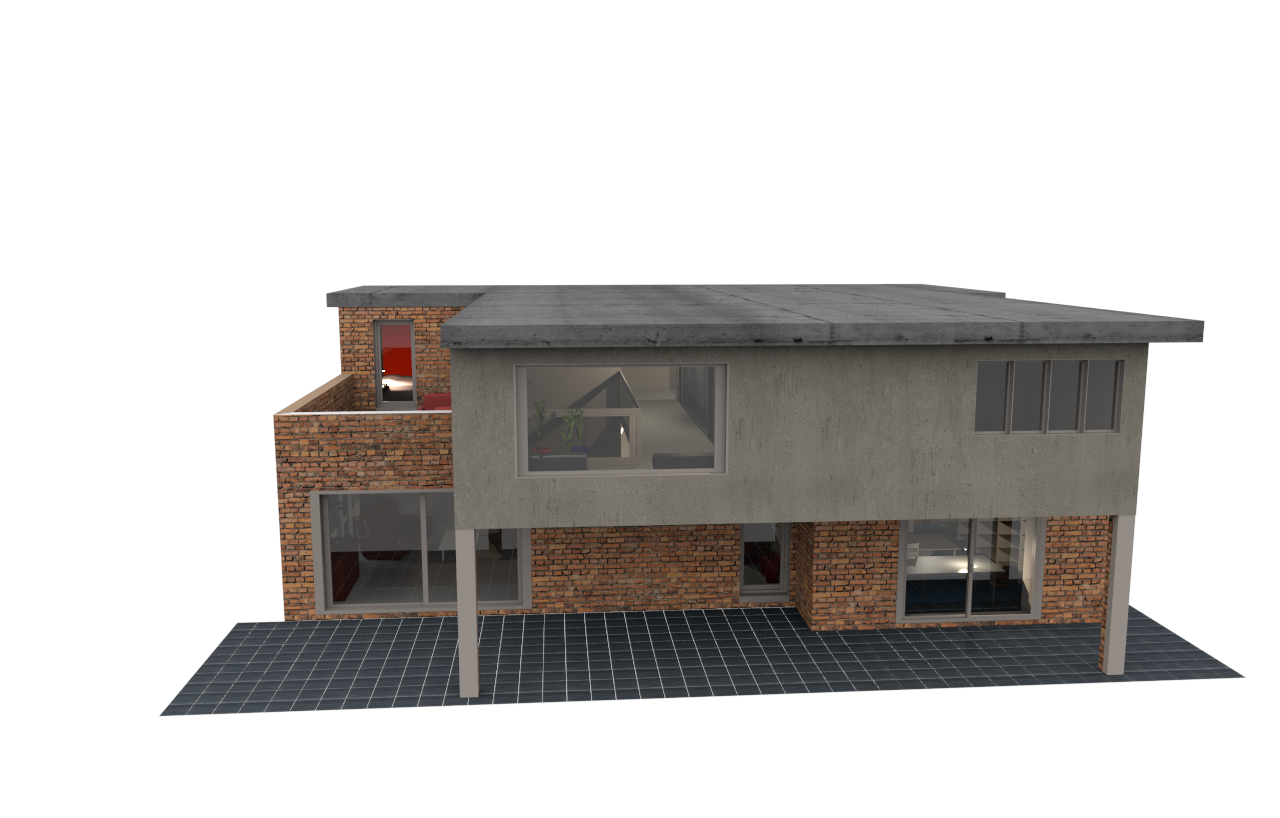
And here is my project file:
Demo-backdrop.sh3d
Check out my settings, and you (or anyone) are welcome to use my white backdrop as you please.
Hope this helps.
Cecilia
To get an even white background, you have to use a backdrop:
Cover the ground and the sky with a white object that emits a white light [[font=courier new]mtl: illum=0 [/font] ](check my project file).
Here is what it will look like in sunshine:
and here is what it will look like with sky lighting (IBL) enabled :
And here is my project file:
Demo-backdrop.sh3d
Check out my settings, and you (or anyone) are welcome to use my white backdrop as you please.
Hope this helps.
Cecilia
Re: Trying to create an all-white background
Just PERFECT! Thanks Cecilia

Who is online
Users browsing this forum: No registered users and 1 guest