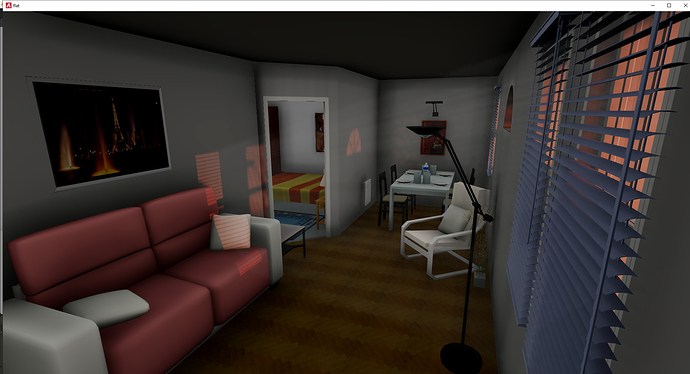
Did you know that you can easily generate a realtime walkthrough from SH3d files using Blender 2.93.7 and Armory3d SDK?
1.Example: Get latest Armory3d SDK from https://armory3d.org/download.html . Download Blender LTS Version 2.93.7 from https://download.blender.org/release/
2.Install Armory3d as Blender plugin by following the instructions here: https://github.com/armory3d/armory/wiki/setup
3. Download my SH3D example file as mentioned here: https://forums.armory3d.org/t/archviz-litterbug-den/4797
4. Open blend file in Blender and press F5. Voilà! If you change any settings i recommend doing that one by one and make a copy of the original file beforehand as pressing F5 saves the current file overwriting your present file without notice.
Remarks: Could not get Voxel AO working under Linux. Works OK for Win.