Plugin Load

This topic has been viewed 10995 times and has 10 replies
Thread status: Active
Questions about extending features and developing plug-ins [img]http://www.sweethome3d.com/images/flags/en_small.gif[/img]
k005
Posts: 60
Joined: Sat Aug 06, 2022 1:23 pm
Country: TURKEY

Plugin Load

Post by k005 »

Hello everyone

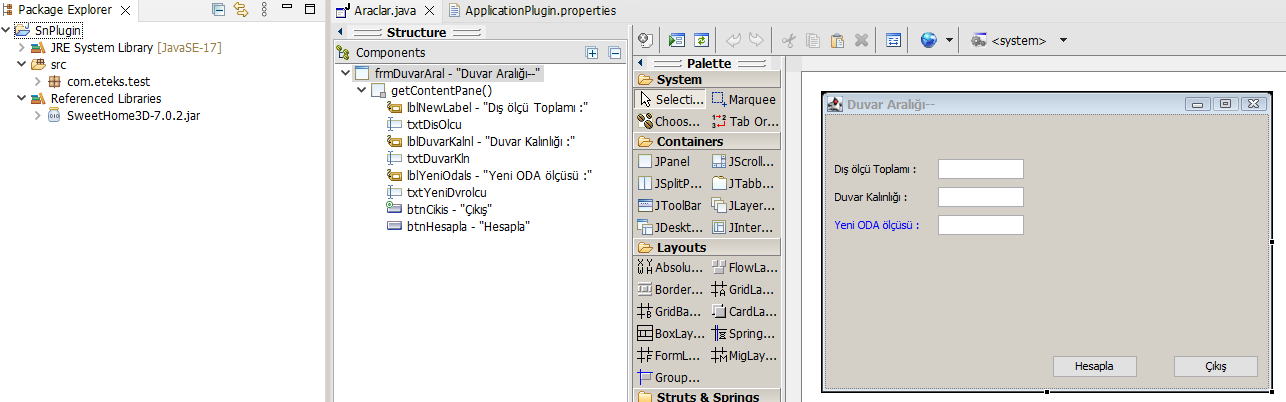
In this way, I created an application window consisting of a window and texboxes.

I want to run it as a plugin on sweet home.

for example placing it in the tools menu.

Which codes should I add to which class?

*****
import javax.swing.JOptionPane;
import com.eteks.sweethome3d.plugin.Plugin;
import com.eteks.sweethome3d.plugin.PluginAction;


public Action() {
putPropertyValue(Property.NAME, "window-1");
putPropertyValue(Property.MENU, "Tools");

setEnabled(true);
}
****

Image
k005
Posts: 60
Joined: Sat Aug 06, 2022 1:23 pm
Country: TURKEY

Re: Plugin Load

Post by k005 »

Image
User avatar
Daniels118
Posts: 503
Joined: Wed Nov 17, 2021 9:04 pm
Country: Italy

Re: Plugin Load

Post by Daniels118 »

Maybe you should first understand the workflow.

You have to create at least 2 classes:
- a class which extends Plugin;
- one or more classes which extend PluginAction. One for each menu entry or toolbar button.

The first class must implement the getActions method, which must return an array of instances of the second classes (one instance for each of them). Each of these instances will be rendered as a menu item or a toolbar button. These classes must implement the execute method which will be called whenever the user clicks on the corresponding menu item/toolbar button.
What to do in this method is up to you, you may open a window or shutdown the user's pc, it depends on what your plugin should do.

Read the developer's guide for further details.
k005
Posts: 60
Joined: Sat Aug 06, 2022 1:23 pm
Country: TURKEY

Re: Plugin Load

Post by k005 »

Now, by simplifying what you wrote, I think let's go straight to action.

What I want to do is for this form to work on sweet for now.

if you can tell me where to write the required code and in which class this will work... can you help me at this point?

I read the part you mentioned.

Thank you.
User avatar
Puybaret
Posts: 9440
Joined: Mon Nov 07, 2005 12:00 pm
Country: Paris, France
Contact:

Re: Plugin Load

Post by Puybaret »

You could try to modify the [font=courier new]execute[/font] method in the Volume plug-in you succeeded to generate, but if you’re new to Java and don’t understand its statements, I fear you won’t go very far. What about learning more Java and Swing on your side first?
Emmanuel Puybaret, Sweet Home 3D creator
k005
Posts: 60
Joined: Sat Aug 06, 2022 1:23 pm
Country: TURKEY

Re: Plugin Load

Post by k005 »

Yes, you are right.

I'm beginner level. Now tell me, I have an idea about it.

If I send you my work, can you make the missing parts work in sweet home and send it to me?

this would be a start for me to learn java.

Thank you.
User avatar
Puybaret
Posts: 9440
Joined: Mon Nov 07, 2005 12:00 pm
Country: Paris, France
Contact:

Re: Plugin Load

Post by Puybaret »

Sorry, even if I teach Java from time to time, my support on this forum doesn’t consist of helping users learning a programming language, and certainly not programming for them.
Emmanuel Puybaret, Sweet Home 3D creator
k005
Posts: 60
Joined: Sat Aug 06, 2022 1:23 pm
Country: TURKEY

Re: Plugin Load

Post by k005 »

OK. Thank you
k005
Posts: 60
Joined: Sat Aug 06, 2022 1:23 pm
Country: TURKEY

Re: Plugin Load

Post by k005 »

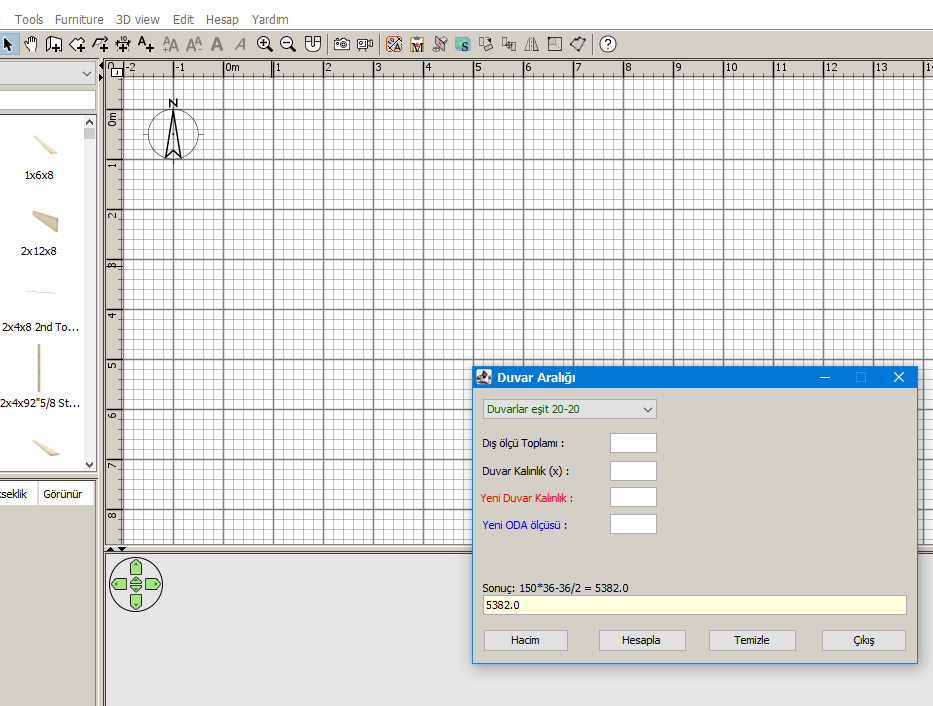
Yes. My first plugin is ready. it was nice.

Thanks to the helpful friends.


Image
User avatar
Puybaret
Posts: 9440
Joined: Mon Nov 07, 2005 12:00 pm
Country: Paris, France
Contact:

Re: Plugin Load

Post by Puybaret »

Congratulations!
What does it do?
Emmanuel Puybaret, Sweet Home 3D creator
Post Reply New Topic

Who is online

Users browsing this forum: No registered users and 1 guest