Hello Emmanuel, thank you first of all for this SH3D software, I bend over backwards to give my best regards.
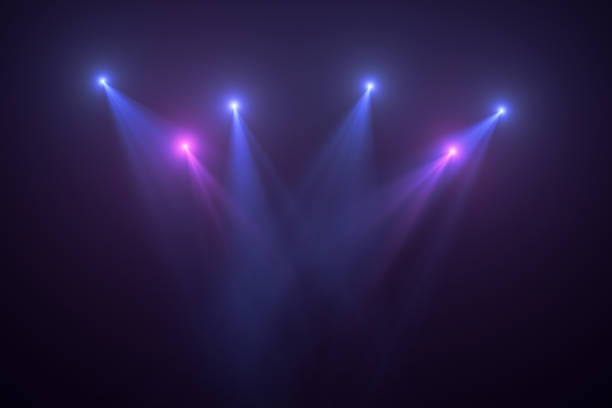
I would like to know how from the light source I can have a light beam effect like in a nightclub?
The links are correct, but for security reasons you can't open them because this forum is in HTTPS and the target site is in HTTP.
You may either move to the insecure version of that thread by deleting the S from the URL, or right click the target link/image, select "copy link/image address" and paste it in the address bar.
I have downloaded the file and I've found the trick, it uses a fake half-transparent beam to partially catch the light and reflect it toward the camera. In other words it simulates the presence of mid-air dust or fog. Very ingenious!
The limit is, since the beam is flat, it must face the camera to be seen correctly. An improvement could be to create a dust volume by placing small triangles randomly within the light beam, but it would require a lot of work if done manually. Maybe a script could generate the particles more efficiently.
The limit is, since the beam is flat, it must face the camera to be seen correctly. An improvement could be to create a dust volume by placing small triangles randomly within the light beam, but it would require a lot of work if done manually. Maybe a script could generate the particles more efficiently.
A script is possible but I'm afraid the resulting object will be huge. Huge as in that it will make rendering take a very, very long time because of the many reflections.
Maybe a semi transparent long stretched cone, textured with the fog. Or two or more cone-in-cones where the outer cone is more transparent than the inner cone to give a disperging effect.
Dodecagon.nl
1300+ 3D models, manuals, and projects
I'm not sure the cone would give the desired effect, but it may worth a try. Another option is to have the fake beam as a distinct furniture so that you can manually align it to the camera.