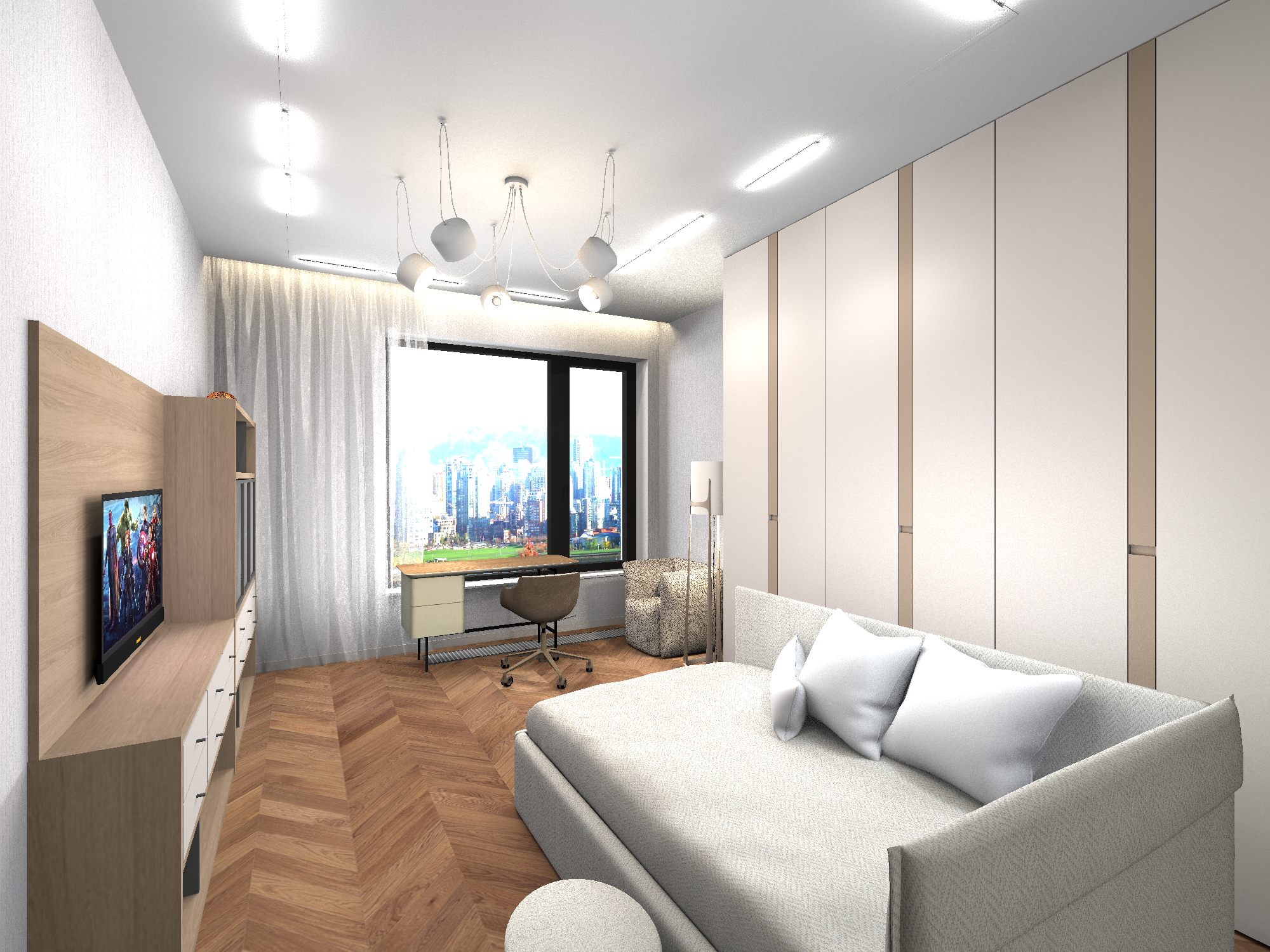
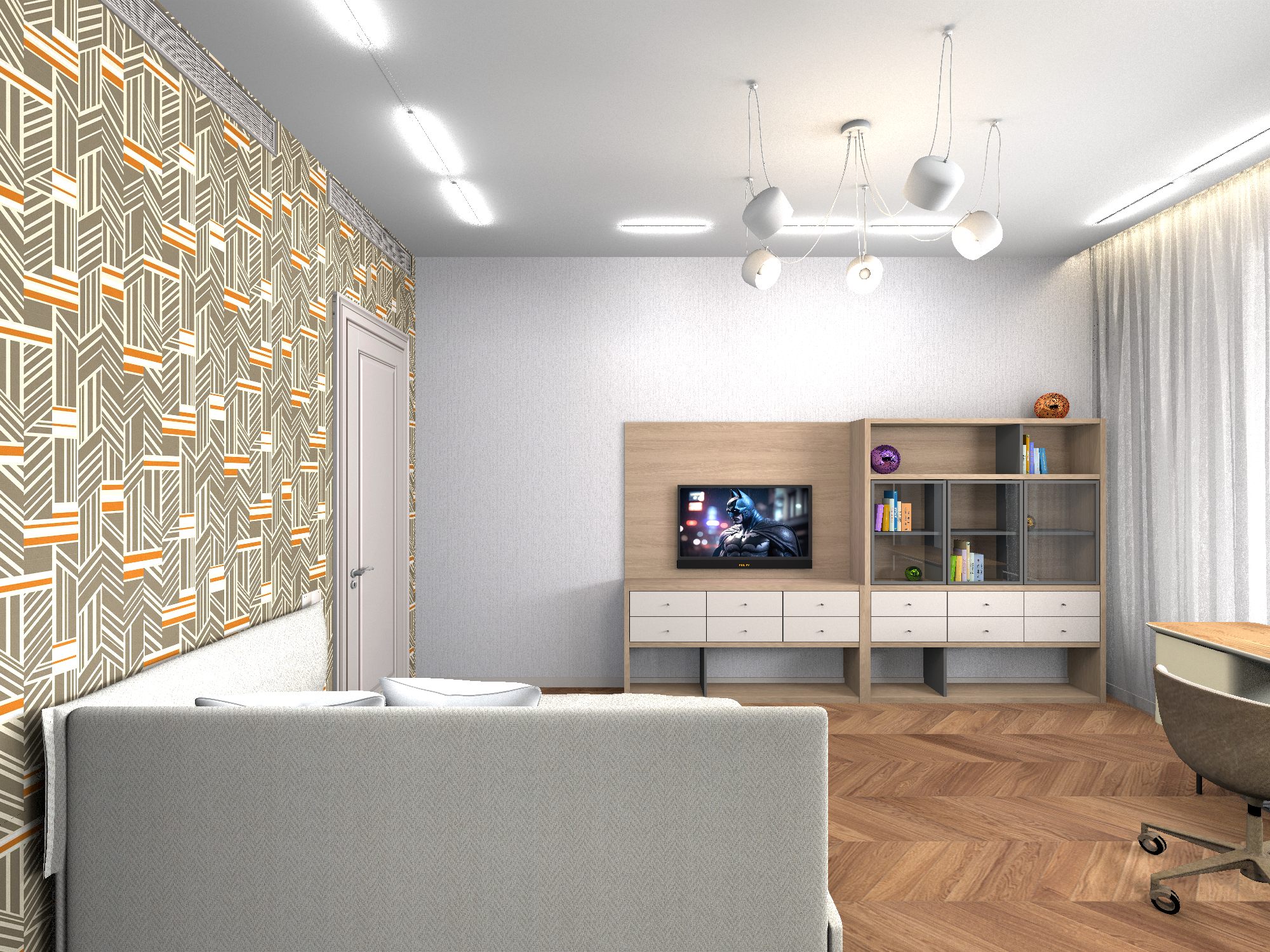
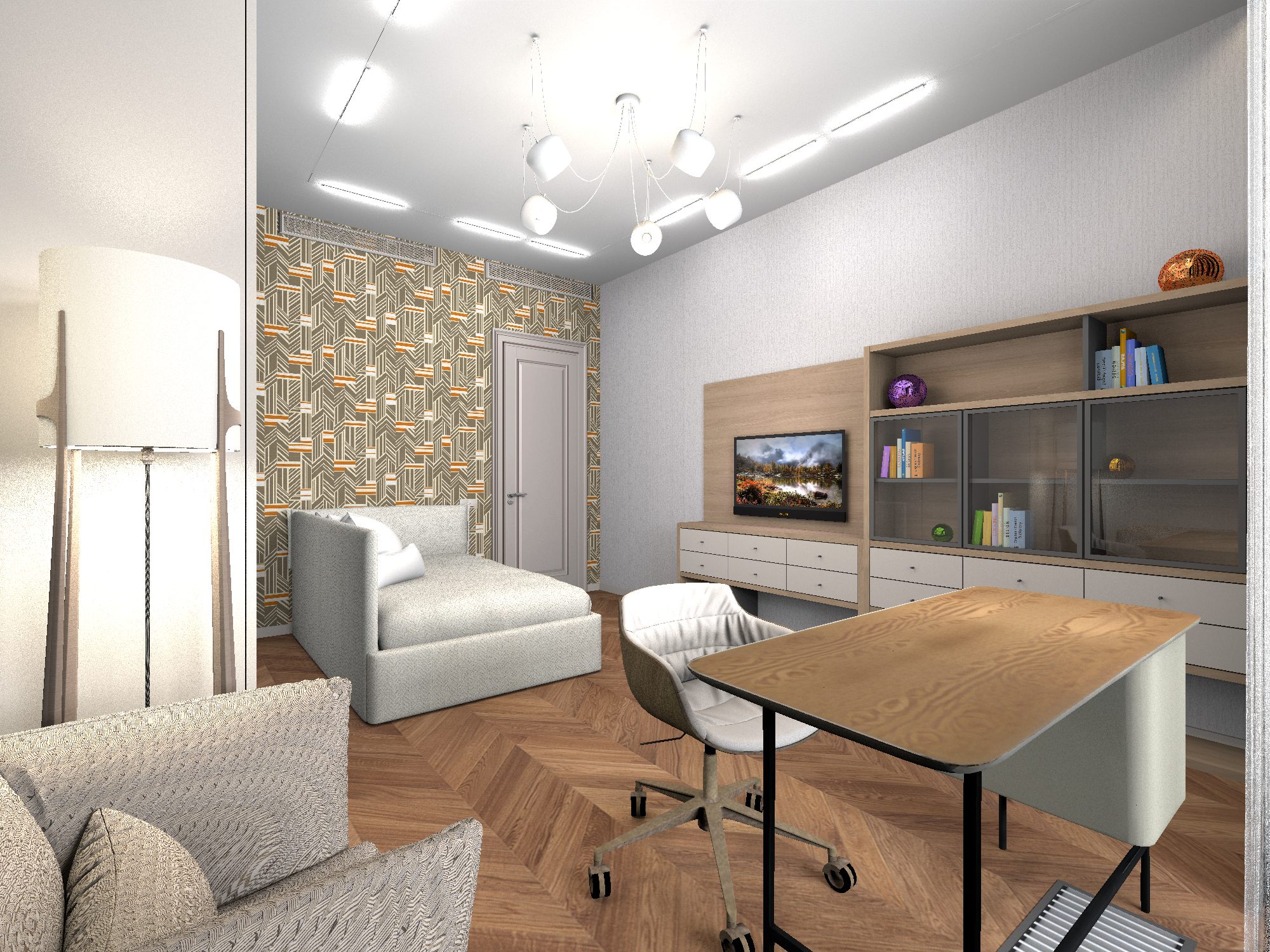
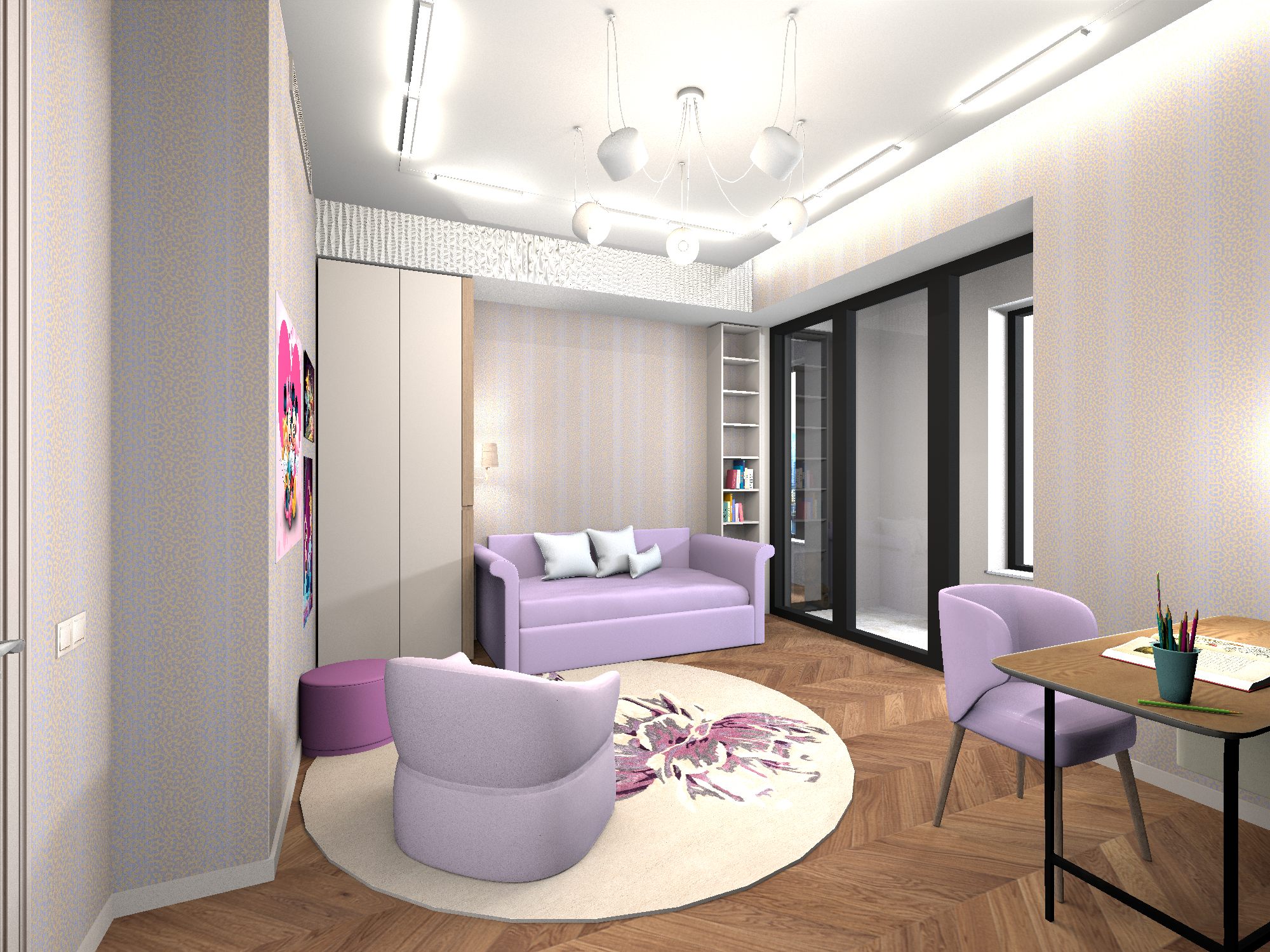
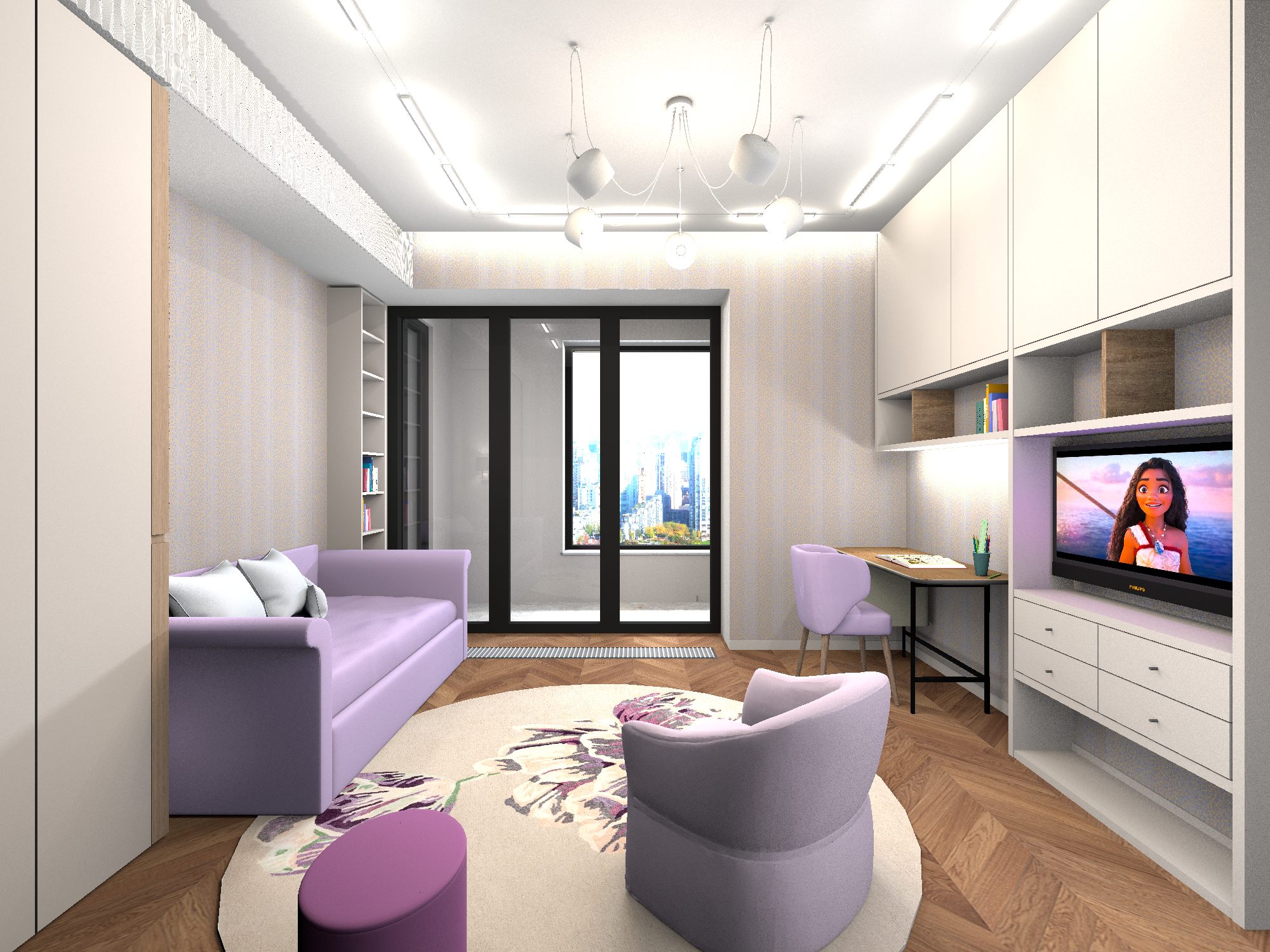
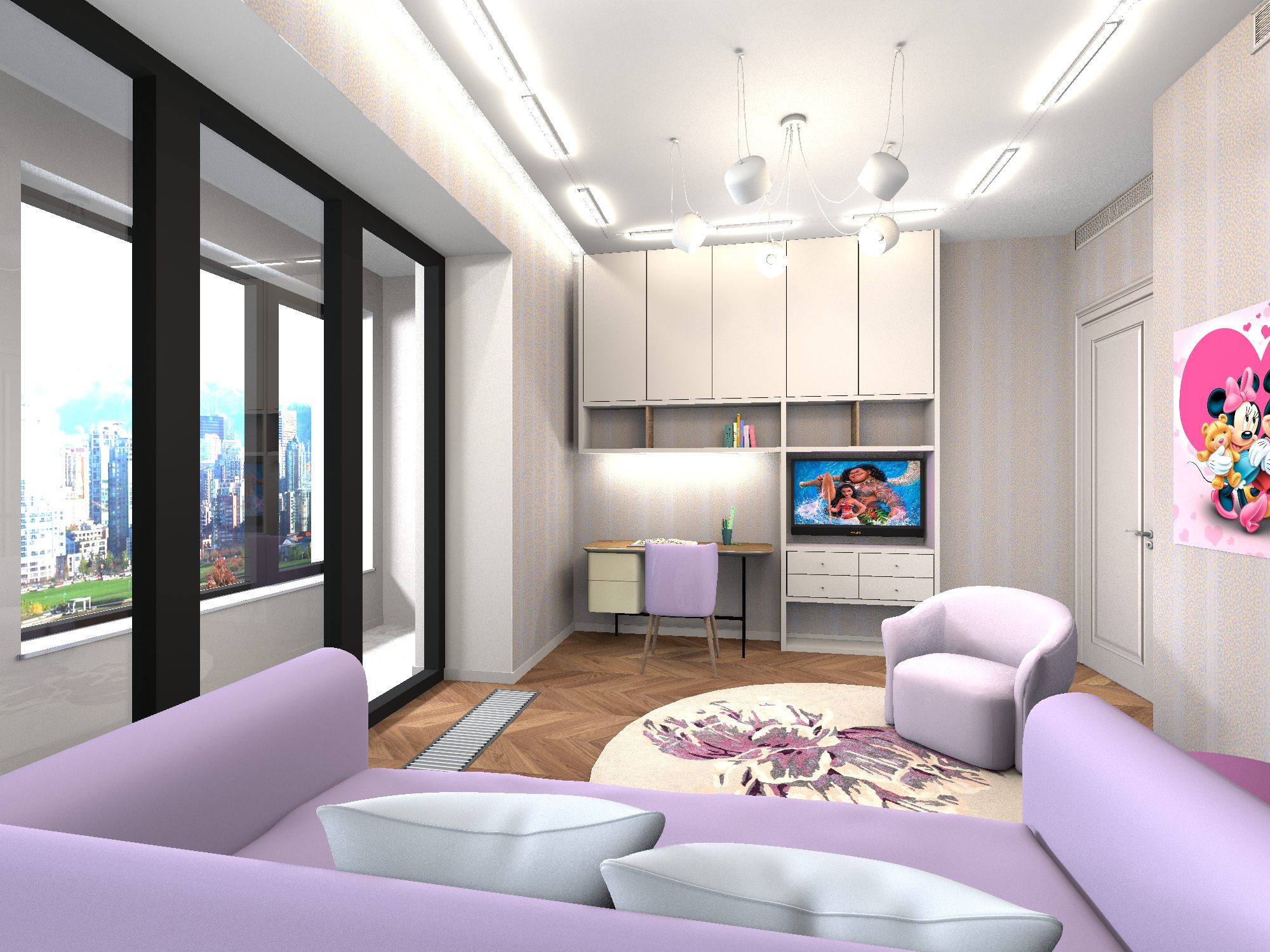
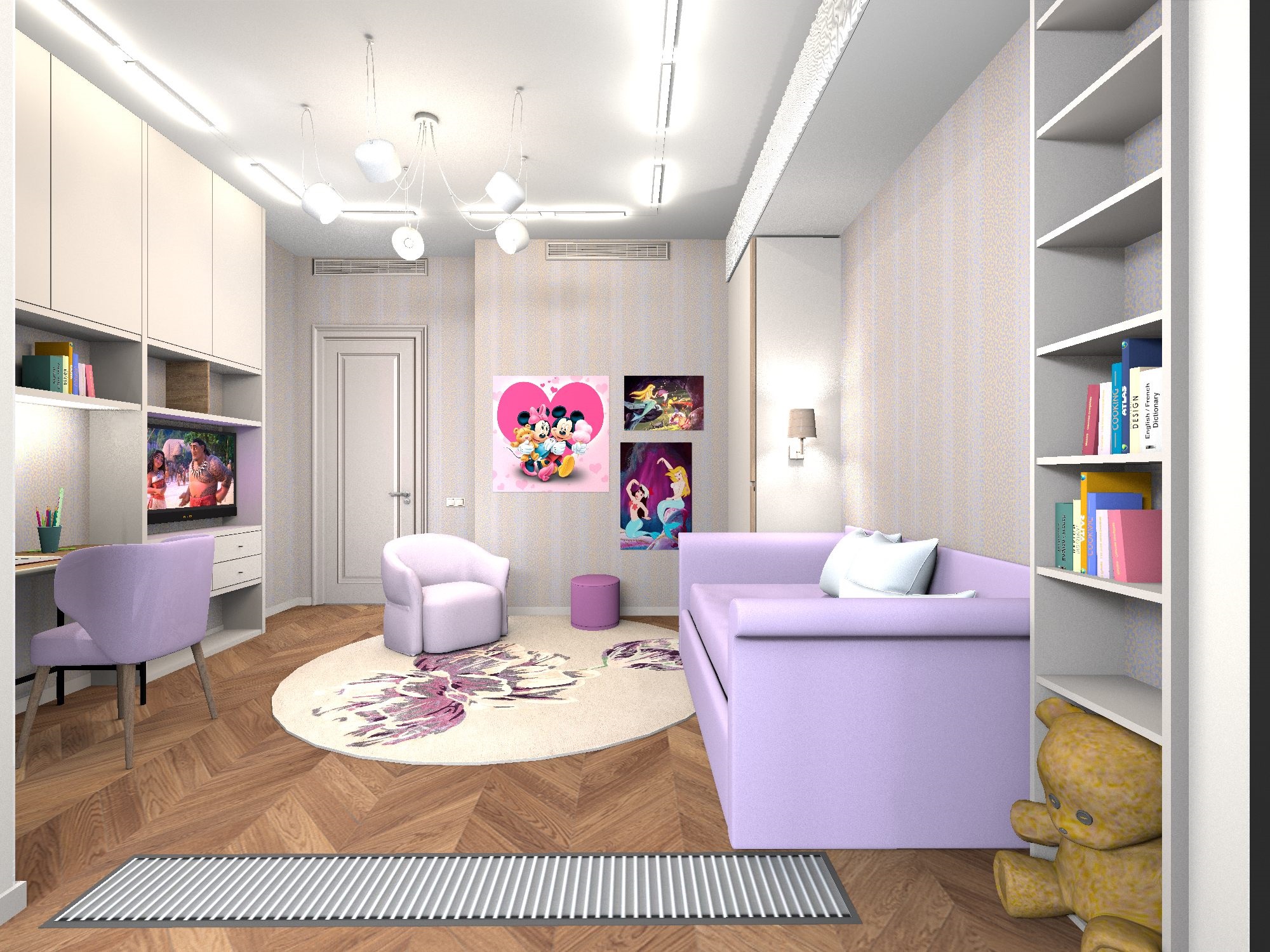
I found a good way to get predictable video of the room. I used to get surprises from the neural network every time, I had to choose the best and there was a lot of marriage. I found the PixVerse neural network, which offers two video generation per day for free. First and last frame mode. The AI itself makes a video transition between two images. I made 5 renderings of a room in SH3D from opposite points in the room. For a wider view, he sometimes removed the wall next to the viewer and took a couple of steps outside the room. After that, I made 4 video transitions within two days (2 generations per day). The video transition generation is created within 10 seconds. Yes, this is a very low resolution, I had to improve it, but I focused on high-quality renders of 2000x1500 pixels, which I calculated a little in the video editor. Together with fast video transitions, they create the impression of high-quality video.
In the free plan, this video took three days of work. Renderers were uploaded in the afternoon, video transitions were made in the morning of each day, two video transitions per day (free PixVerse quota). Video transitions are done very quickly, you do not need to complicate text tasks, otherwise there will be unnecessary distortions. If the image on the TV is different in neighboring renders, then the AI itself will animate the TV with a frame change, without special text tasks.
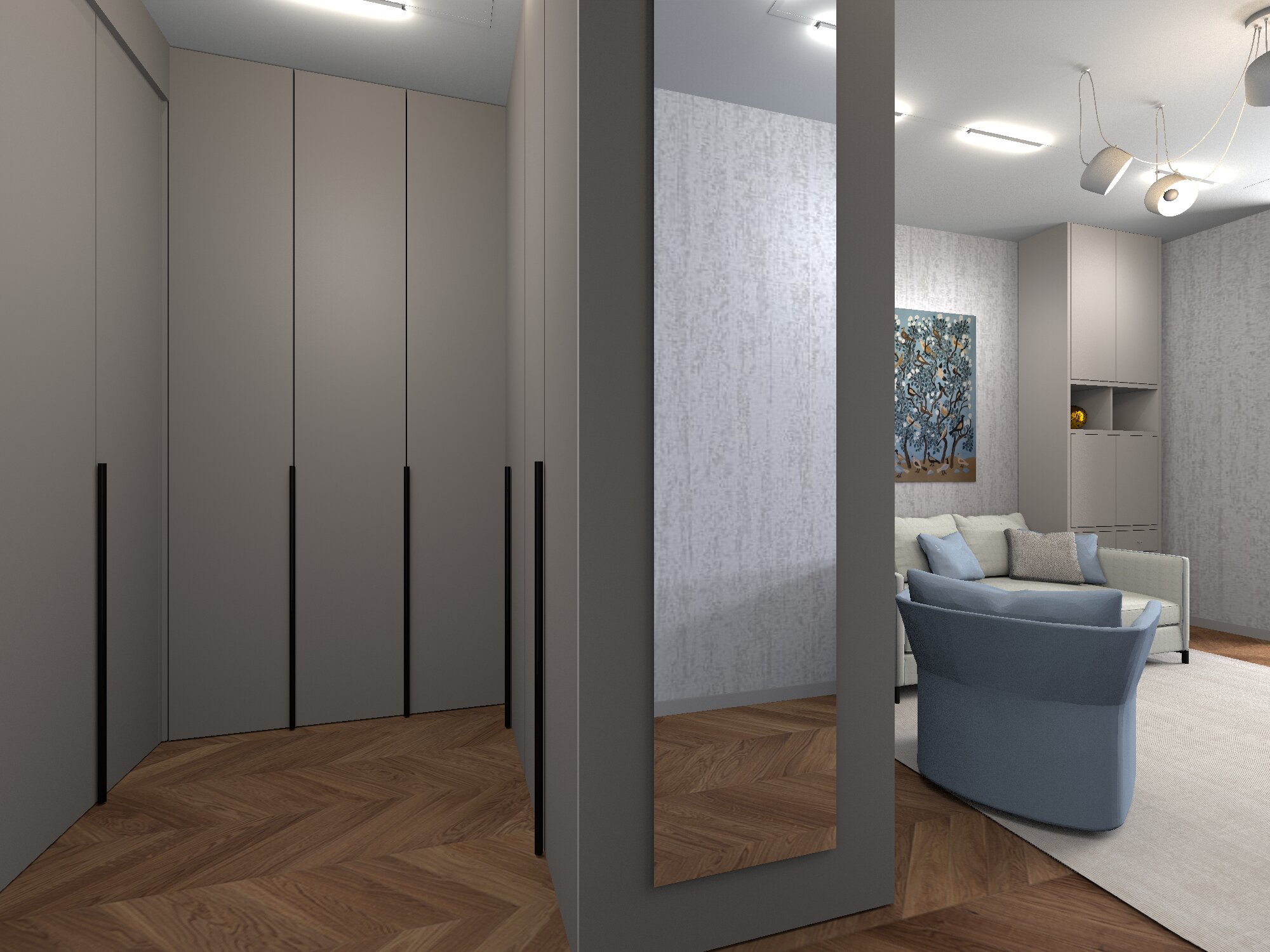
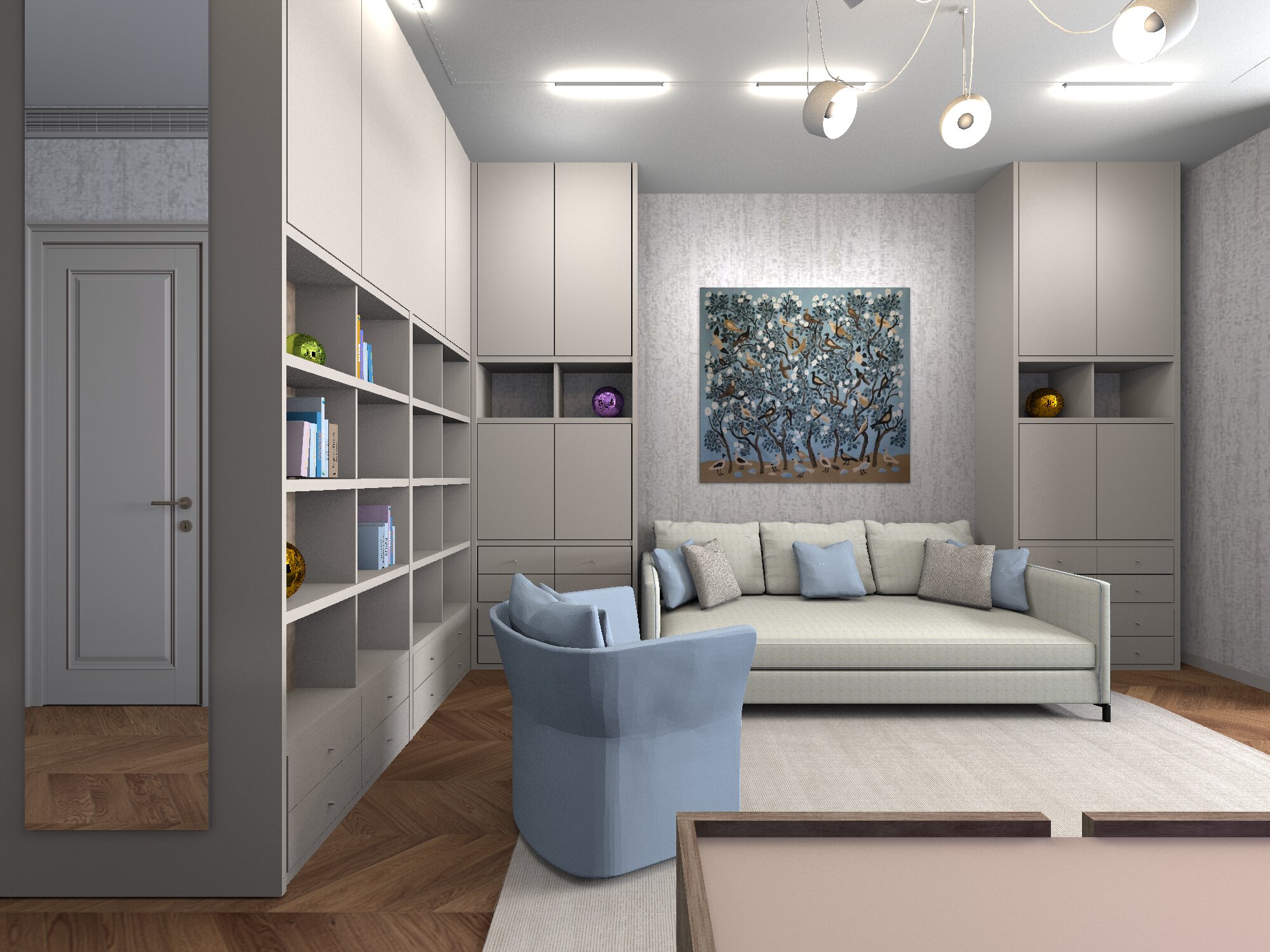

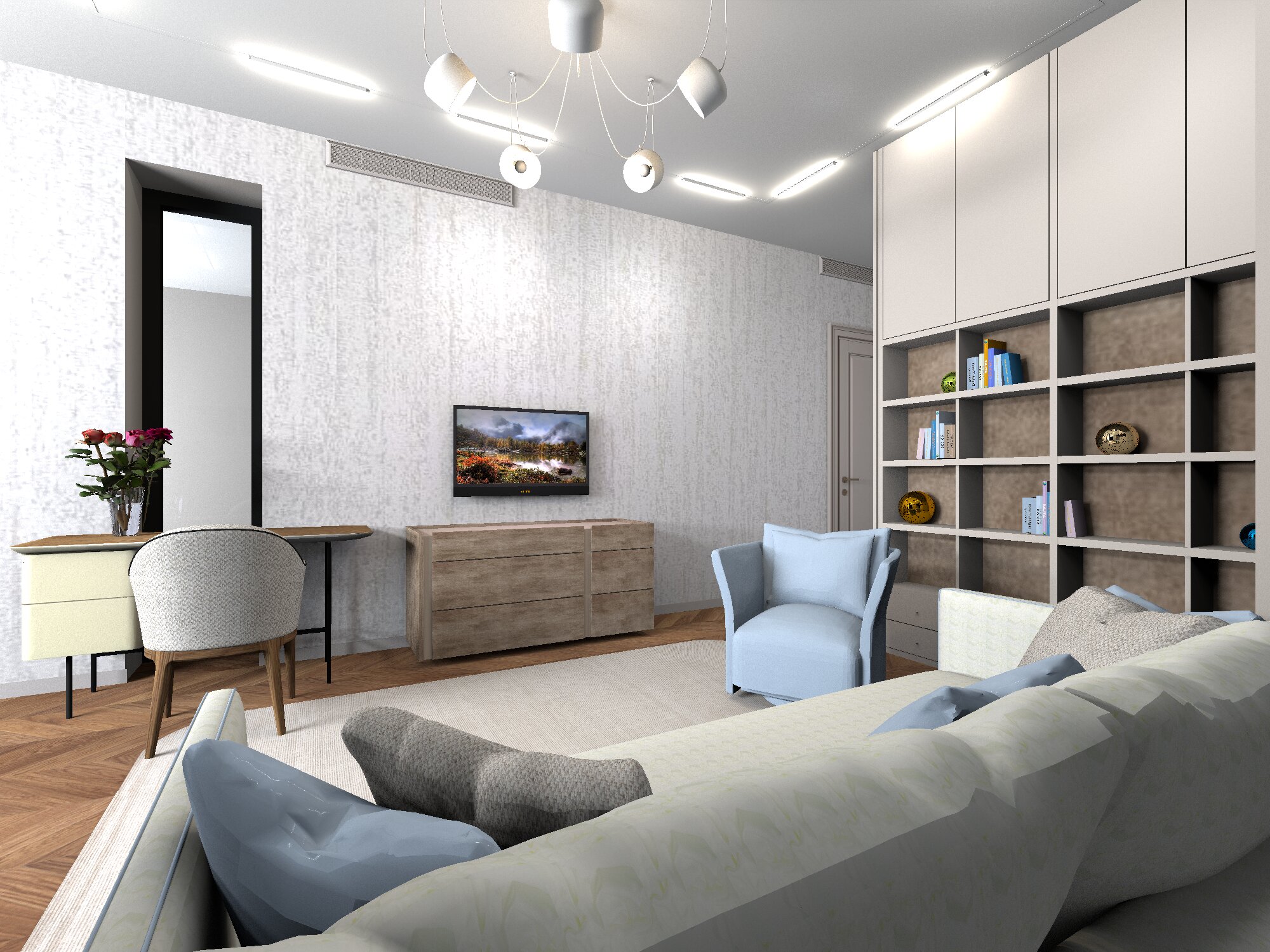
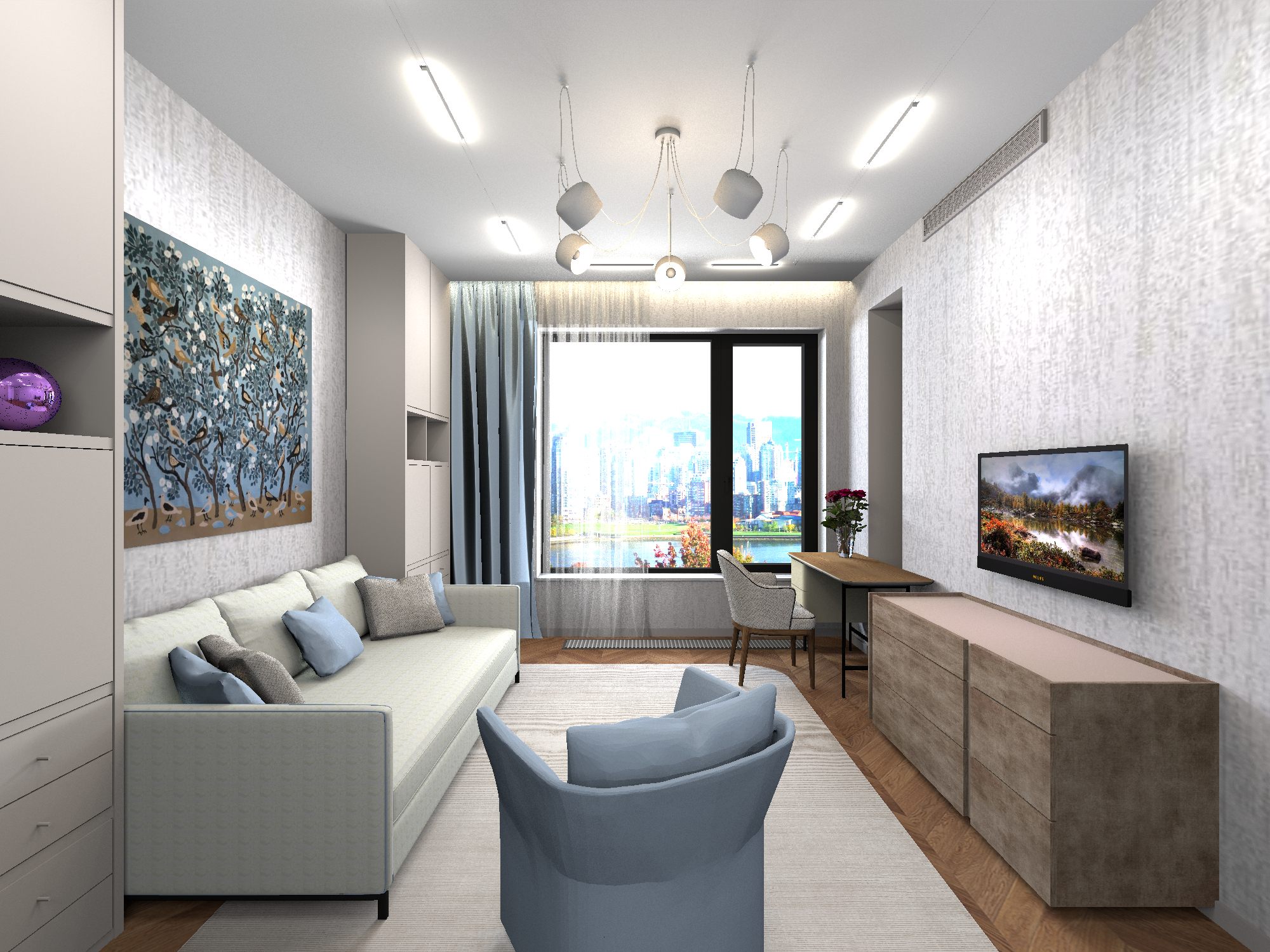
 Video using the frame-to-frame transition mode. AI PixVerse