
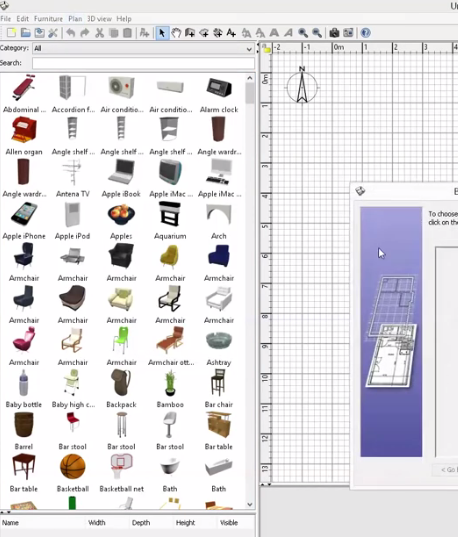
Show furniture or door and windows in large thumbnail
This topic has been viewed 3773 times and has 1 replies
Show furniture or door and windows in large thumbnail
I use the last version of sweet home 3d but I want show furniture model in left hand in large thumbnail view as below photo instead of listed view
CAD Drawings, Files, Details and Blocks Download Library - CAD Drawing
http:///www.caddrawing.org
http:///www.caddrawing.org

Re: Show furniture or door and windows in large thumbnail
Select Searchable list option in preferences pane.
Emmanuel Puybaret, Sweet Home 3D creator
Who is online
Users browsing this forum: No registered users and 2 guests