Hi.
I seem to be having a problem recently with wall colors, all appear to be grey,unless i use a really strong color, textures are fine, i shall post a couple of images this weekend in "out of town" would appreciate your thoughts on them.
Mike
color loss
This topic has been viewed 3748 times and has 3 replies
Re: color loss
As mentioned here are 3 unrendered images of (or close to) the images posted here
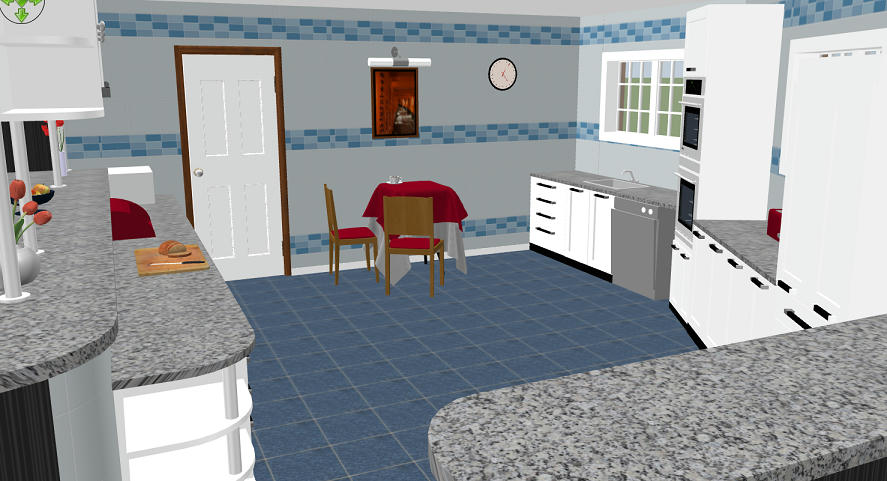
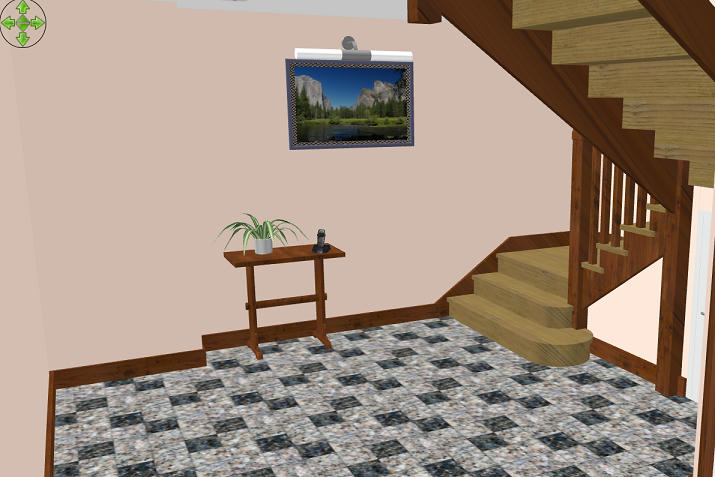
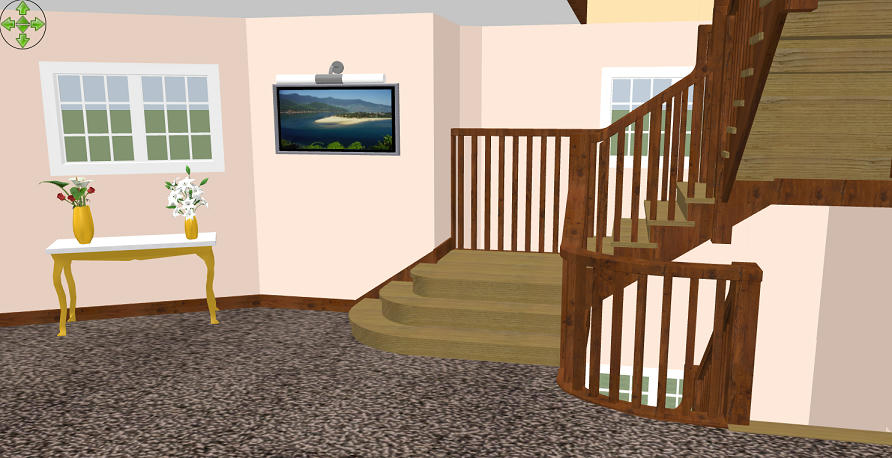
There are several light sources in the rendered versions ,i have tried daylight and white, with just ceiling lights from library and no lights, but ceiling lights selected at time of render.
Any assistance would be much appreciated.
Mike
There are several light sources in the rendered versions ,i have tried daylight and white, with just ceiling lights from library and no lights, but ceiling lights selected at time of render.
Any assistance would be much appreciated.
Mike
-
bdfd

- Posts: 2614
- Joined: Sat Mar 29, 2014 7:17 am
- Country: LILLE, Les Hauts de France, Western Europa
Re: color loss
Hi Miker,
If I understood well your problem, it's OK in 'aerial view' mode and
the colors look clear in 'rendering view' mode.
Have you tried with darker colors to confirm an eventual problem in rendering ?
Good luck !
[:)]
If I understood well your problem, it's OK in 'aerial view' mode and
the colors look clear in 'rendering view' mode.
Have you tried with darker colors to confirm an eventual problem in rendering ?
Good luck !
[:)]
Evil progresses when good people do nothing!
---
SH3D 7.1 and nothing else - W11 64b in 4K
---
SH3D 7.1 and nothing else - W11 64b in 4K

Re: color loss
I'm not sure to understand the problem. Colors in the 3D view and at the two lowest quality levels don't vary with the light sources placed in the home.
Emmanuel Puybaret, Sweet Home 3D creator
Who is online
Users browsing this forum: No registered users and 2 guests