Two questions.
I've made several extra categories in the furniture list. I tried using the furniture library editor, to put a few things in the categories I made, then saved as a new library with a different name. Not one of them went in the categories I had created that I chose in the editor. The categories were already in the list because I had imported several objects into them. Is the furniture library not able to change the category from the one it was already in before I edited it? Was really hoping it would work.
Second: when I import obj files, sometimes it brings the mtl file, sometimes it doesn't. Some obj files already have everything in them already, but most don'I. I tried to put the mtl and obj, and any separate jpg, png, etc. in a zip all together. Sometimes that works, most times not. It does import the mesh, skin, and shading regardless. I don't know enough about 3d editing to add the textures and colors onto them. I tried a few free programs, but the seem too complex just to do this.
Is anything I've written make any sense? Can anybody help with these?
Two importing questions
This topic has been viewed 2165 times and has 4 replies
Re: Two importing questions
No takers? it's been read over 150 times. Anyone have any inkling?

Re: Two importing questions
The objects in the catalog are stored by categories and only the category name is used to make the difference from one to the other. Maybe you added some extra space in the name.
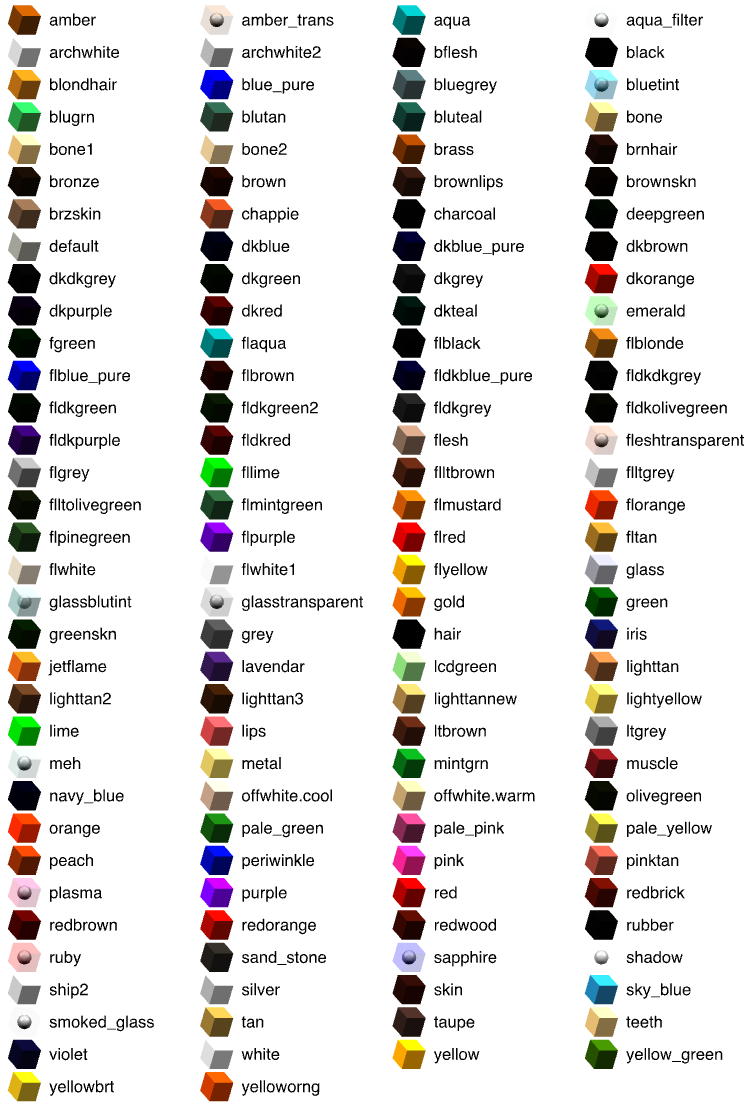
About importing OBJ file, please provide some concrete files (or links to them) with which you had some issues. The MTL file is not mandatory and default colors are cited in this document.
About importing OBJ file, please provide some concrete files (or links to them) with which you had some issues. The MTL file is not mandatory and default colors are cited in this document.
Emmanuel Puybaret, Sweet Home 3D creator

Re: Two importing questions
Please note that the MTL file is referenced from the OBJ file with an address. If, when combining OBJ and MTL in a ZIP file, the (relative) address changes, the OBJ file cannot find the MTL file, and will ignore the date contained in it, resulting in an object without colours and/or textures.I tried to put the mtl and obj, and any separate jpg, png, etc. in a zip all together. Sometimes that works, most times not.
When this happens, check your OBJ file to know the exact address, then either change the address in the OBJ file, or make sure that the MTL file is where the OBJ says it should be.
H
Re: Two importing questions
The categories are almost all one word, like Animals or Plants. They work fine for importing one by one.The furniture library editor allow me to change the categories of the items in it, so I thought I could put them in those categories, but it ignores any of those changes when imported.
I'll have to experiment and see if any of the obj that didn't grab the mtl were in a different configuration.
Thanks.
I'll have to experiment and see if any of the obj that didn't grab the mtl were in a different configuration.
Thanks.
Who is online
Users browsing this forum: No registered users and 1 guest