|
Sweet Home 3D Forum » List all forums » » Forum: Developers » » » Thread: Volume Plugin |
||
| Print at Sep 23, 2026, 7:36:58 PM |
|
|
| Posted by k005 at Aug 23, 2022, 4:46:25 PM |
|
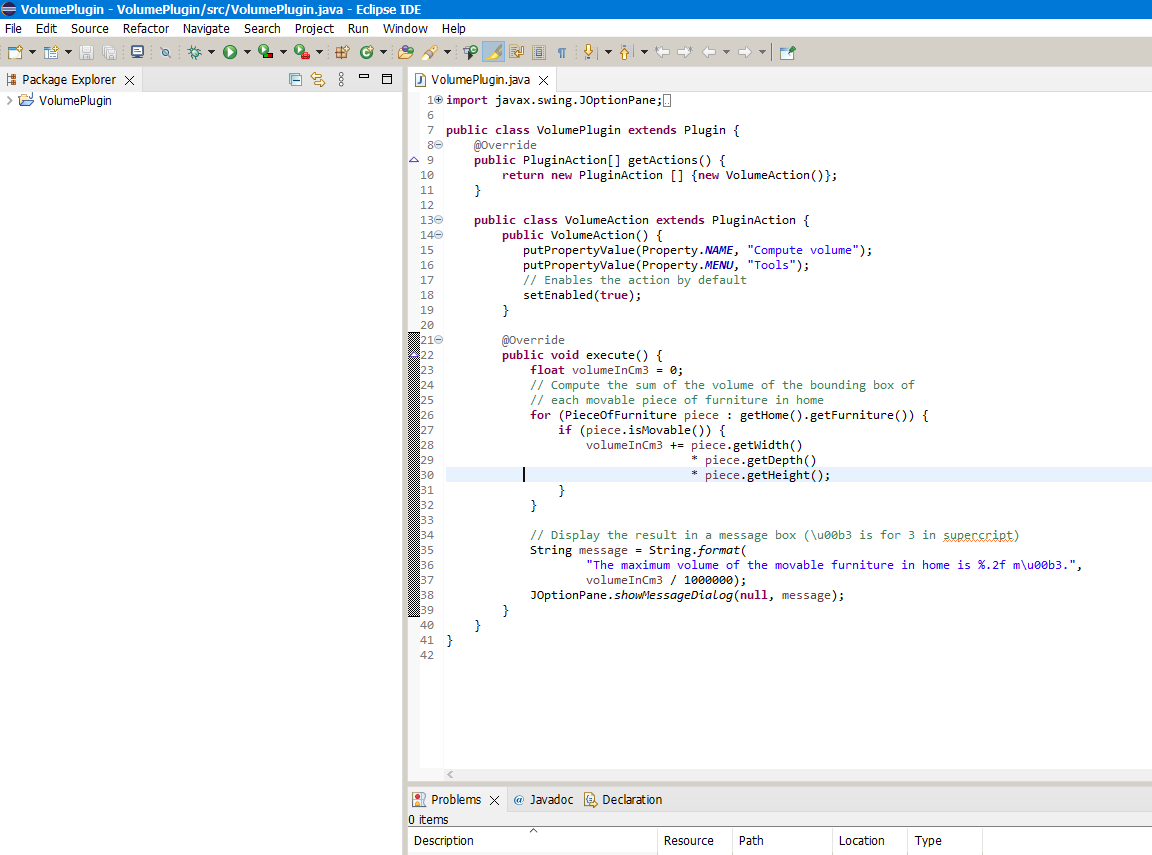
Volume Plugin Hello everyone I saved the sample volume plugin as jar extension and copied it to the Plug-in folder. But it doesn't show up in Tools. where am i doing wrong? Thank you. |
| Posted by k005 at Aug 23, 2022, 4:52:38 PM |
|
Re: Volume Plugin |
| Posted by Puybaret at Aug 23, 2022, 5:12:13 PM |
|
Re: Volume Plugin Did you add a ApplicationPlugin.properties file in your JAR file? ---------------------------------------- Emmanuel Puybaret, Sweet Home 3D creator |
| Posted by k005 at Aug 23, 2022, 5:51:06 PM |
|
Re: Volume Plugin I guess I didn't add it. (I am new to Java.) How can I do it ? |
| Posted by Puybaret at Aug 23, 2022, 6:06:23 PM |
|
Re: Volume Plugin What wasn't clear about it in the Plug-in developer's guide? ---------------------------------------- Emmanuel Puybaret, Sweet Home 3D creator |
| Posted by k005 at Aug 23, 2022, 6:56:34 PM |
|
Re: Volume Plugin Is it this way? 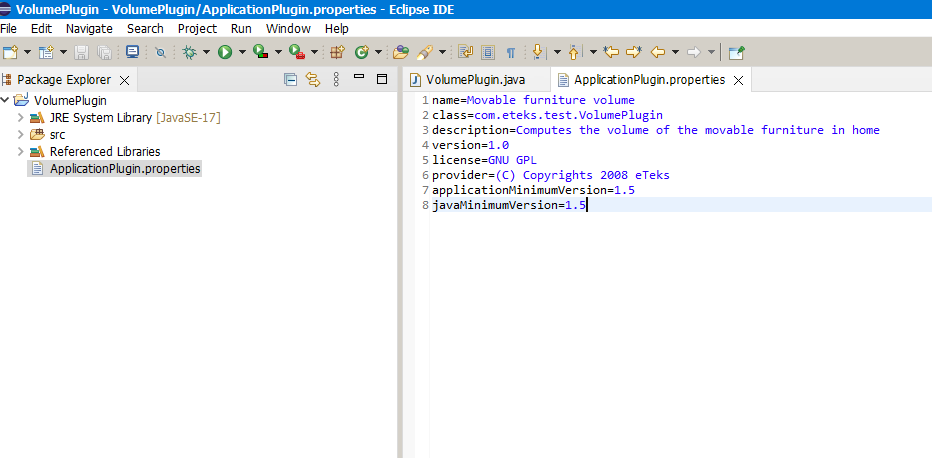 |
| Posted by Puybaret at Aug 23, 2022, 7:15:33 PM |
|
Re: Volume Plugin Yes, just have to follow the next step to get a working plug-in. ---------------------------------------- Emmanuel Puybaret, Sweet Home 3D creator |
| Posted by k005 at Aug 23, 2022, 7:45:40 PM |
|
Re: Volume Plugin When I export the jar file, it doesn't look like your picture-5... I guess I'm making the mistake in this part..? 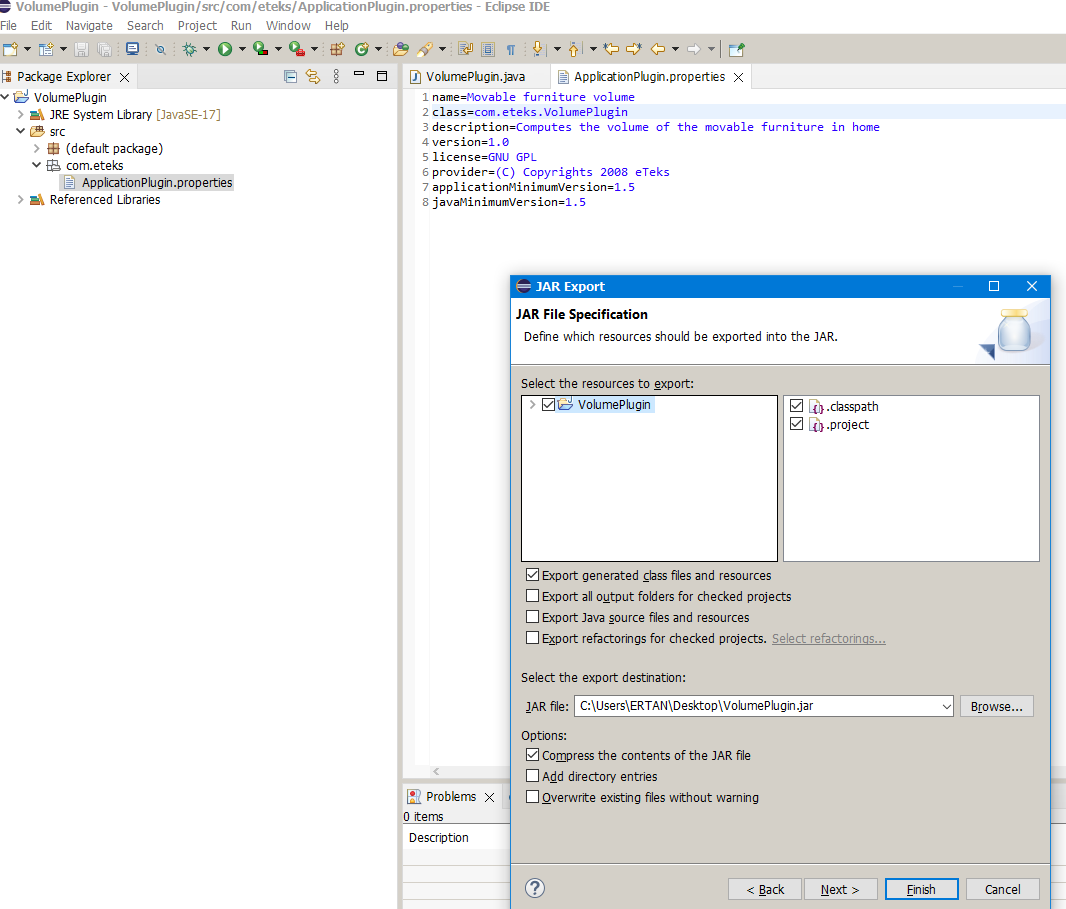 |
| Posted by Daniels118 at Aug 24, 2022, 5:45:51 AM |
|
Re: Volume Plugin The fully qualified class name (package+class name) must match the class parameter in ApplicationPlugin.properties.Move the VolumePlugin.java into the com/eteks folder. |
| Posted by k005 at Aug 24, 2022, 8:55:21 AM |
|
Re: Volume Plugin I'll start again step by step... Thank you. |
|

|
Current timezone is GMT Sep 23, 2026, 7:36:58 PM |