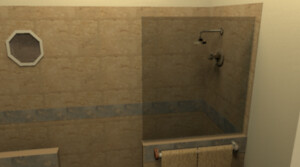
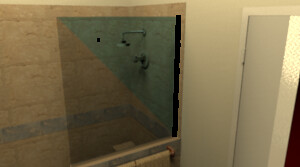
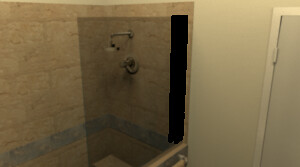
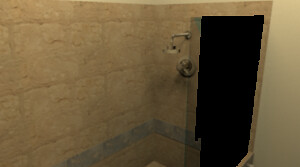
I'm having an issue rendering an image on a Mac. I'm getting some sort of rendering artifacts around a shower glass and the vanity lights. These artifacts seem to be black "circles" that I think are rendering issues. Any easy way to resolve these issues?
The photo renderer has still small issues that I didn't resolve that lead to that kind of problems sometimes. I think that removing the shininess on these items will solve the problem. Version 3.8 will let you reduce shininess more precisely if needed.
I've done some more quick testing this morning, and the issue with the shower glass is more related to the camera angle and distance from the glass. The higher the camera angle, the more black dots on the glass - an acute angle leaves the entire piece of glass black. As I change the angle to something closer to head on, the number of black dots is reduced. If I then pull the camera back slightly, the glass is rendered correctly. I have samples, but there's no easy way to get them to you through this forum.