Hi Yanoda
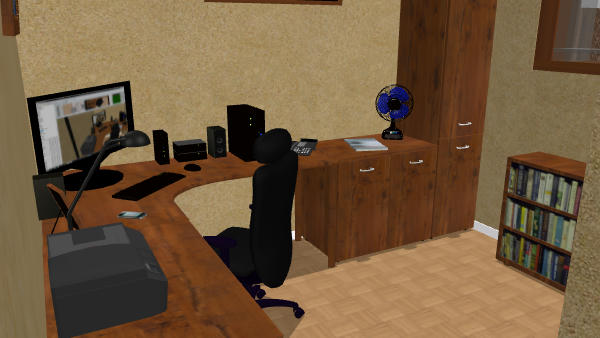
Might be simplist to add the image to one of the frames already in the library the position as normal, i did similar here,
with the screen and the bookcase, i did find it easier to import both the screen and the box as objects and lie them flat to apply the image.
Hope this helps.
Mike
Add a box found in Miscellaneous category to your plan, change its size to make it thin and in its modification dialog box, click on Materials to change the front side with the texture of your choice.
See also this tip.