Photo-video rendering plug-in

This topic has been viewed 841180 times and has 225 replies
Thread status: Active
Test the features and bug fixes of future versions [img]http://www.sweethome3d.com/images/flags/en_small.gif[/img]
Post Reply New Topic
User avatar
Ceciliabr
Posts: 637
Joined: Sun Jul 07, 2013 3:41 pm
Country: Copenhagen, Denmark
Contact:

Re: Photo-video rendering plug-in

Post by Ceciliabr »

I love it!

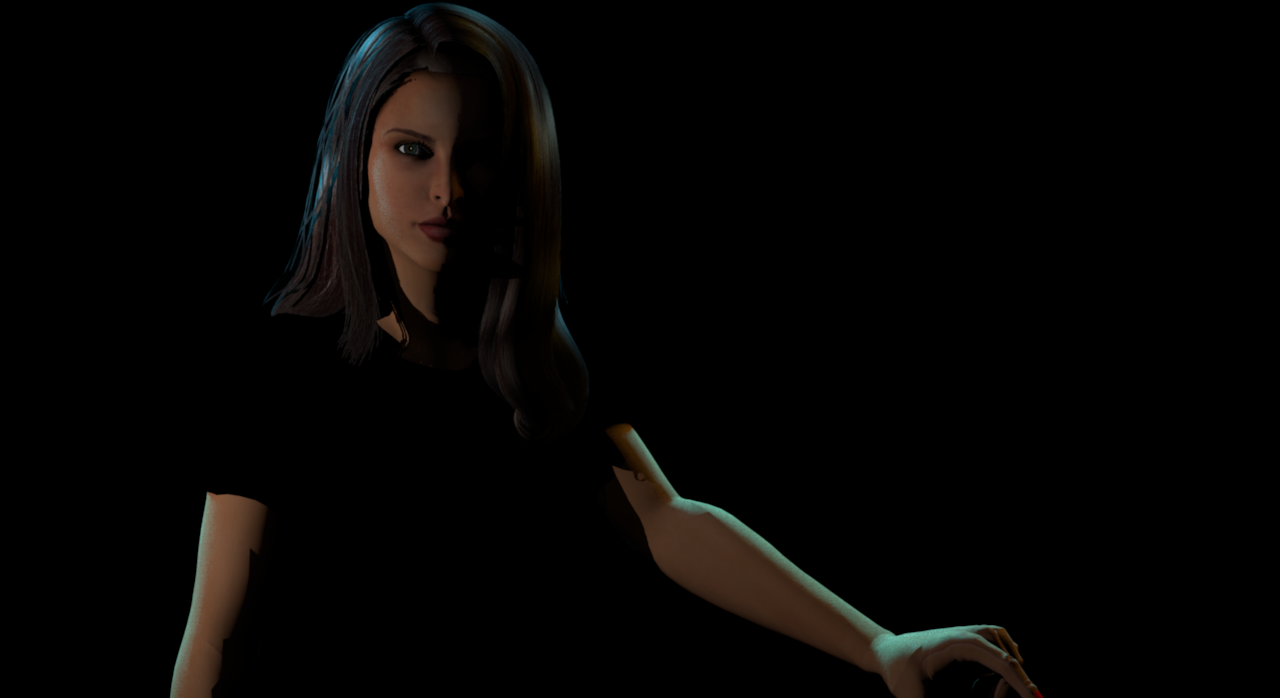
Image

We can see how beautiful the light panel makes the light fall on her hair and arms.

And we can see the point light reflecting in her eyes.

Image


Great, great, great job!
This takes lighting in SH3D to a new level.

Cecilia
enkonyito
Posts: 607
Joined: Thu May 28, 2015 4:52 pm

Re: Photo-video rendering plug-in

Post by enkonyito »

We can see how beautiful the light panel makes the light fall on her hair and arms.

And we can see the point light reflecting in her eyes.
Glad to see you've found a good use for these new lights!
This takes lighting in SH3D to a new level.
I think so too.

I hope they will also be useful to others.

Enko
EnkoNyito
okh
Posts: 1545
Joined: Sun May 12, 2013 9:43 pm

Re: Photo-video rendering plug-in

Post by okh »

This takes lighting in SH3D to a new level.
It does indeed. Quite amazing. Congratulations and thanks, enkonyito! Without yet having had much time to experiment, it seems to me that the new light types can give softer illumination with fewer light sources, and that rendering (therefore?) will be faster. Looking forward to testing further even if I suspect I shall have to rely on examples and intructions to make full use of your work.

Forgive me for asking a couple of what probably may be silly questions/wishes:
  1. does the renderer rely on the description field to determine the type?
    [font=courier new]description#1=PointLight type
    description#2=TriangleMeshLight type[/font]
  2. Would adding a planIcon# simplify placement of the different lights in the 2D view?
  3. Could also having a TriangleMeshLight with other colours be useful?
    Something closer to incandecent ([font=courier new]lightSourceColor#2=#BB9854[/font]) maybe?
    [/list=1]ok
enkonyito
Posts: 607
Joined: Thu May 28, 2015 4:52 pm

Re: Photo-video rendering plug-in

Post by enkonyito »

@okh
it seems to me that the new light types can give softer illumination with fewer light sources
This is especially true for light panels (TriangleMeshLight type) as shown in the Sunflow doc (page 54).
I also found it in my renderings to simulate the interior natural light.
does the renderer rely on the description field to determine the type?
Yes, the PhotoRenderer class uses the description of the light object to differentiate types.

Code: Select all

String lightDescription = light.getDescription();
// SphereLight type
if (lightDescription == null
    || lightDescription.contains("SphereLight")) {
...
}
// PointLight type
else if (lightDescription.contains("PointLight")) {
...
}
// TriangleMeshLight type
else if (lightDescription.contains("TriangleMeshLight")) {
...
}
We can then assign a type to a light we want to create.
The TriangleMeshLight type is special because the coordinates of the vertices are statically encoded so the shape is limited to a single-sided panel.
As it is rotating, nothing prevents to use it for an existing object.
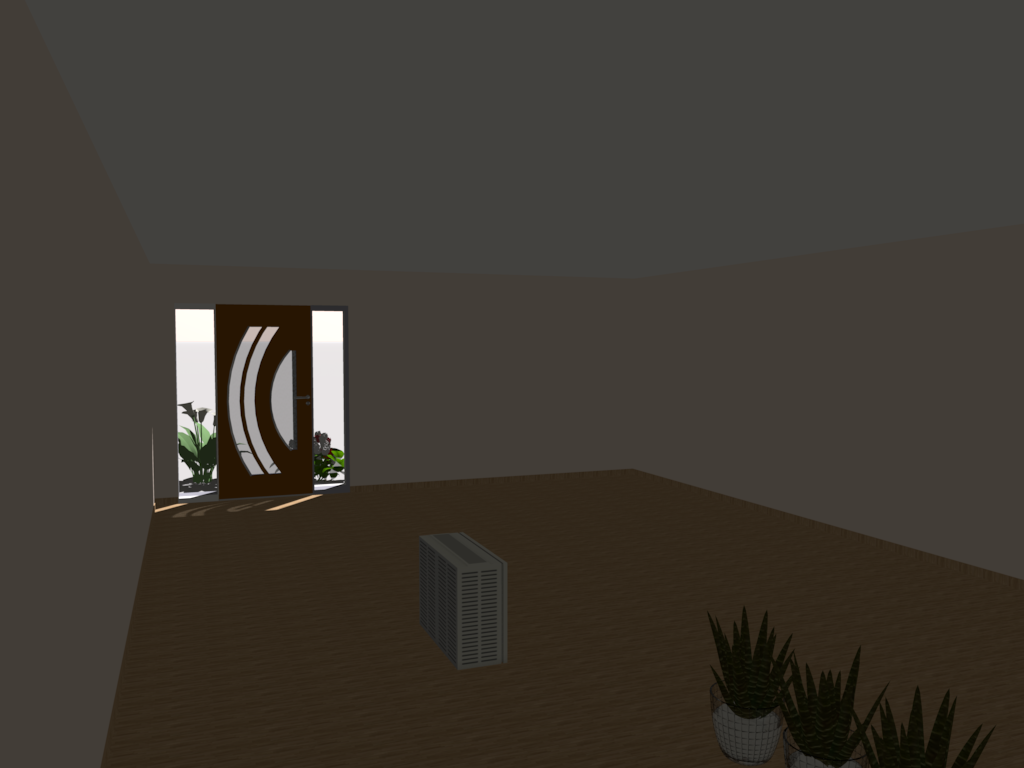
(Light panel #1: opaque when off, Light panel #2: invisible when off, Light panel #3: visible when selected and not viewable in rendering).
Would adding a planIcon# simplify placement of the different lights in the 2D view?
For those I created, given their depths, it was not really necessary but if you want to add a type to the description of your lights it could be useful.
Could also having a TriangleMeshLight with other colours be useful?
Something closer to incandecent ([font=courier new]lightSourceColor#2=#BB9854[/font]) maybe?
The default color is daylight ([font=courier new]lightSourceColor#2=#6D7991[/font]) but since the PhotoRenderer class retrieves the color of the object to use as a light source color, you can change it.

Code: Select all

int lightColor = lightSource.getColor();
HomeMaterial[] lightMaterial = light.getModelMaterials();
if (light.getColor() != null) {
    lightColor = light.getColor();
} else if (lightMaterial != null && lightMaterial.length == 1
        && lightMaterial[0].getColor() != null) {
    lightColor = lightMaterial[0].getColor();
}

EnkoNyito
okh
Posts: 1545
Joined: Sun May 12, 2013 9:43 pm

Re: Photo-video rendering plug-in

Post by okh »

Thanks for this. Did experiment some more, and - as you say - the light panels (TriangleMeshLight type) are especially useful for creating softer illumination. And very useful it is, as I cannot be bothered with lots of lightsources around the room to get the perfect render. With the TriangleMeshLight it is easy to shape and adjust with one or two lamps. Made one with incandescent colour, icon and planIcon. While it is true, that a planIcon does not show when the model is kept at zero depth, SH3D will let you resize also the depth, and voilà, the planIcon is visible showing the direction of the light. For now this does the trick for me. I might make a fireglow-ish one at some point (lots of fireplaces and candles here) and possibly experiment some with angles.

Thanks again - very very useful set of tools.

ok
User avatar
bdfd
Posts: 2614
Joined: Sat Mar 29, 2014 7:17 am
Country: LILLE, Les Hauts de France, Western Europa

Re: Photo-video rendering plug-in

Post by bdfd »

TY enkonyito ! [>:D<]

I found a solution for my opaque windows with your objects and PVR 1.5. [=D>] [=D>] [=D>]

Image
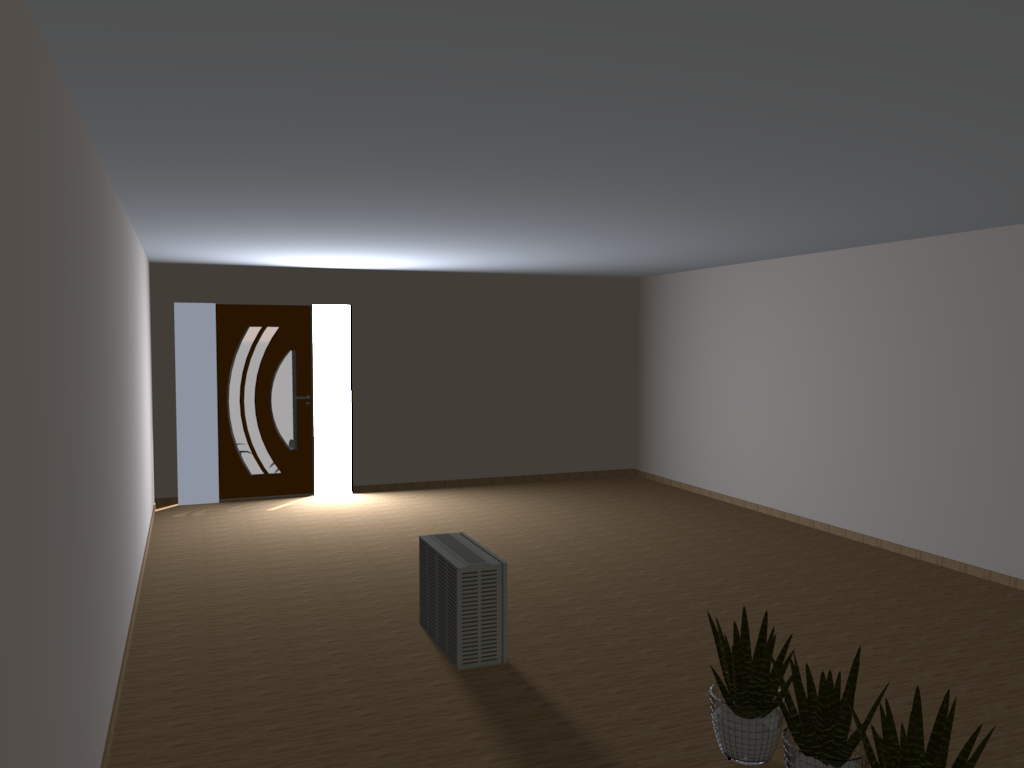
In this first picture, light panels (in front of window) are at 0% : we see external flowers.

Image
In this second picture, we have opacity and light with :
at left of the door, the light panel is at 5%,
at right of the door: a light panel is at 50%.
=> We don't see external objects, just light.

[:)]
Evil progresses when good people do nothing!
---
SH3D 7.1 and nothing else - W11 64b in 4K
r921vs
Posts: 5
Joined: Tue Jan 30, 2018 8:57 am
Country: Russia

Re: Photo-video rendering plug-in

Post by r921vs »

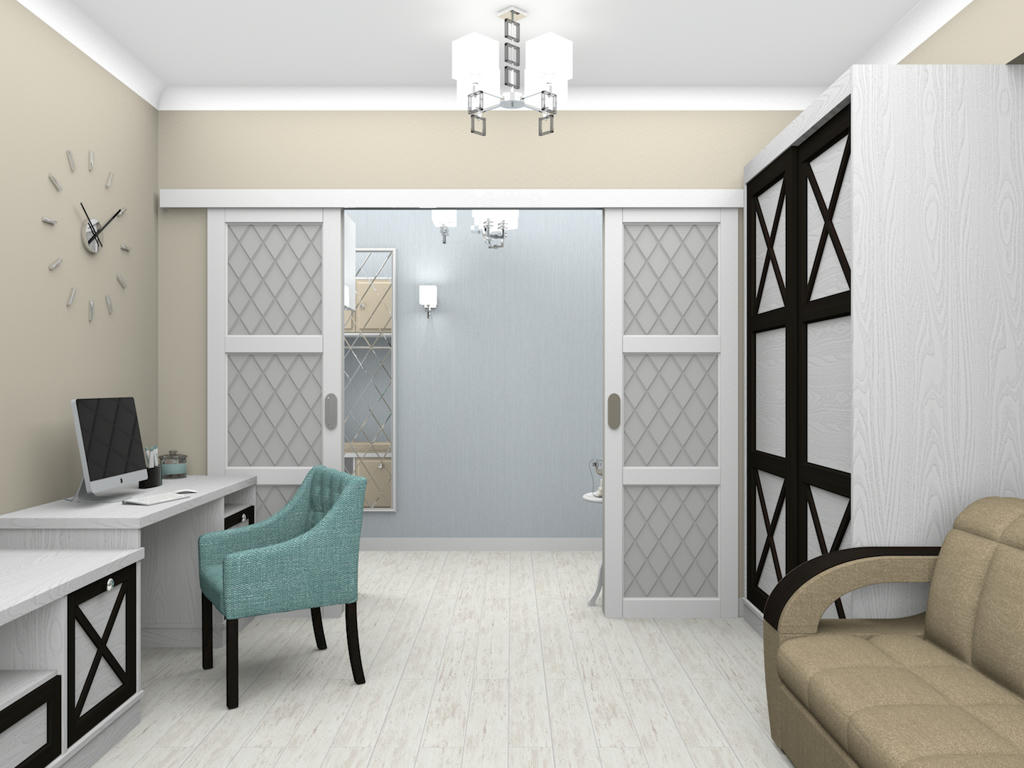
Very good tools! They give new opportunities. Thank you!
Image https://www.mediafire.com/convkey/28d0/ ... 8tnk6g.jpg
Mike53
Posts: 678
Joined: Sat Jan 06, 2018 1:02 am
Country: UK

Re: Photo-video rendering plug-in

Post by Mike53 »

Hi enkonyito.
Hopefully you will be able to help me. I am struggling to use the no.3 light source with 1.5 plug in.
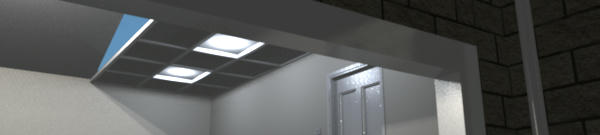
If i rotate it on x axis 90 degrees i get this :-

Good illumination but bad appearance
Image

If i rotate it on x axis 270 degrees i get this :-

No illumination but good appearance
Image

And if i use the icon from the tool bar

very good illumination but poor appearance
Image

and i have no idea what is illuminating the outer frame of the garage door.

The other thing i have noticed is that if you resize or rotate the sources they appear normal in the plan, but, if you then copy / paste them they appear vertical again.
If you'll pardon the pun, i hope you can shed some light on my issues, I am sure i am missing something.
Mike
enkonyito
Posts: 607
Joined: Thu May 28, 2015 4:52 pm

Re: Photo-video rendering plug-in

Post by enkonyito »

Hi Mike,

For the next version of the plug-in, there will be an update of the light source libraries with more explicit names.

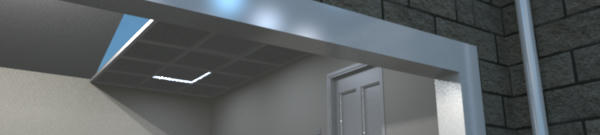
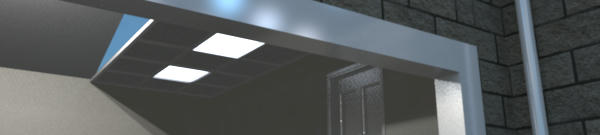
Regarding the light panels, one side emits light and they do not work with the standard photo panel. The other side is invisible.
- 90 degree rotation on the X axis: emitting face up
- 270 degrees rotation on the X axis: emitting face down
For the non-opaque light panel, the diagonal of the emitting face serves as a reference.
and i have no idea what is illuminating the outer frame of the garage door.
The simplest is that you send me your file.
The other thing i do not know what they're doing, but if they're going to be back to normal, but if they're going to be vertical again.
I did not encounter that kind of problem.

Enko
EnkoNyito
enkonyito
Posts: 607
Joined: Thu May 28, 2015 4:52 pm

Re: Photo-video rendering plug-in

Post by enkonyito »

PhotoVideoRendering-1.6 plug-in
- compatibility with Sweet Home 3D 6.0 and higher
- management of new light sources
- use of a light panel as room ceiling light
- added Speed and Frame Rate fields in the video panel
- possibility to choose the type of path in the video panel

OtherLightTypes-1.1 libraries compatible only with this plug-in
- PointLight_type: 1 light point with modifiable color
- SphereLight_type: 3 light spheres with modifiable color
- TrianglemeshLight_type: 3 light panels including 2 with modifiable color
Available in the Light sources category.
EnkoNyito
Post Reply New Topic

Who is online

Users browsing this forum: No registered users and 1 guest