Special effects??

This topic has been viewed 11909 times and has 13 replies
Thread status: Active
Share your snapshots made with Sweet Home 3D here [img]http://www.sweethome3d.com/images/flags/en_small.gif[/img]
User avatar
hansmex
Posts: 4027
Joined: Sat Sep 26, 2009 11:36 am
Country: Netherlands

Special effects??

Post by hansmex »

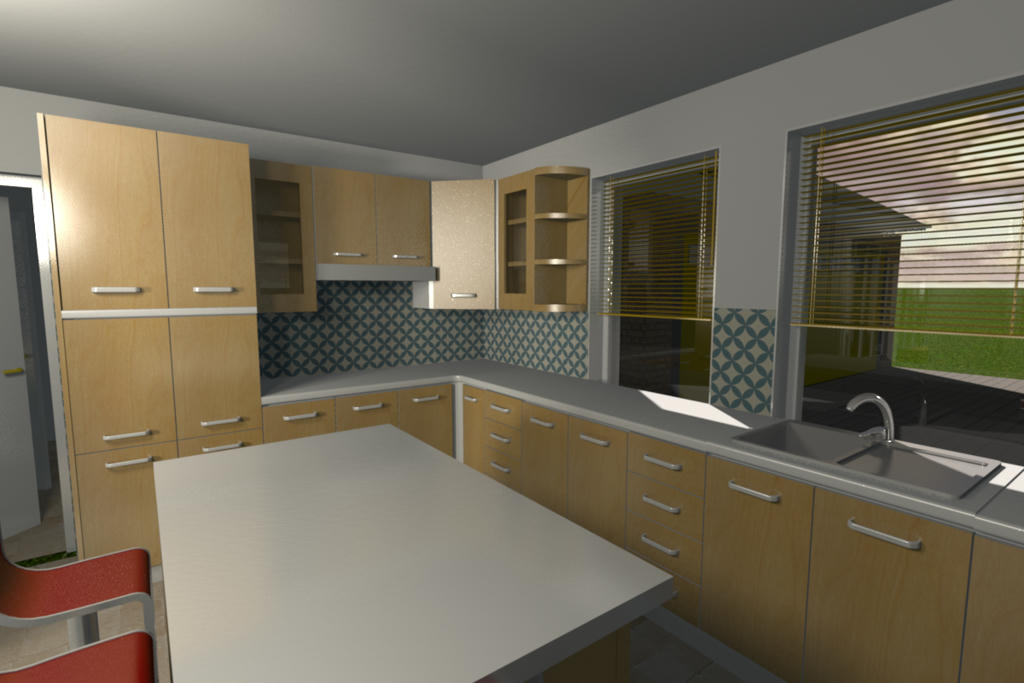
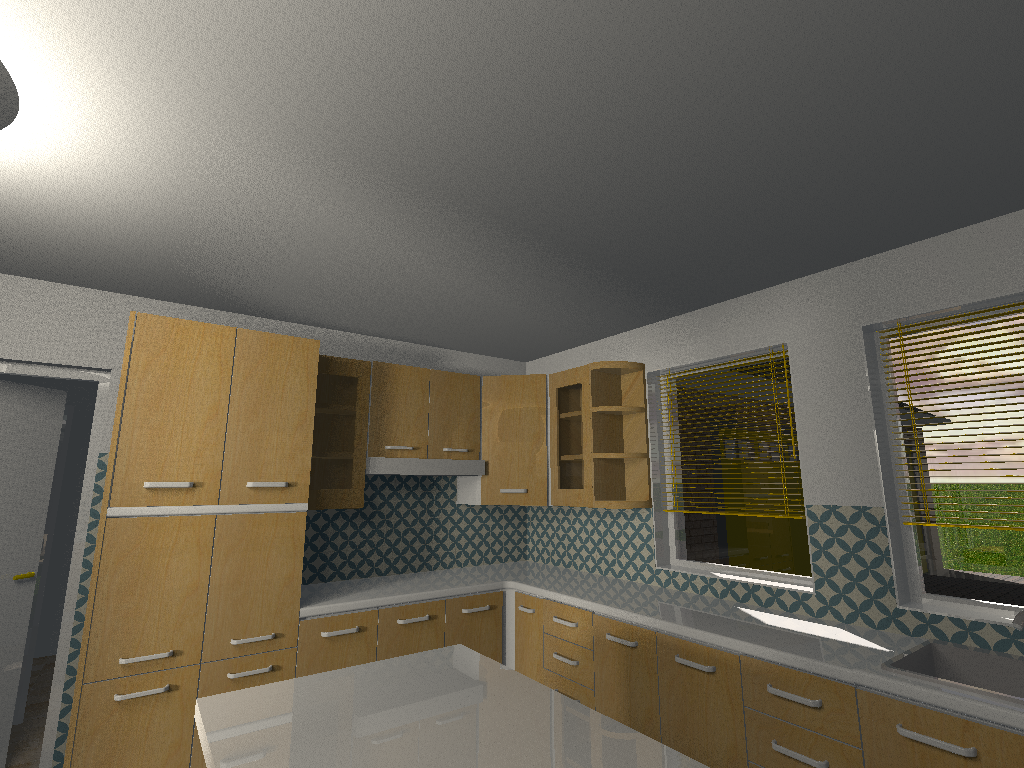
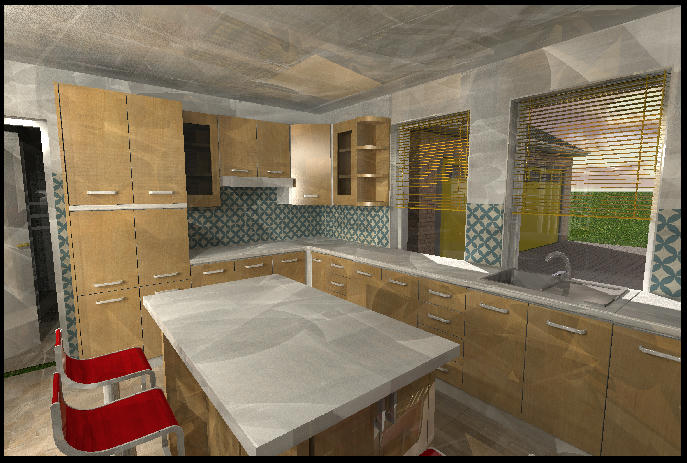
Need some special effects? Look at this picture...
My guess is they're caused by the venetian blinds.
Image

Link to original image 12.6 Mb

Lighting in SH3D
- 2 halogen lights 100x100 cms, at 20% (at left edge, outside of image)
Render with PVR
- settings = Q4, path, 2 bounces, algorithm=fast
- ceiling lights = NO, enhance external brightness = YES
- original size= 3000x2000 pix, time +/-3 hrs @ 6 cores
Hans

new website - under constuction
hansdirkse.info
Mike53
Posts: 678
Joined: Sat Jan 06, 2018 1:02 am
Country: UK

Re: Special effects??

Post by Mike53 »

It looks almost like the lens is inside a light source, nice kitchen layout m8

Mike
Mike53
Posts: 678
Joined: Sat Jan 06, 2018 1:02 am
Country: UK

Re: Special effects??

Post by Mike53 »

Just had another look at the larger image, where is the light source that is reflecting off the upper corner cabinet? Behind and left of the lens? What type of source is it?
Mike
User avatar
AdeleAlli
Posts: 155
Joined: Wed Jul 18, 2018 10:13 am
Country: Italy

Re: Special effects??

Post by AdeleAlli »

Need some special effects? Look at this picture...
My guess is they're caused by the venetian blinds.

Image

Link to original image 12.6 Mb
Amazing! I really love it! I will try to do something similar in the future :).
Thank you for sharing it!
User avatar
hansmex
Posts: 4027
Joined: Sat Sep 26, 2009 11:36 am
Country: Netherlands

Re: Special effects??

Post by hansmex »

Light sources are approx 80-100 cms left of 1st and 3rd bar stool, elevation is 175 cms, type is eTeks Halogen.

SH3D File
Hans

new website - under constuction
hansdirkse.info
Mike53
Posts: 678
Joined: Sat Jan 06, 2018 1:02 am
Country: UK

Re: Special effects??

Post by Mike53 »

Couldn't get any improvement to your own image even after changing the lighting and trying renders of other rooms, but i did get this :-
Image
when i stopped using the 1.6 render plugin and used the camera icon on the toolbar. Still none the wiser as to what is causing it though, sorry.
Mike
User avatar
hansmex
Posts: 4027
Joined: Sat Sep 26, 2009 11:36 am
Country: Netherlands

Re: Special effects??

Post by hansmex »

Very nice render, smooth lighting.

Almost boringly perfect 😀
Hans

new website - under constuction
hansdirkse.info
Mike53
Posts: 678
Joined: Sat Jan 06, 2018 1:02 am
Country: UK

Re: Special effects??

Post by Mike53 »

lol
User avatar
bdfd.
Posts: 6
Joined: Sat Nov 17, 2018 6:04 am

Re: Special effects??

Post by bdfd. »

Image
Hi,

Great art ! [=D>]

Except perhaps the detail on the bottom of the windows which are under the cabinets ??? [:D]

Image

This atrium remainds me my own model (March 2017)… See here

[;)]
only 6.0 and nothing else - W10 64b
Mike53
Posts: 678
Joined: Sat Jan 06, 2018 1:02 am
Country: UK

Re: Special effects??

Post by Mike53 »

Just made another render with v1.6 and it is ok,i did however change it from path to default, could there be a conflict using path with light sources?
Post Reply New Topic

Who is online

Users browsing this forum: No registered users and 1 guest