YafaRay rendering plug-in

This topic has been viewed 526656 times and has 172 replies
Thread status: Active
Test the features and bug fixes of future versions [img]http://www.sweethome3d.com/images/flags/en_small.gif[/img]
Post Reply New Topic
User avatar
UbuntuBirdy
Posts: 421
Joined: Thu Aug 31, 2017 10:31 pm
Country: Switzerland
Contact:

Re: YafaRay rendering plug-in

Post by UbuntuBirdy »

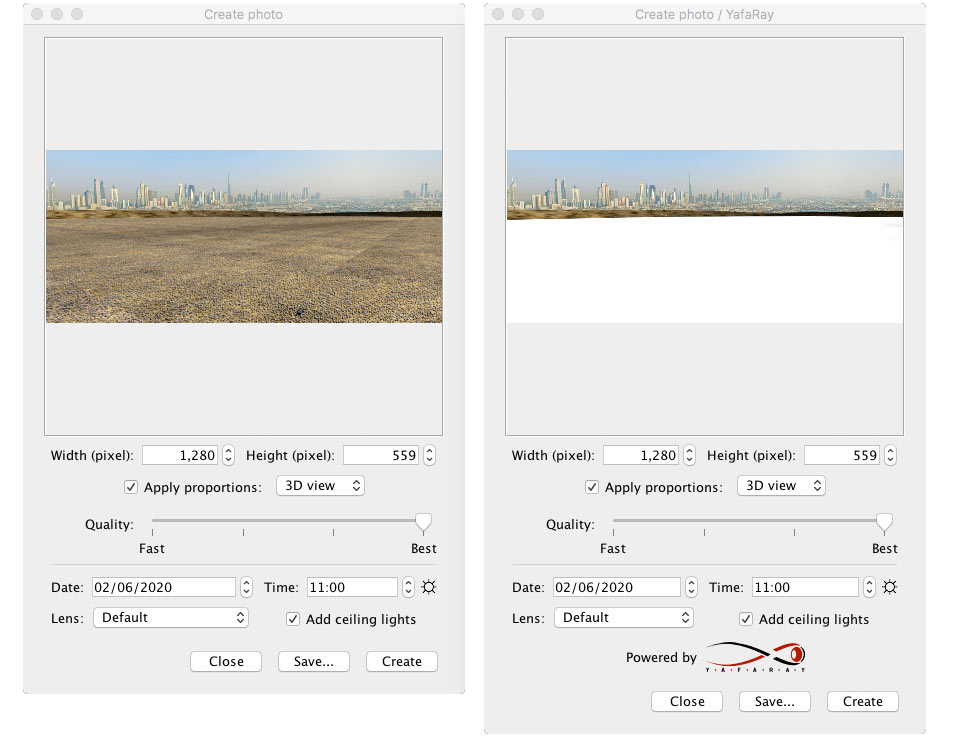
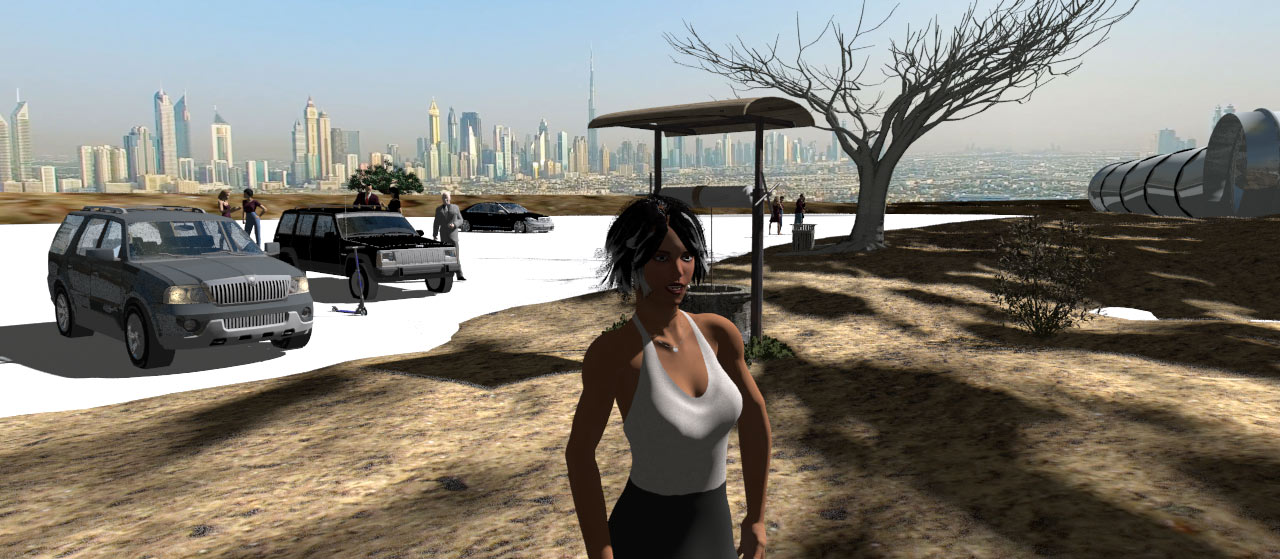
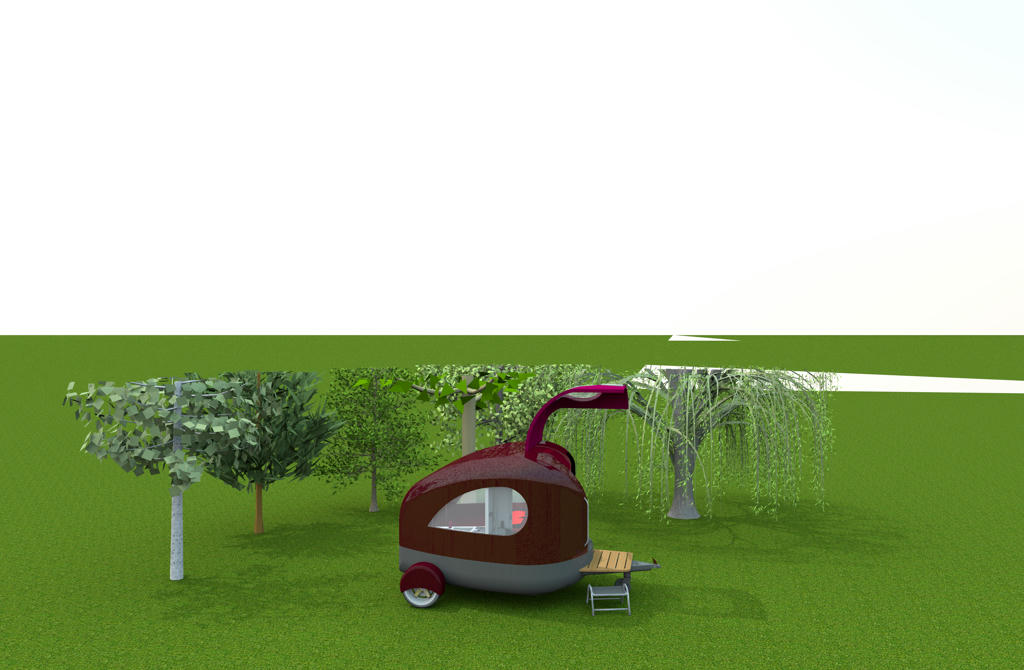
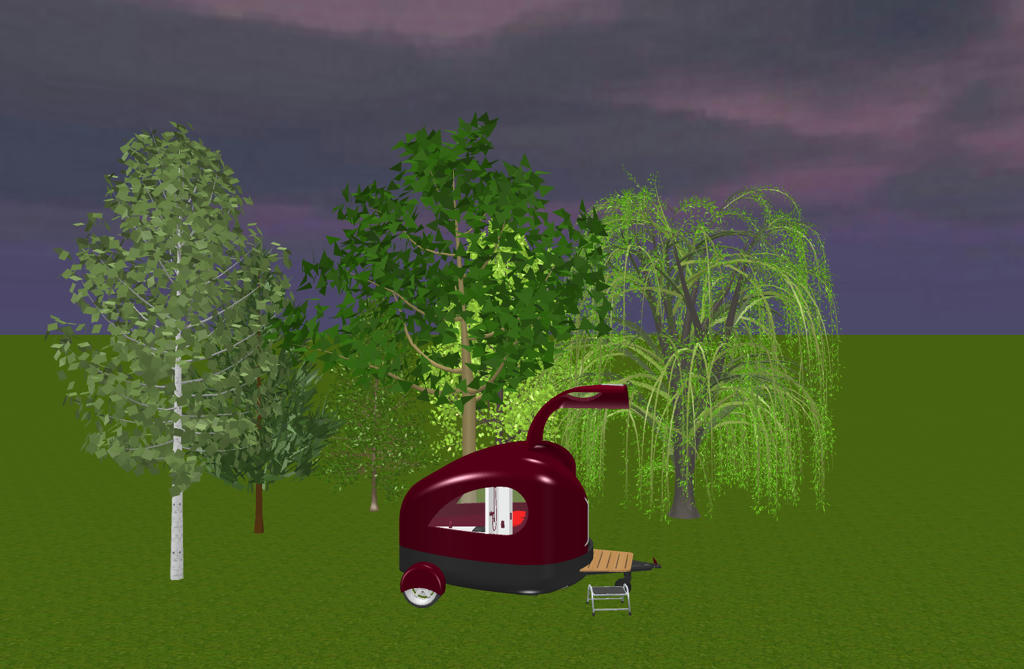
Still not what I expected, but it's getting better (Beta 4):
Image

Screenshot of the 3D-view:
Image
Pascal

SH3D 6.6 / Ubuntu 22.04 (Mainline-Kernel) / Radeon RX580 / Ryzen 7 5800x
User avatar
Puybaret
Posts: 9440
Joined: Mon Nov 07, 2005 12:00 pm
Country: Paris, France
Contact:

Re: YafaRay rendering plug-in

Post by Puybaret »

Thank you all for your feedback [:)]

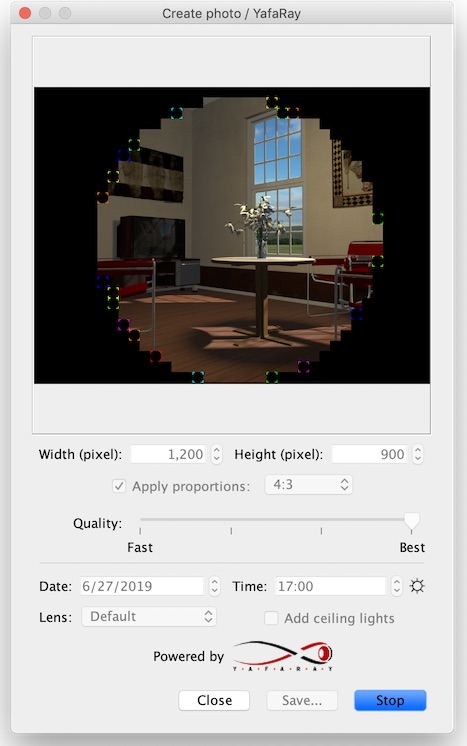
Tonight, the version 1.0 Beta 5 of the plug-in now shows borders around rendered tiles and brings a bug fix that could give weird results with lines (UbuntuBirdy, I hope it will resolve your issue). I also removed double faces to avoid bad results shown on the chairs in Cecilia's test file.

Image

Enkonyito, I made some tests about area and mesh lights, and you can use some working code found in the comments of [font=courier new]YafarayRenderer[/font] constructor.
In the source code you posted, [font=courier new]corner[/font], [font=courier new]point1[/font] and [font=courier new]point2[/font] must be arrays of 3 floats not [font=courier new]Point3f[/font] instances (by the way, [font=courier new]from[/font] parameter isn't used).
You should also take care of the orientation of the triangle built from [font=courier new]corner[/font], [font=courier new]point1[/font] and [font=courier new]point2[/font] (if ever it's wrongly oriented, just swap [font=courier new]corner[/font] and [font=courier new]point1[/font]).

About mesh lights, you have to provide the integer id of the mesh used as a light in a parameter named [font=courier new]object[/font]. This id is returned by [font=courier new]startTriMesh[/font] method so you'll have to store the ids of the meshes used as lights somewhere.
Good luck! [:)]
Emmanuel Puybaret, Sweet Home 3D creator
User avatar
hansmex
Posts: 4027
Joined: Sat Sep 26, 2009 11:36 am
Country: Netherlands

Re: YafaRay rendering plug-in

Post by hansmex »

After updating my plugins, I did a few test renders. Some results were as expected, others were shocking.

Too many large images, so look here for the comparison between standard SH3D render, Enko's plugin v1.8, and the YafaRay plugin v1b5.

http://www.hansdirkse.info/sh3d/
Hans

new website - under constuction
hansdirkse.info
User avatar
UbuntuBirdy
Posts: 421
Joined: Thu Aug 31, 2017 10:31 pm
Country: Switzerland
Contact:

Re: YafaRay rendering plug-in

Post by UbuntuBirdy »

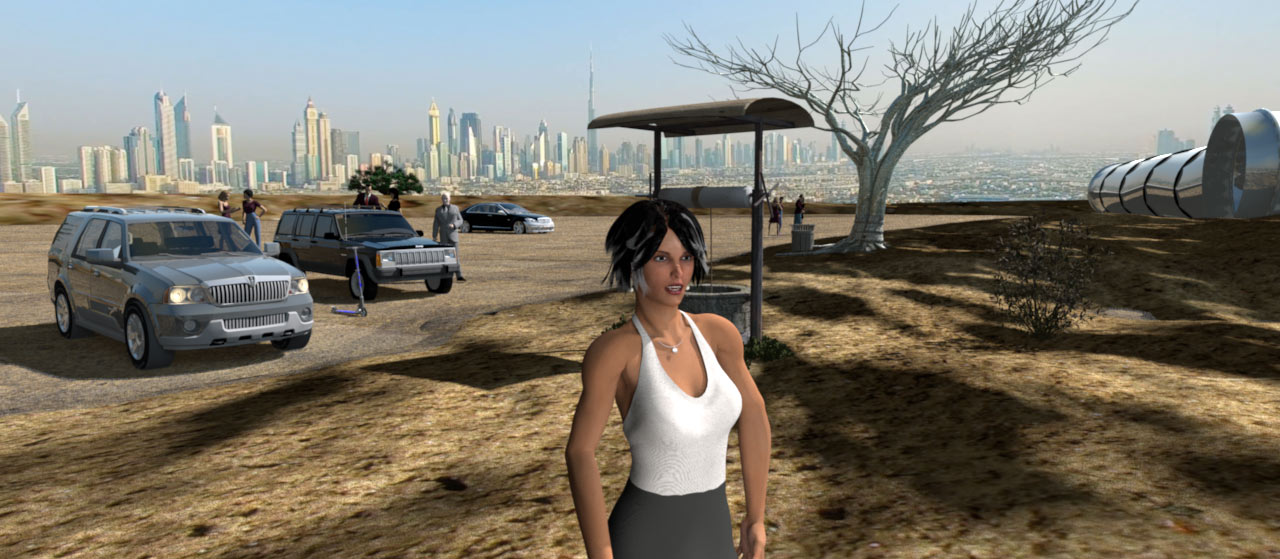
... (UbuntuBirdy, I hope it will resolve your issue)...
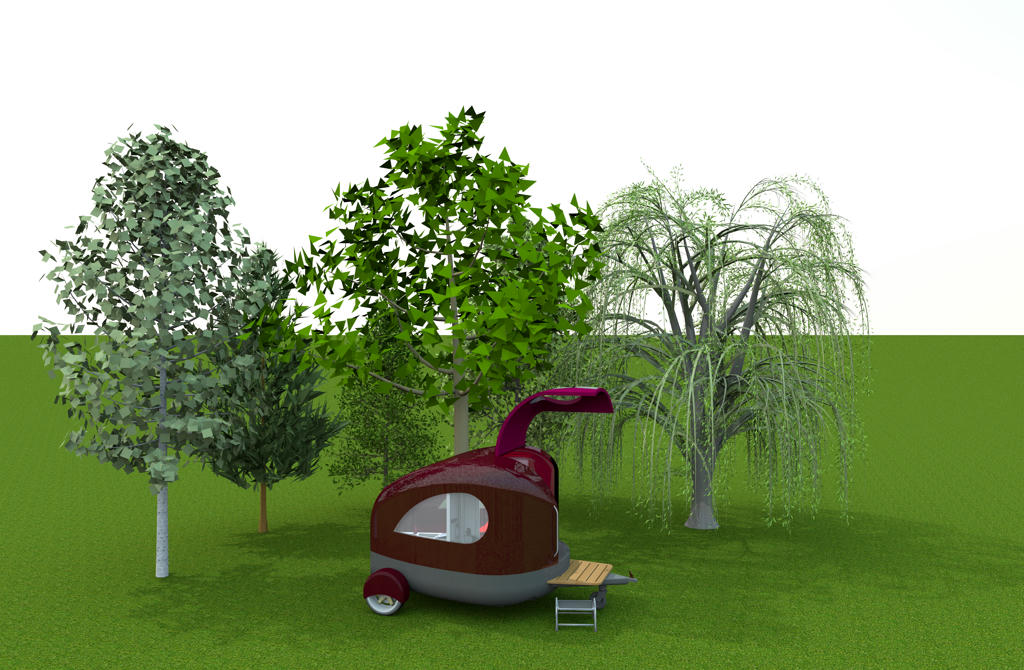
Emmanuel, you are a genius!

Image
Pascal

SH3D 6.6 / Ubuntu 22.04 (Mainline-Kernel) / Radeon RX580 / Ryzen 7 5800x
User avatar
Ceciliabr
Posts: 637
Joined: Sun Jul 07, 2013 3:41 pm
Country: Copenhagen, Denmark
Contact:

Re: YafaRay rendering plug-in

Post by Ceciliabr »

Seems the YafaRay renderer is still not completely up to speed on the CPU handling.

Image

But I noticed little difference in speed. Maybe YafaRay was a fraction faster.


I also noticed another oddity:

Image


This is a larger image, rendered by YafaRay:

Image


Rendered by Sunflow:

Image


And to make an unjust comparison; here's a rendering made with Enko's SPR v1.8:

Image


___________________

In case you want to have a look at the terrain that YafaRay failed to render:

YafaTestTerrain.sh3d


Cec
User avatar
Puybaret
Posts: 9440
Joined: Mon Nov 07, 2005 12:00 pm
Country: Paris, France
Contact:

Re: YafaRay rendering plug-in

Post by Puybaret »

Many thanks for your tests. It looks like we get closer to a working solution [:)]

The version 1.0 Beta 6 published today brings support for BMP, WBMP and GIF images (that will fix Cecilia's issue) and improves the cache of texture images to speed up YafaRay launch during subsequent times.

Cecilia, I tried your file and noted a similar CPU usage on my computer, even if it wasn't as low as in your case. As I wondered if it could be because of the very large images you use as textures, I created another version with much smaller images, but this gave the same results! Could you try with some files of the gallery (like the Alps hotel that you seem to like ;-), and report how rendering works with them?

Among the remaining issues, I noted that the default sky used in aerial view still gives some images a little bluer than with SunFlow. After some investigations, I didn't find any solution yet.
Before releasing a version 1.0, I shall add the support for Windows and Linux 32 bit and a Depth of field lens option. As YafaRay doesn't seem to be able to generate some equirectangular images, I fear there won't be any Spherical lens option at the moment. Any other ideas in mind?
Emmanuel Puybaret, Sweet Home 3D creator
enkonyito
Posts: 607
Joined: Thu May 28, 2015 4:52 pm

Re: YafaRay rendering plug-in

Post by enkonyito »

Enkonyito, I made some tests about area and mesh lights, and you can use some working code found in the comments of [font=courier new]YafarayRenderer[/font] constructor.
In the source code you posted, [font=courier new]corner[/font], [font=courier new]point1[/font] and [font=courier new]point2[/font] must be arrays of 3 floats not [font=courier new]Point3f[/font] instances (by the way, [font=courier new]from[/font] parameter isn't used).
You should also take care of the orientation of the triangle built from [font=courier new]corner[/font], [font=courier new]point1[/font] and [font=courier new]point2[/font] (if ever it's wrongly oriented, just swap [font=courier new]corner[/font] and [font=courier new]point1[/font]).

About mesh lights, you have to provide the integer id of the mesh used as a light in a parameter named [font=courier new]object[/font]. This id is returned by [font=courier new]startTriMesh[/font] method so you'll have to store the ids of the meshes used as lights somewhere.
Good luck! [:)]
Thank you Puybaret for the advice on area lights! This works for unviewable light panels.

Image Image

Using

Code: Select all

long meshLightId = startTriMesh(-1, vertices.length / 3, verticesIndices.length / 3, false, uvs != null, 0, 0);
and

Code: Select all

params.put("object", Integer.parseInt(light.getProperty(this.INT_MESH_LIGHT_ID)));
Sweet Home 3D no longer crashes for mesh lights but the opaque light panel emits light without being luminescent.
EnkoNyito
User avatar
Puybaret
Posts: 9440
Joined: Mon Nov 07, 2005 12:00 pm
Country: Paris, France
Contact:

Re: YafaRay rendering plug-in

Post by Puybaret »

It's great you could find out. About the light panel color, maybe you could apply a [font=courier new]light_mat[/font] material on the mesh (see the end of [font=courier new]exportAppearance[/font] method)?
Emmanuel Puybaret, Sweet Home 3D creator
User avatar
Ceciliabr
Posts: 637
Joined: Sun Jul 07, 2013 3:41 pm
Country: Copenhagen, Denmark
Contact:

Re: YafaRay rendering plug-in

Post by Ceciliabr »

Could you try with some files of the gallery (like the Alps hotel that you seem to like ;-), and report how rendering works with them?

For what it’s worth:

I have made some more tests with the YafaRay renderer, using an abused version of the Alps Hotel.
The abuse was necessary because I wanted to test how YafaRay responded to lighting. Since YafaRay is not yet ( at least not in the current version) able to handle Enko’s “Other Light Sources”, I had to see what could be done without using them – only using a multitude of the original light sources – like I used to do in the “old days”.

Result: The YafaRay renderer v1.6 beta works surprisingly well.

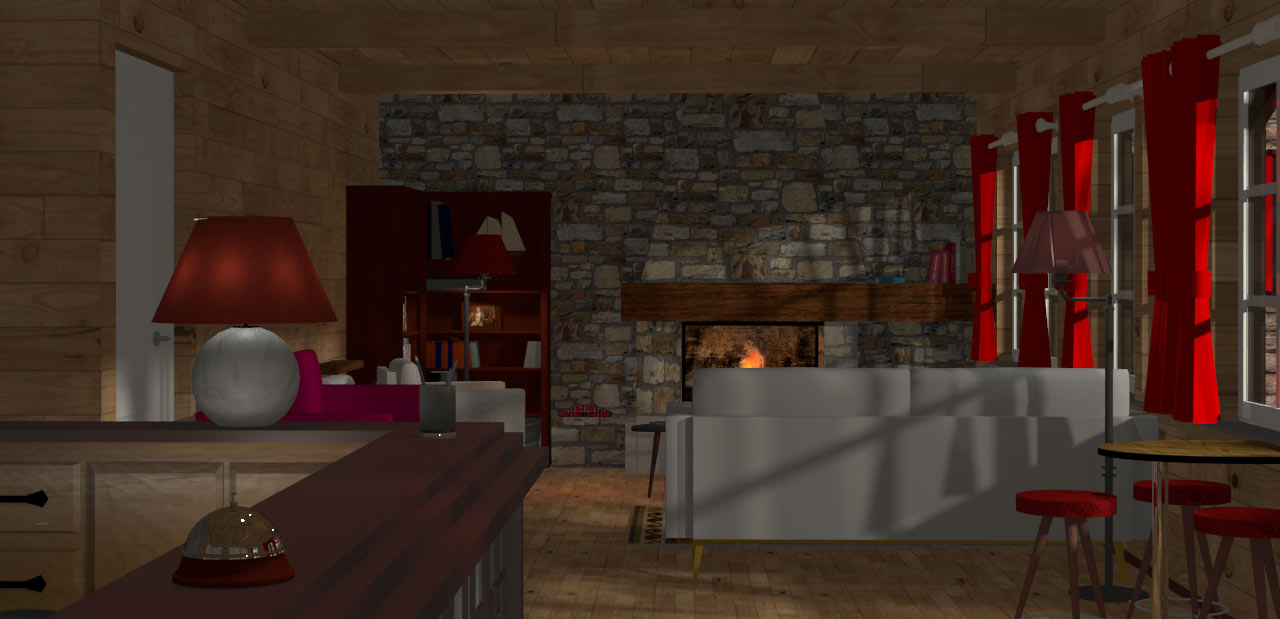
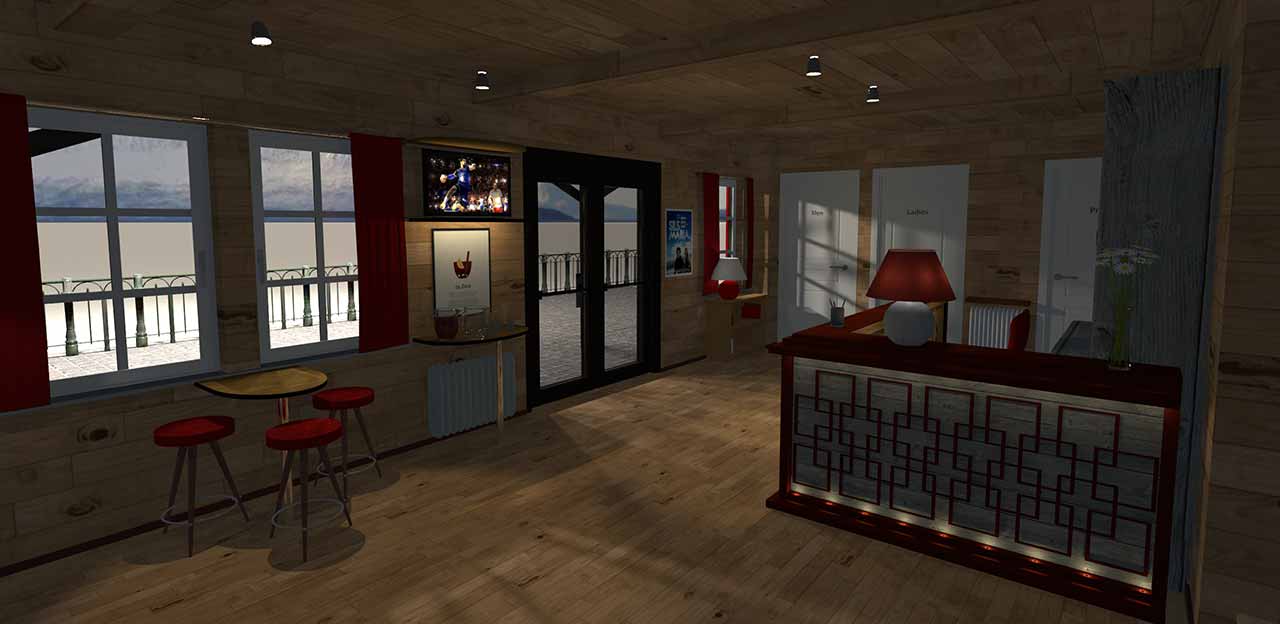
Here are some YafaRay renderings of the abused Alps Hotelreception and front desk:

Image

Image

Image

Image

The CPU-issues from the last version are gone.
YafaRay is now using all my 24 threads, as well as 92% of my CPU-capacity, and it’s performing quite fast – almost 50% faster than Sunflow.
It’s also producing some nice results – as long as have the patience to work with my light-settings.
And that’s where my ONLY complaint lies… for now:

Checking the lights are alfa and omega.
Enko has showed that programming a resizable render window is possible.
A resizable window will fit on any screen, no matter how stone-age the computer is.
So I ask: Is there a good reason for keeping the “official” render windows of SH3D so tiny?


Why is resizable so important?
As the YafaRay renderer is handling light sources somewhat different than the Sunflow renderer, it’s of no use to test my light-settings by using Enko’s resizable renderer.
So testing the YafaRay renderer becomes a somewhat time-consuming process:
First rendering the entire scene, then saving the test image. Then opening the test image in some graphics editor, and then trying to adjust the lights and do another test render… and then repeat the same process. I must admit that my motivation failed along the way, so my test renders are not what I would have liked them to be.
I know that YafaRay can produce better results – even great results, but I don’t think that will happen until we get more options – plus a resizable rendering window, so we can monitor the effect of our light-settings a lot faster than with the current version.

The bucket size of the YafaRay renderer, is it dynamic?
I'm wondering if that's the reason why it outperforms the Sunflow renderer.


Cec
User avatar
UbuntuBirdy
Posts: 421
Joined: Thu Aug 31, 2017 10:31 pm
Country: Switzerland
Contact:

Re: YafaRay rendering plug-in

Post by UbuntuBirdy »

Why is resizable so important?
As the YafaRay renderer is handling light sources somewhat different than the Sunflow renderer, it’s of no use to test my light-settings by using Enko’s resizable renderer.
So testing the YafaRay renderer becomes a somewhat time-consuming process:
First rendering the entire scene, then saving the test image. Then opening the test image in some graphics editor, and then trying to adjust the lights and do another test render… and then repeat the same process. I must admit that my motivation failed along the way, so my test renders are not what I would have liked them to be.
I know that YafaRay can produce better results – even great results, but I don’t think that will happen until we get more options – plus a resizable rendering window, so we can monitor the effect of our light-settings a lot faster than with the current version.

Cec
You absolutely nailed it! It's nothing more but all about that point!
Pascal

SH3D 6.6 / Ubuntu 22.04 (Mainline-Kernel) / Radeon RX580 / Ryzen 7 5800x
Post Reply New Topic

Who is online

Users browsing this forum: No registered users and 1 guest