YafaRay rendering plug-in

This topic has been viewed 526683 times and has 172 replies
Thread status: Active
Test the features and bug fixes of future versions [img]http://www.sweethome3d.com/images/flags/en_small.gif[/img]
User avatar
Puybaret
Posts: 9440
Joined: Mon Nov 07, 2005 12:00 pm
Country: Paris, France
Contact:

Re: YafaRay rendering plug-in

Post by Puybaret »

The version 1.4.3 fixes an issue reported here by gregoryx about light rays that could appear at ceiling borders.
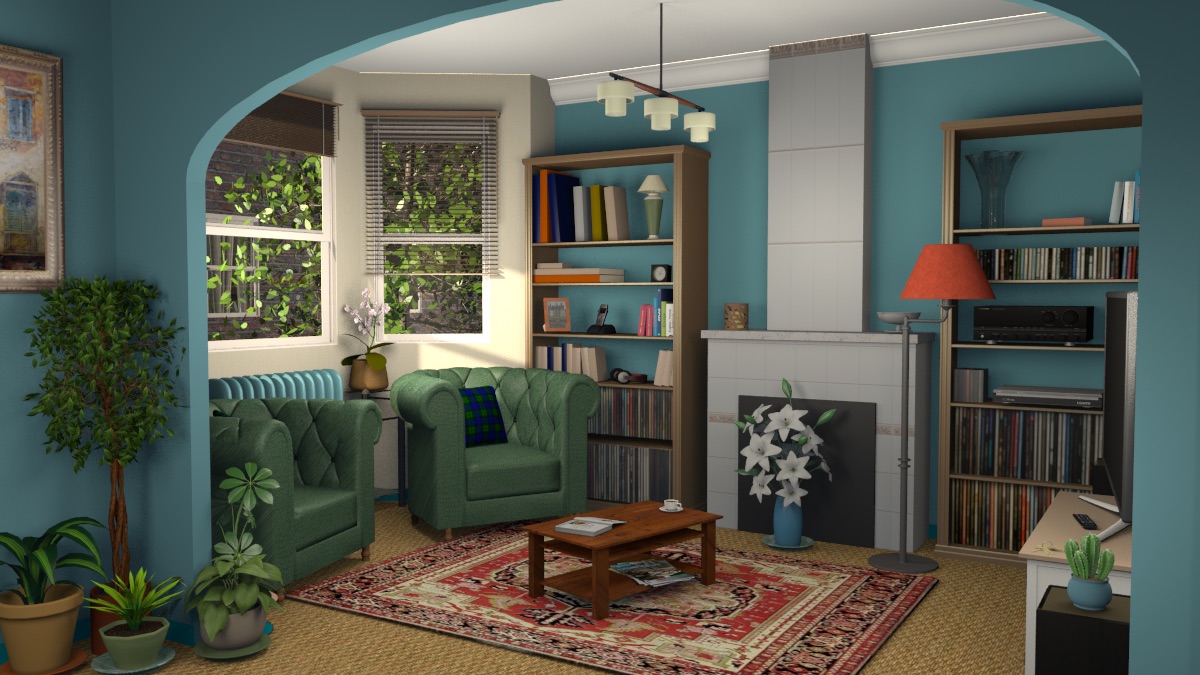
We experienced a similar issue in the scene used for Sweet Home 3D 6.3 where without some tricks, the scene let appear some unwanted clear lines at the ceiling like in the following image.

Image
(larger image)

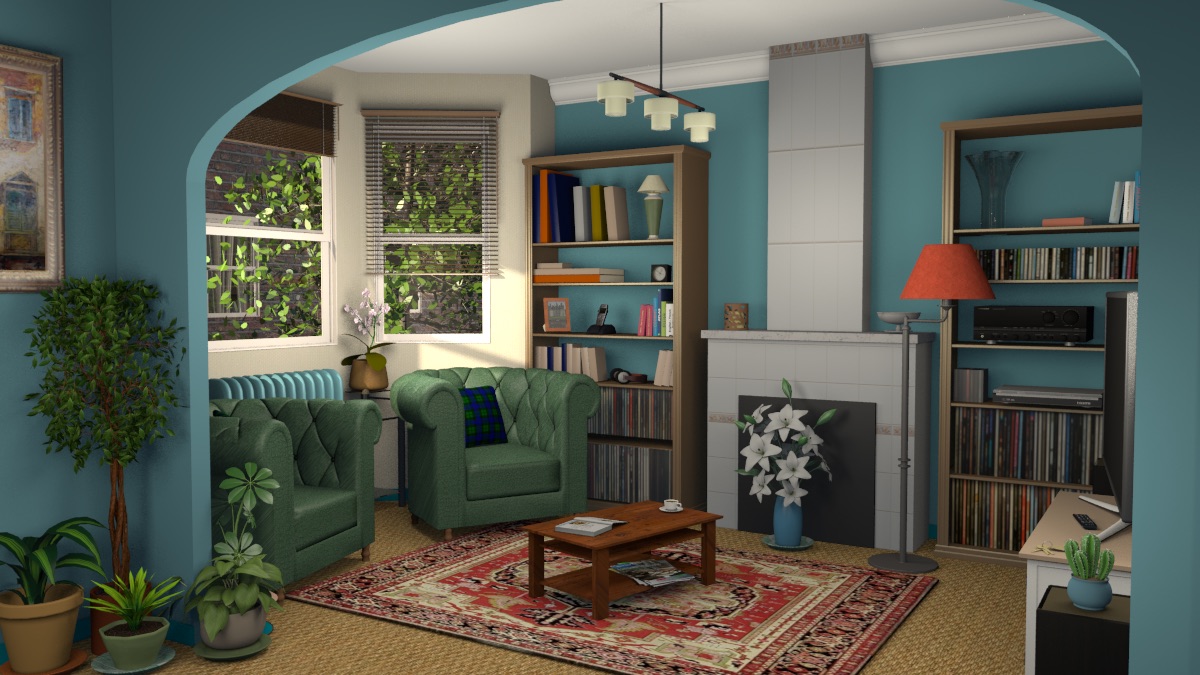
Thanks to the help of David Bluecame, the developer of YafaRay, I could adjust the renderer parameters to avoid this issue.
Image
(larger image)

You'll see that this adjustment gives an image with a little more contrast (see the cactus at bottom right for example).

Note that this adjustment is still not perfect, and you might still get some lighted pixels.
For example, the issue which appeared like in the following image with the version 1.4.2 of the plug-in:
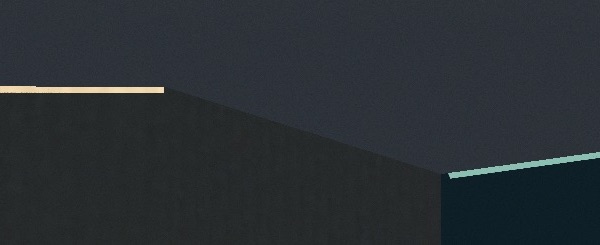
Image

will now appear like this at the 3rd quality level:
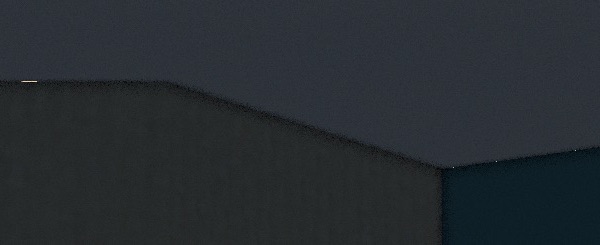
Image

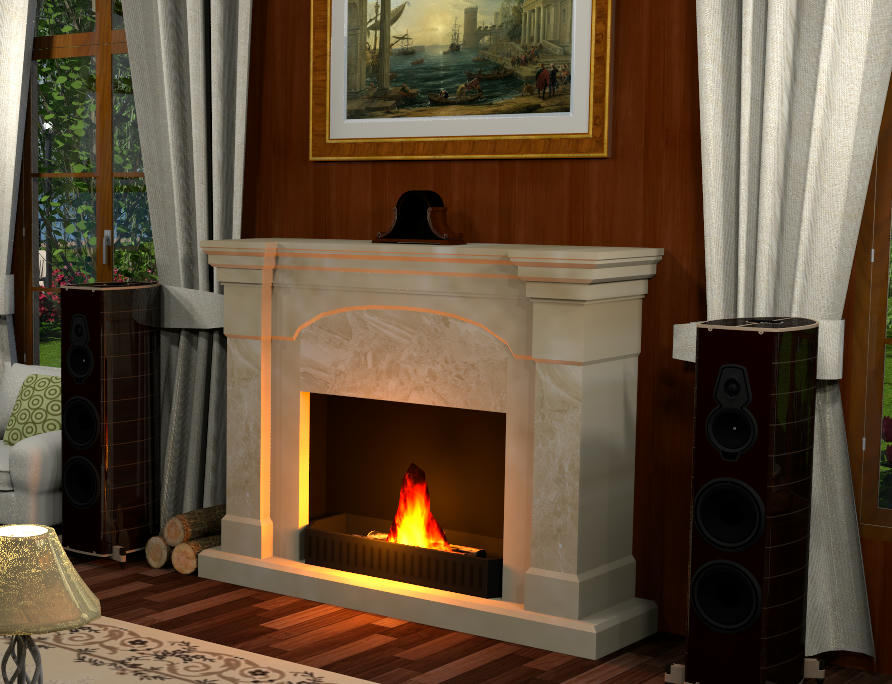
and like this at the highest quality level:

Image

I hope you'll still agree it's much better and workable now.
Emmanuel Puybaret, Sweet Home 3D creator
enkonyito
Posts: 607
Joined: Thu May 28, 2015 4:52 pm

Re: YafaRay rendering plug-in

Post by enkonyito »

As the YafaRay site is inaccessible, have you been given any information about the [font=courier new]adv_auto_shadow_bias_enabled[/font] parameter?
When its value is false, it causes black outlines on the walls.
EnkoNyito
User avatar
Puybaret
Posts: 9440
Joined: Mon Nov 07, 2005 12:00 pm
Country: Paris, France
Contact:

Re: YafaRay rendering plug-in

Post by Puybaret »

To fix the bug described in my previous message, David Bluecame recommended to try setting [font=courier new]adv_auto_min_raydist_enabled[/font] or [font=courier new]adv_auto_shadow_bias_enabled[/font] parameters to true and play with the values of [font=courier new]adv_min_raydist_value[/font] and [font=courier new]adv_shadow_bias_value[/font].
Changing [font=courier new]adv_min_raydist_value[/font] didn't have some effect but [font=courier new]adv_shadow_bias_value[/font] did, the reason why I published the version 1.4.3 (there was only little feedback about it and I'm not sure it's the perfect solution).
Try to set [font=courier new]adv_shadow_bias_value[/font] with a float or double value, not a boolean value. The fastest way to try some YafaRay parameters and get their type is to look at a XML YafaRay example like this one: [font=courier new]bval[/font] is for boolean values, [font=courier new]fval[/font] for float or double values, [font=courier new]ival[/font] for integer values, [font=courier new]sval[/font] for strings.
Emmanuel Puybaret, Sweet Home 3D creator
enkonyito
Posts: 607
Joined: Thu May 28, 2015 4:52 pm

Re: YafaRay rendering plug-in

Post by enkonyito »

By following this method I got the same results as you and I found that the [font=courier new]shadow_bias[/font] parameter takes precedence over [font=courier new]min_raydist[/font].
There may be another parameter that comes into account because for the same values, the rendering is different when the auto mode is enabled for [font=courier new]shadow_bias[/font].
EnkoNyito
GhyslainB
Posts: 12
Joined: Mon Jul 20, 2020 9:05 pm

Re: YafaRay rendering plug-in

Post by GhyslainB »

I've been using Yafaray since last summer, and overall I've had a good experience. However, I have three lingering issues, and I wondered if I'm just clueless on using the software properly (quite possible), or if they are the result of bugs.

Note: I typically use Yafaray at Level 4, with Photon, Lanczos and Shinydiffusemat, but I have seen the same issues with every setting I've tried.

1) First, I use some mantle clock furniture objects, and somehow whenever I render them with Yafaray, the clock face is missing, like this:

Image

For reference, with SunFlow, they render properly, like this:

Image

2) Secondly, the lamps (from SH3D default furniture set) are lighting incorrectly; the light "shines through," even when the lighting is set at a low percentage intensity. Like in the following example (lamp set at 7%):

Image

3) Finaly, when using the Multiple photo rendering (v.2.1) plug-in, there seems to be some kind of memory management issue. The memory used by SH3D keeps getting larger with each render, usually leading to a crash when it goes above 200 GB or so, which is about 4-5 renders on a .sh3d file of about 1.75 GB. I can live with restarting the app every 4 renders, it's not a big deal, but I thought maybe it could be useful to report the problem here.

Thanks in advance for the help!
enkonyito
Posts: 607
Joined: Thu May 28, 2015 4:52 pm

Re: YafaRay rendering plug-in

Post by enkonyito »

@GhyslainB
I've been using Yafaray since last summer, and overall I've had a good experience. However, I have three lingering issues, and I wondered if I'm just clueless on using the software properly (quite possible), or if they are the result of bugs.

Note: I typically use Yafaray at Level 4, with Photon, Lanczos and Shinydiffusemat, but I have seen the same issues with every setting I've tried.
1) First, I use some mantle clock furniture objects, and somehow whenever I render them with Yafaray, the clock face is missing,
Could you provide the link where to download this clock?
2) Secondly, the lamps (from SH3D default furniture set) are lighting incorrectly; the light "shines through," even when the lighting is set at a low percentage intensity.
This usually happens during indirect rendering (path tracing, photon mapping or sppm) with the YafaRay engine.
It seems that the light source diffuses through the object making the faces of the mesh visible.
3) Finaly, when using the Multiple photo rendering (v.2.1) plug-in, there seems to be some kind of memory management issue. The memory used by SH3D keeps getting larger with each render, usually leading to a crash when it goes above 200 GB or so, which is about 4-5 renders on a .sh3d file of about 1.75 GB. I can live with restarting the app every 4 renders, it's not a big deal, but I thought maybe it could be useful to report the problem here.
If your memory problem when rendering is similar to this one, you can create a bugs or feature requests ticket.
EnkoNyito
GhyslainB
Posts: 12
Joined: Mon Jul 20, 2020 9:05 pm

Re: YafaRay rendering plug-in

Post by GhyslainB »

@enkonyito

Thank you for answering my post. For the clock, I've uploaded the model here: https://www.mediafire.com/file/t58xto0buct46e1/Mantle_Clock.zip/file

I'll look into writing a ticket for the memory bug.

Many thanks again!
User avatar
hansmex
Posts: 4027
Joined: Sat Sep 26, 2009 11:36 am
Country: Netherlands

Re: YafaRay rendering plug-in

Post by hansmex »

I downloaded and installed SH3D 6.5 under W10.

Using the Simple Photo Rendering v2.0a all results with Sunflow are VERY dark.
Should I no longer use this plugin?

H
Hans

new website - under constuction
hansdirkse.info
enkonyito
Posts: 607
Joined: Thu May 28, 2015 4:52 pm

Re: YafaRay rendering plug-in

Post by enkonyito »

Emmanuel,

GhyslainB's Mantle Clock is made up of 51 materials (2 colors and 49 textures).
Even by making the ForegroundColor and FrontColorNoCulling materials invisible, the problem persists.

Here is a comparative rendering without changing the source code.
Image Image

Enko
EnkoNyito
enkonyito
Posts: 607
Joined: Thu May 28, 2015 4:52 pm

Re: YafaRay rendering plug-in

Post by enkonyito »

I downloaded and installed SH3D 6.5 under W10.

Using the Simple Photo Rendering v2.0a all results with Sunflow are VERY dark.
Should I no longer use this plugin?

H
Could you provide more precision here?
EnkoNyito
Post Reply New Topic

Who is online

Users browsing this forum: No registered users and 2 guests