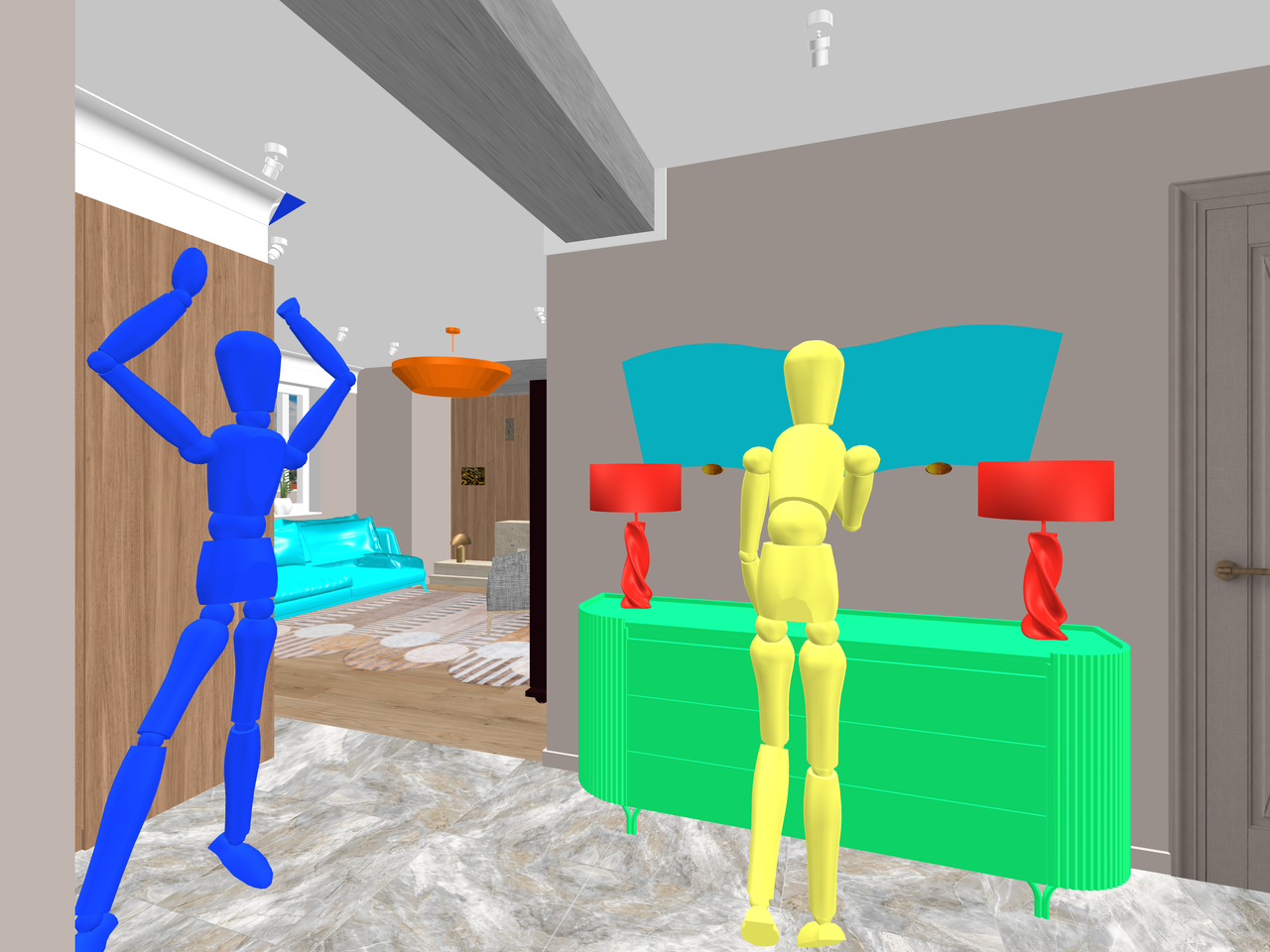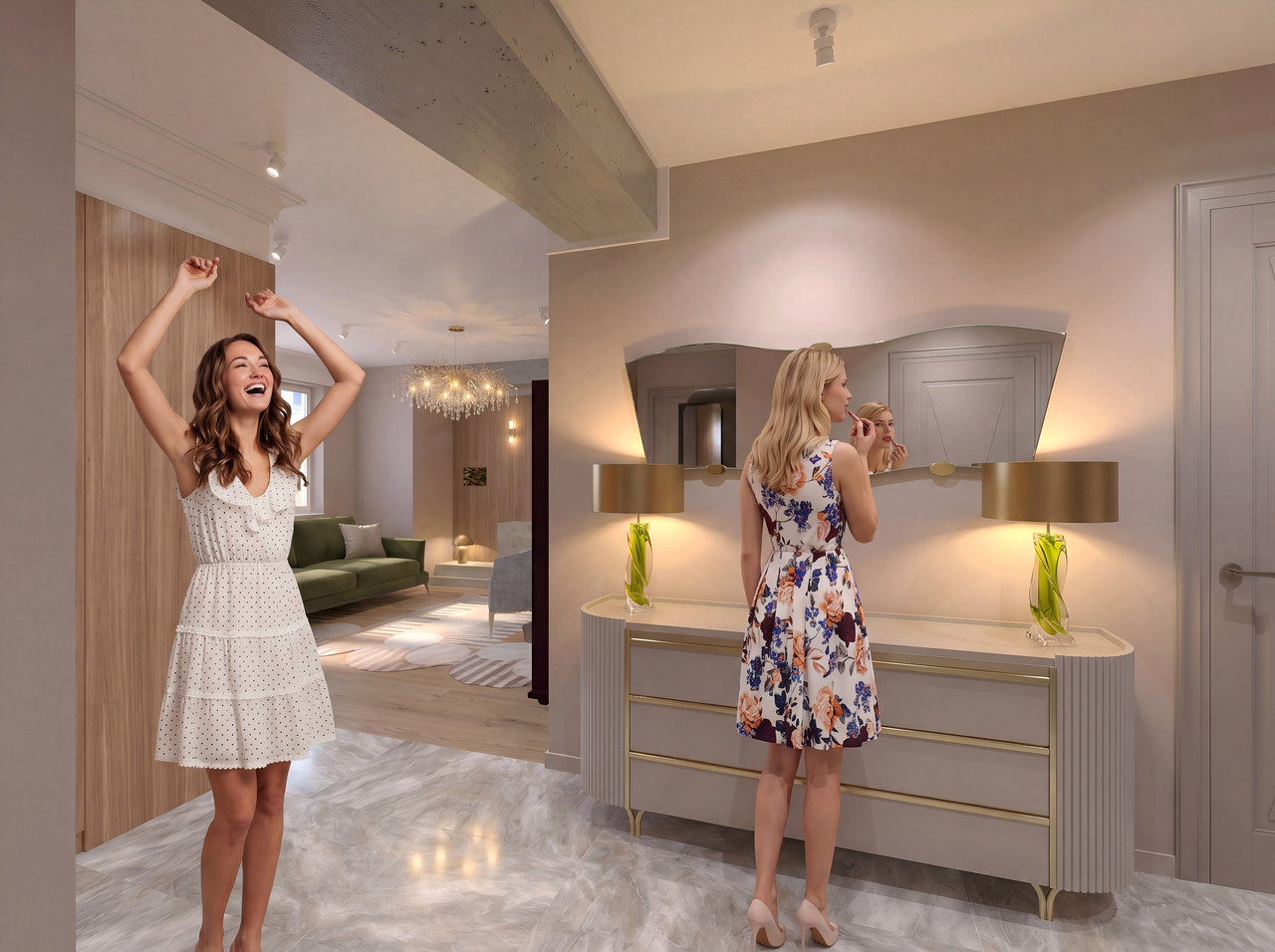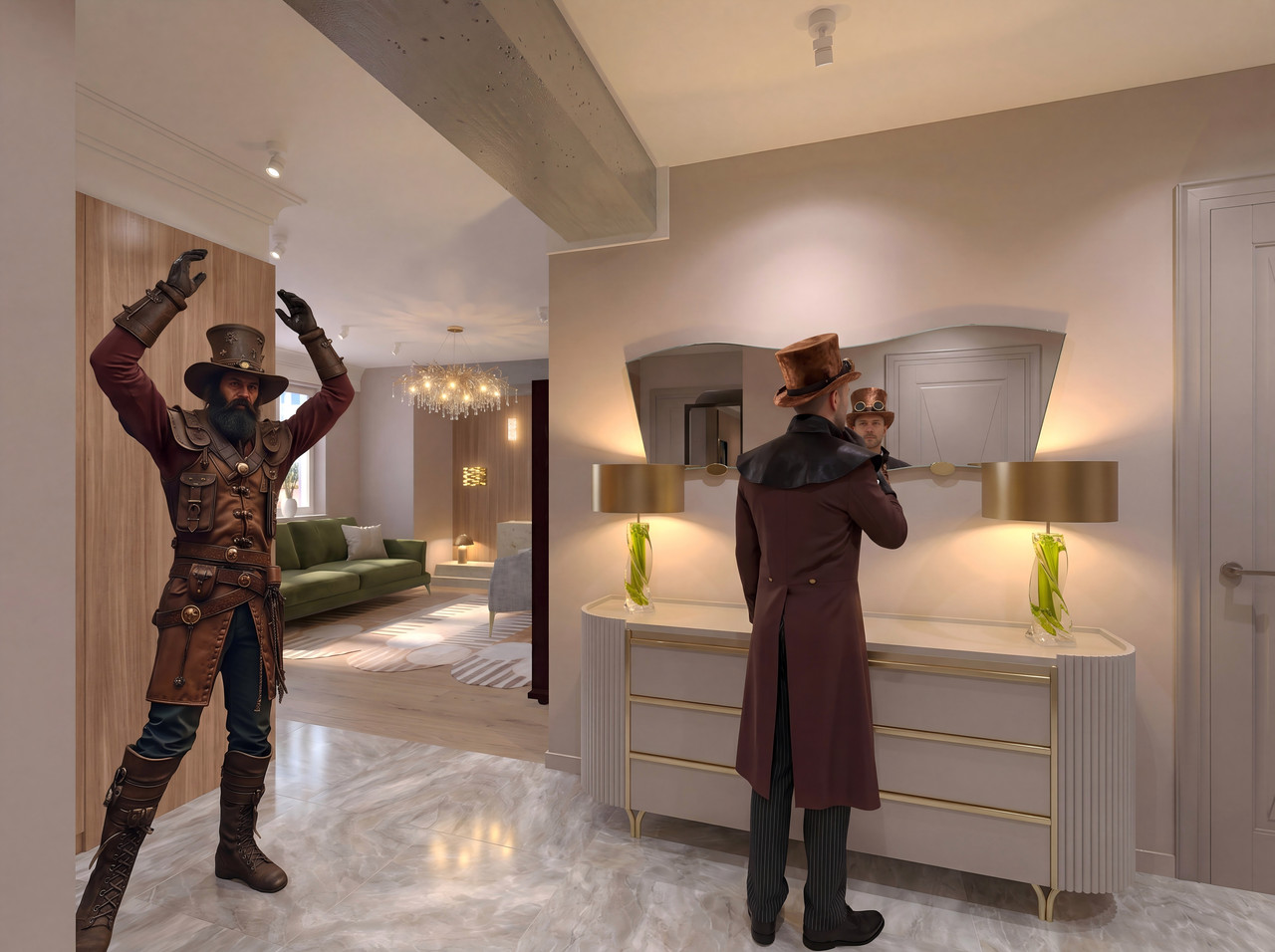
An attempt to place people in different angles of the room. Once again, AI based on SH3D.

This topic has been viewed 199 times and has 3 replies
Thread status: Active
Share your snapshots made with Sweet Home 3D here [img]http://www.sweethome3d.com/images/flags/en_small.gif[/img]
Post Reply New Topic
User avatar
GaudiGalopin3324
Posts: 729
Joined: Sat Aug 13, 2022 9:58 am
Country: Russia

An attempt to place people in different angles of the room. Once again, AI based on SH3D.

Post by GaudiGalopin3324 »

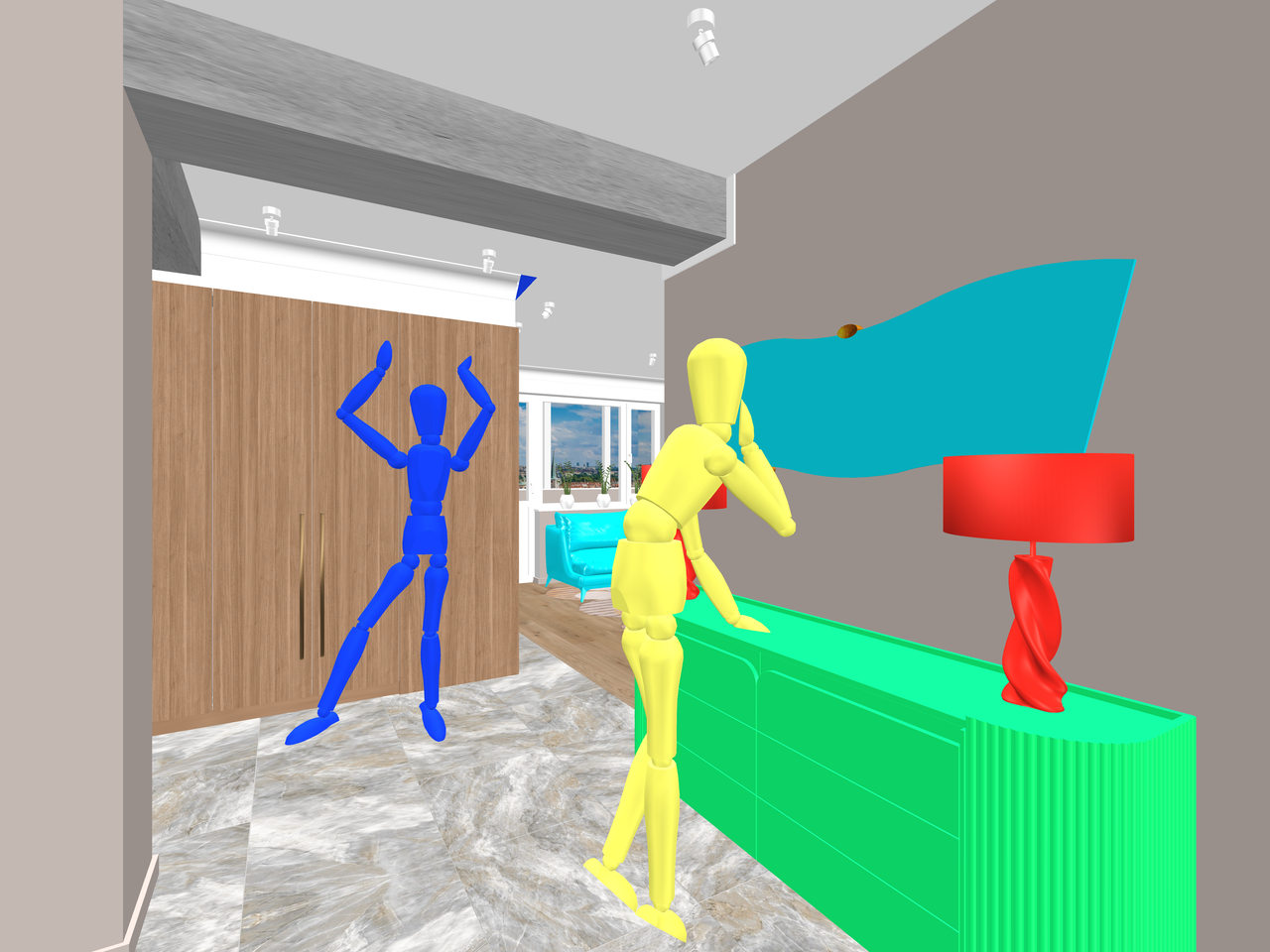
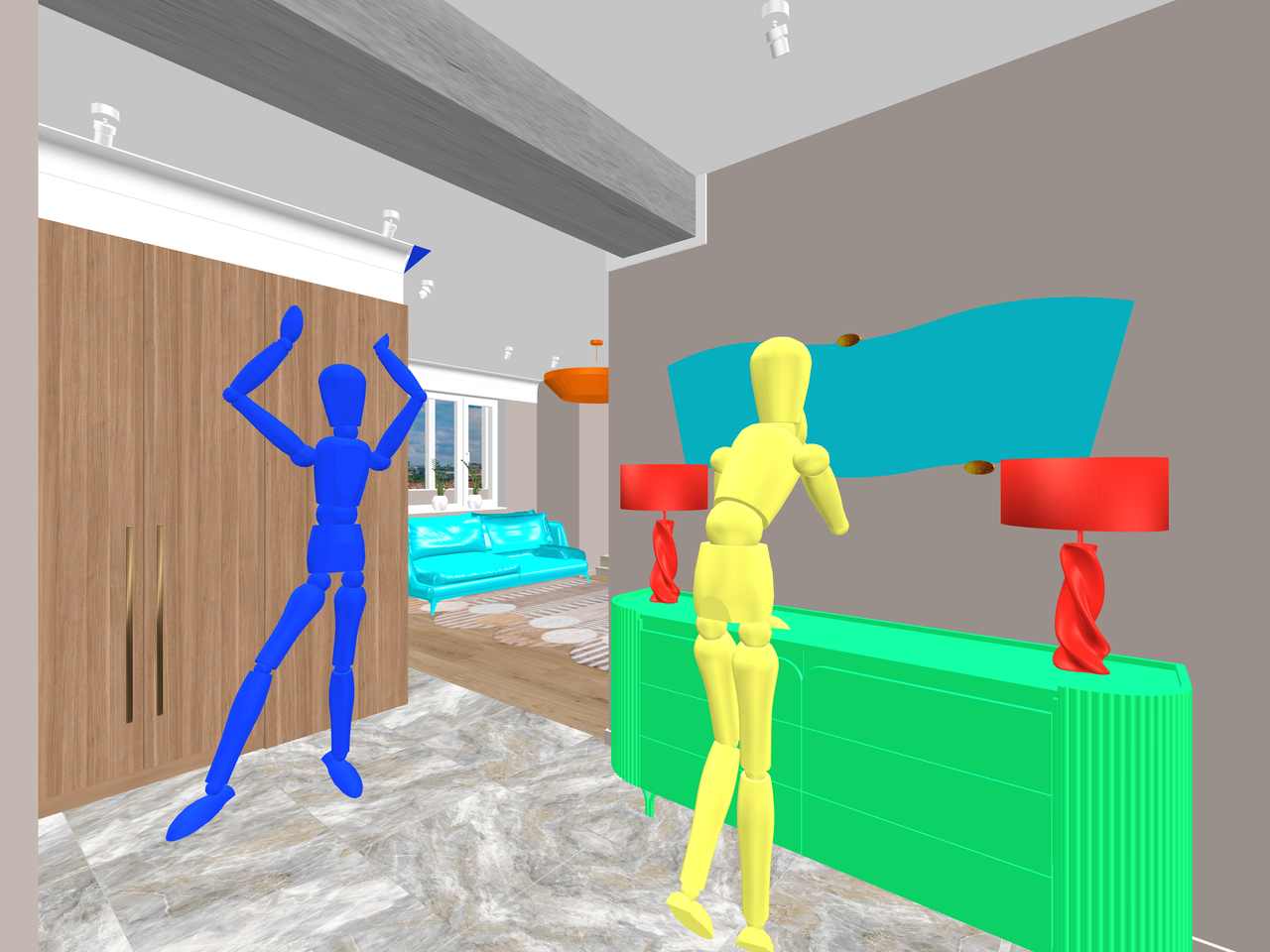
Hi. I’ve started experimenting with mannequins in SH3D. They’re really great because you can use them to create virtually any body position for a person. In the “Edit Furniture” menu for the mannequin, there’s a “Change Pose” section where you can bend the legs and arms, tilt the torso and head, and more. This creates a human base model that can now be used in the render. I created all the furniture in SH3D and found the right models for a dresser and two table lamps. Unfortunately, the format of these models isn’t read correctly in SH, so I extracted only the OBJ files from the archive and simply painted the entire shape a single color—that’s enough.
I decided to feature two girls in the entryway. So I created three different angles with mannequins in the interior. Of course, the mannequins don’t look anything like real people, but they can help produce a photorealistic render with the characters I need. So, you need to create a render at the basic quality level with a size of 4000x3000 pixels—this is a 4:3 aspect ratio for the image. You can use other aspect ratios, as long as you can later edit the frame in the same format in the software. These include 9:16, 3:4, 1:1, and rarely other options. So, three renders from different angles with the same mannequins in identical positions. The mannequins are painted different colors so that the AI can determine which character is where.
Image

Image

Image

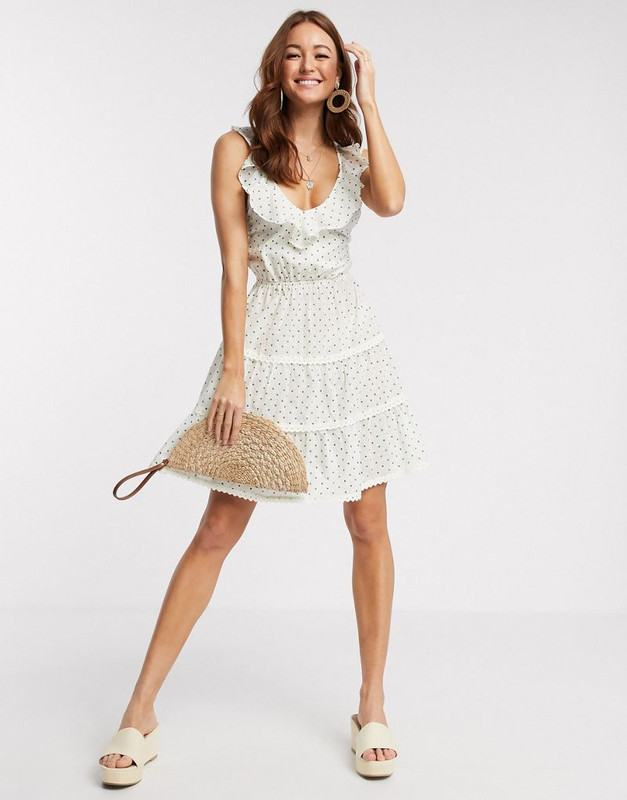
The blue mannequin will serve as the base for the girl in the white dress, and the yellow mannequin will serve as the base for the girl in the colorful dress.
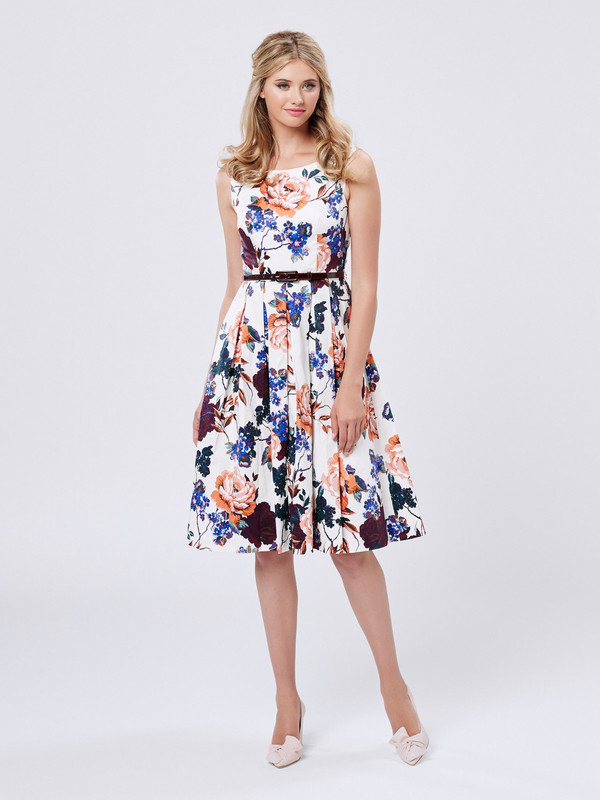
Image

Image

Now the AI will handle everything. I ended up with three different angles of the same room featuring the characters I wanted, with almost no changes to their faces or clothing. Of course, the AI isn’t always cooperative, and sometimes the shoes come out with heels or without, but overall, I’m happy with the result.
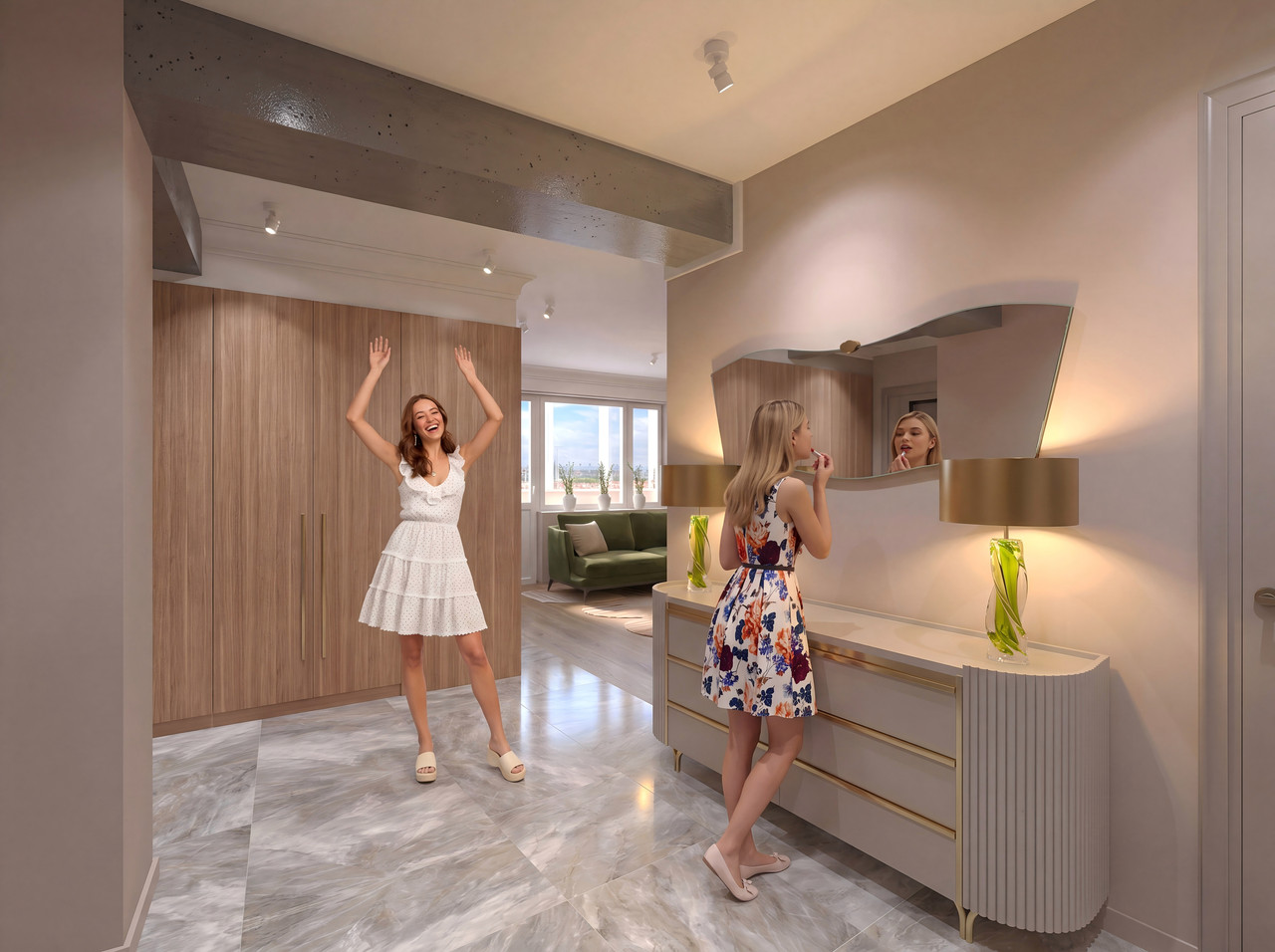
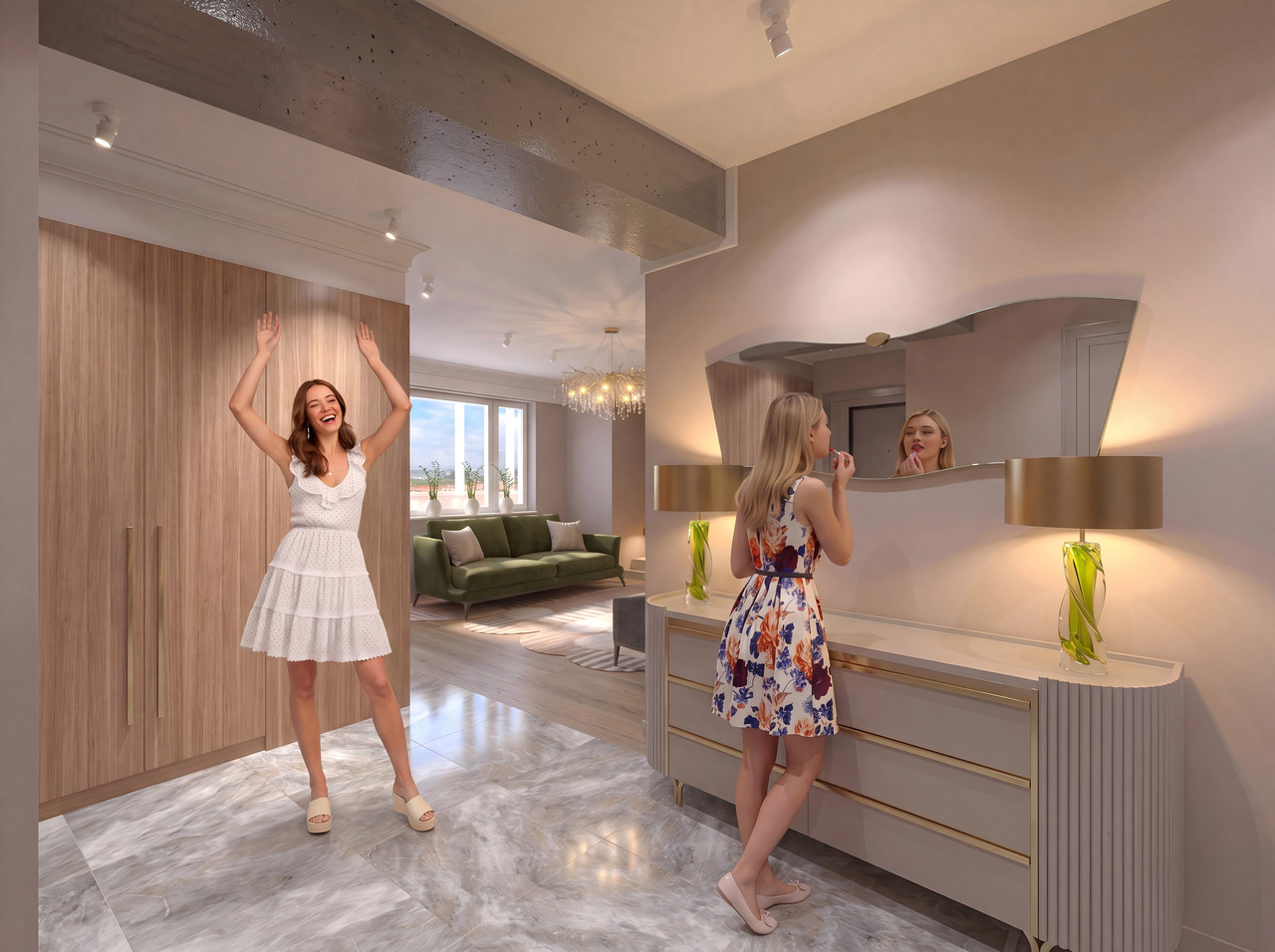
Image

Image

Image

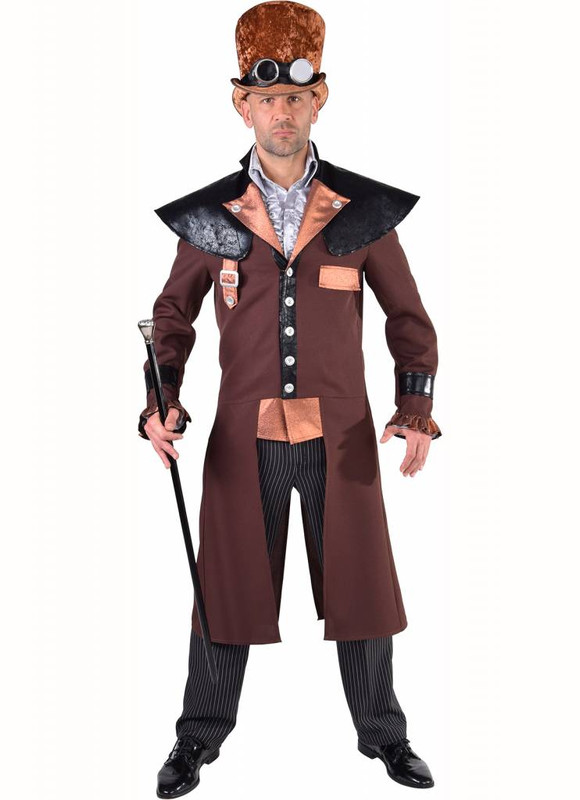
These same mannequins can be turned into men; I'll try to make one as an example. [:">]

Translated with DeepL.com (free version)

User avatar
Keet
Posts: 1807
Joined: Fri Apr 08, 2022 7:13 am
Country: Netherlands

Re: An attempt to place people in different angles of the room. Once again, AI based on SH3D.

Post by Keet »

The AI might misread the heels because the input picture of the colorful dress girl doesn't show the heels. Note that in the first rendering the left foot is correctly flat on the floor where the last rendering correctly shows the feet lifted according to the heels. Maybe an extra AI instruction for the heels. Try one with 15cm heels and see how the AI handles it [:)]

A great way for using AI although I personally prefer to at least build the furniture myself. I doubt I will ever create characters, maybe a little experimenting with MakeHuman.
Dodecagon.nl
1300+ 3D models, manuals, and projects
Post Reply New Topic

Who is online

Users browsing this forum: No registered users and 1 guest