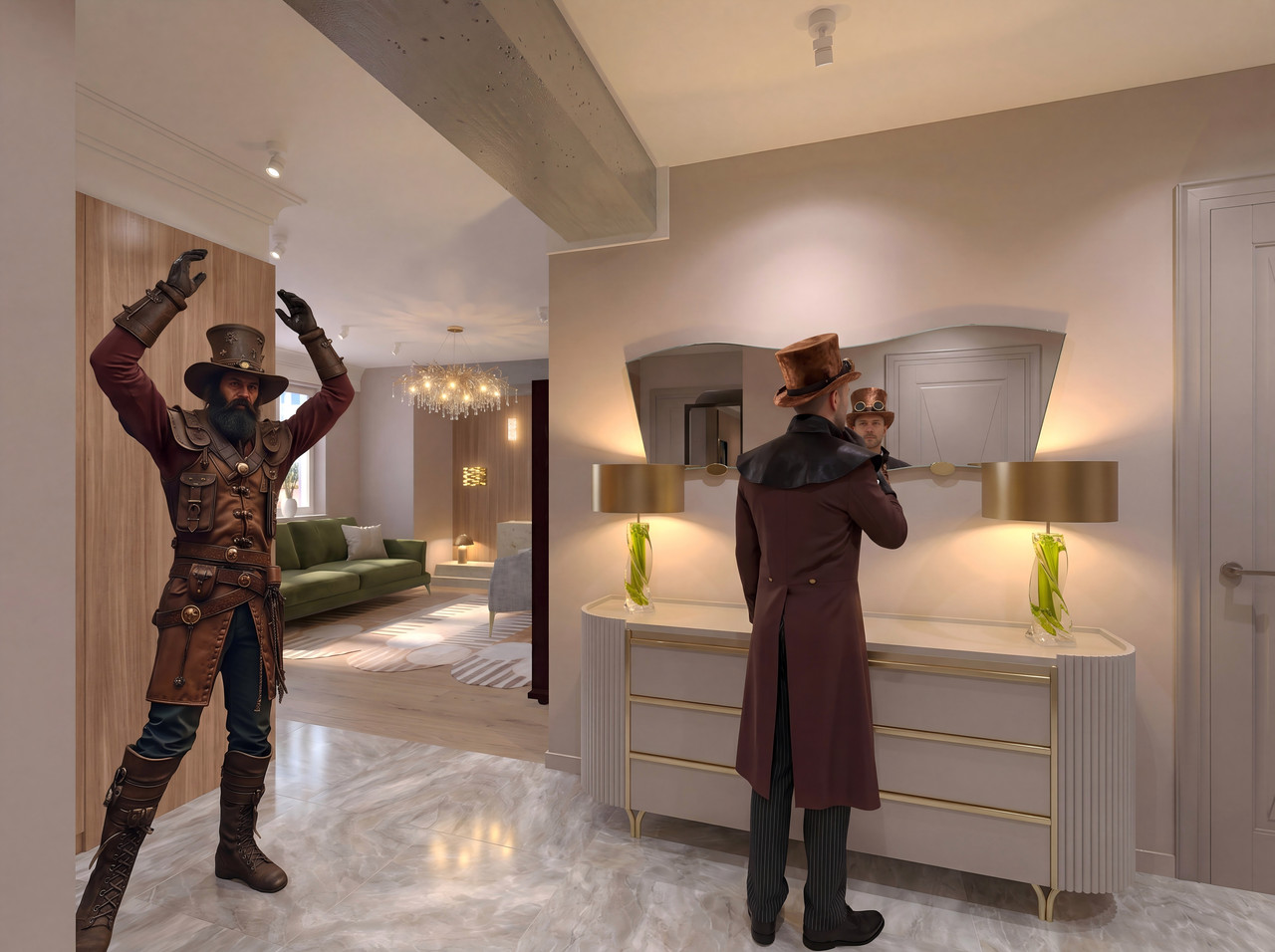
I decided to feature two girls in the entryway. So I created three different angles with mannequins in the interior. Of course, the mannequins don’t look anything like real people, but they can help produce a photorealistic render with the characters I need. So, you need to create a render at the basic quality level with a size of 4000x3000 pixels—this is a 4:3 aspect ratio for the image. You can use other aspect ratios, as long as you can later edit the frame in the same format in the software. These include 9:16, 3:4, 1:1, and rarely other options. So, three renders from different angles with the same mannequins in identical positions. The mannequins are painted different colors so that the AI can determine which character is where.
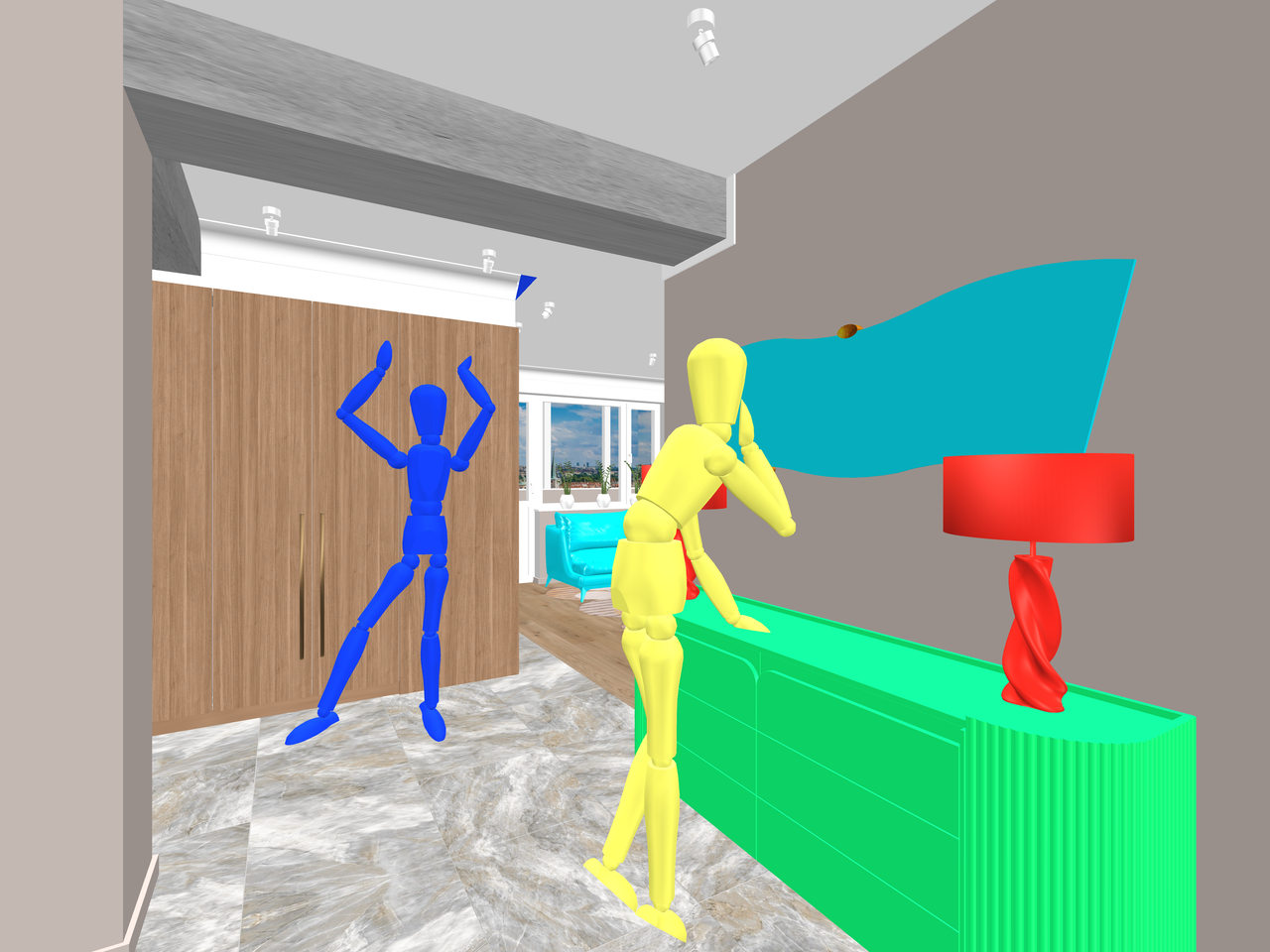
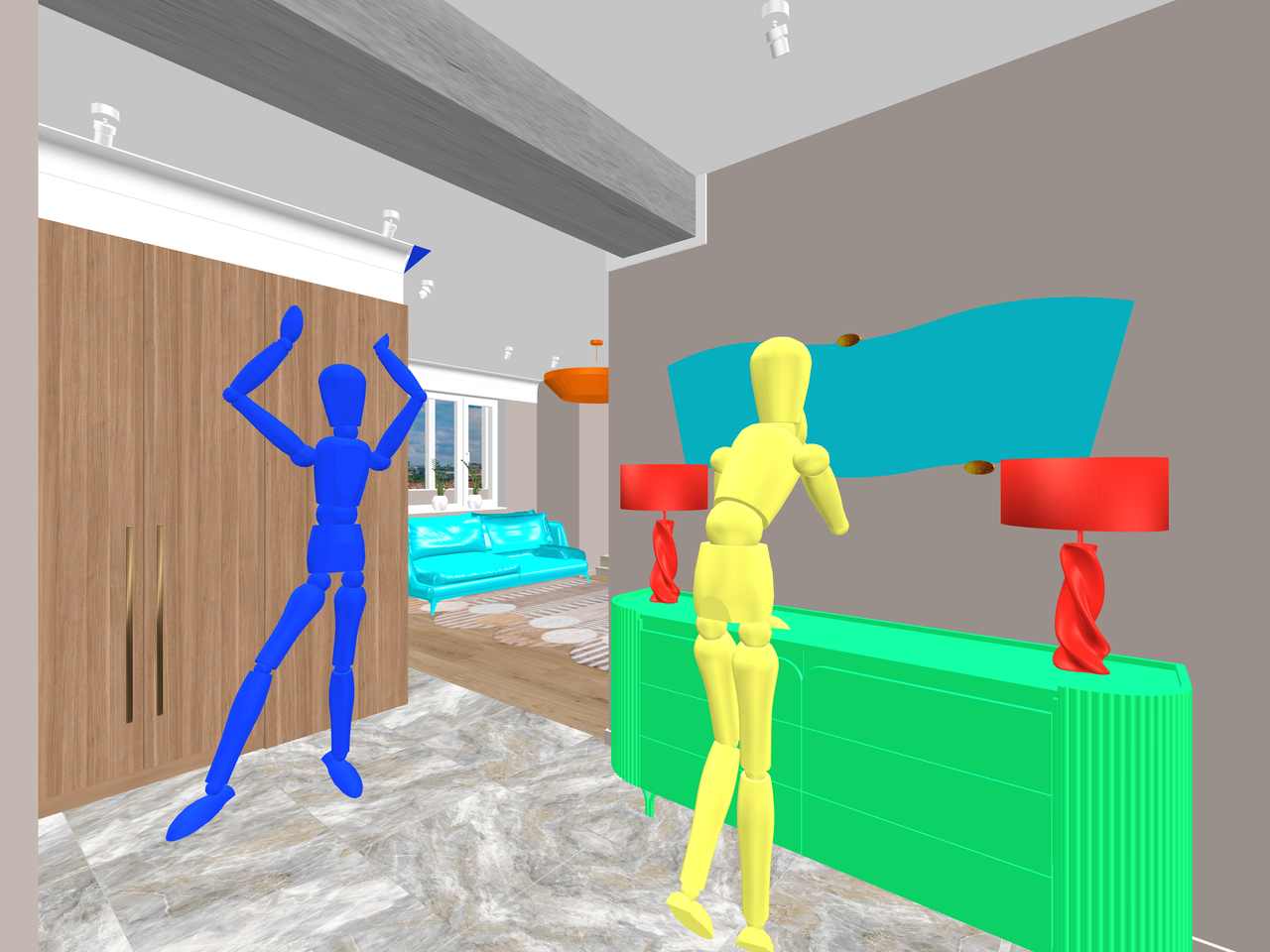
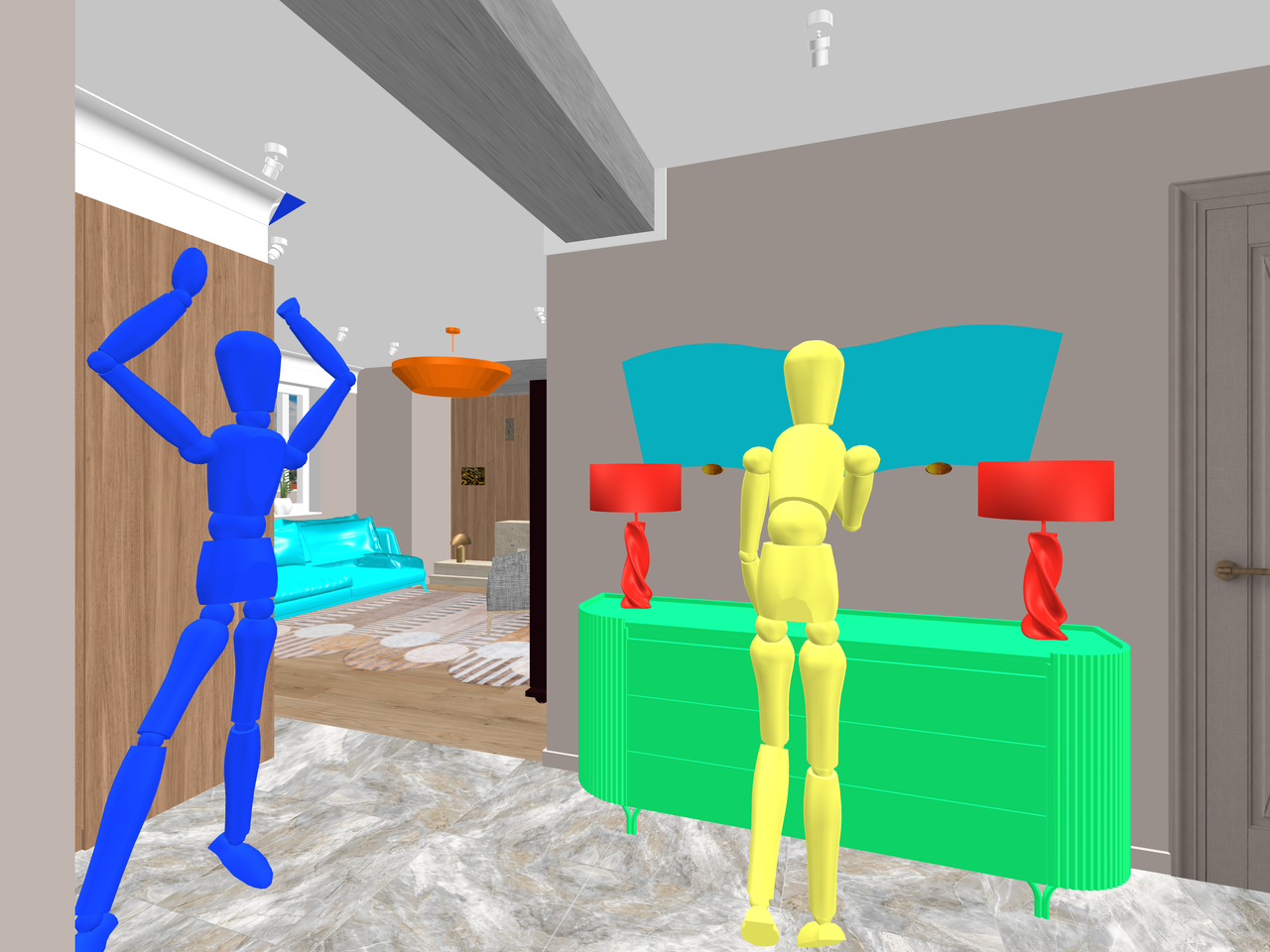
The blue mannequin will serve as the base for the girl in the white dress, and the yellow mannequin will serve as the base for the girl in the colorful dress.
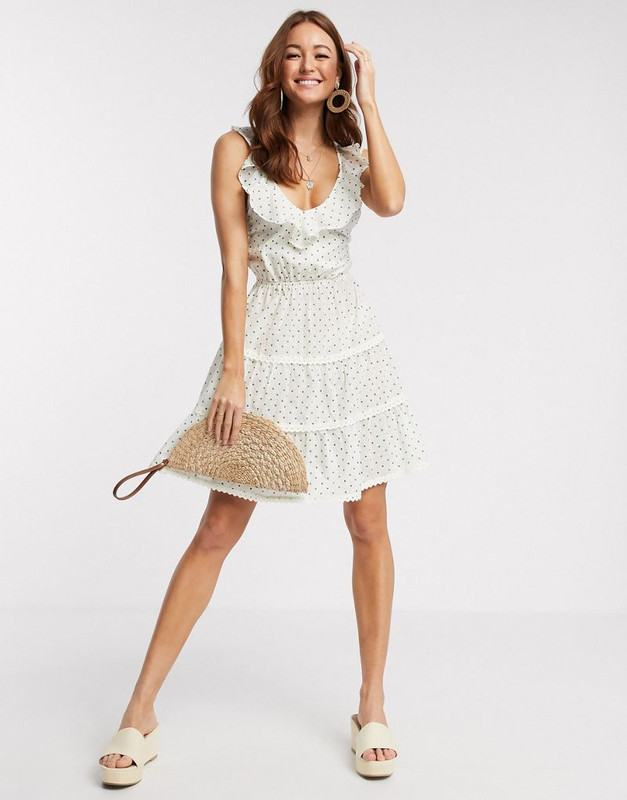
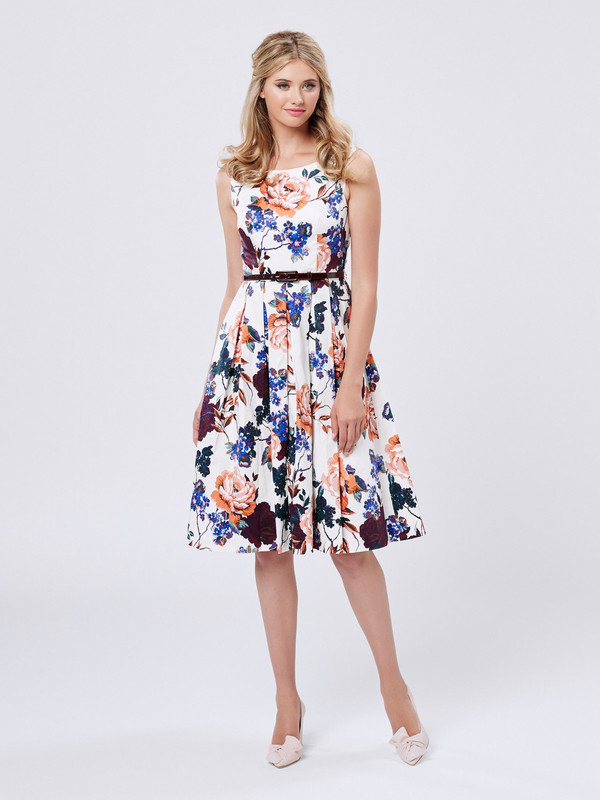
Now the AI will handle everything. I ended up with three different angles of the same room featuring the characters I wanted, with almost no changes to their faces or clothing. Of course, the AI isn’t always cooperative, and sometimes the shoes come out with heels or without, but overall, I’m happy with the result.
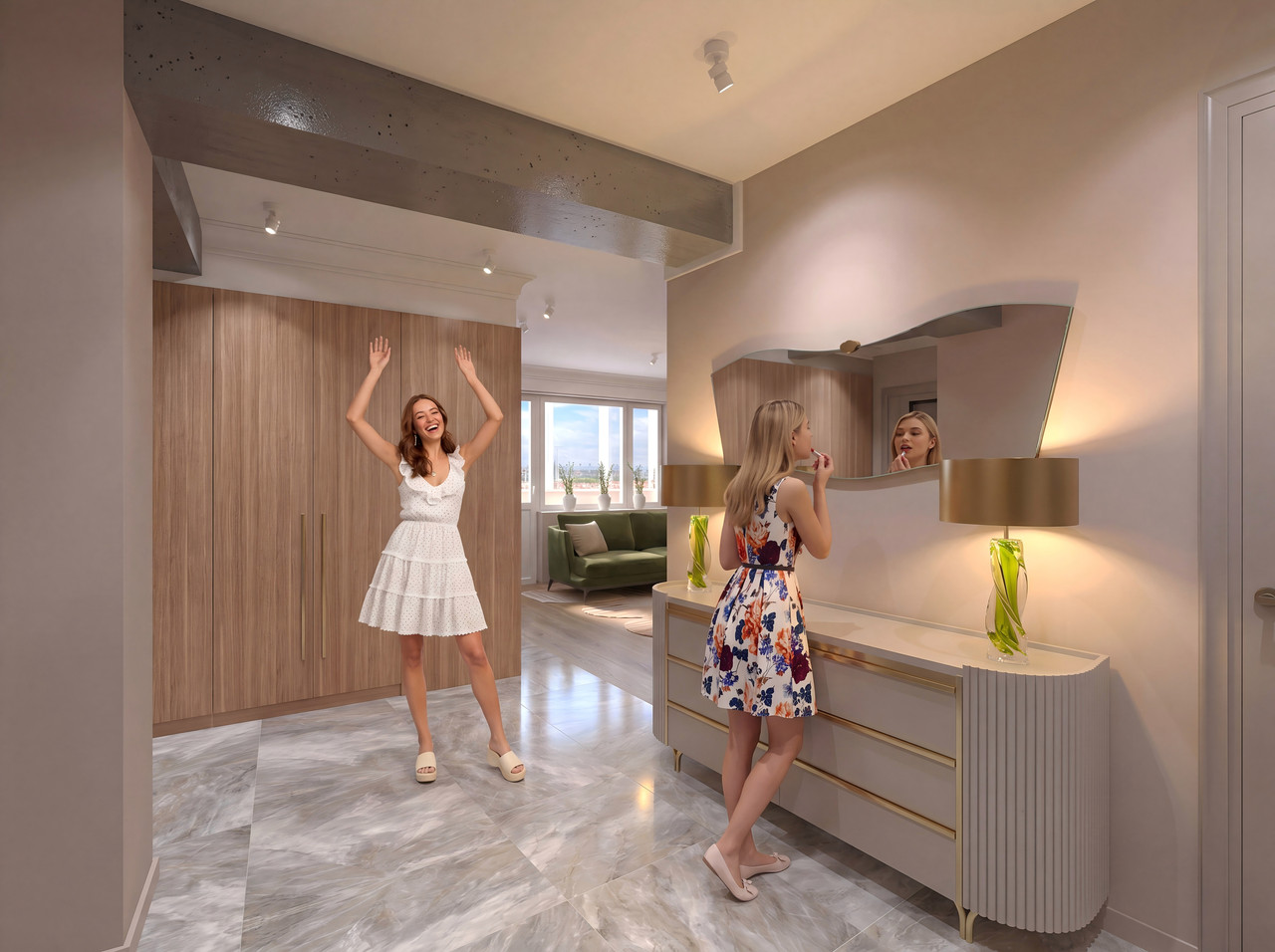
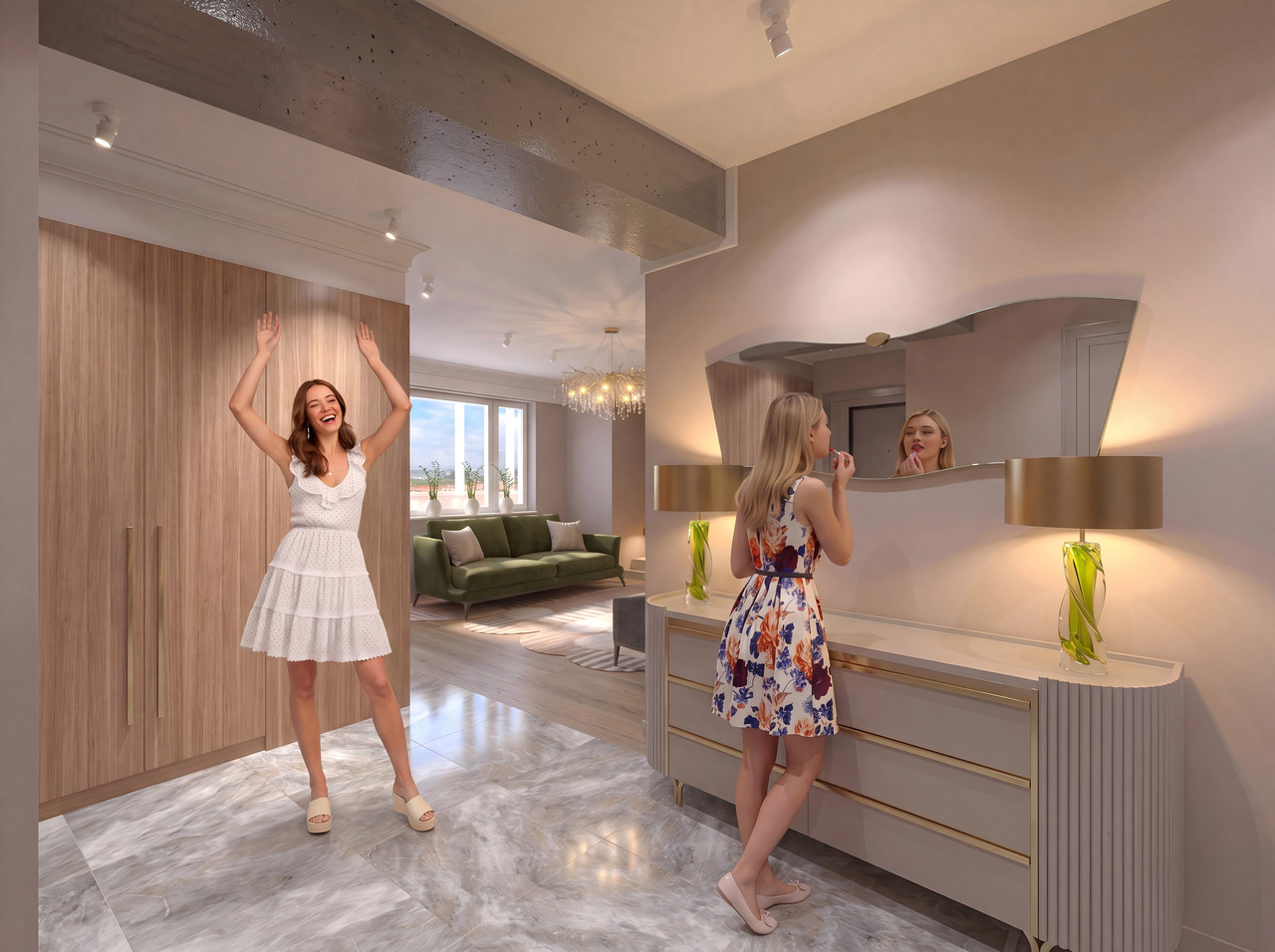
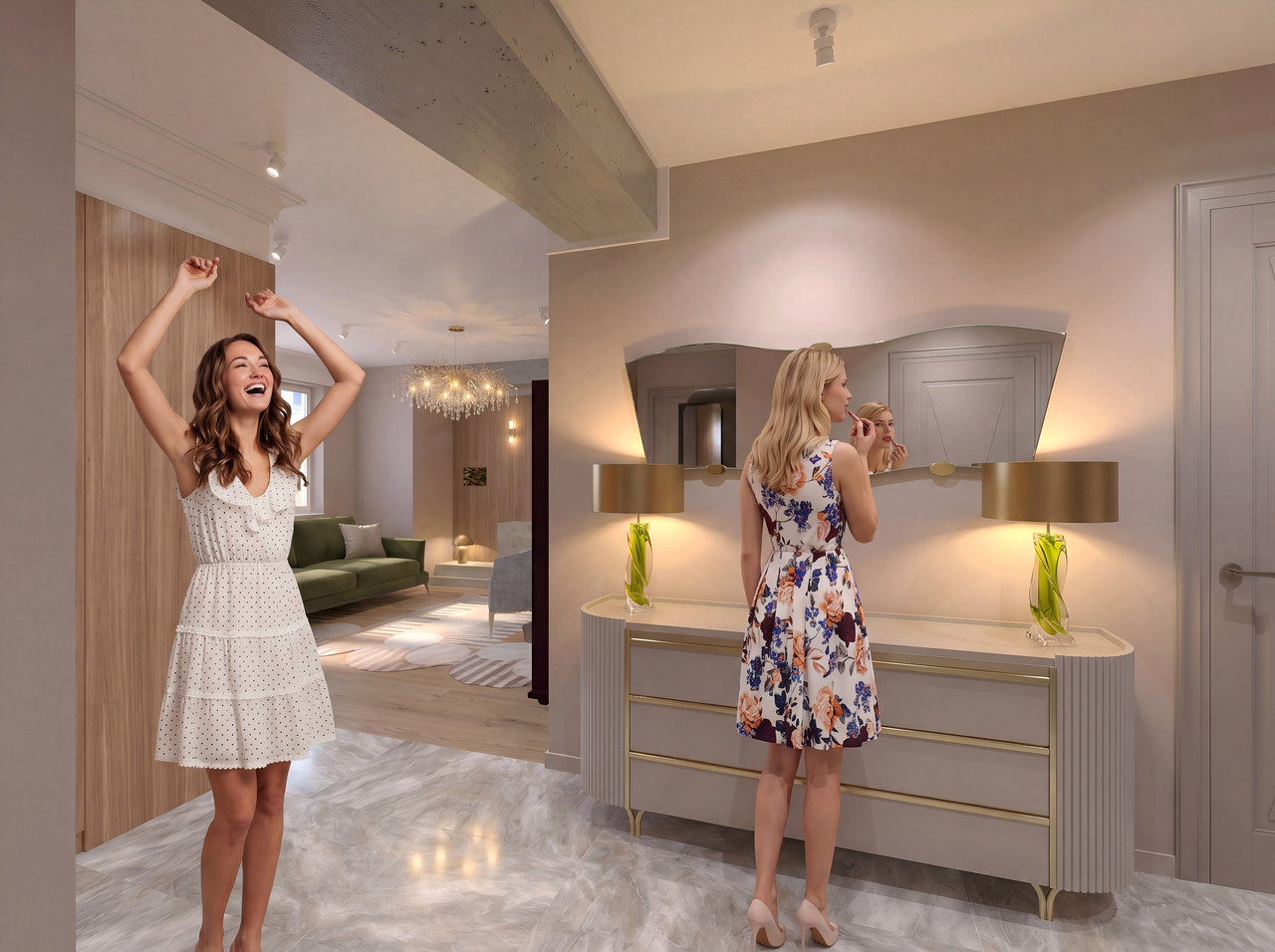
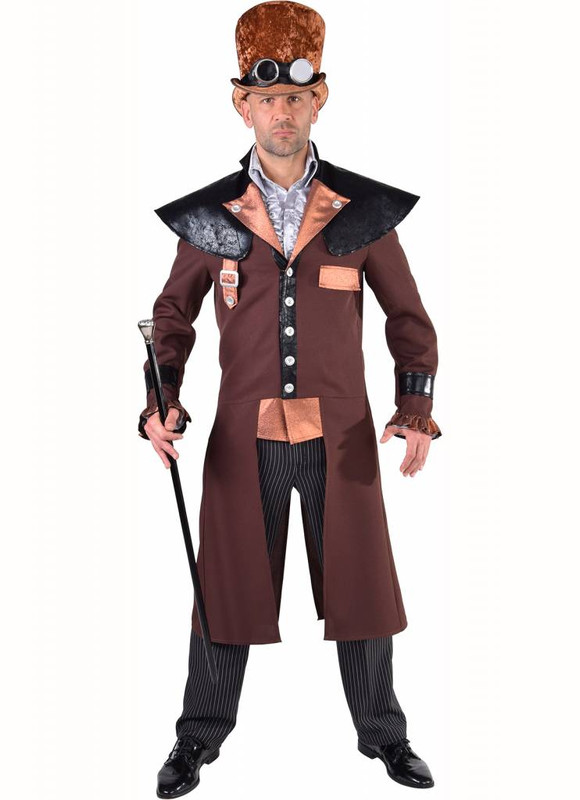
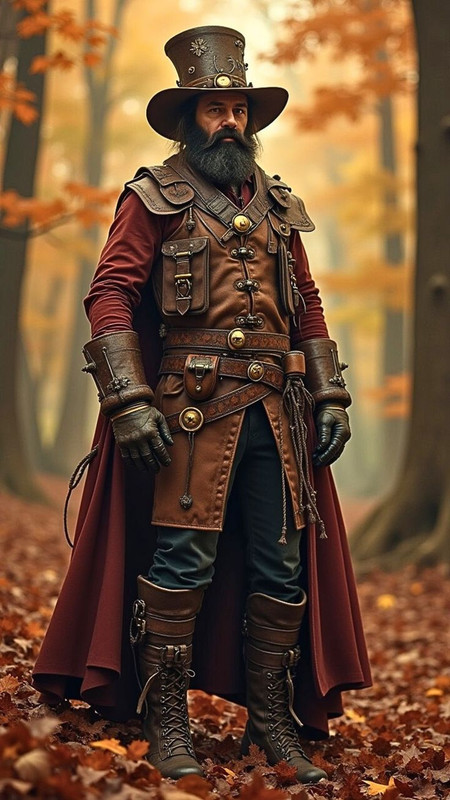
These same mannequins can be turned into men; I'll try to make one as an example. [:">]
Translated with DeepL.com (free version)