Print at Dec 18, 2025, 9:35:36 AM
Posts: 31   Pages: 4   [ 1 2 3 4 | Next Page ]
View all posts in this thread on one page
Posted by UbuntuBirdy at Oct 19, 2018, 8:18:12 PM
massive color-difference
For a long time I have been wondering what the color difference between the two lower (1 & 2) and the two upper (3 & 4) rendering levels is all about.
As in the lower levels, I select the colors, read them from a picture or compare them with a pattern.
When rendering in the upper levels, the colors are too bright and far away from what I chose.
I've tried so much and I do not know how to continue. Is there a workaround?
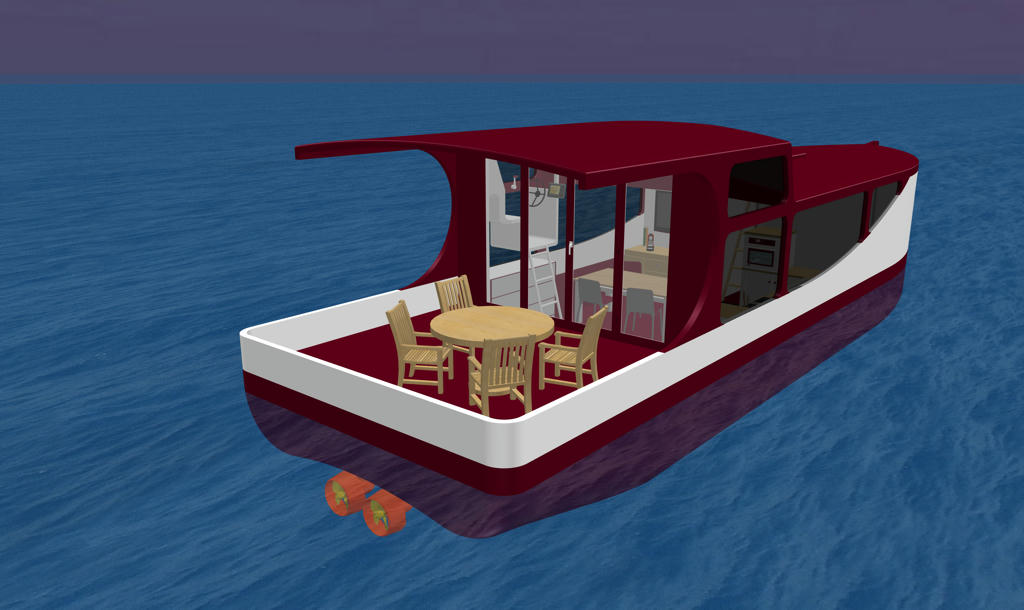

Level 1 - How I wish it should be (Red)
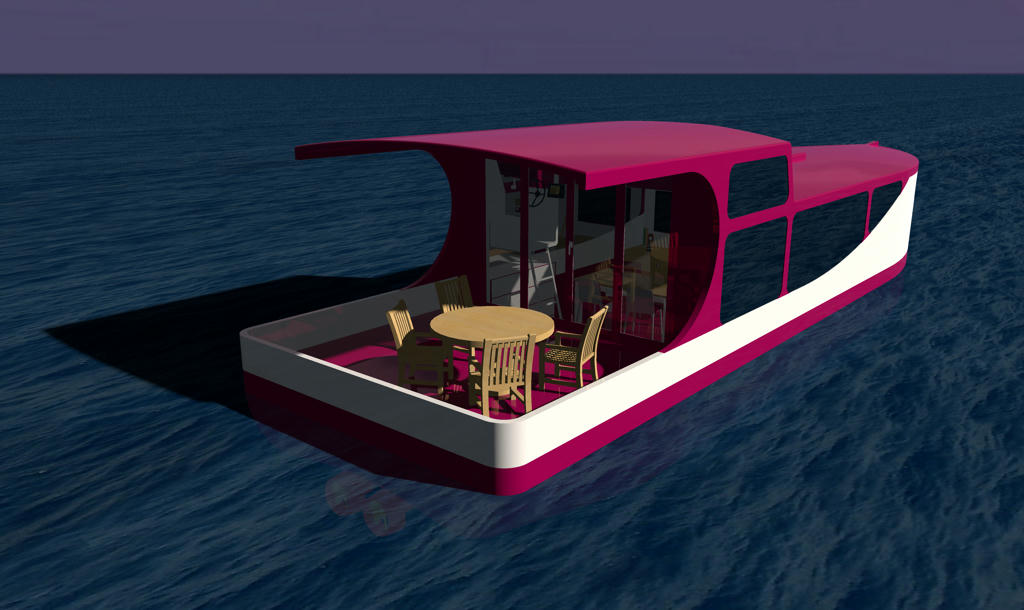

Level 3 - How it turns out (Red)

I would be so grateful for a solution ...
----------------------------------------
Pascal

SH3D 6.6 / Ubuntu 22.04 (Mainline-Kernel) / Radeon RX580 / Ryzen 7 5800x

Posted by hal9000 at Oct 21, 2018, 12:01:39 PM
Re: massive color-difference
Could it be the material shininess? The ship material seems to be too reflective. Look at the white part at the ship's rear left corner. It's reflecting the illuminated zone of the floor. Look at the floor below the table and chairs too. It's reflecting the leg of the chairs.

I think that's the cause of the color change. Try to adjust the shininess on the material and it should help.
----------------------------------------
If a long walk every day were healthy, mailmen would be immortal. tongue

Posted by UbuntuBirdy at Oct 21, 2018, 1:39:40 PM
Re: massive color-difference
Unfortunately this is not the reason.


In this picture the whole back deck (the upper red part) is set to matt and it's not even a bit better.
----------------------------------------
Pascal

SH3D 6.6 / Ubuntu 22.04 (Mainline-Kernel) / Radeon RX580 / Ryzen 7 5800x
Posted by Puybaret at Oct 21, 2018, 2:35:42 PM
Re: massive color-difference
From the length of the shadows, I think you chose a quite late hour of the day which produces a yellow color. Try at another hour, or even choose a night hour and add some white lights.
----------------------------------------
Emmanuel Puybaret, Sweet Home 3D creator

Posted by alaX at Oct 21, 2018, 2:48:33 PM
Re: massive color-difference
My suggestion - check ambient/specular color and illumination model in .mtl file. I can't test it now - today nothing's working as it should

Posted by UbuntuBirdy at Oct 21, 2018, 2:58:04 PM
Re: massive color-difference
Time is set to noon, but in October.

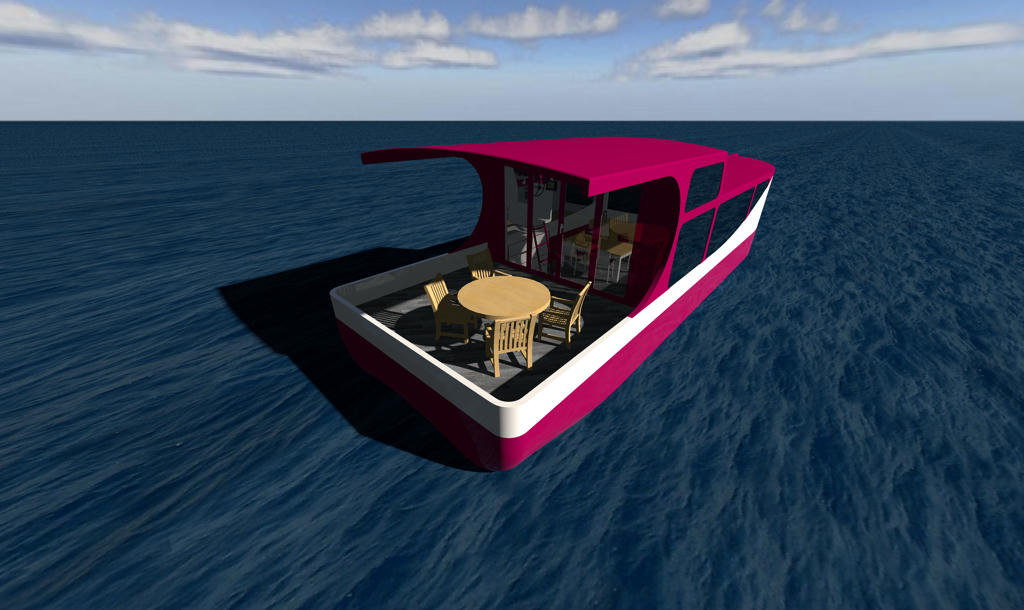
So, I rendered a picture at 12:07 on 21.06.2018, the highest point of the sun this year:


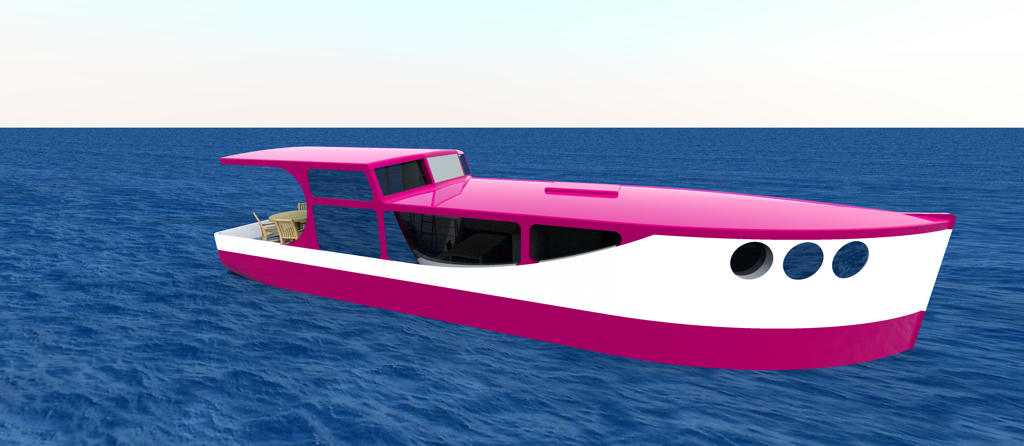
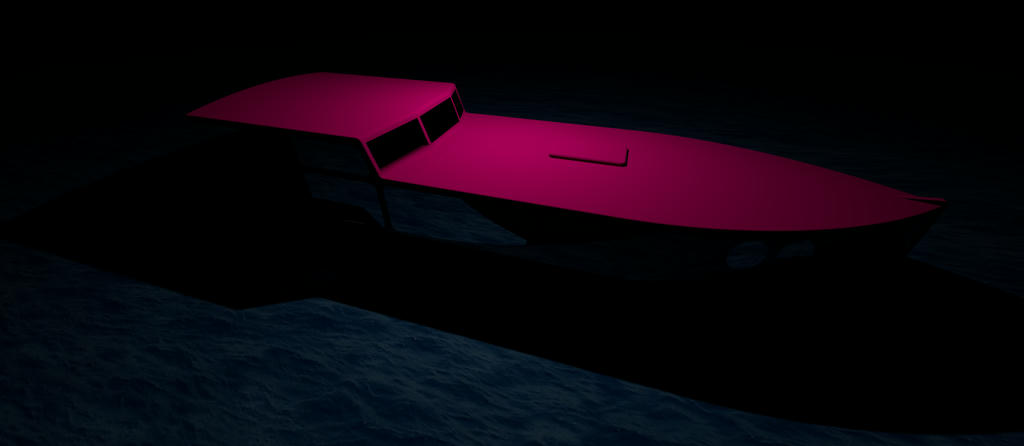
And one at 23:22 on 21.12.2018, the middle of the longest night this year with a light panel above the boat:


Even in this dark night, you can see, the red colour is not as it should be...
----------------------------------------
Pascal

SH3D 6.6 / Ubuntu 22.04 (Mainline-Kernel) / Radeon RX580 / Ryzen 7 5800x
Posted by UbuntuBirdy at Oct 21, 2018, 3:09:12 PM
Re: massive color-difference
@alaX - I do not know exactly, which value is for this effect and I do absolutely not know how it should be:
illum 2
Ka 0.32156864 0.0 0.08235294
Kd 0.32156864 0.0 0.08235294
Ks 0.5 0.5 0.5
Ns 64.0

----------------------------------------
Pascal

SH3D 6.6 / Ubuntu 22.04 (Mainline-Kernel) / Radeon RX580 / Ryzen 7 5800x
Posted by hal9000 at Oct 21, 2018, 4:04:44 PM
Re: massive color-difference
I noticed that the table and chairs, which are textured, are more similar between the two render modes.

More as a test or possible workaround (if it works) than a definitive solution, could you make a little bitmap containing only the plain color that you want to use and then use it as a texture for the material? I wonder if it will be processed the same way... thinking
----------------------------------------
If a long walk every day were healthy, mailmen would be immortal. tongue

Posted by UbuntuBirdy at Oct 21, 2018, 4:18:47 PM
Re: massive color-difference
I noticed that the table and chairs, which are textured, are more similar between the two render modes.

More as a test or possible workaround (if it works) than a definitive solution, could you make a little bitmap containing only the plain color that you want to use and then use it as a texture for the material? I wonder if it will be processed the same way... thinking

Easy and simple idea - and it totally works!!!

For me this is a workaround and I can live with this as a solution, but I'm still wondering what's the issue with the colour...
----------------------------------------
Pascal

SH3D 6.6 / Ubuntu 22.04 (Mainline-Kernel) / Radeon RX580 / Ryzen 7 5800x

Posted by hansmex at Oct 21, 2018, 5:58:27 PM
Re: massive color-difference
Great result, great solution !!!!!
----------------------------------------
Hans

new website - under constuction
hansdirkse.info

Posts: 31   Pages: 4   [ 1 2 3 4 | Next Page ]