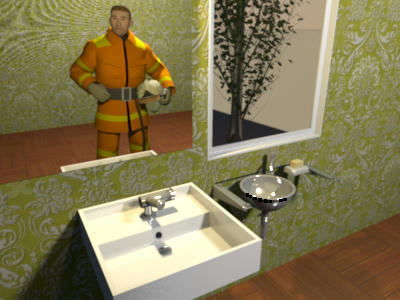
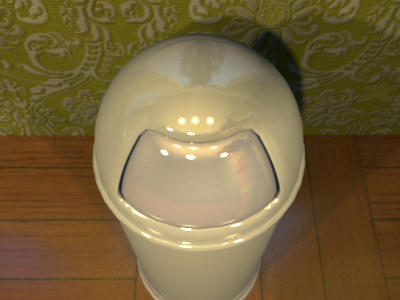
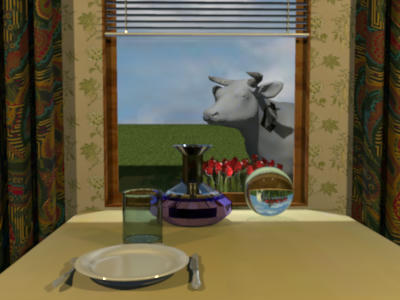
As you can see in the following image, it's about the reflect of windows that won't let appear the sky and other things behind the windows pane:
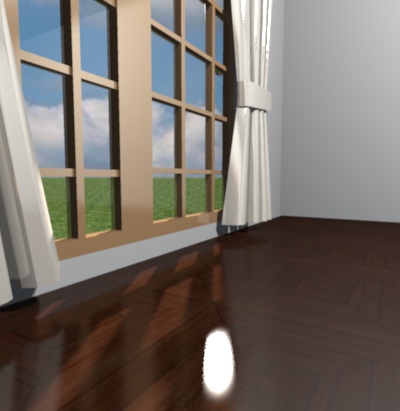
Now it works better as you can see here:

If this fix fortunately implies just a little more processing time, it might miserably introduce some white spots on shiny reflects as the reflect of the curtains shows in the previous image. I could reduce these scattered spots by program but this would imply a much longer processing time. Instead, I prefer to consider that this won't happen often, and anyway curtains generally don't shine! [;)]
Since furniture dialog now offers the ability to cancel the shininess of a 3D model, these white spots can be easily removed in this example by changing curtains shininess:
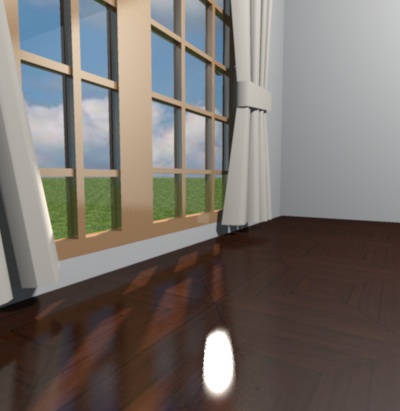
Here are some other examples where the new settings worked correctly out of the box.
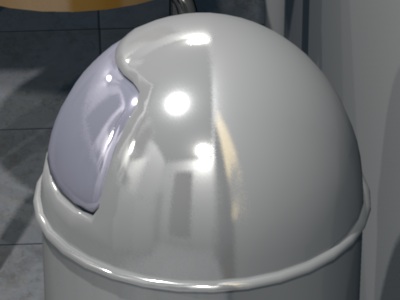
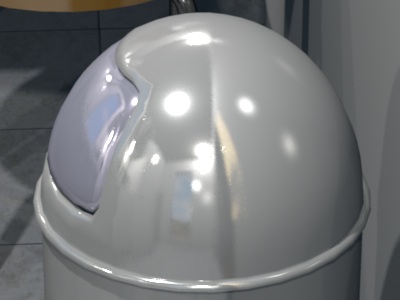
A dustbin with incorrect reflect then correct reflect:
pencilart's sink with incorrect reflect then correct reflect (a tree behind the window hides partially the sky):
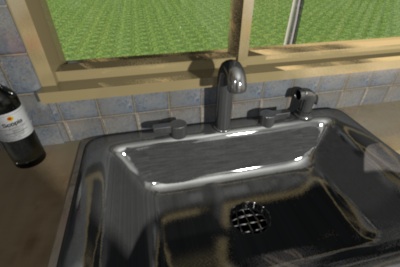
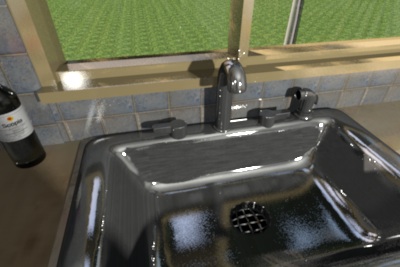
Please could you test in the coming days, if this new setting works correctly on your models too, before 3.0 release? I know that you won't have a way to compare between the old version and the new version of the rendering engine, but in a way, I prefer this, because I want your global feeling about this new setting, without being tempted to pixel peep. In case you find a case that doesn't work correctly, please report it here. I can rollback to the previous version of the renderer easily.
Thanks to the author of SunFlow who helped me to fix this problem. [:)]