How to avoid burnouts in rendering

This topic has been viewed 2455 times and has 5 replies
Thread status: Active
How can I do this? [img]http://www.sweethome3d.com/images/flags/en_small.gif[/img]
Post Reply New Topic
itias
Posts: 5
Joined: Mon Nov 07, 2022 8:47 pm

How to avoid burnouts in rendering

Post by itias »

Hi all,

Returning user here, after skipping few versions [;)]
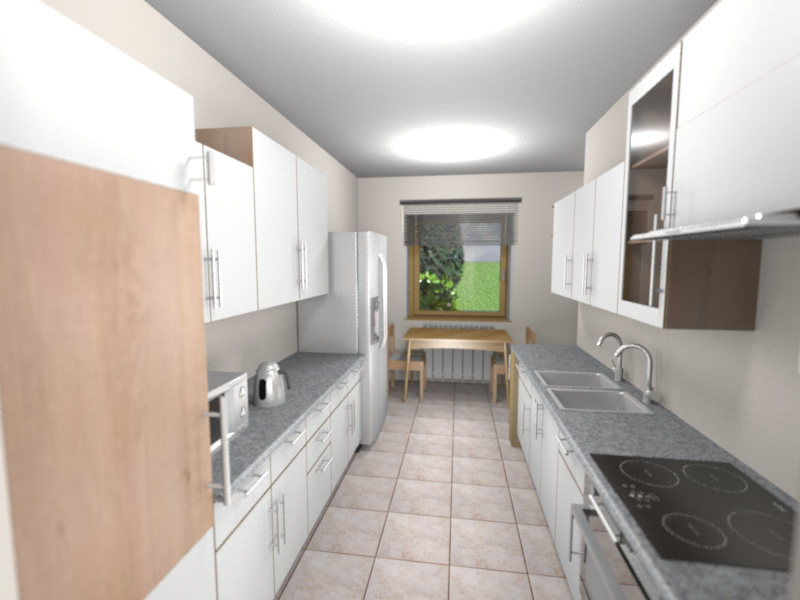
I'm looking for a solution to avoid burnouts from light sources - unlike in reality, the brightness of a light in SH3D is fading much quicker, so either you get a lot of overexposured areas (all white), or the image is too dark. Let me give you an example.
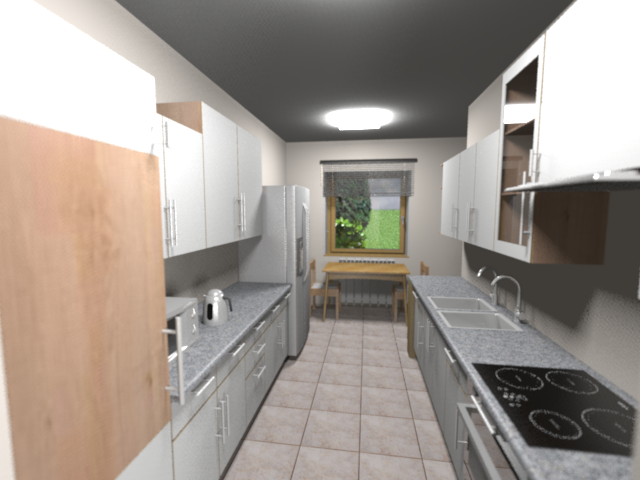
Here is my rendered image of a kitchen (I wanted to see how it looks like with a new fridge [:)] ):
Image

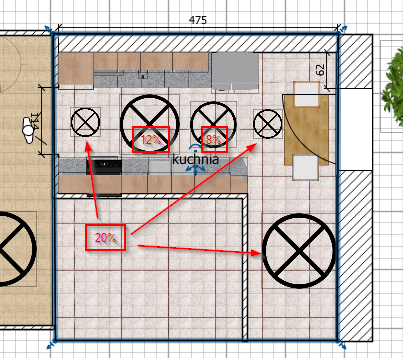
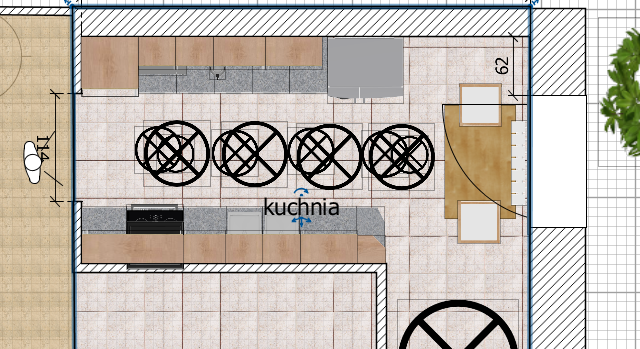
And here is the light setup:
Image

As you can see, even with additional lights, the outcome is dimmed at the bottom part of the kitchen, yet still there are burnouts at the ceiling. Is there any way to avoid that?

User avatar
Daniels118
Posts: 503
Joined: Wed Nov 17, 2021 9:04 pm
Country: Italy

Re: How to avoid burnouts in rendering

Post by Daniels118 »

You may try to replace the standard lights with the new light panels. The produces a much diffuse light which should solve your problem.
itias
Posts: 5
Joined: Mon Nov 07, 2022 8:47 pm

Re: How to avoid burnouts in rendering

Post by itias »

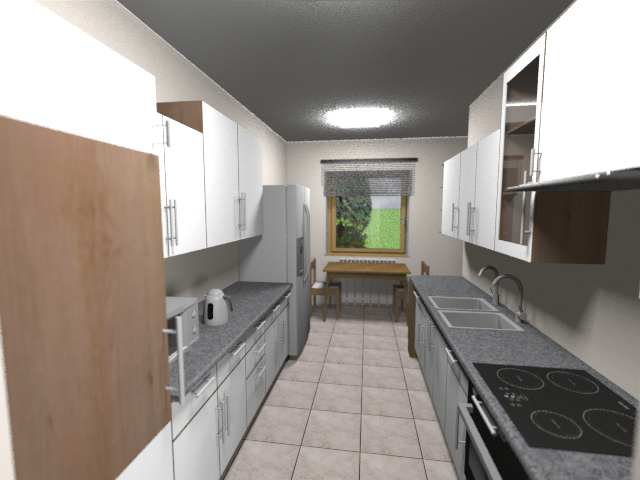
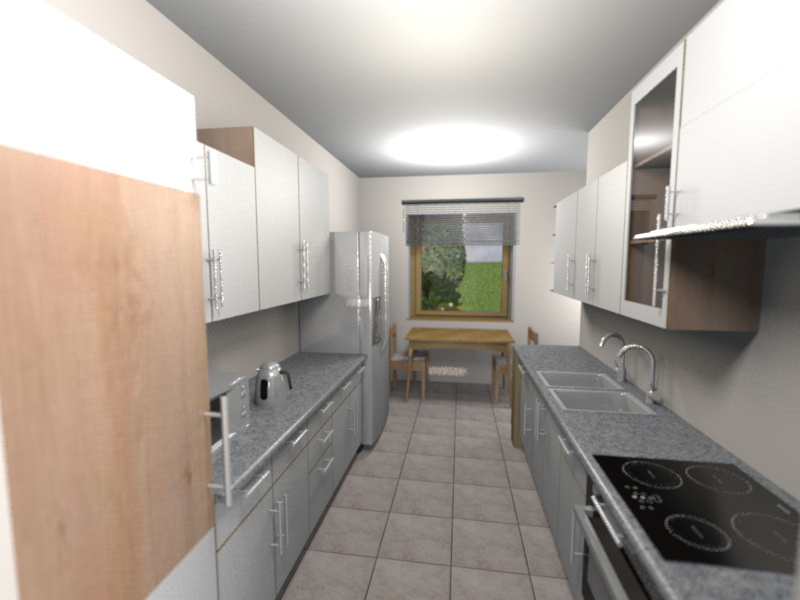
Tried the panels, and results were not much different, using both renderers:

Image

Image

Image

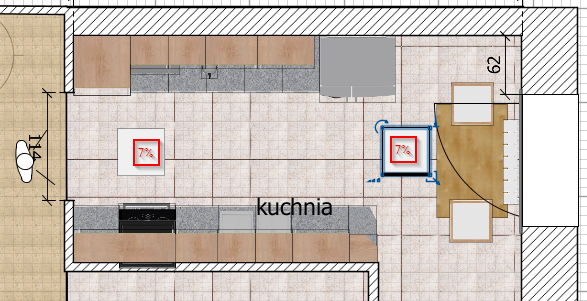
The best I could do was using standard lights (many of them) - see below. Is my goal at all achievable without using 3rd party renderer, like Thea?

Image

Image
User avatar
hansmex
Posts: 4027
Joined: Sat Sep 26, 2009 11:36 am
Country: Netherlands

Re: How to avoid burnouts in rendering

Post by hansmex »

It looks as if the ceiling lights are still "on". You can switch them off in the tender panel.

Also, make sure light sources don't touch the ceiling to avoid the white spots.

Experiment with the light panels, you should be able to get even lighting with them.

H
Hans

new website - under constuction
hansdirkse.info
itias
Posts: 5
Joined: Mon Nov 07, 2022 8:47 pm

Re: How to avoid burnouts in rendering

Post by itias »

I switched the ceiling lights off in the very beginning [:(] There are two main lights, simulating my leds, which are just white light sources of a 40 cm in size, at 18% power, set at 220cm (the kitchen is 270cm high). Then there are two row of other lights:
  • four 70cm white lights at 110cm, 9% power - to enlighten mid section
  • four 50cm white lights at 30cm, 7% power - to enlighten bottom furniture and floor


So in essence no light touches the ceiling, it seems the renderer reduces the light's power very rapidly with the distance from the source. SH3D is 7.0.2 and I'm using simple phot-video rendering 2.4.1.
Here is my scene if anyone is kind enough to render for comparison:
Kitchen model
User avatar
Daniels118
Posts: 503
Joined: Wed Nov 17, 2021 9:04 pm
Country: Italy

Re: How to avoid burnouts in rendering

Post by Daniels118 »

The problem with the "Light panel" object is it hasn't a lampshade, so the light hits the ceiling directly. If you try with the minispot (don't mind the word "mini", you can enlarge it as needed) you will get the expected result. If you don't like the minispot shape, you can always use the light panel and build your own lampshade using boxes, or create your complex model using Blender or similars.

Here an example using 2 enlarged minispots at 10% power:
Image
Post Reply New Topic

Who is online

Users browsing this forum: No registered users and 2 guests