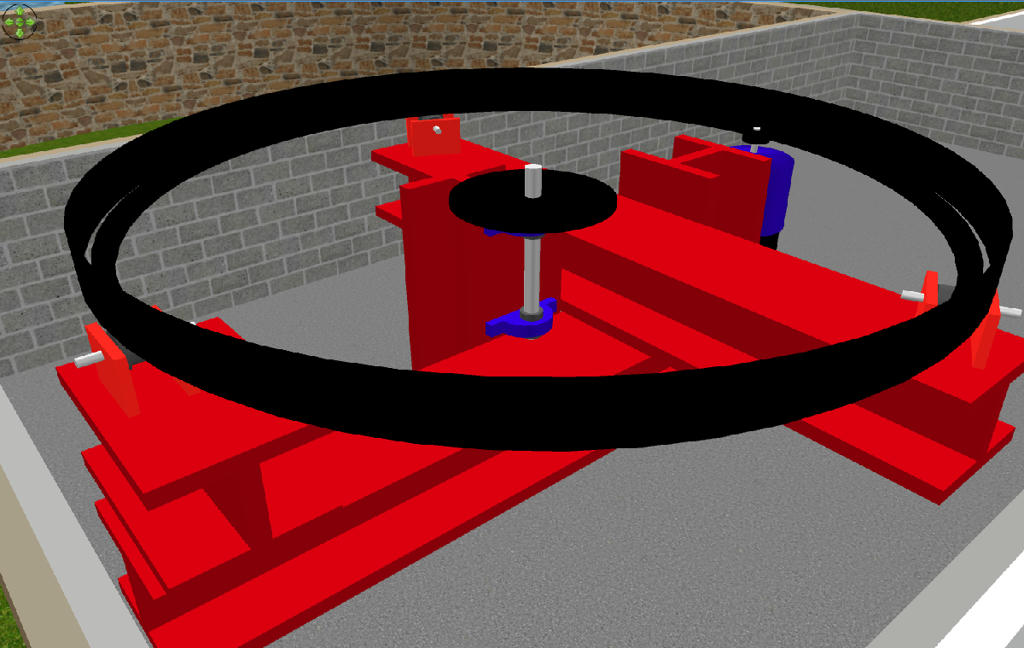
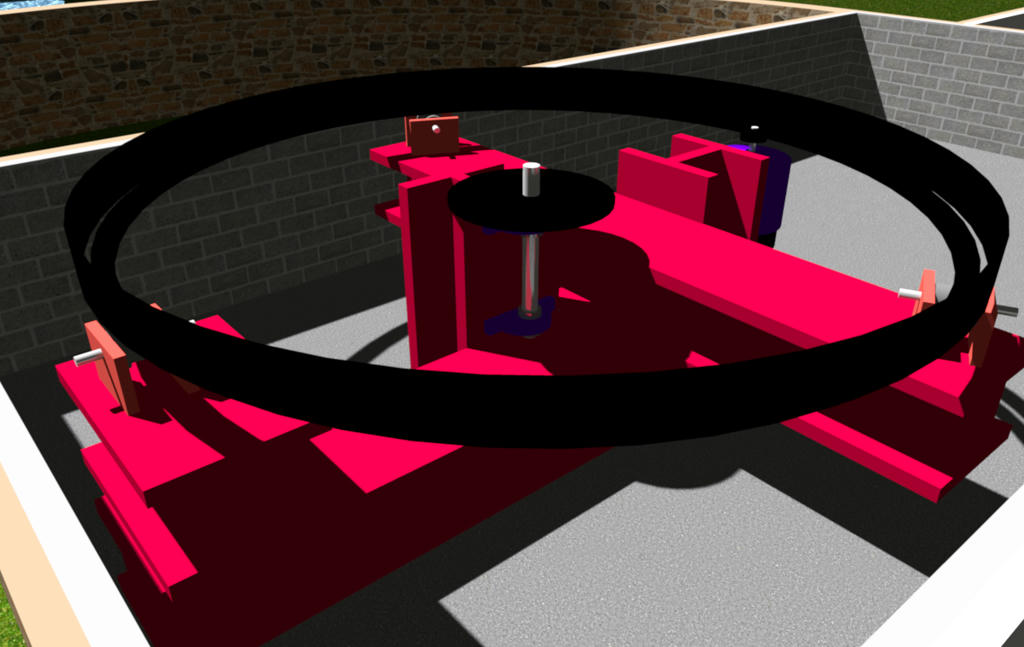
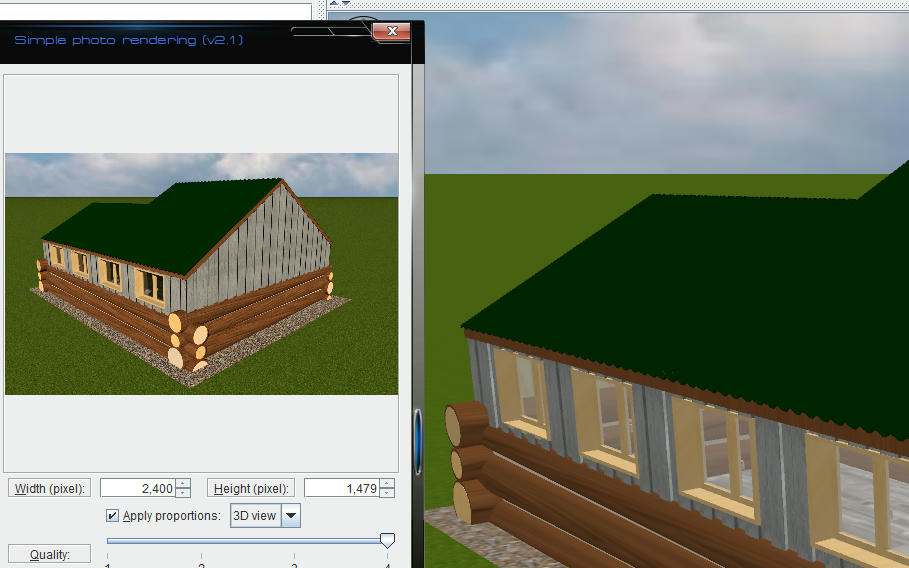
Not so sure this is a new topic, i seem to recall questioning it a couple of years ago, i have found that using textures is far more accurate than colors, here are 2 images, 1 a screenshot the other a render.
and this is a Q4 render
not only does the red change to pink but it also shows how different objects color differently, the I beams are rooms and the roller support brackets are box's, both have the same color applied to them.
Mike
Well, more than 1 year after the last post, but... Has somebody tried to render one of these projects with YafaRay to see if the color difference between a pure color and a texture of the same color is still there?
If a long walk every day were healthy, mailmen would be immortal. [:p]
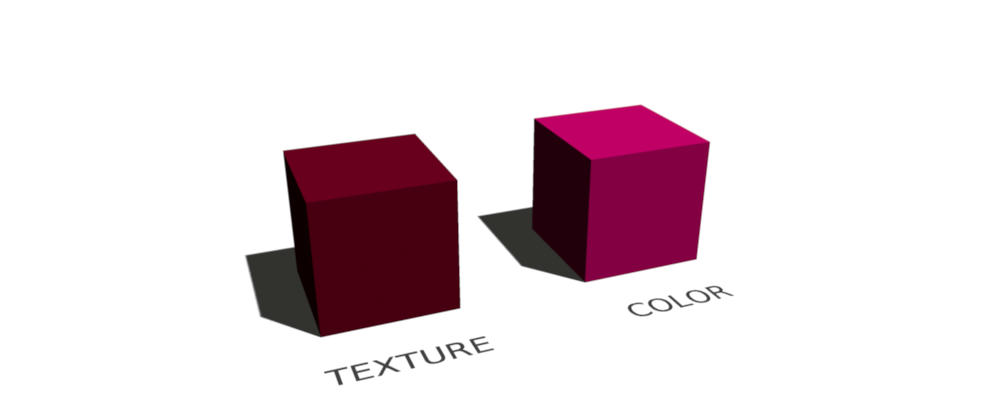
This picture shows what's wrong in my opinion:
- The left cube has a texture which is only colored as #520015
- The right cube has the color #520015 directly
In my opinion both cubes should look the same, we should see exactly the same color. But only the textured cube shows the color #520015 as it should be.
I think the difference comes from the way Java 3D processes colors or textures.
Just because it is something that is a "KNOWN PROBLEM" shouldn't mean we have to continue with "work arounds" rather than sorting the issues.
As a maintenance engineer i quite often use "work arounds" when needed to get a machine running, but, these are temporary, I return as soon as possible to properly make repair.
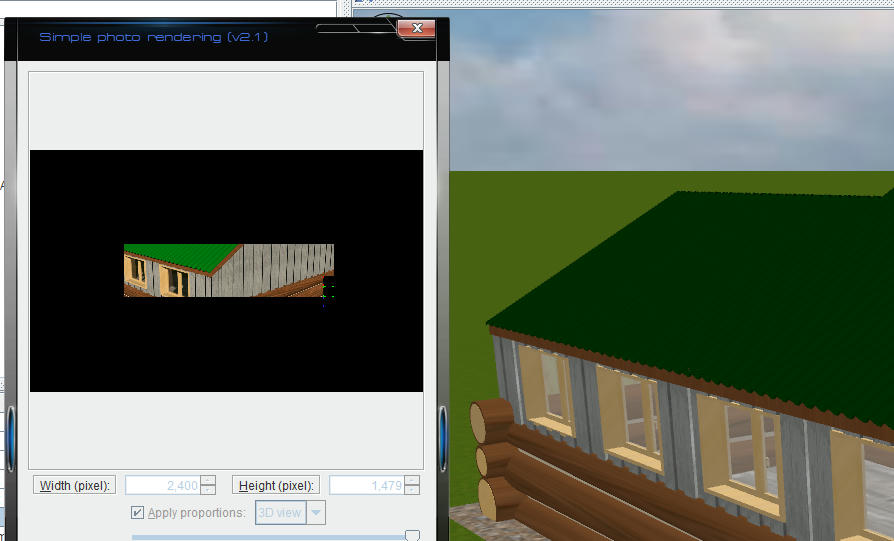
I'm having same problem as reddy.shyam. I was using the programm without any problems, suddenly my images become over exposed. Uninstall/reinstall didn't solved it.
I noticed sky texture or color doesn't render (rendering with only pure white color) making final image over exposed.
I've tested this by manually setting the RGB value of a wall to a gamma-corrected value ( lin=255*(val/255, 2.2) ), which makes yafaray and sunflow output the correct color.
There are two options: 1) feed in a generated texture or 2) convert the colors to linear RGB